Build a Live Project Brief
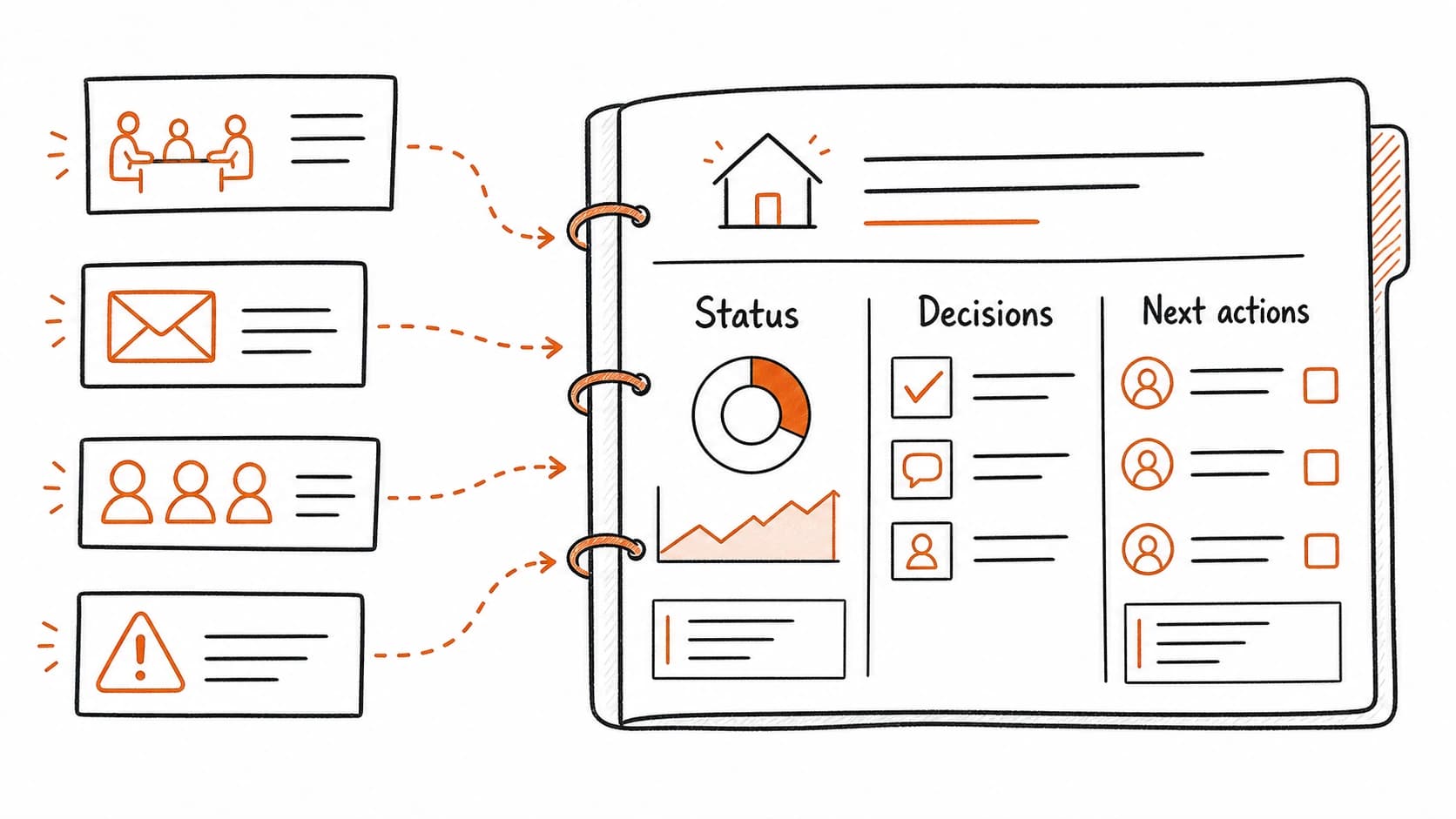
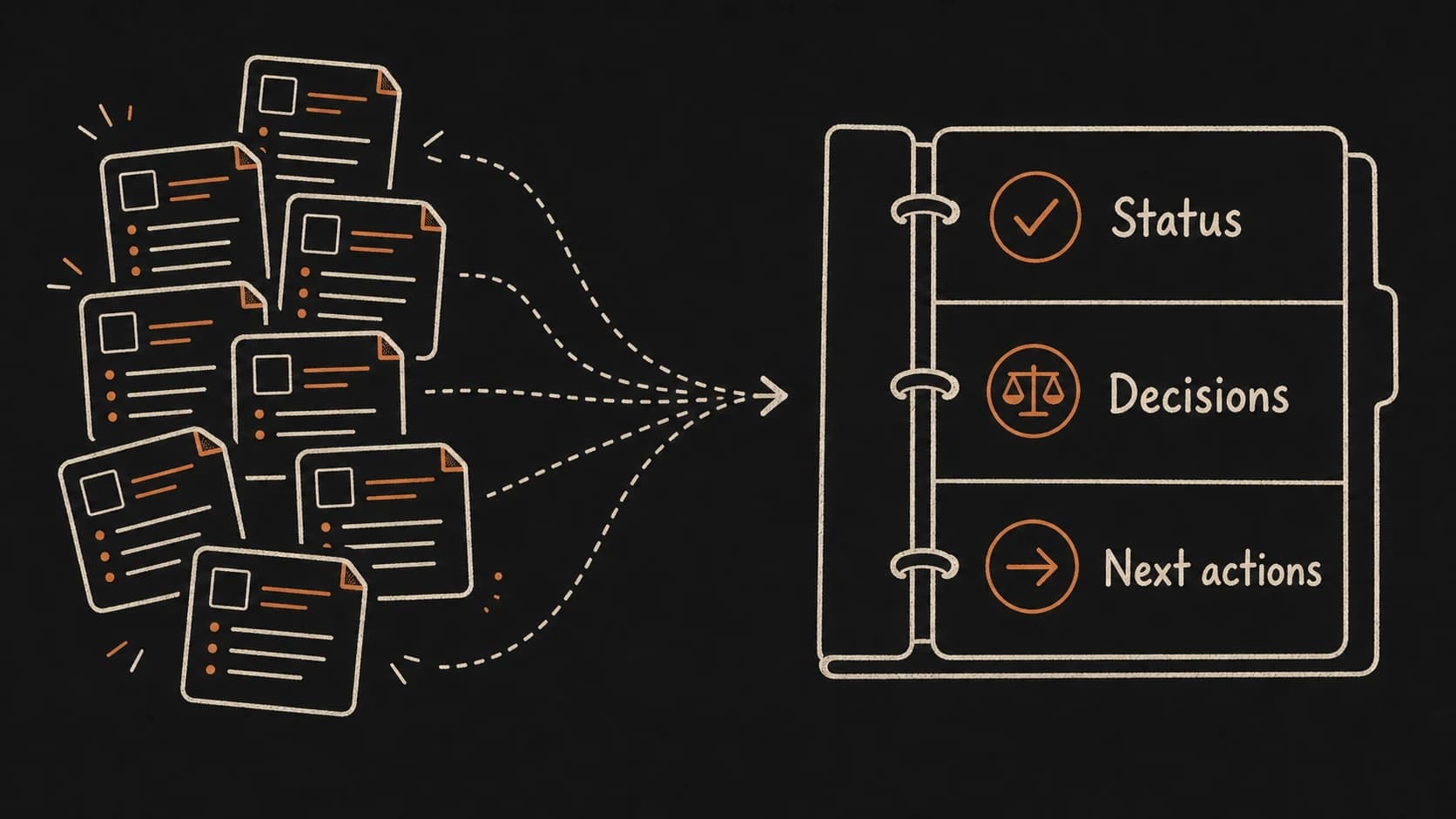
The meeting prep packet solved for one recurring call. Most work involves more than one meeting. The client onboarding pilot has produced a , a follow-up email, a calendar event, a tentative , an open legal question, and the beginnings of a decision history. Those records are connected, but they do not yet live in a single place where you can see the full state of the project.
A live project brief is the project's home page. It answers the question every active project generates: where does this stand right now? The brief gathers purpose, current status, decisions, open questions, source links, owners, deadlines, risks, and next actions. It stays current because every new source updates it, and the verifies it.
Use case: build the onboarding pilot brief from existing records
Start with what you have. The from May 8 holds two decisions: pilot the intake form with two clients and delay the pricing update. The follow-up email from May 9 carries Renee's tentative Friday . The meeting prep packet from the previous chapter organized these into a pre-call briefing. Now pull back to the project level.
The project brief starts with three questions the meeting prep packet did not answer. First: what is this project trying to accomplish? The pilot tests the new intake form with a small group before rolling it out. Second: what is the current status across all sources, beyond the last meeting? The scope is approved for two clients (but the email mentioned four). Legal review is pending. Renee's draft agenda is due Friday (tentative). Third: what could go wrong? The legal timeline is unclear, the scope may have changed without a formal decision, and no one has confirmed the May 20 start date.
Assemble these into a project page. Purpose at the top: one sentence describing what the project aims to deliver. Current status: the most recent state of each key item, with the source that supports it. Decision history: every approved, deferred, or overturned decision, with dates and source links. Open risks: items that could change the timeline or scope. Next actions: who owes what by when. Source links: the full trail for every claim on the page.
A project brief is where Projects, Areas, Resources, and Archives becomes concrete
The connecting sources chapter introduced : Projects for active work, Areas for ongoing responsibilities, Resources for reusable reference, Archives for completed history. The project brief is the living document at the center of a Project folder. It is the reason the folder exists. Without it, the folder is a collection of records that happen to share a label. With it, the folder has a center of gravity that tells you what the project is trying to do and how close it is to getting there.
When a project closes, the brief becomes its archive summary. The purpose, decision history, and outcome stay visible. The next actions clear out. The source links remain so anyone who revisits the project later can trace what happened and why.
A handoff packet is a project brief written for someone who was not in the room
Test the quality of a project brief with one question: could someone else understand this project without you explaining it live? A colleague taking over while you are out, a new team member joining mid-project, or future-you returning after a three-week break all need the same thing: purpose, current state, decision trail, risks, and next actions with source links they can verify.
If the brief only makes sense to someone who attended the meetings, it is carrying implicit that needs to be made explicit. Each decision should name why it was made. Each risk should name what would resolve it. Each next action should name who owns it and what source created the obligation.
Failure path: the project brief nobody updates
A project brief created in the first week and never updated becomes a historical artifact within a month. The decisions change, the owners change, the risks evolve, and the brief still says what it said on day one. Anyone who reads it gets a confident, outdated picture of the project.
The fix is to attach the brief to the . During the record repair pass, check whether the project brief still matches the latest sources. If a decision changed, update the brief and link to the new source. If a risk resolved, mark it closed. If a new risk appeared, add it. The brief stays current because the review cycle checks it, not because you remember to update it.
Build a live project brief
Claude reads your project sources and builds the command center. You approve what stays.