Repair Trust When Records Go Stale
The taught a five-pass checklist: , record repair, test, action pass, archive pass. That chapter explained what to check and why. This chapter does the work. You will pick one project that has accumulated drift, find the records that no longer reflect reality, fix them, and verify that retrieval returns the right answer after the repair.
Trust repair is the moment the system proves it can self-correct. Every accumulates errors: decisions that changed without the record updating, commitments that expired without anyone marking them done, sources that were captured and never reviewed. The catches drift. Trust repair fixes it.
Stale records are the most common trust problem
A stale record is one that was accurate when it was written and no longer reflects the current state of the project. The pilot decision ledger says the scope is two clients. The client email from last week expanded it to four. The decision ledger was never updated. If someone asks "what is the pilot scope?" returns the stale answer, which sounds authoritative because the record has an approved .
Stale records are more dangerous than missing records. A missing record returns no answer, which prompts a search. A stale record returns a confident, outdated answer that looks current. The reader acts on it without realizing the ground has shifted.
Use case: repair the onboarding pilot after two weeks of drift
It has been two weeks since the chapter. The pilot has moved forward, but the records have not kept up. Three things drifted.
Stale record 1: the decision ledger. The scope entry still says "approved: two-client pilot." Since the last review, the team held a follow-up meeting and formally agreed to expand to four clients. The new is in the , unprocessed. Repair: pull the new meeting record into the decision ledger. Update the scope entry to "overturned" and create a new entry for "four-client pilot, approved May 22" with the new meeting record as its source. Add a stale condition: "revisit if legal review requires changes to the expanded scope."
Stale record 2: Renee's . The tracker shows "draft agenda by Friday, tentative." Renee sent the draft on Saturday, one day late. The tracker was never updated. Repair: mark the commitment as fulfilled (Saturday, one day late), link to the email where Renee sent the draft, and archive the entry from the active tracker. Note: the late delivery is not a judgment; it is a factual update that keeps the tracker honest.
failure: "pilot scope" returns the wrong answer. After updating the decision ledger, test . Ask: "what is the current pilot scope?" If the system returns the old two-client entry instead of the new four-client entry, the title or date ordering may need adjustment. Repair: update the new entry's title to include "current pilot scope" or add a project label that matches the question. Test again. The system should now return the four-client decision with a link to the May 22 .
Trust repair follows a three-step pattern you can repeat anywhere
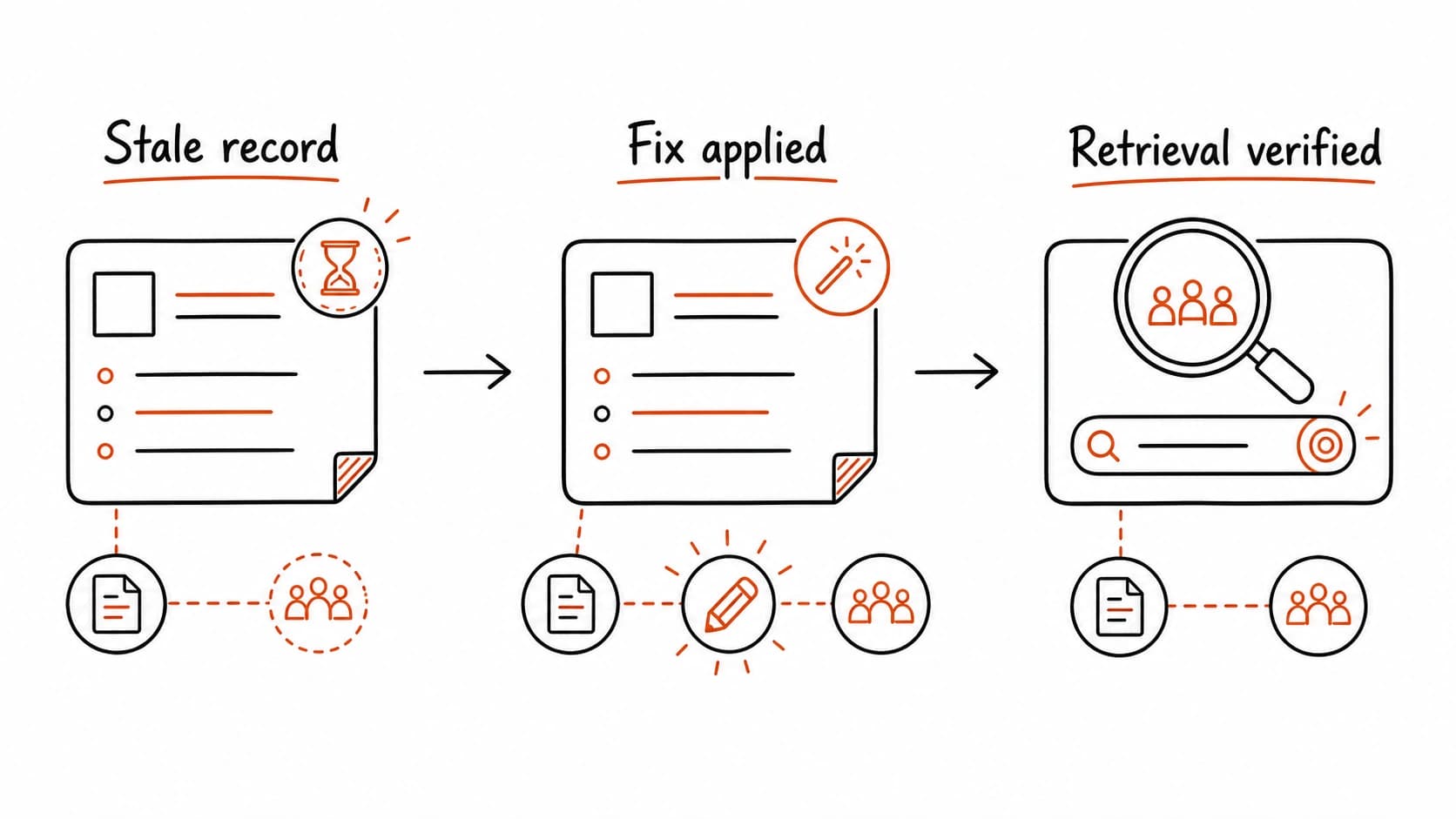
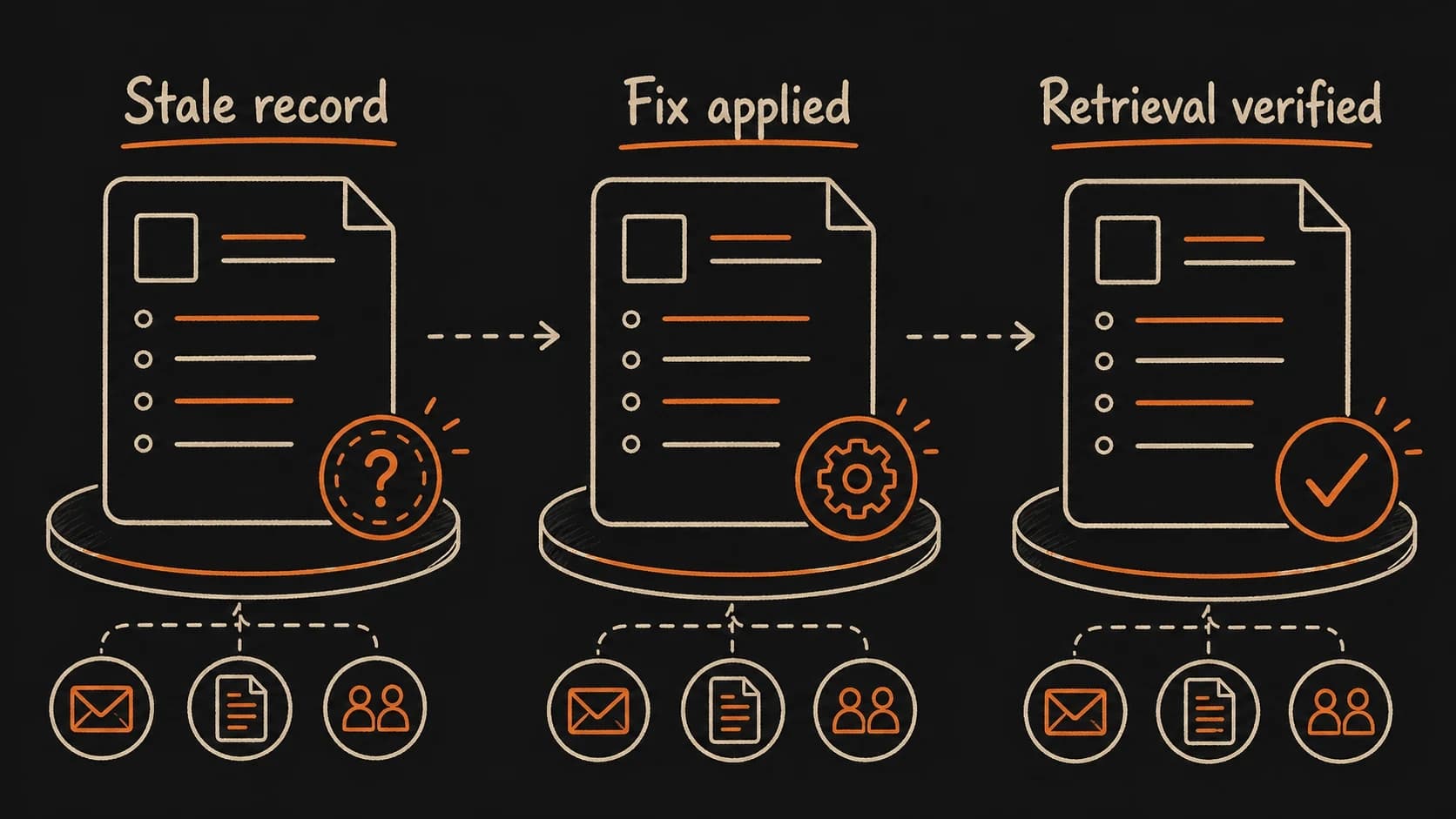
The repair pattern is the same regardless of the record type or the source of the drift. First, find the stale item by comparing records to newer sources. Second, fix the record by updating its content, status, and source link. Third, verify the fix by running a test that should now return the updated answer.
- Find. During the record repair pass, compare each to the newest source that touches the same fact. If the record and the source disagree, the record is stale.
- Fix. Update the record with the new source. Change the status (approved to overturned, tentative to confirmed, active to fulfilled). Link to the new source that triggered the change.
- Verify. Run the test that the updated record should answer. If the answer now cites the correct source with the correct status, the repair is complete.
If the test still fails after the fix, the problem is in the indexing: the record's title, project label, or date may not match the way you ask the question. Add a better title or alias and test again.
Failure path: reviewing without repairing
A common failure: you notice a stale record, note that it needs updating, and move on to the next pass. The review is complete. The record is still stale. Next week, you notice it again. After three reviews, the stale item is familiar enough that your eye skips it.
The fix is to treat repair as the deliverable of the review, not a task to schedule afterward. When you find a stale record, fix it during the review session. Update the content, link the new source, and run the test. If the repair takes more than five minutes, scope it down: update the status and add a note about what still needs work, but do not leave the record in its old state.
Run a trust repair on one project
Claude compares your records to newer sources, finds what drifted, fixes it, and verifies retrieval afterward.