Track Decisions Back to Their Sources
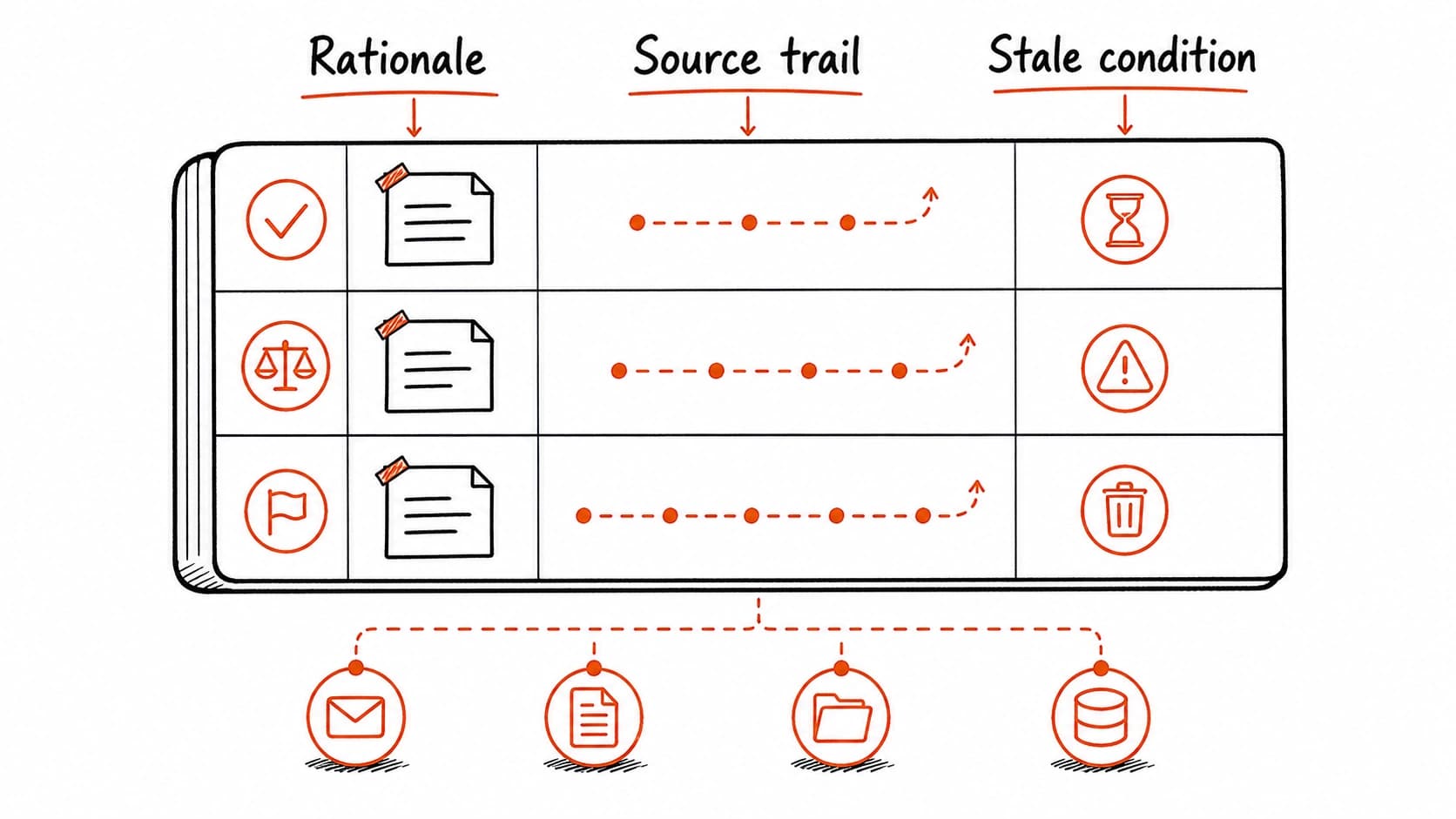
The previous chapter turned sourced answers into decisions, tasks, and follow-through. The pilot decision went into the approval queue with a . Renee's got a tentative label. The legal question stayed open. Each of these was created once, for one meeting. This chapter builds something that lasts longer: a decision ledger that tracks every important decision for one project, with the rationale and evidence that support it.
Most projects fail to remember why a decision was made. The team decided to pilot with two clients. Three weeks later, someone asks "why two?" and nobody can recall whether it was a resource constraint, a client preference, a risk decision, or an arbitrary number. The from the meeting says what was decided. The decision ledger says why, by whom, on what evidence, and what would make the decision worth revisiting.
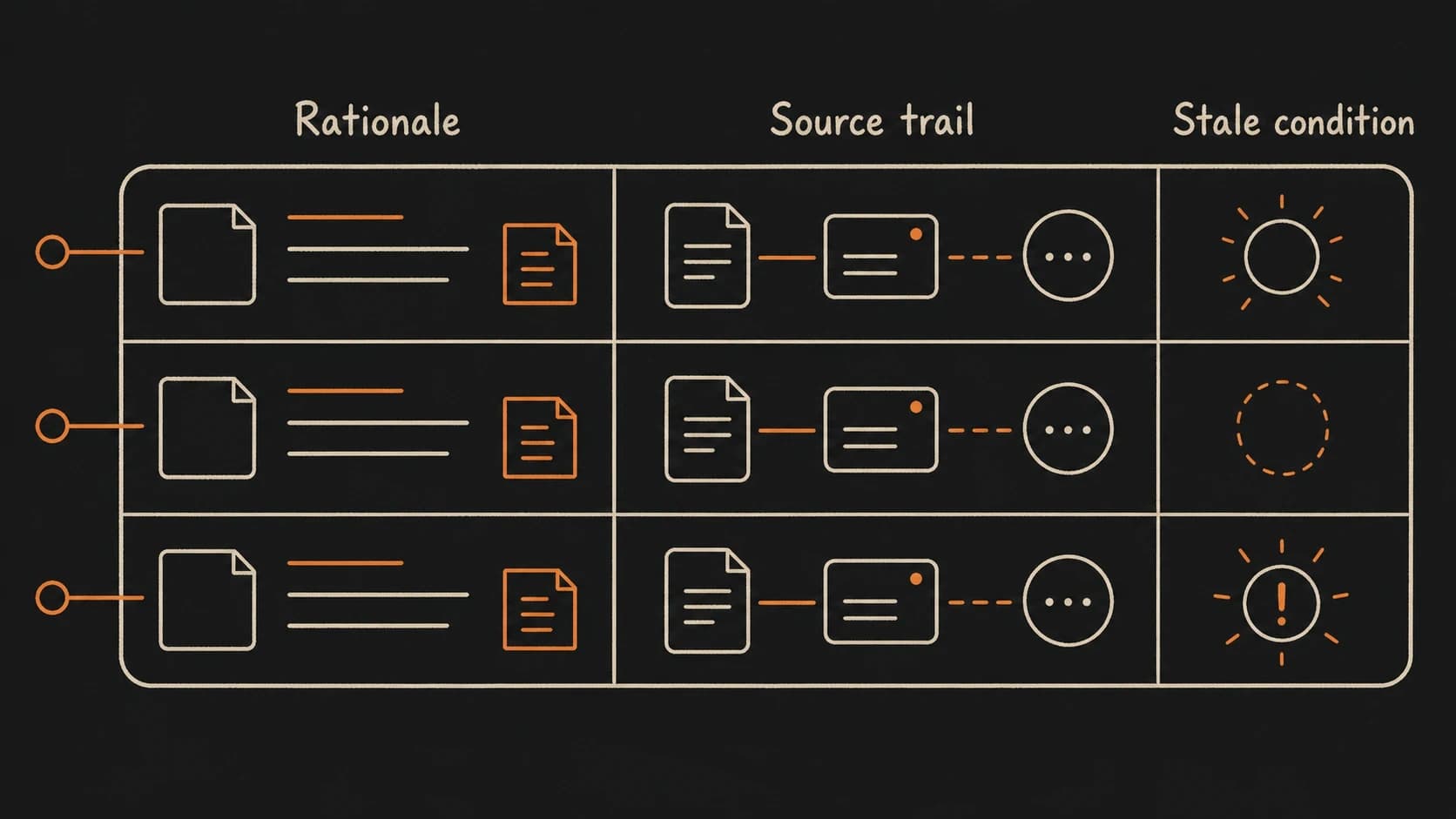
A decision ledger entry carries seven fields
Each entry in the ledger answers the questions that arise when someone revisits the decision weeks or months later. The fields go beyond what a captures because a from one meeting shows what happened in that moment, while a ledger entry tracks the full life of the decision.
Use case: build three ledger entries for the onboarding pilot
Start with the decisions already in the system. The from May 8 holds two: pilot with two clients and delay the pricing update. The follow-up email from May 9 introduced a possible third: expand the pilot to four clients. Walk each one through the seven fields.
Entry 1: Two-client pilot scope. Decision: pilot the new intake form with two clients. Date: May 8. Source: , approved by team consensus. Status: approved (but see entry 3). Owner: project lead. Rationale: two clients limit risk while still generating enough feedback to evaluate the form. Stale condition: if the client requests expansion and the team formally agrees, the scope changes.
Entry 2: Pricing update deferred. Decision: delay the pricing update until after the pilot results. Date: May 8. Source: , approved by team consensus. Status: deferred. Owner: project lead. Rationale: changing pricing during a pilot would confuse the feedback from the pilot. Stale condition: if the pilot extends past two months, revisit whether pricing should change independently.
Entry 3: Possible scope expansion to four clients. Decision: expand the pilot from two clients to four. Date: May 9. Source: follow-up email from the client. Status: tentative, not formally approved by the team. Owner: undetermined. Rationale: client expressed interest in broader testing. Stale condition: if the team meets and formally decides, update entry 1 or reject this entry.
The third entry illustrates why a ledger is more useful than a set of meeting records. Entry 1 says the approved scope is two clients. Entry 3 says a scope change was raised in an email. Without the ledger, these two facts live in different records and the contradiction is easy to miss. With the ledger, anyone checking the pilot scope sees both entries and their statuses side by side.
The stale condition is the most valuable field in the ledger
Every other field records what already happened. The stale condition records what to watch for next. It turns the ledger from a historical record into a living review instrument. When the checks the decision ledger, the stale condition tells you what to look for: has the pilot extended past two months? Has the client formally requested four clients? Has legal review finished? If the answer to any stale condition has changed, the decision needs attention.
A decision without a stale condition looks permanent even when the reasoning has expired. The team decided to delay pricing based on a two-month pilot. If the pilot runs for six months, the original reasoning no longer applies, but without a stale condition, nobody is prompted to revisit it.
Failure path: a ledger full of decisions without source language
A decision ledger can look thorough and still be unreliable if the rationale uses the assistant's phrasing instead of the decision-maker's language. The assistant might write "the team chose a conservative approach to minimize risk," which sounds reasonable but does not match what anyone said. The actual language was "let's start small, two clients should be enough to tell if the form works." The first version is a plausible interpretation. The second is evidence.
Require the ledger to quote or closely paraphrase the source language when recording the rationale. The assistant can clean up grammar and remove filler, but the reasoning should come from the people who made the decision, not from the assistant's interpretation of their intent.
Build a decision ledger for one project
Claude reads your meeting records and emails, extracts every decision, and builds a ledger you can search later.