Connected Tools, Scheduling, and Graduation
Isolated conversations become a connected system when tools and schedules join the loop
Your morning brief works. Your correction loop saves rules. Your holds contacts, tasks, and decisions in one place. Each of these modules runs inside a single conversation, and each conversation starts from scratch: you paste your calendar, copy your email, type what changed since yesterday. The produces useful output, so you keep doing it.
This chapter covers the three moves that turn those isolated conversations into a persistent, automated system. let the assistant pull data on its own. Scheduled routines let the assistant run without you launching it. And a gives every a shared vocabulary so the pieces talk to each other.
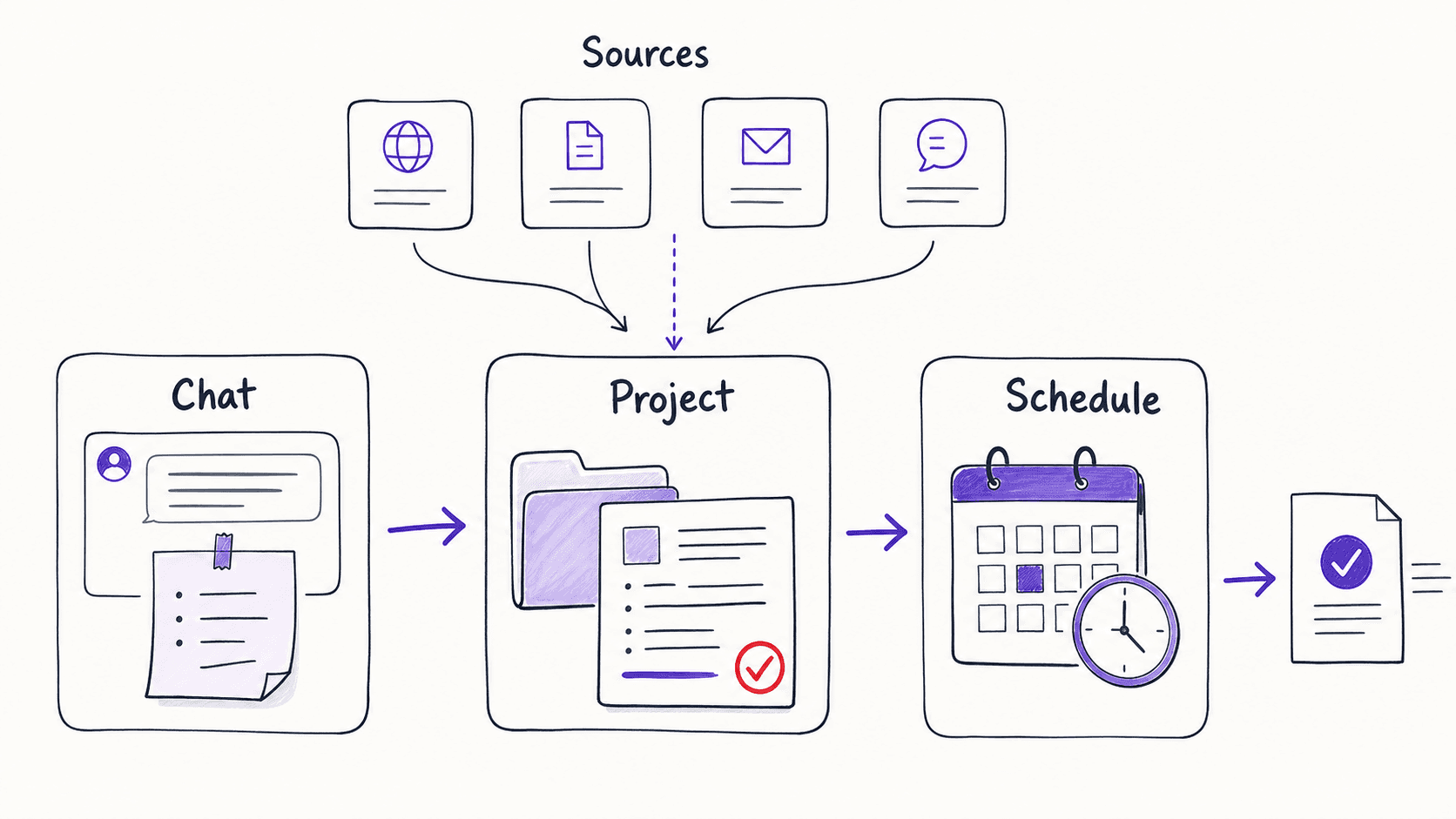
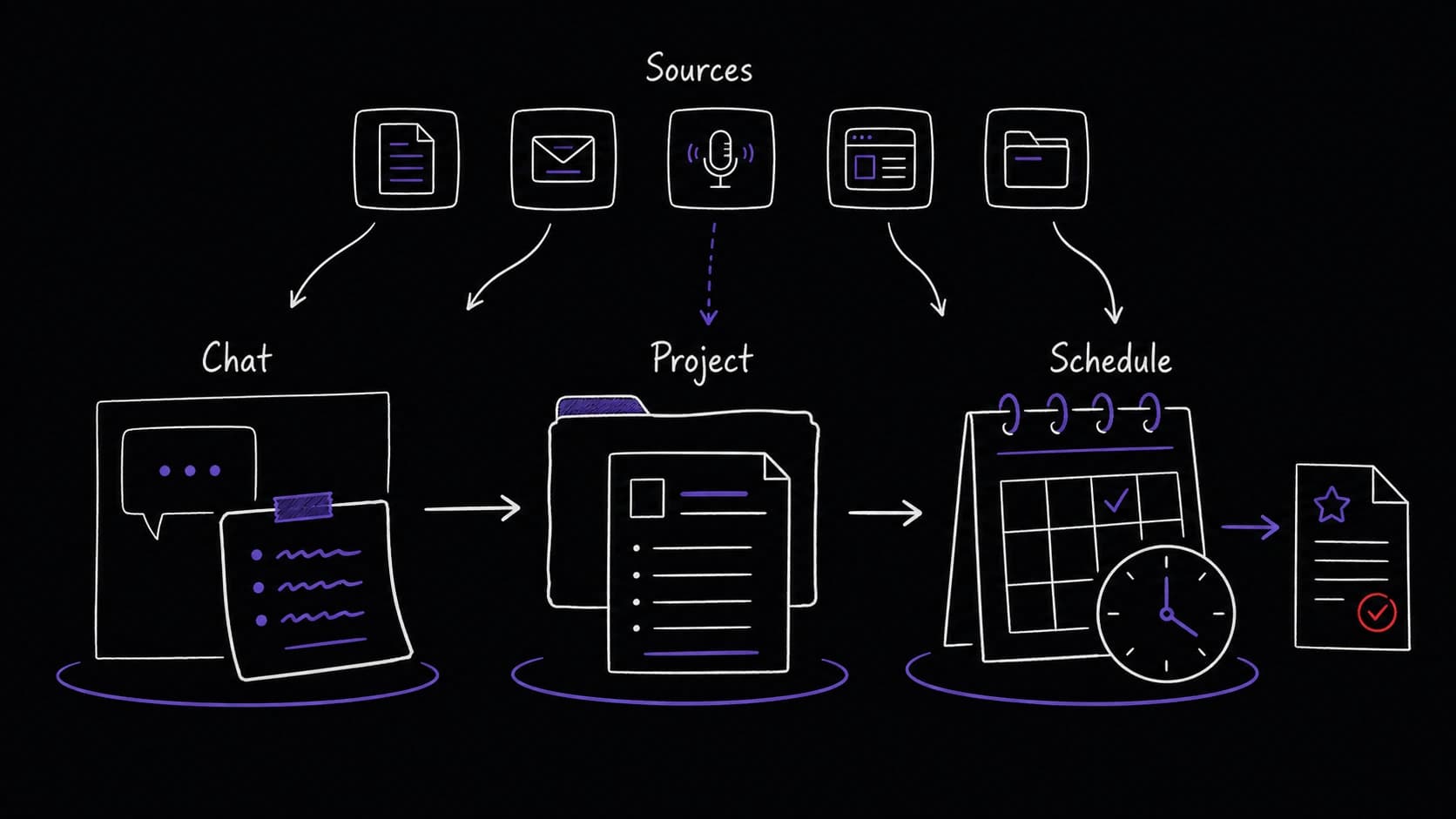
give the assistant live data instead of copy-pasted snapshots
When you first prototype a , you manually paste your calendar events and emails into the conversation. let the assistant read your calendar, email, and documents directly. If you connect Gmail, the assistant pulls your inbox instead of waiting for you to paste email text into the chat. The morning brief goes from a manual copy-paste exercise to something the assistant can do end-to-end.
change who does the data gathering, not what the produces. The output is the same brief; the effort of pulling email and calendar data shifts from you to the assistant. You do not need all sources connected to start. When you connect your calendar alone, the assistant can already draft a meeting summary and flag scheduling conflicts without any copy-paste from you.
A wider interview shapes what your whole system should track
The seven questions from earlier chapters work for any single . For the system as a whole, there is a wider version of the same conversation that covers all your modules at once.
In this conversation (called a ), you tell the assistant about your life: what roles you play, what services you use, what you want to track, who matters, what recurring pressures you face. The assistant listens and proposes a plain-English description of the information your system should keep track of.
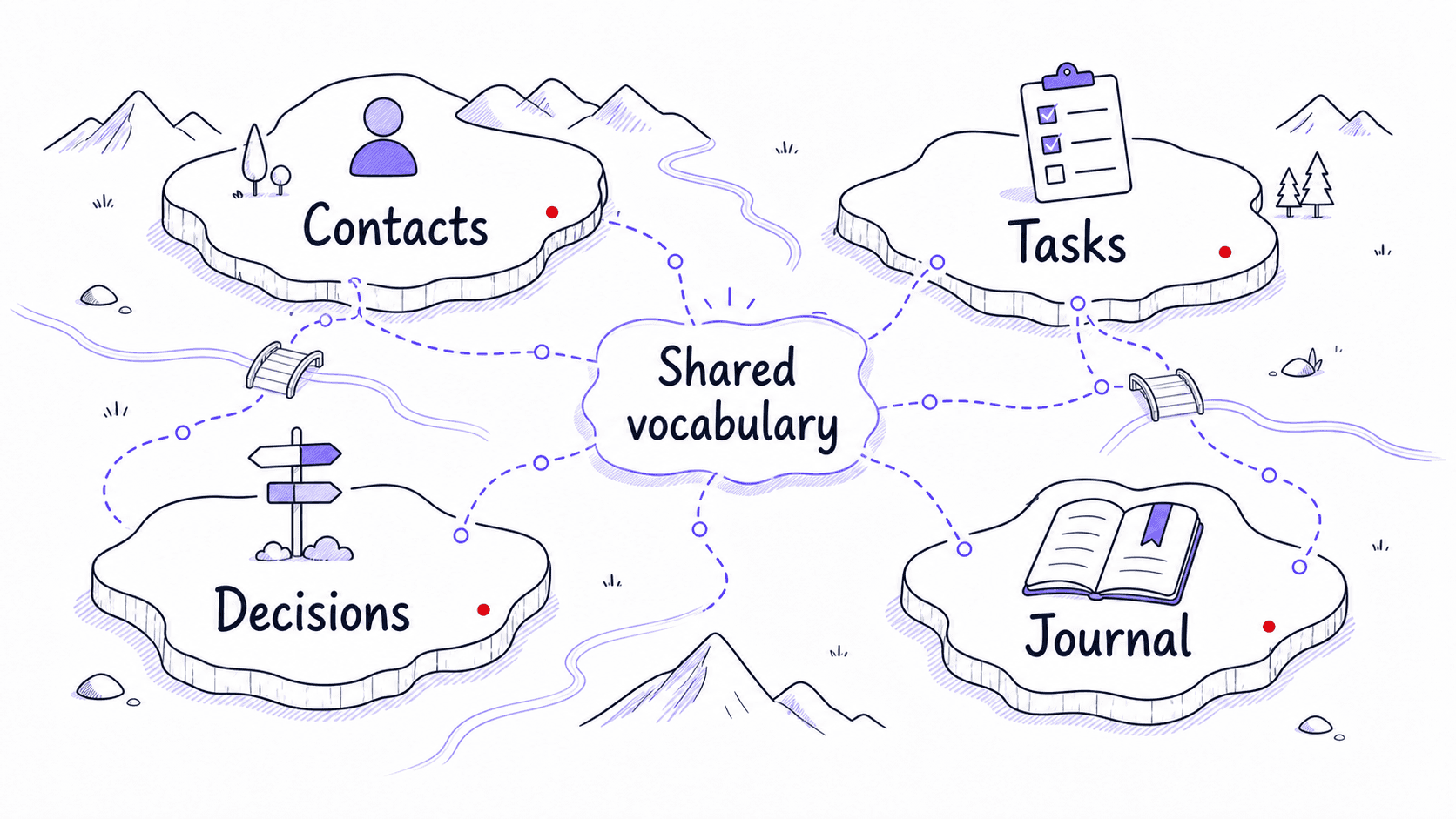
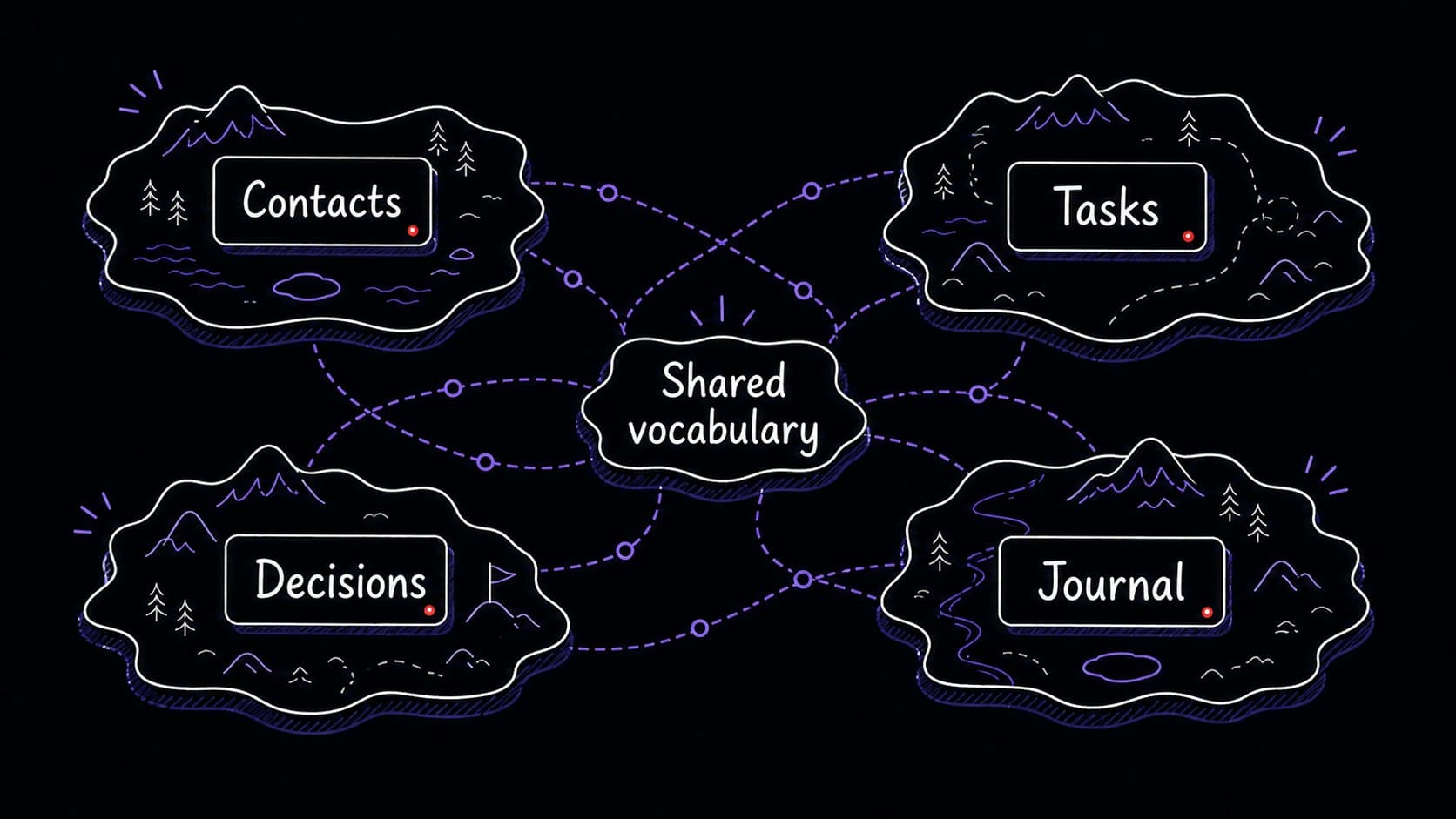
This is not database design. You never see a schema diagram or write a query. The assistant proposes something like: your assistant should track contacts (name, role, last interaction, birthday), tasks (description, source, deadline, energy level), decisions (what you decided, why, what you predicted), and journal entries (date, text, themes, energy rating). You review, correct, and approve.
The is worth doing once your first few modules are running, because it gives every a shared vocabulary. When the morning brief mentions a contact, it pulls from the same contact record the relationship module writes to. When the mentions a task, it pulls from the same task record the task module tracks. Shared records are what make separate modules behave like one system.
The brief becomes the blueprint for chat, code, and scheduled runs
Once you have a (from the seven questions) or a schema proposal (from the ), the assistant can build from it in three ways.
In chat, the brief becomes the opening prompt for a prototype. You paste the brief and say: build this for me. The assistant produces a first draft you can test with real data.
In a coding agent (Claude Code, Codex), the brief becomes the specification. You say: here is my , build it as a script that reads from and writes to my local database. The coding agent generates the code. You do not read the code. You run it and test the output.
As a scheduled routine, the brief becomes the automation specification. You say: run this every morning at 7 AM and save the output. The assistant sets up the schedule. The brief's approval boundaries determine what the routine can do on its own and what it holds for your review.
A cleanup conversation merges scattered experiments into one system
After building three or four modules in chat, you will have duplicate data scattered across conversations. The same contact appears in the email 's notes and the relationship module's records. The same task appears in the morning brief and the task module. This duplication is normal and expected.
A cleanup conversation is where you fix it. You tell the assistant: take all the contact data, task data, and journal entries from my various modules and merge them into the . Remove duplicates. When the same fact appears in two places, keep the most recent version and note the source.
Once the data is consolidated, every reads from and writes to the same shared records. The morning brief gets better because the relationship module enriched the contact data. The gets better because the task module and journal module both feed it. This is the moment where separate experiments become one connected system.
Every starts as a conversation and graduates when you trust the output
Your morning brief begins as a conversation: you paste your calendar and email into a chat window and ask the assistant to produce a summary. You review the output, correct it, and run it again tomorrow with better instructions. After a week of daily corrections, the prompt is stable. The output is useful. You trust it.
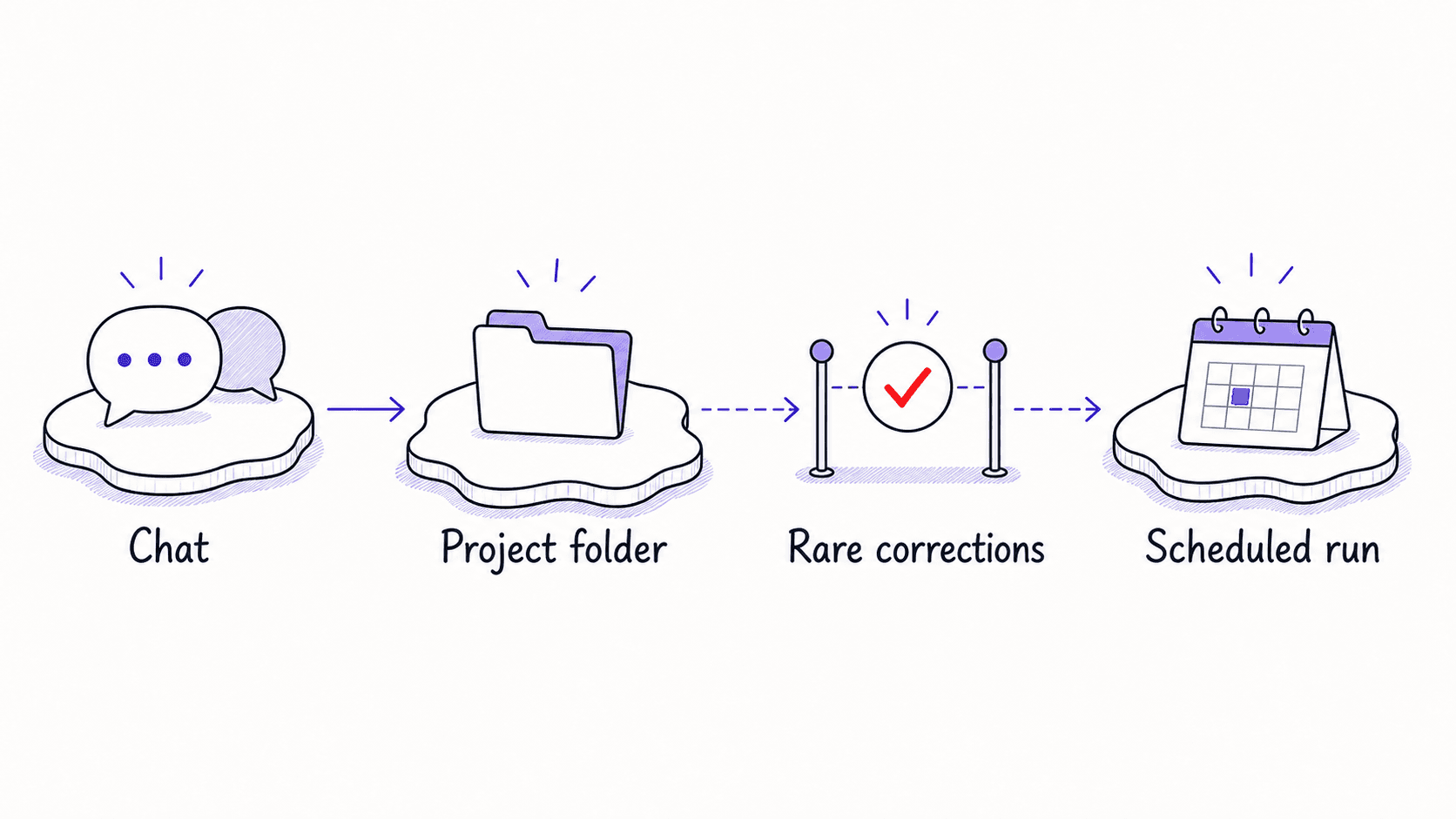
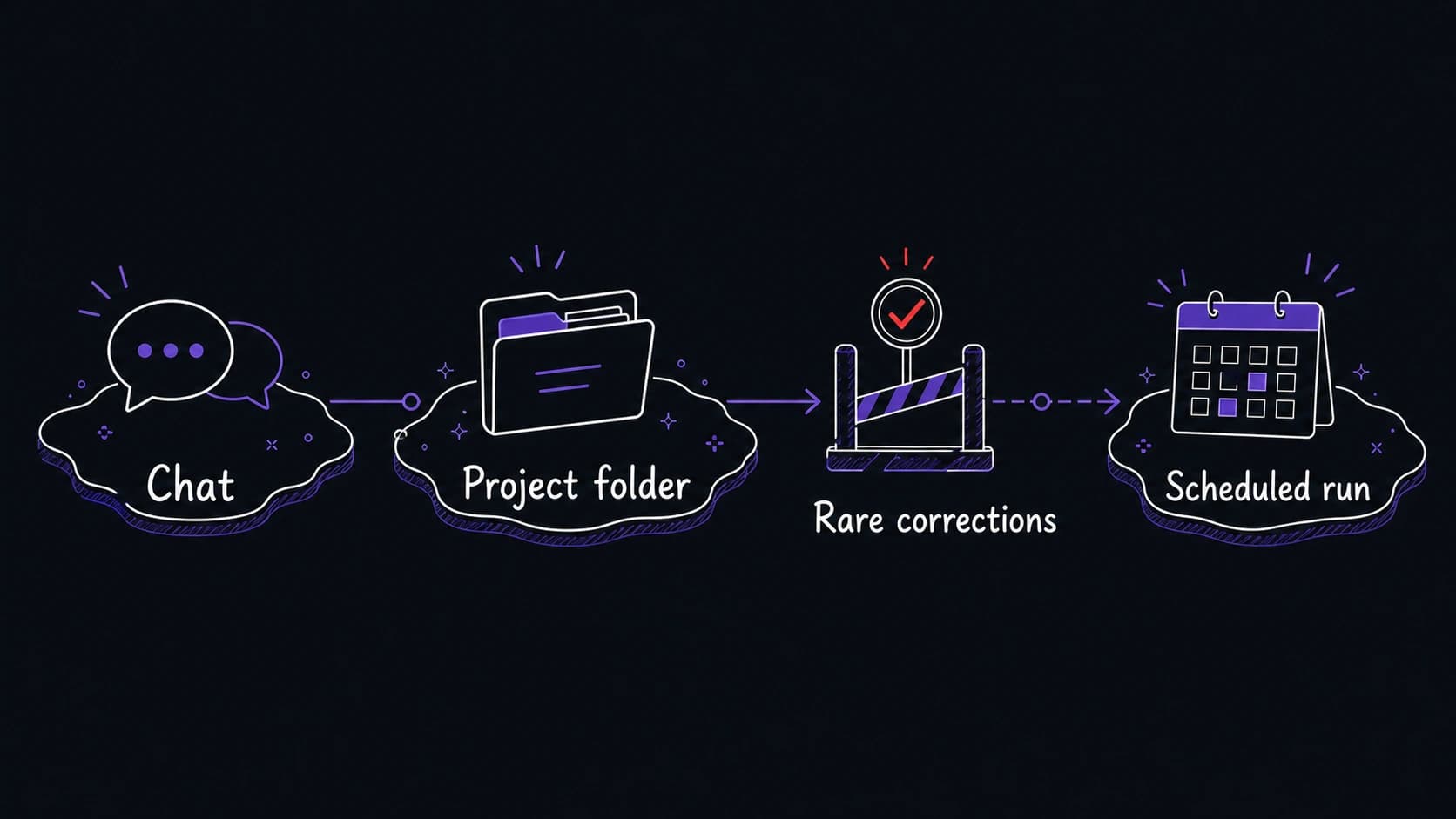
That trust triggers the next move. Once the prompt reliably produces output you can act on, you move it out of temporary chat and into a project folder where it persists between sessions. Once the output is predictable enough that you no longer need to watch it run, you schedule it to run automatically and deliver the result when you wake up.
Every graduates through three surfaces. In a chat conversation, you test prompts, correct outputs, and refine the . In a project folder, every new conversation opens from full of previous runs. As a scheduled routine, the module runs without you launching it, and your approval boundaries control what it can do on its own.
The migration trigger is when corrections become rare
Track how often you correct the output. In the first few runs, you correct frequently: the format is wrong, the priorities are off, a section is missing. After five to ten runs, corrections become minor. When you go three consecutive runs without a meaningful correction, the is ready for the next surface.
Some modules should never be scheduled. The needs your live judgment. The journal needs your real-time reflection. If the 's value comes from your input during the session, it stays in conversation. If its value comes from assembling data you do not need to provide manually, it can be scheduled.