Give Tasks a Sense of Weight
A flat task list treats everything as equally important, which means nothing is
To-do lists are input-driven: you add things and check them off. The list grows faster than it shrinks. Everything sits at the same level. The task you added three weeks ago and the task that is due tomorrow occupy the same visual space. The list cannot tell you what to do right now.
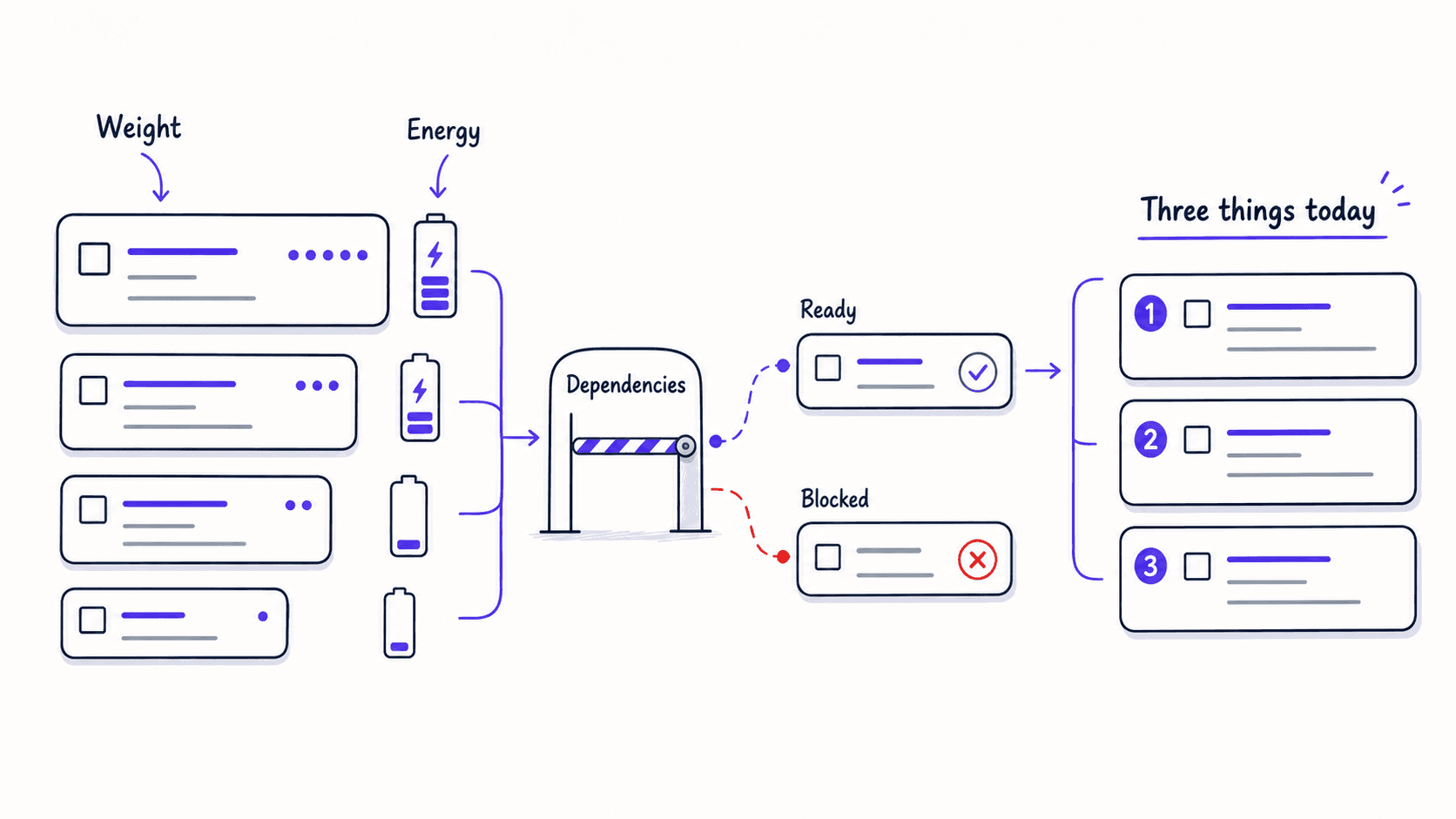
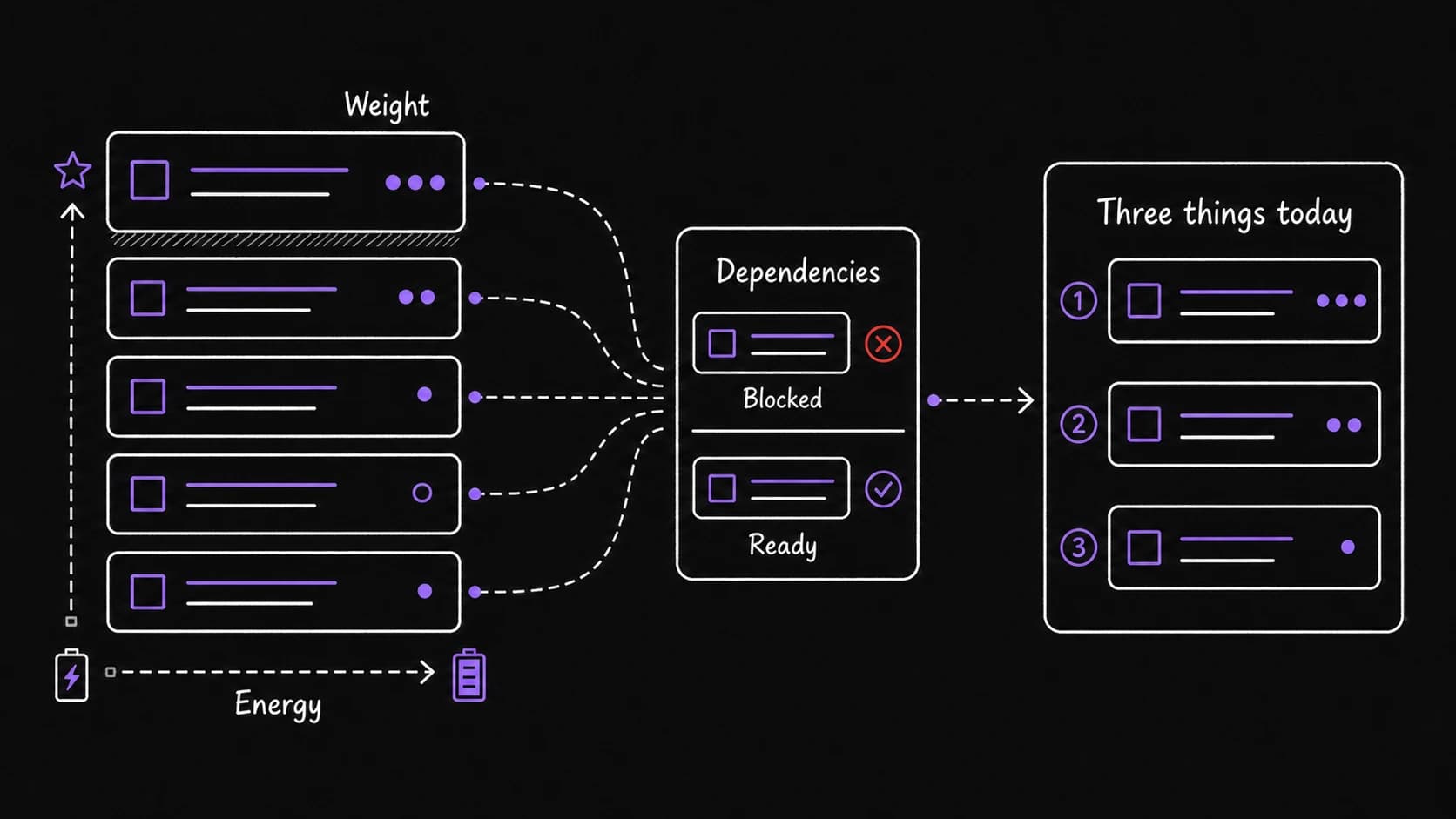
This replaces the flat list with weighted tasks. Each task gets a weight score (importance times urgency), an energy cost (low, medium, or high), dependencies (what must finish before this can start), and a recurrence cycle (how often this type of task comes around). The assistant uses these properties to produce a daily output: if you do nothing else today, do these three things.
You do not manage the list. The system manages it. You add tasks, review the daily output, and correct when the priorities are wrong.
One morning energy rating reshapes the entire task list
Energy is one number that changes how the whole task list reads. A low-energy morning surfaces different work than a high-energy morning, using the same task list.
Each morning, you rate your energy as low, medium, or high. The task uses this rating to sort your work: on low-energy days, lightweight tasks float to the top (processing email, filing expenses, quick replies). On high-energy days, demanding tasks get priority (writing a proposal, preparing a presentation, making a difficult decision). The three-things output adjusts accordingly.
This is the simplest version of energy-aware scheduling. Later, the journal deepens it by tracking energy patterns over weeks and correlating them with sleep, meetings, and workload. Here, you start with a single daily rating and let it shape the output.
Energy-aware scheduling puts deep work in high-energy windows
If you have been using the journal (or even a simple energy check-in from the health section), the system knows your energy patterns. Most people have predictable high-energy and low-energy windows. The system uses these to place tasks.
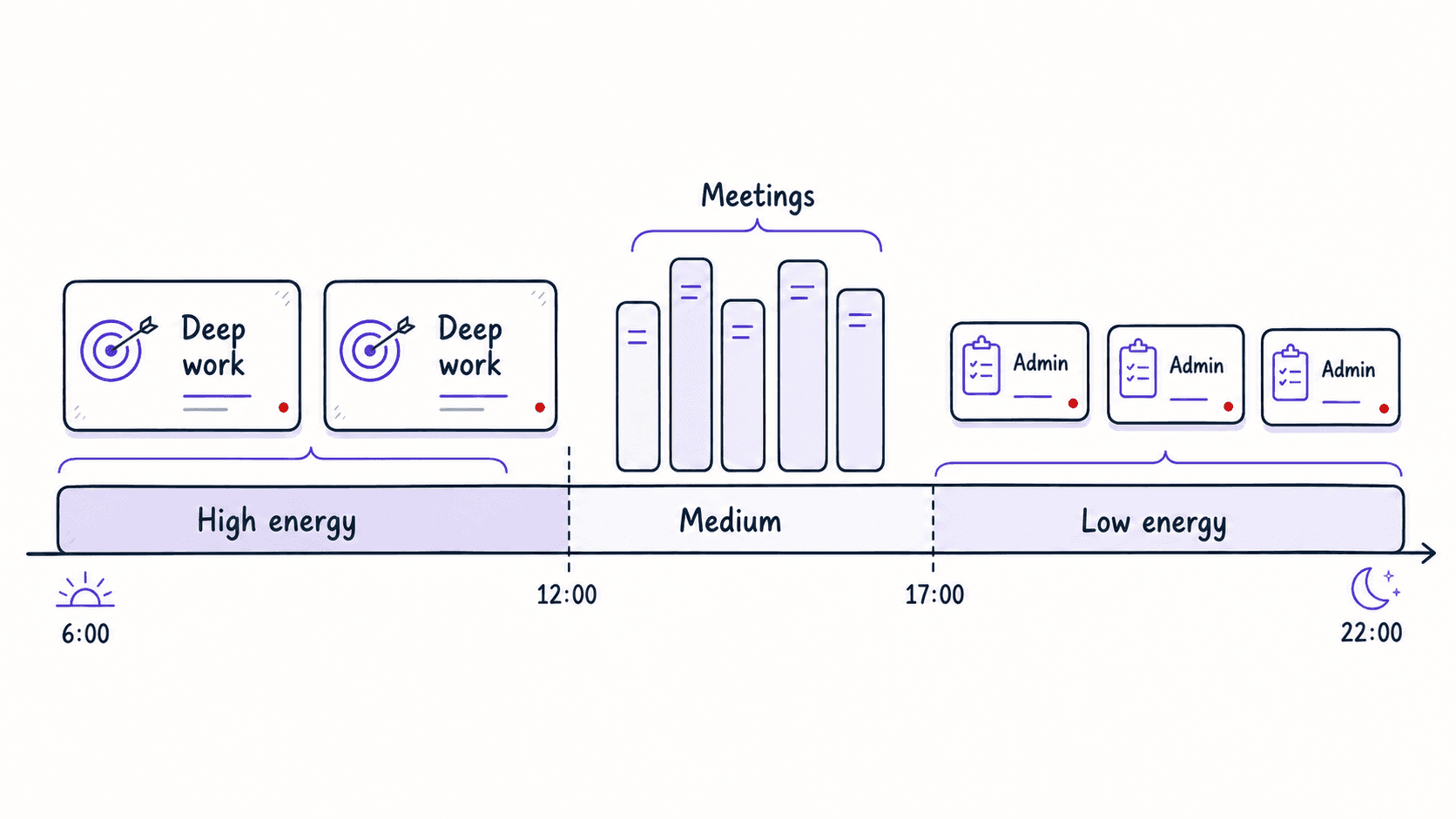
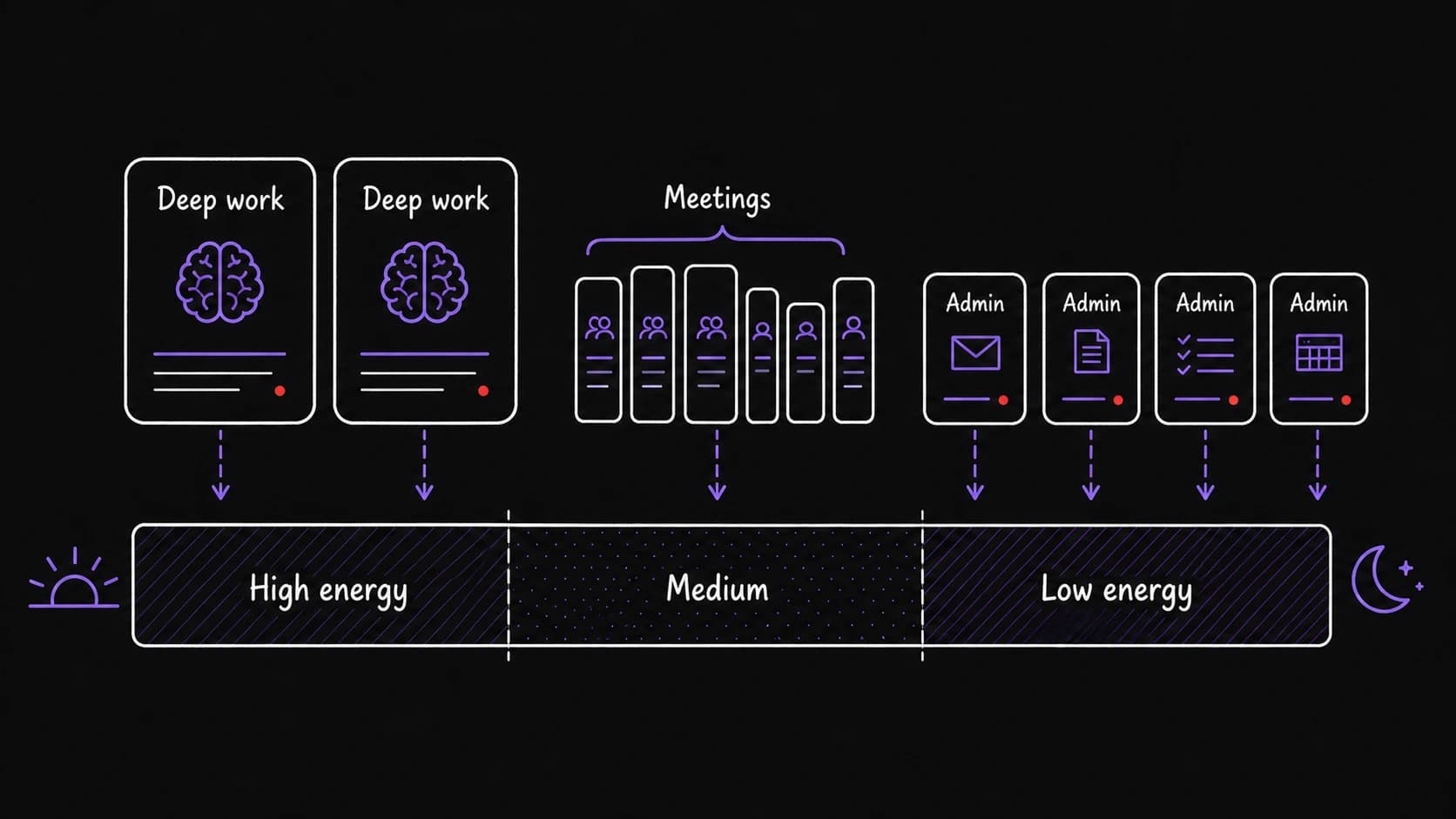
High-energy tasks (writing a proposal, preparing a presentation, making a difficult decision) get scheduled in your high-energy windows, usually mornings for most people. Low-energy tasks (processing email, filing expenses, updating a spreadsheet) fill the low-energy slots. Meeting-heavy days get fewer task assignments because the meetings consume the .
You do not schedule tasks. Tasks fall into the right slots based on conditions. When you open the daily output, the assistant has already read your calendar (how many meetings today), your energy pattern (which hours are your best), and the task's energy cost (how demanding it is). The three-things list reflects all of that.
Tasks can be created by you or inferred from email and meeting notes
You create tasks explicitly: 'add task, write proposal by Friday.' You also generate tasks implicitly, every time you say 'I will send you the report by Thursday' in an email or a meeting.
The assistant detects commitments in your email and meeting notes and proposes them as tasks. 'You told Alex you would send the report by Thursday. Should I add this as a task?' You approve, modify, or reject. The detection will miss things and occasionally get things wrong. Your review keeps it honest.
Over time, the assistant shows where your tasks come from. '60 percent of your tasks originate from email, 25 percent from meetings, 15 percent you create yourself. The self-created tasks have the highest completion rate. The email-generated tasks have the lowest.' This breakdown helps you see where your time commitments come from and decide where to push back.
Dependency chains prevent you from starting work that cannot finish yet
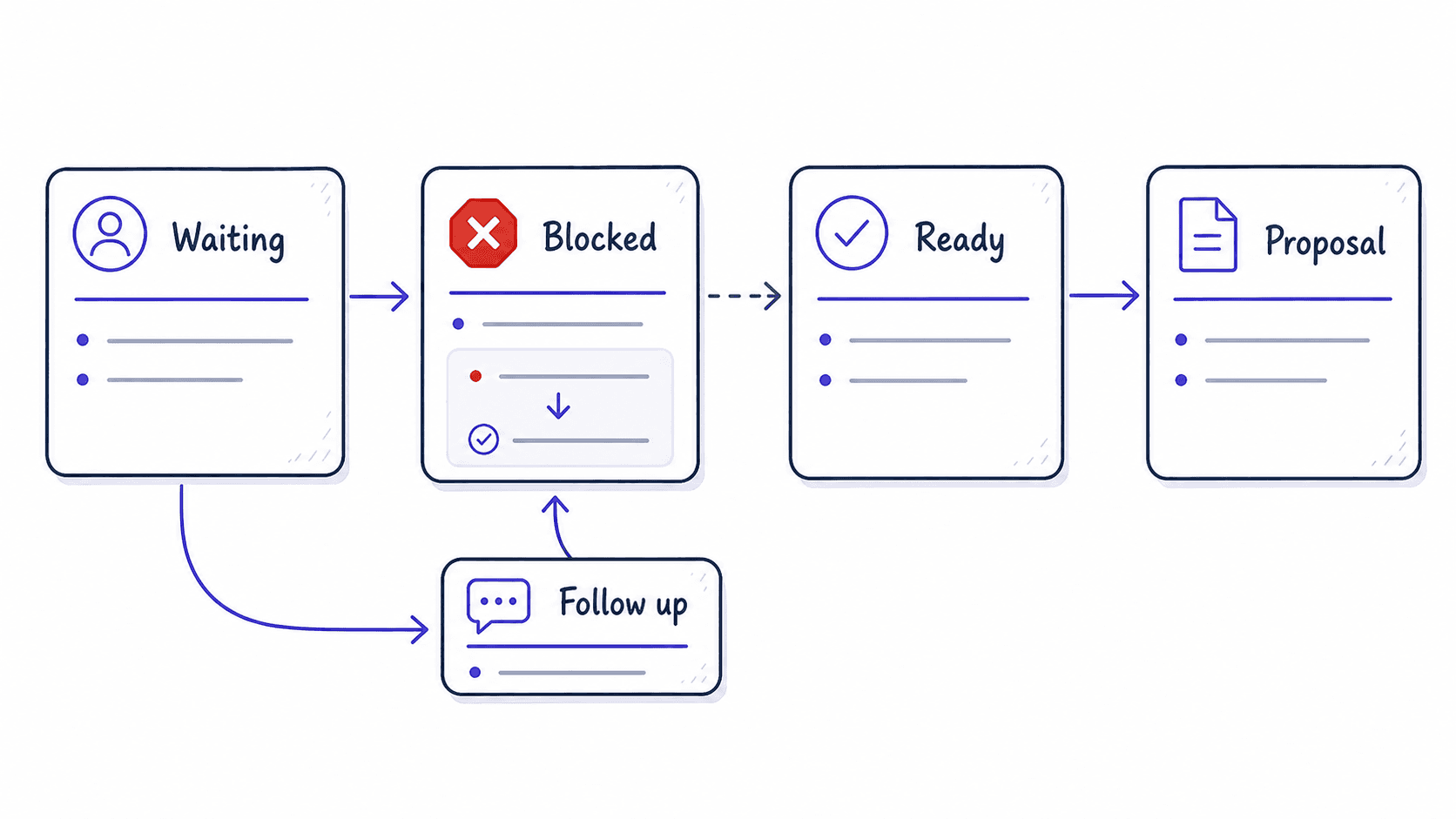
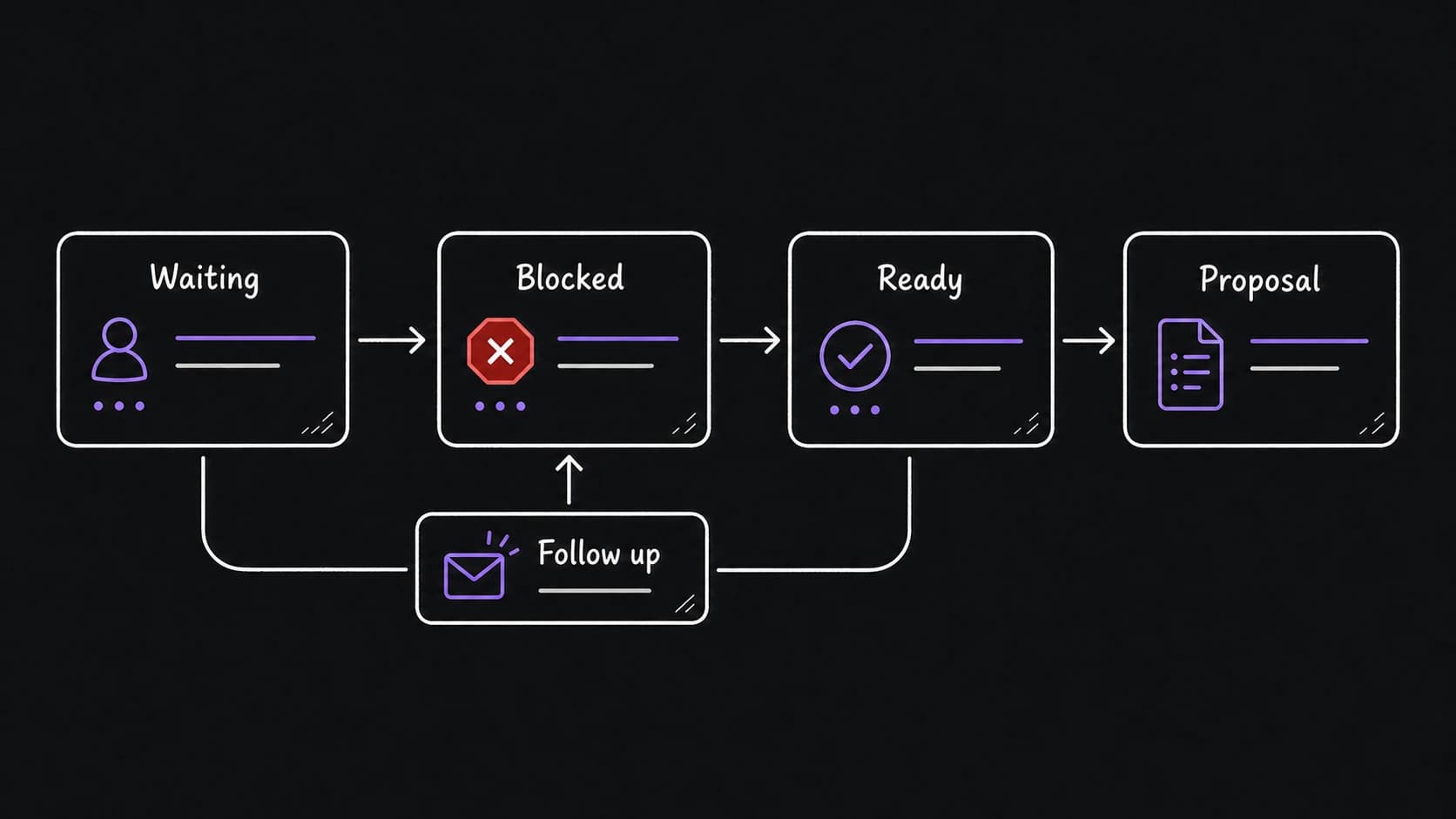
Some tasks cannot start until others finish. The system tracks these dependencies. 'You cannot start write proposal until receive client brief is done. The client brief is expected Thursday based on the email thread. Proposal is auto-scheduled for Friday morning.'
Dependencies also explain why some tasks sit on the list without progress. Instead of guilt about a stalled task, the system shows the blocker: 'This task has been waiting on input from Sarah for 12 days. Want to send a follow-up?'
The three-things output is what the morning brief reads
The daily output from this is a short list: if you do nothing else today, do these three things. The three things are selected based on deadline proximity, energy match with today's schedule, dependency readiness, and accumulated weight from weeks of carrying forward.
This output feeds directly into the morning brief's Layer 1 executive summary. The integration is automatic because both modules read from and write to the .
The permission boundary separates safe rescheduling from changes that need approval
You tell the system which types of tasks it can reschedule on its own and which require your approval. 'You can move internal admin tasks freely. Client deliverables need my approval before rescheduling. Anything involving money needs my approval.'
The task makes the especially concrete because tasks are where actions happen. A morning brief is read-only. An email drafts but does not send. The task module can reschedule, deprioritize, and create new tasks from inferred commitments. Each of these actions needs a clear permission setting.
reveals which commitments no longer fit
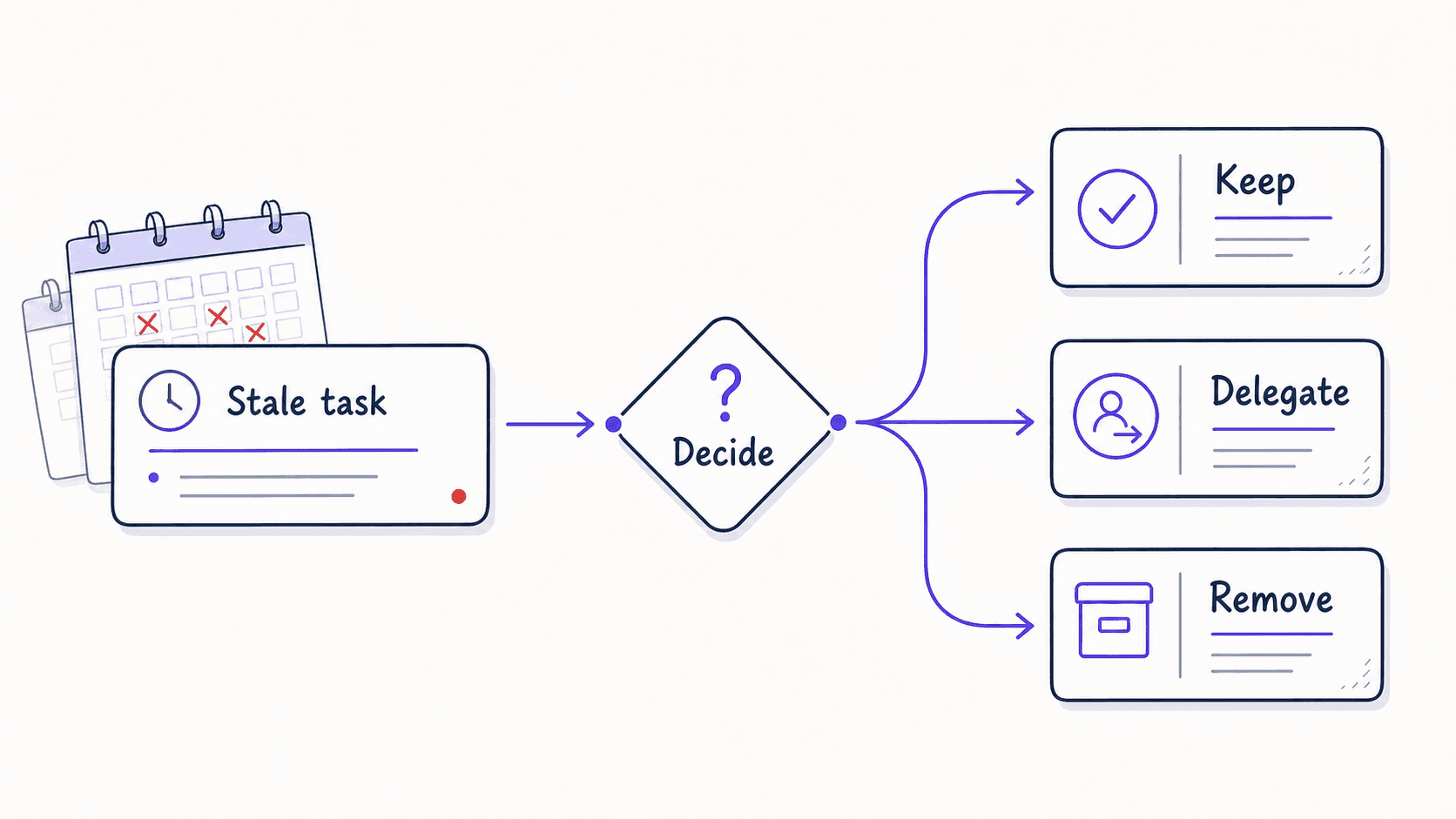
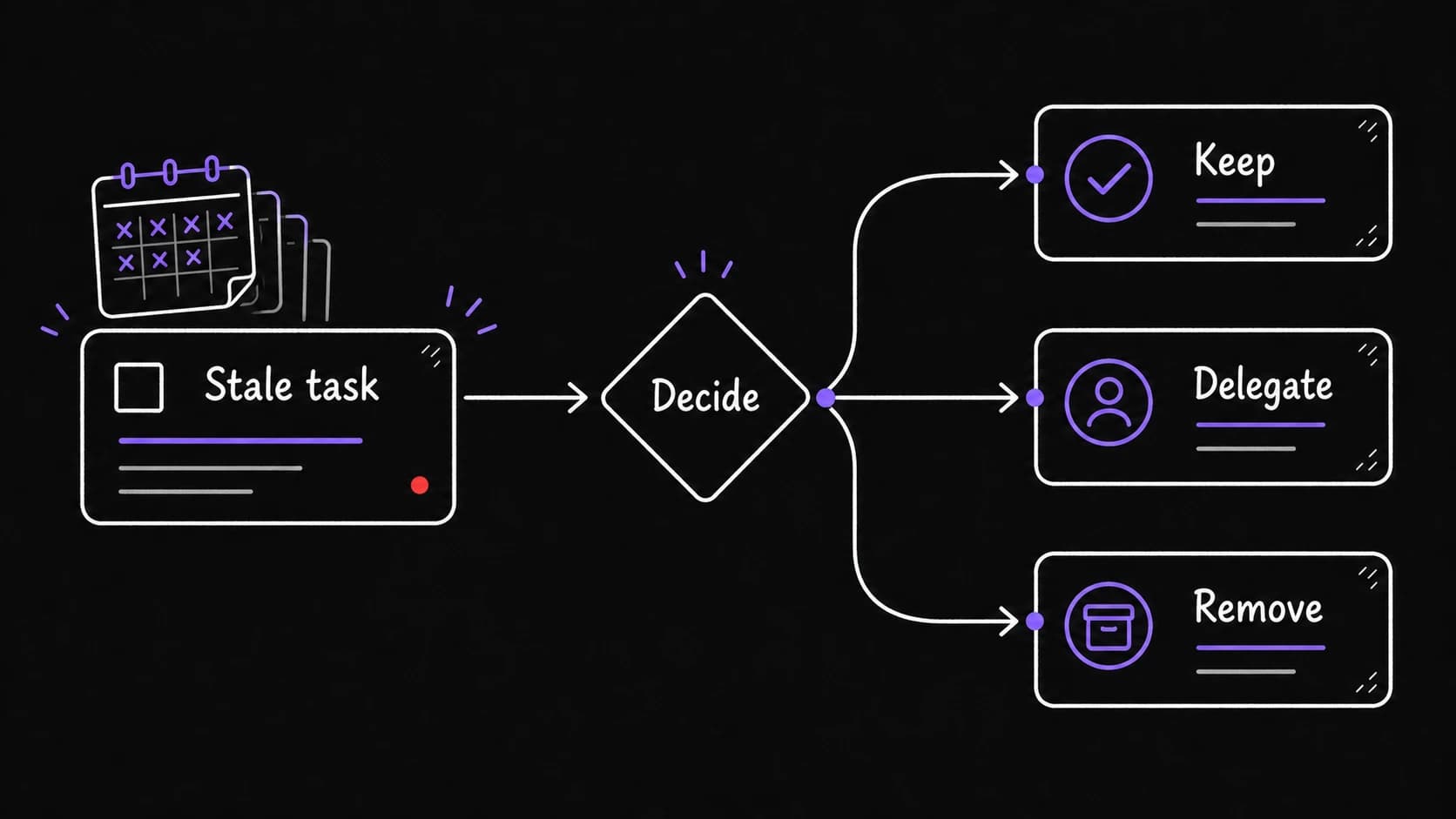
A task that has been on the list for three weeks without action is telling you something. The surfaces these, and the task flags them daily after a threshold you set.
When a task decays, the system asks: should this task stay (commit to a specific day), be delegated (assign it to someone and track the handoff), or be removed (it is not important enough to do)? Removing a task is a valid decision. The can even log it: 'I decided to remove this task because it has been deprioritized for three weeks and no consequences have materialized.'