Keep the System Portable and Honest
A system without maintenance drifts until it stops being useful
Everything you built in this book will degrade over time. disconnect. Rules become outdated as your priorities change. Modules you set up with enthusiasm go unused for weeks. The morning brief starts including sections that are noise. The email classifier drifts as your senders and projects change.
Maintenance is what prevents drift. And the best maintenance is a routine the system runs on itself.
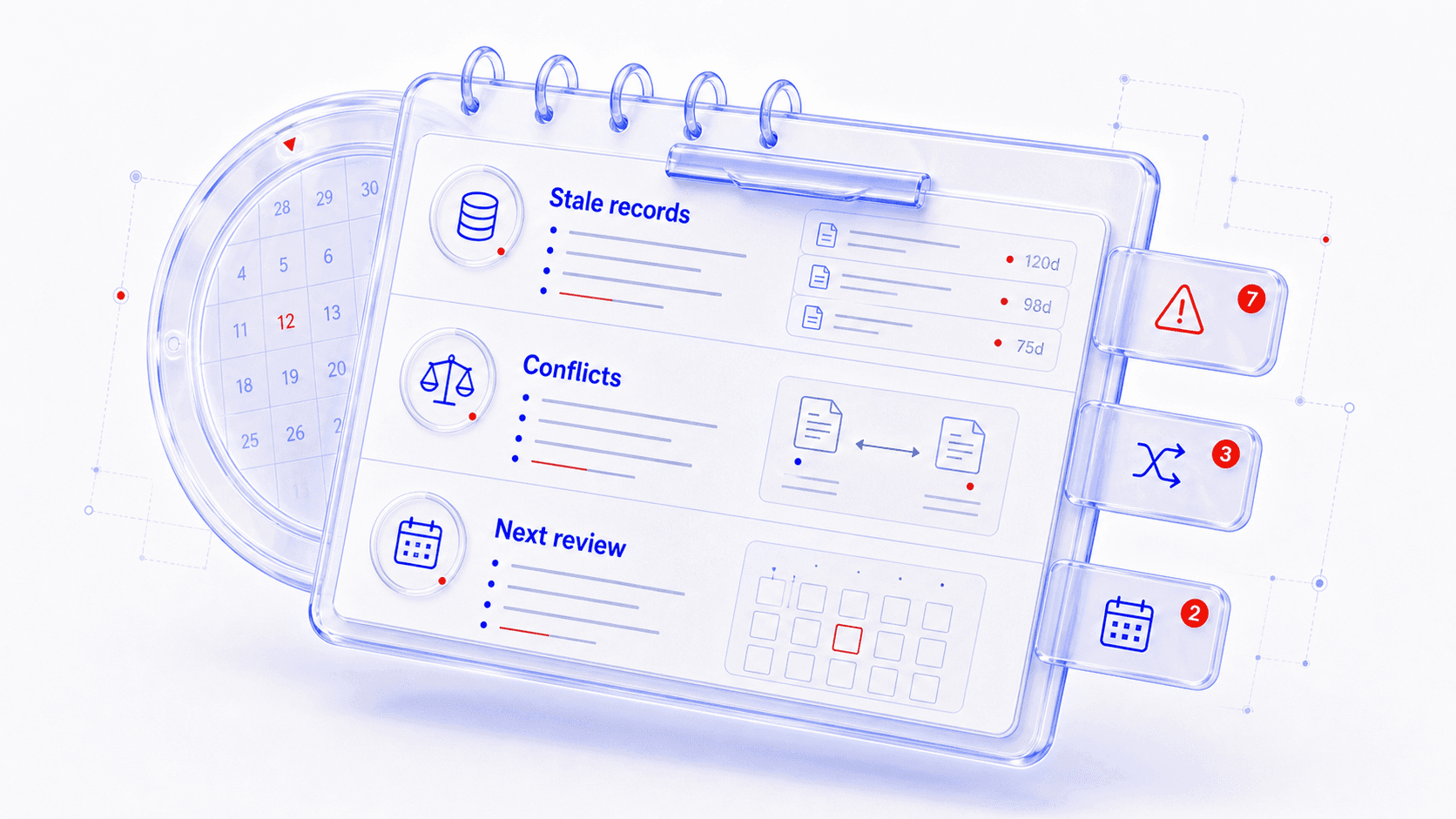
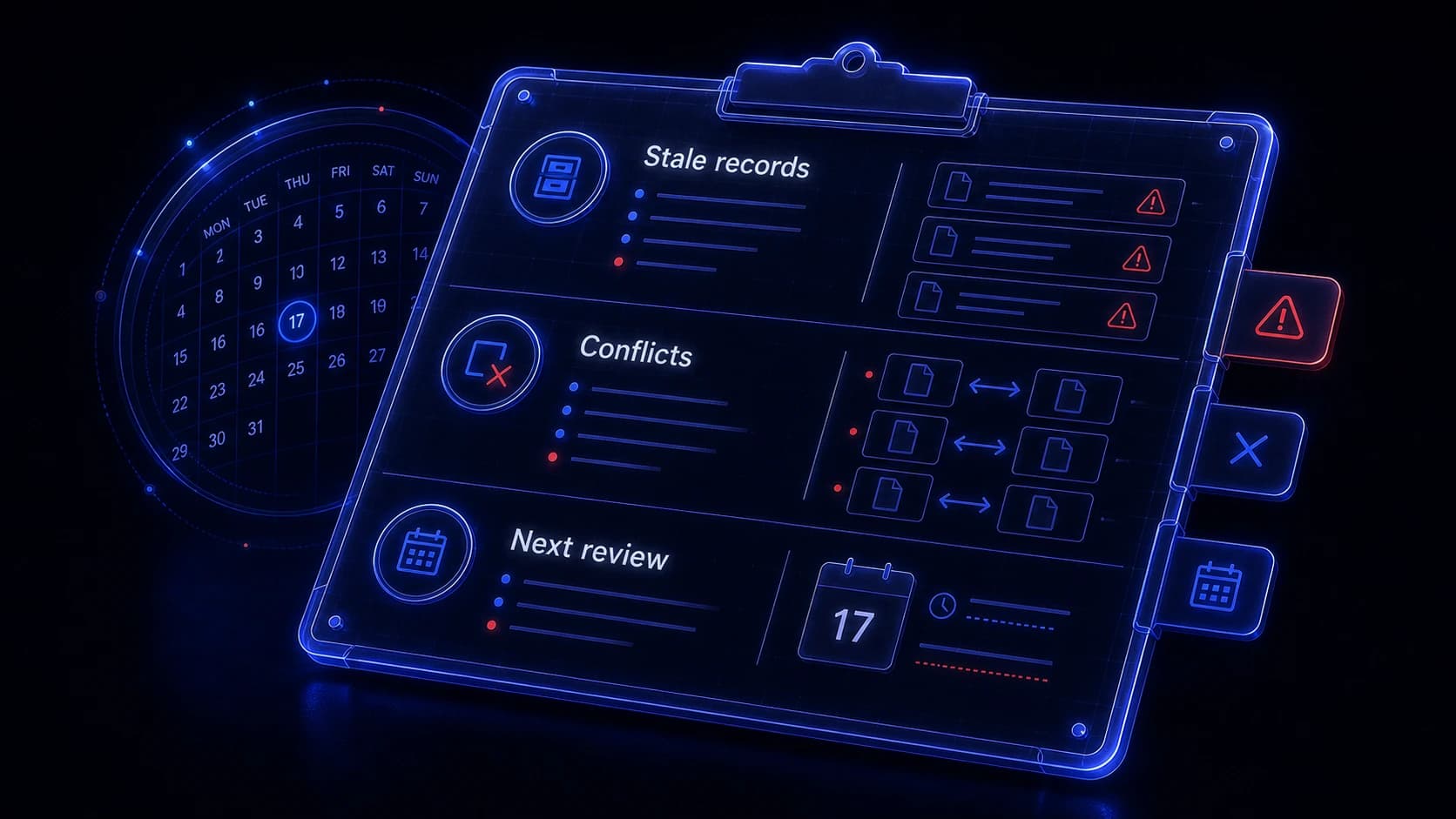
The monthly self-check asks five questions about every
Once a month, the system runs a self-check. For each , it answers:
- Is it still running? connected, routines scheduled, no errors.
- Is it still being used? When was the last time you reviewed its output?
- Are the rules still current? Do the classification rules, approval boundaries, and privacy tiers still match your current priorities?
- Is the data still clean? Any duplicate records, stale contacts, expired tasks, or orphaned data?
- Should it be simplified or retired? Some modules become less useful as your life changes. Retiring a is a valid maintenance action.
Rule drift is the silent failure that accumulates over months
Your urgency rules from January may not match your priorities in June. The client who was top-tier in Q1 may have completed their engagement. The project that dominated your calendar may be finished. The email sender categories may have shifted as your team changed.
When you review the morning brief and notice that a client flagged as top-tier three months ago no longer triggers urgent treatment, that is relevance decay from an instruction that has not kept pace with your priorities. The morning brief still runs, but the flags are less useful. The email still classifies, but the urgent items do not feel urgent. The task still prioritizes, but the weights feel off.
The monthly self-check catches this. For each , the assistant shows the active instructions and asks which ones need updating. When you open the email module's classification list and see a sender category that no longer matches your projects, you update it in the conversation and save the correction. A five-minute review prevents months of gradually degrading output.
Your entire system is portable because it is data and prompts, not software
Your personal assistant OS is three things: a local database (or a set of records in the assistant's memory), a folder of prompts and briefs, and a schedule. None of these are locked to a specific tool.
If you switch from Claude to ChatGPT, or from ChatGPT to a future tool, you take the database and prompts with you. The prompts are . They work in any assistant that can read them. The data is structured records. They import into any system that can read structured data. The schedule is a list of times and names. It rebuilds in minutes.
If you export your contact records, prompt files, and calendar connection settings, you can rebuild the same morning brief in a different assistant within an afternoon. You built the assistant from data and descriptions, not from tool-specific features. The tool is the runtime, not the product.
The export plan documents what you would take and what you would rebuild
A practical export plan lists:
- Data to export: contacts, interactions, tasks, decisions, journal entries, reading highlights, financial summaries, household facts, travel preferences, accomplishments. All structured records.
- Prompts to carry: briefs, the combined morning prompt, classification rules, approval boundaries, tone rules. All .
- Connections to re-establish: calendar connector, email connector, voice service , any reading app integration.
- Schedule to rebuild: morning routine time, email batch times, time, monthly maintenance time.
Copy your contact records, task list, and briefs to the new tool. Re-connect your calendar and email. The prompts work as-is because they are plain-language instructions. The schedule is a five-minute conversation.
Honesty means acknowledging what the system cannot do
Your assistant system is powerful within its boundaries. It assembles , classifies information, surfaces patterns, drafts responses, tracks relationships, logs decisions, and manages tasks. It does these things well because you designed each with clear inputs, outputs, and approval rules.
It cannot make decisions for you. It cannot understand it has not been given. It can be confidently wrong about things that require judgment. It will sometimes miss important information because it was in a source it does not read. It will sometimes over-flag or under-flag because your rules do not cover every edge case.
The approval boundaries exist because the system's judgment is not your judgment. The review habits exist because the system's output needs your correction. The maintenance routine exists because the system cannot notice its own drift. These are the design.
The morning that used to take twenty minutes now takes three
You opened this book with six tabs and no clear picture. Your inbox decided your priorities. Your calendar was a list of events without . Your task list was sorted by nothing in particular. You spent twenty minutes assembling a picture of the day, making reactive decisions the whole time.
Now you press play on a three-minute audio brief while making coffee. You know who you are meeting, what you owe them, what they last told you, and which emails need a reply before noon. Your tasks are matched to your energy. Your caught a relationship going cold and a task decaying into irrelevance. Your holds predictions you can check against what happened. Your reading highlights resurface when they are relevant to today's meeting.
The six patterns from the first chapter are now working together. Modules deliver their outputs. The holds the facts. The correction loop keeps every accurate. The approval boundaries keep you in control. The maintenance routine catches drift before it becomes failure.
When you write a prompt that connects your calendar, email, and task list into one morning document, you are doing the real work this book teaches: describing what you want from an AI assistant in and directing the construction of tools that serve your specific life. That does not expire when models change or tools evolve. The vocabulary of outcomes, sources, boundaries, and review is yours. The modules are the practice. The capability is permanent.
Start tomorrow morning: run the brief, correct one thing, and save the correction. The assistant gets better because you use it.