Make Decisions Reviewable
Most decisions disappear the moment you make them
You decide to take a new client. You decide to raise your rates. You decide to prioritize Project Atlas over the marketing rewrite. You decide to skip the conference this year. Each of these decisions shapes the next several months, and none of them leave a trace unless you deliberately record them.
Without a record, you cannot learn from your own decisions. You cannot check whether your predictions were right. You cannot see patterns in your judgment. You lose the most valuable feedback loop available to you: comparing what you expected to happen against what happened.
The fixes this by logging three things every time you face a meaningful choice: what you decided, what you predicted would happen, and when you will check. The prediction is the key. It makes the decision reviewable.
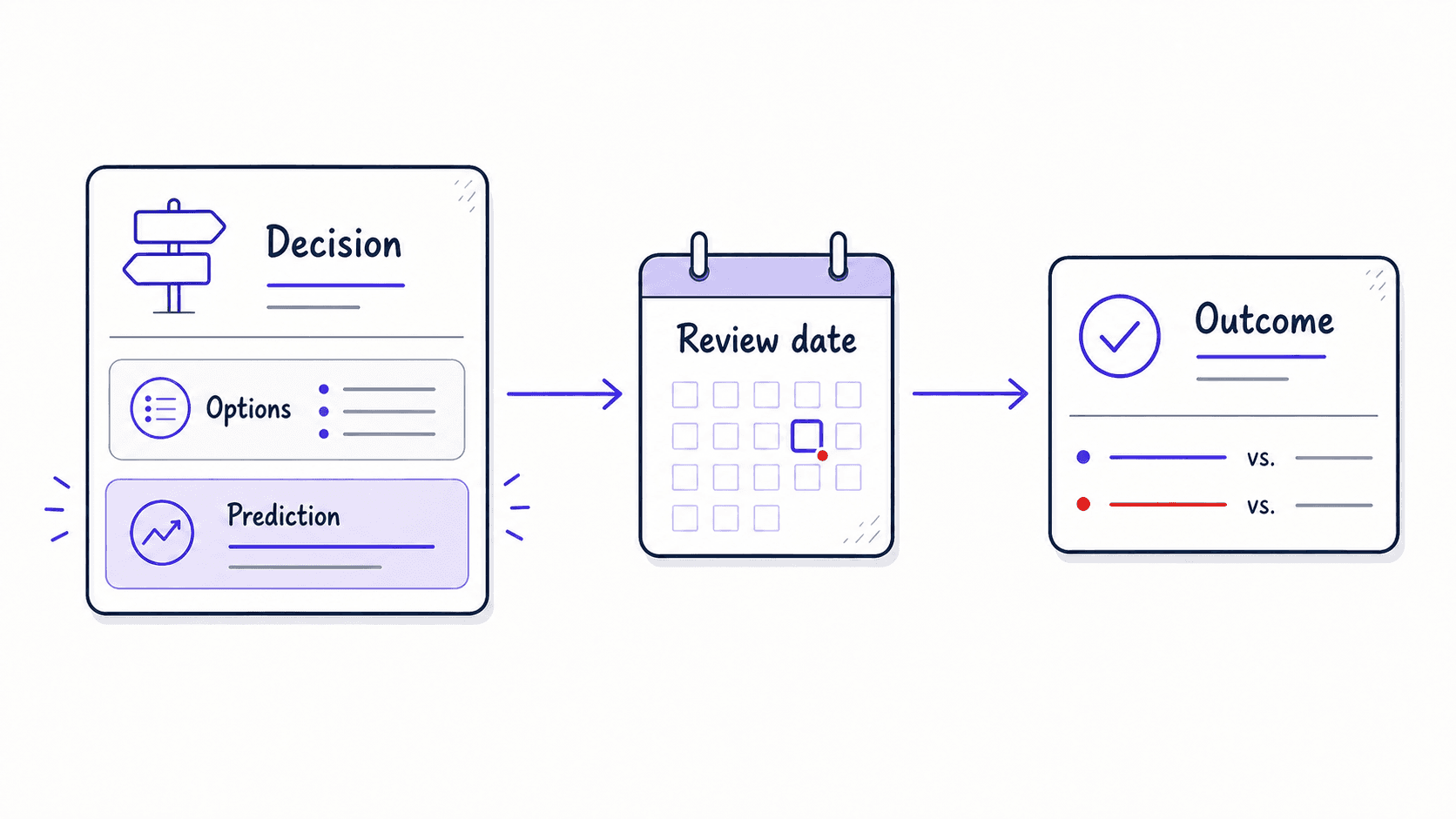
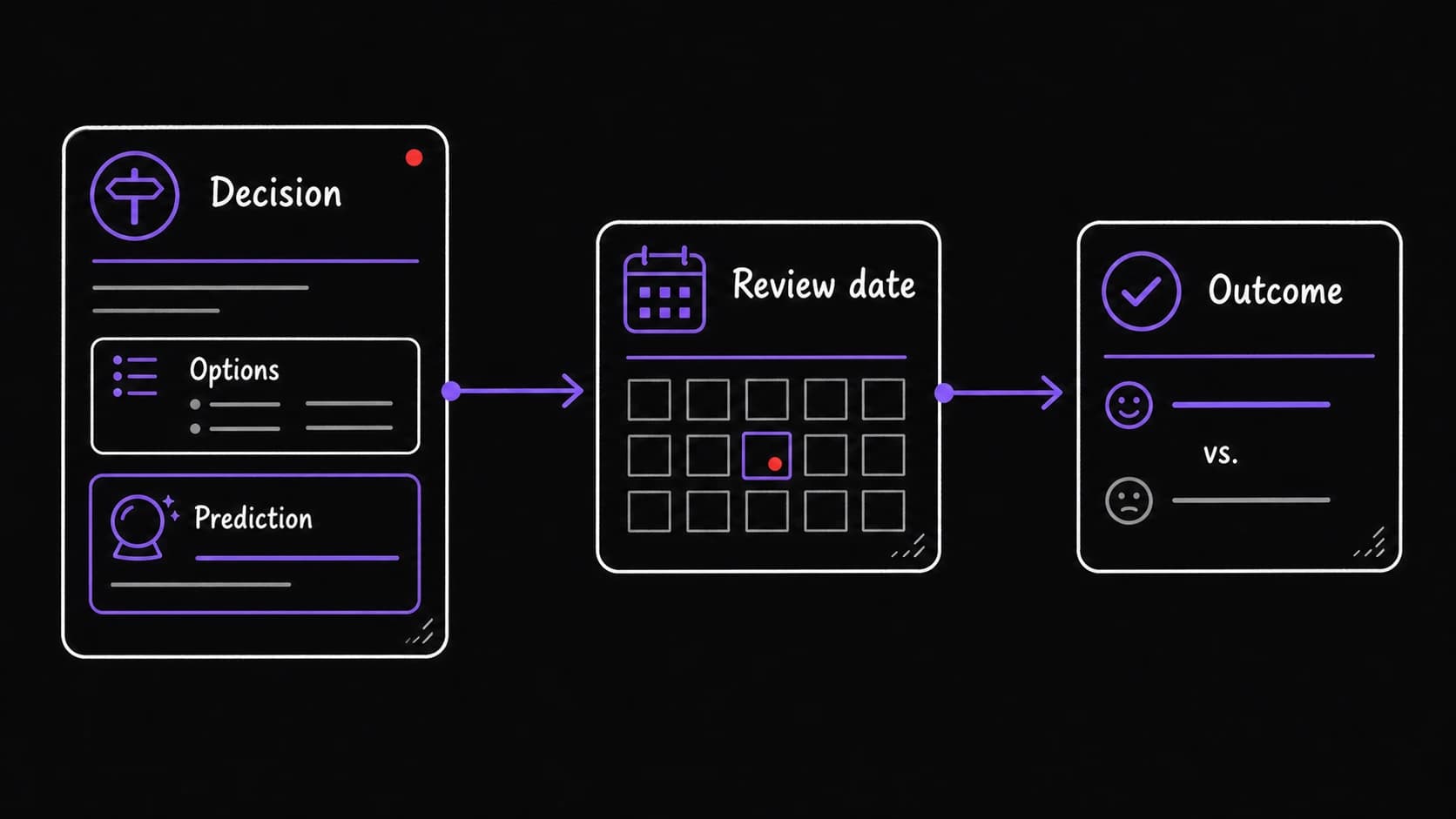
Each entry captures the reasoning so future-you can evaluate it
A decision log entry has five parts:
- What you are deciding: the specific choice in concrete terms.
- What options you considered: at least two alternatives, including the option of doing nothing.
- What you chose and why: the selected option with the reasoning that led to it.
- What you predict will happen: a specific, with a timeframe. 'I predict this client will generate $15K in revenue over six months' is falsifiable. 'I think this will be good' is not.
- When you will check: a review date, typically 30, 60, or 90 days later, when the system surfaces this entry and asks what happened.
The catches failure modes before you commit
Before logging a decision, the assistant asks one additional question: imagine this decision goes badly. What is the most likely reason?
This is a . It forces you to think through failure modes before committing. The assistant does not make the decision. It makes your thinking about the decision more rigorous. The pre-mortem answer gets stored with the entry so you can check whether the failure mode you predicted was the one that occurred (or whether something else went wrong entirely).
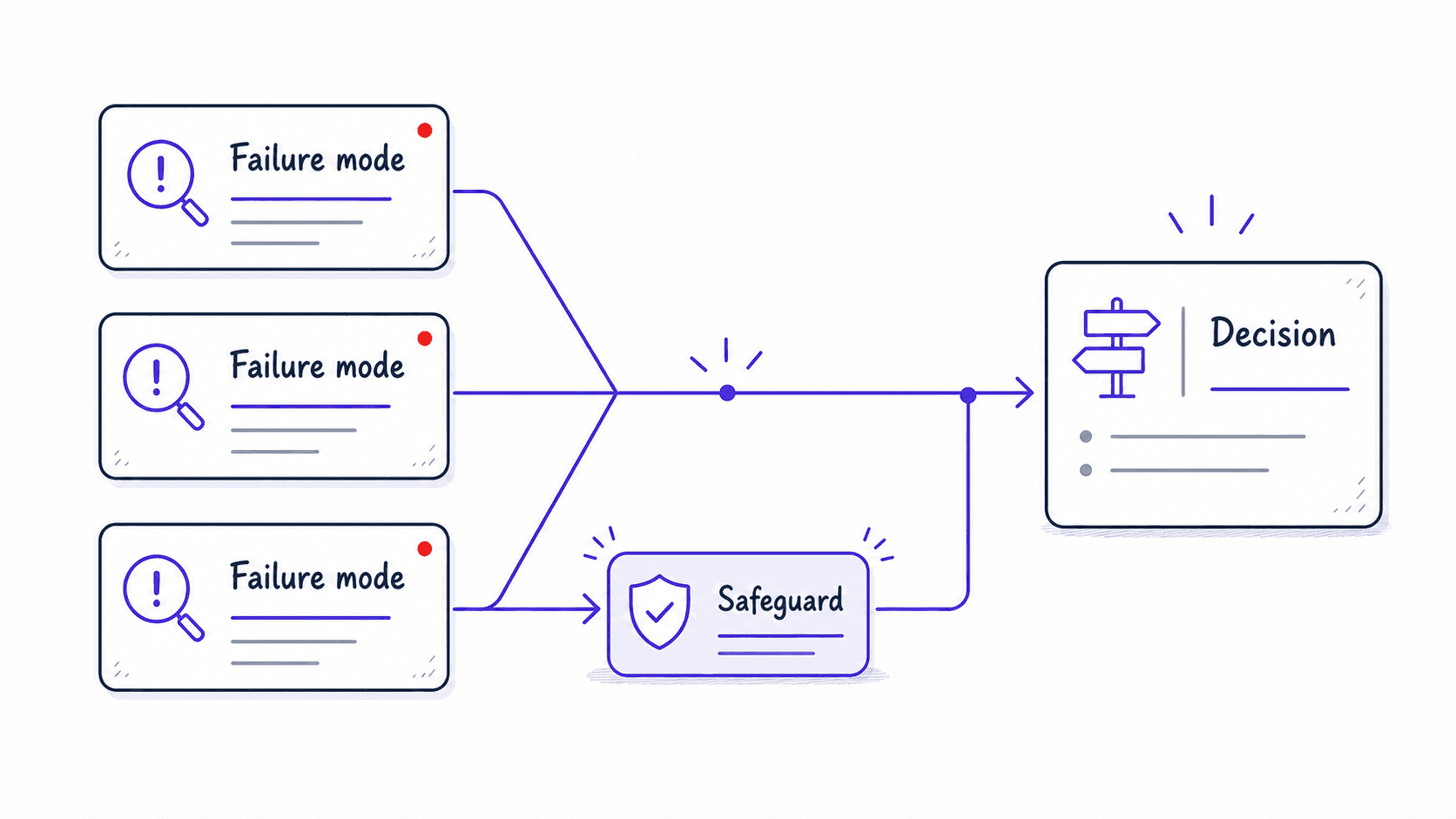
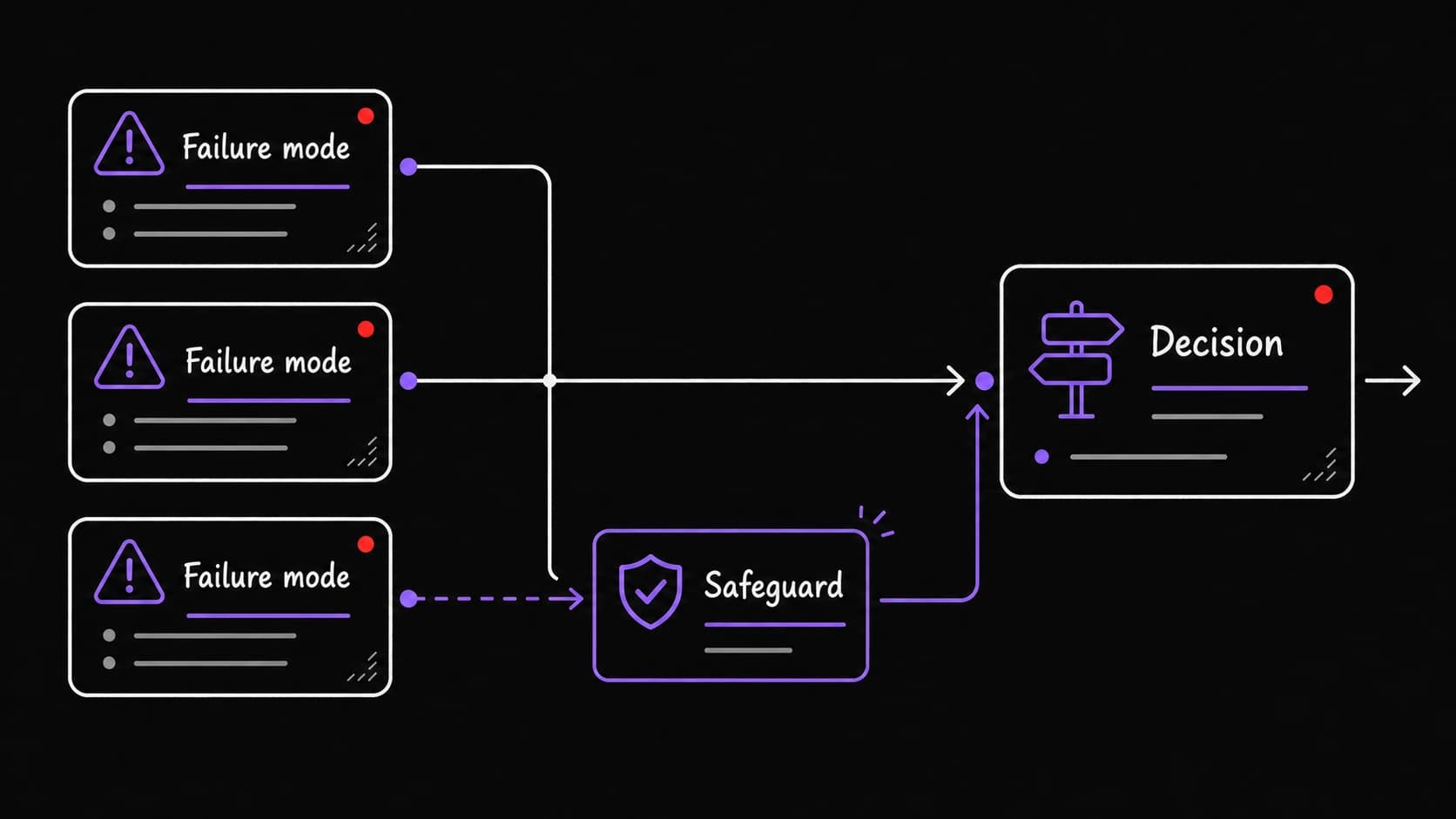
Your judgment gets sharper when you compare predictions to outcomes over months
At the review date, the system surfaces the entry and asks: what happened? You write a short update. 'The client generated $12K in six months, close to my prediction of $15K. The scope did expand as I worried about in the , but I managed it by renegotiating the retainer in month three.'
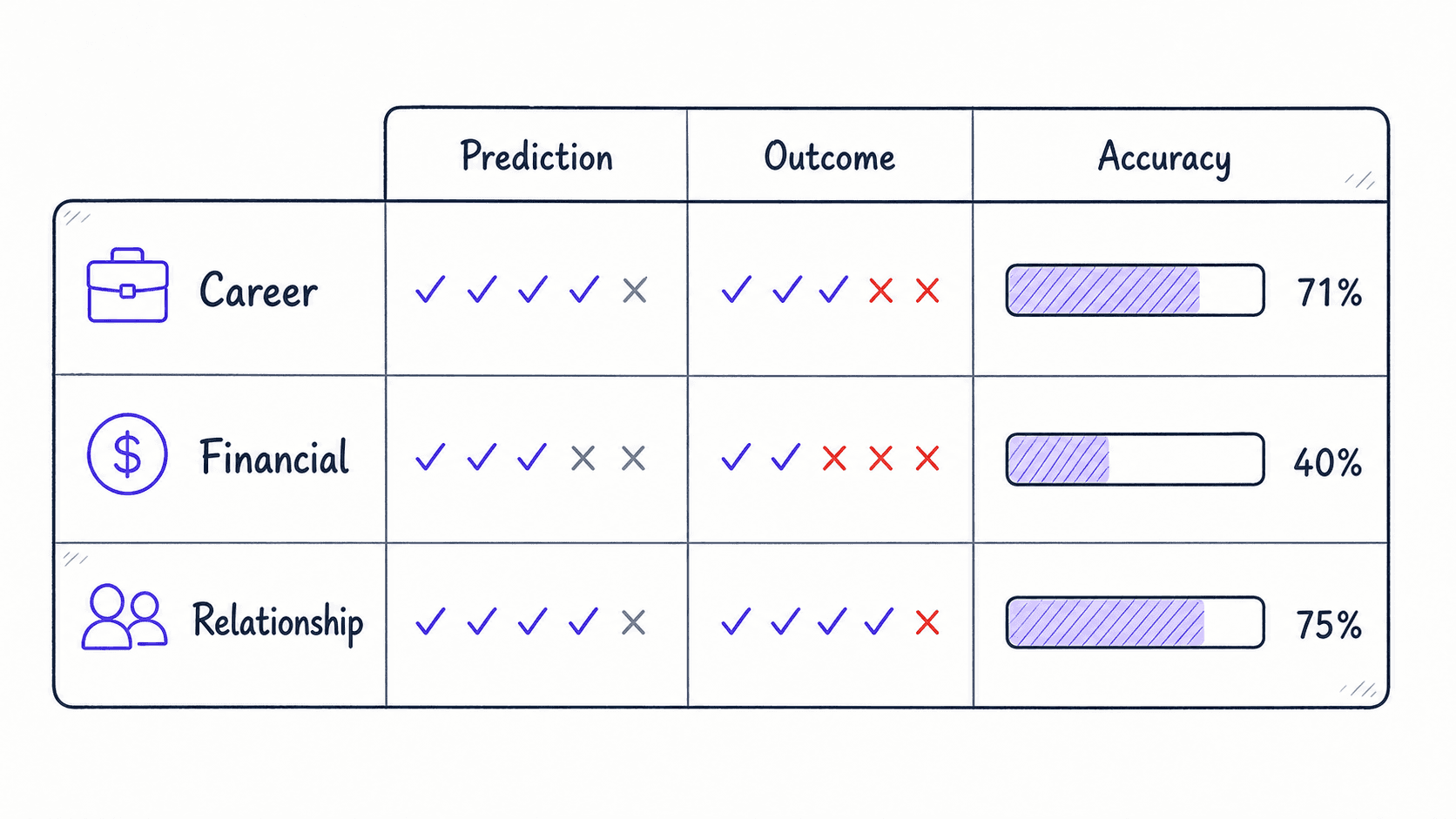
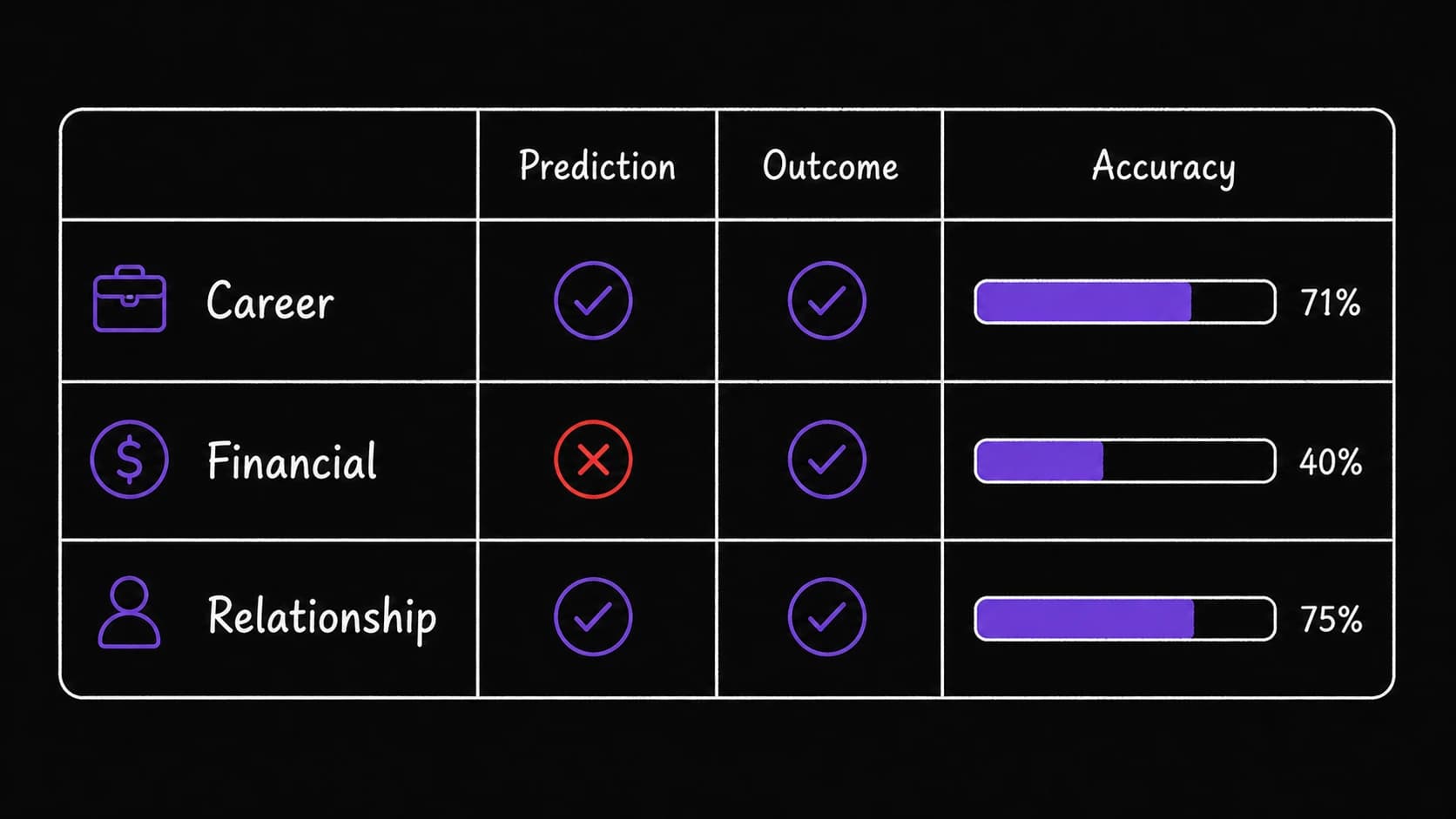
Over months, a track record builds. Are you consistently overconfident? Underconfident? Better at people decisions than financial ones? Better under pressure than with time? The patterns emerge from the data, and they are specific to you.
The advisor mode queries your own track record before you decide
When facing a new decision, you can ask the assistant to reference past decisions. 'I am considering raising my rates by 20 percent. Have I made similar decisions before? What did I predict? What happened?'
The assistant queries the decision log and returns: 'You raised rates by 15 percent in January. You predicted one client would leave. Two stayed but renegotiated scope. Net revenue was up 8 percent against your prediction of 12 percent.' You now make the current decision with access to your own track record.
No standard app combines a decision log with prediction tracking, accuracy scoring, and the ability to search your own past decisions. This is one of the modules where the system does something you genuinely cannot get elsewhere.
Decision templates speed up logging for recurring types
Some decisions recur in similar shapes. A hiring decision asks different questions than a financial investment. A client-acceptance decision asks different questions than a tool-purchase decision. Templates save time by pre-loading the relevant questions.