The Correction Loop Turns Mistakes Into Reusable Rules
Every correction is a future rule waiting to be named
Your morning brief will get something wrong on the first run. It will flag a newsletter as urgent. It will miss a rescheduled meeting. It will summarize an email thread and lose the deadline buried in the third reply. These are expected failures, and each one carries a lesson the assistant can use permanently if you capture it in the right shape.
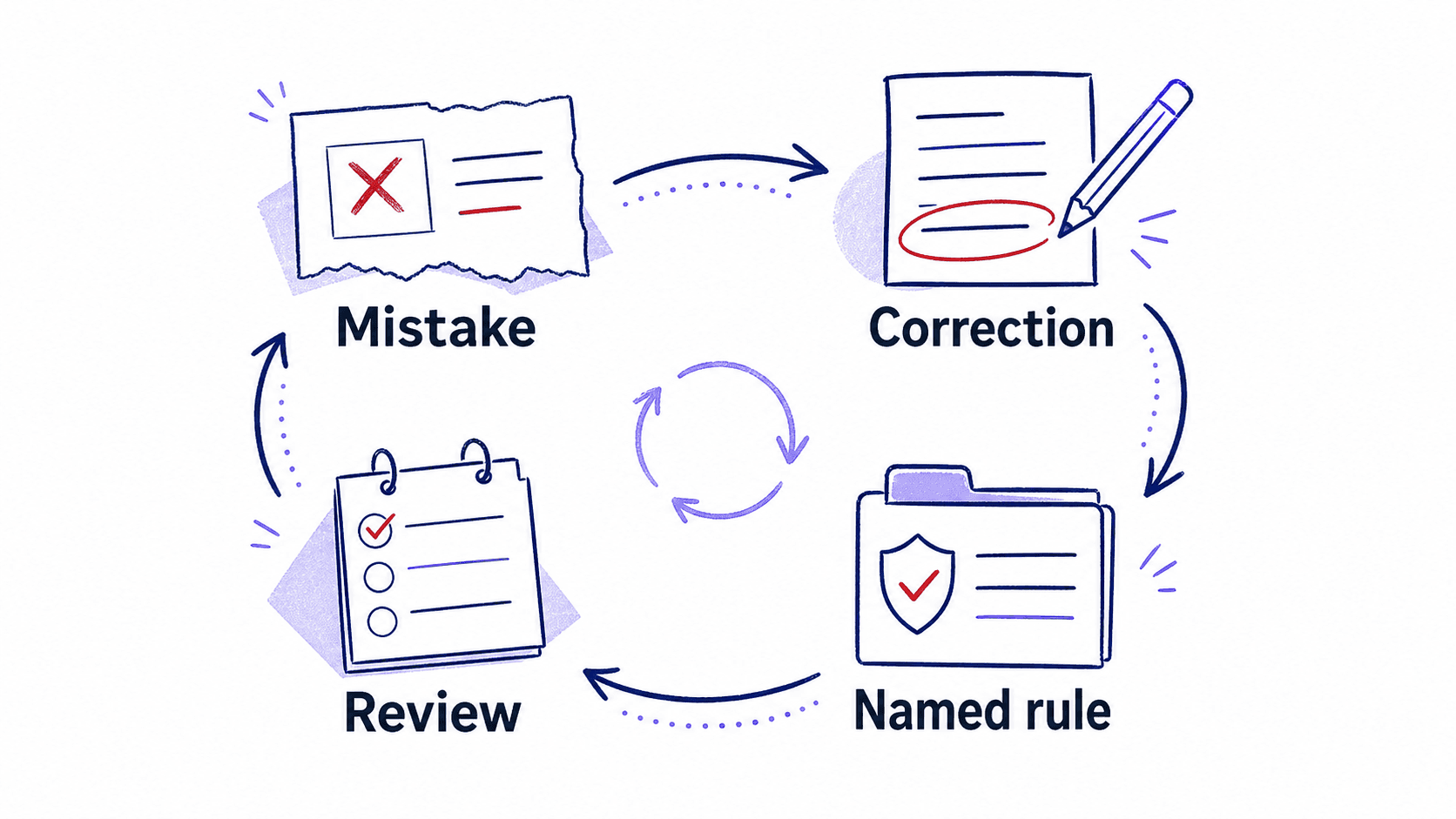
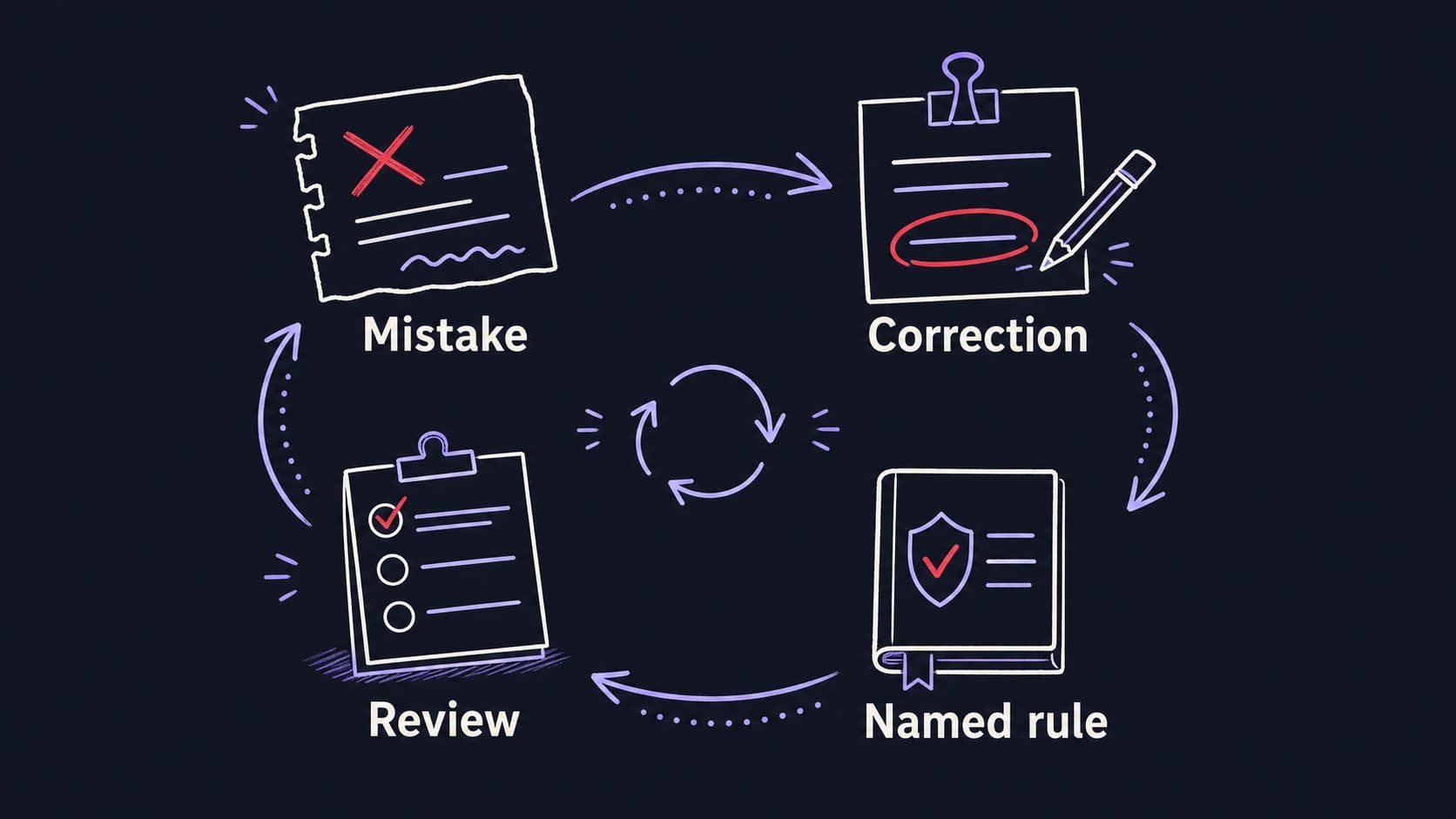
The correction loop is the mechanism that turns a one-time fix into a reusable rule. When you correct the assistant's output, you are doing two things: fixing today's result and teaching a pattern for every future run. The difference between these two outcomes depends on whether you save the correction as a named rule or let it disappear into a conversation you will never reopen.
Three levels separate a quick fix from a permanent improvement
A one-off correction fixes today. You tell the assistant: that email from the newsletter service is not urgent, skip it. The assistant adjusts this run's output. Tomorrow, the same newsletter arrives and the assistant makes the same mistake, because the correction was not saved.
A reusable rule fixes the category. You tell the assistant: emails from newsletter services are never urgent; classify them as informational. The assistant saves this as a named rule with a date and a scope. Tomorrow, the newsletter is correctly classified without your intervention.
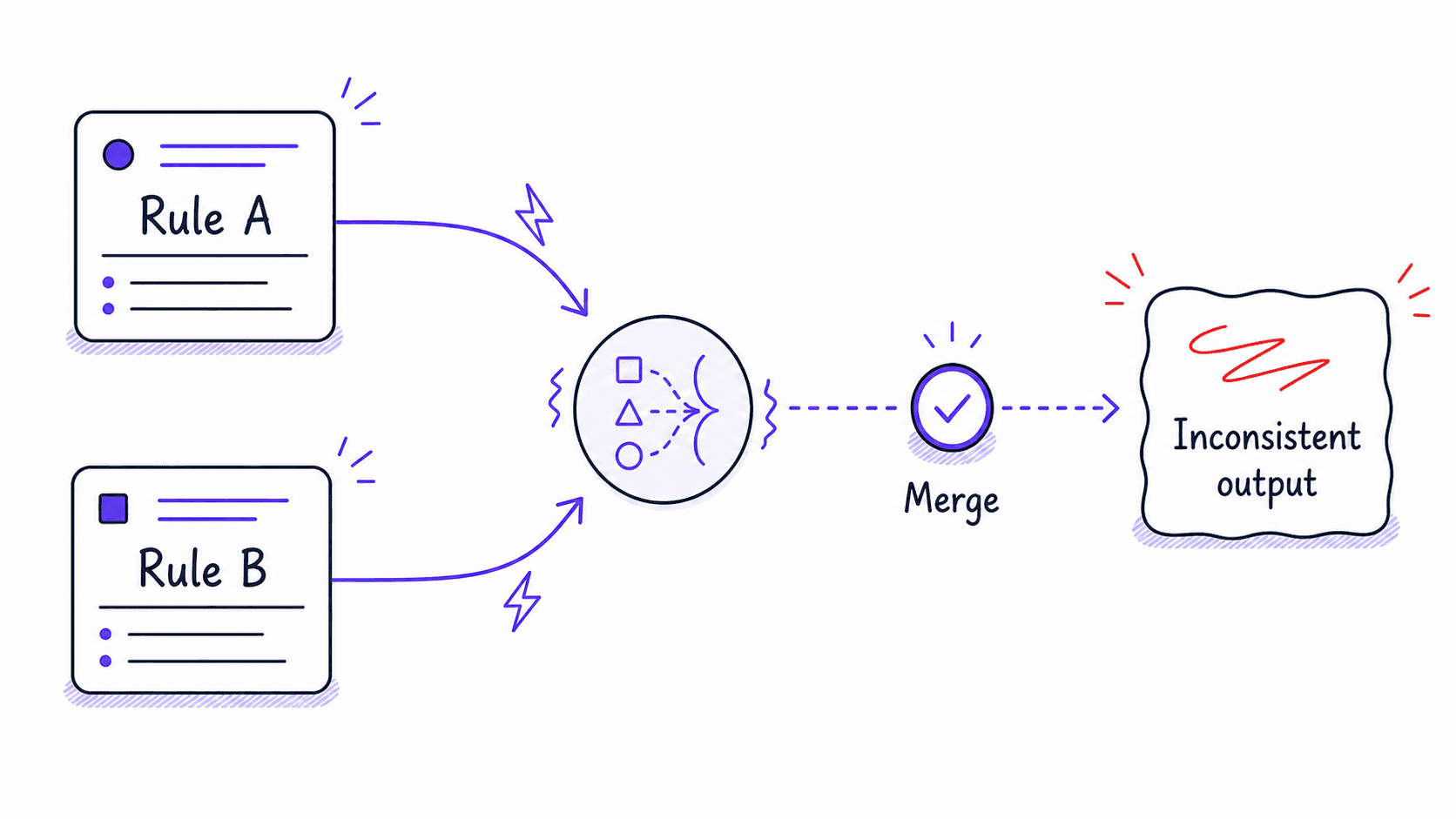
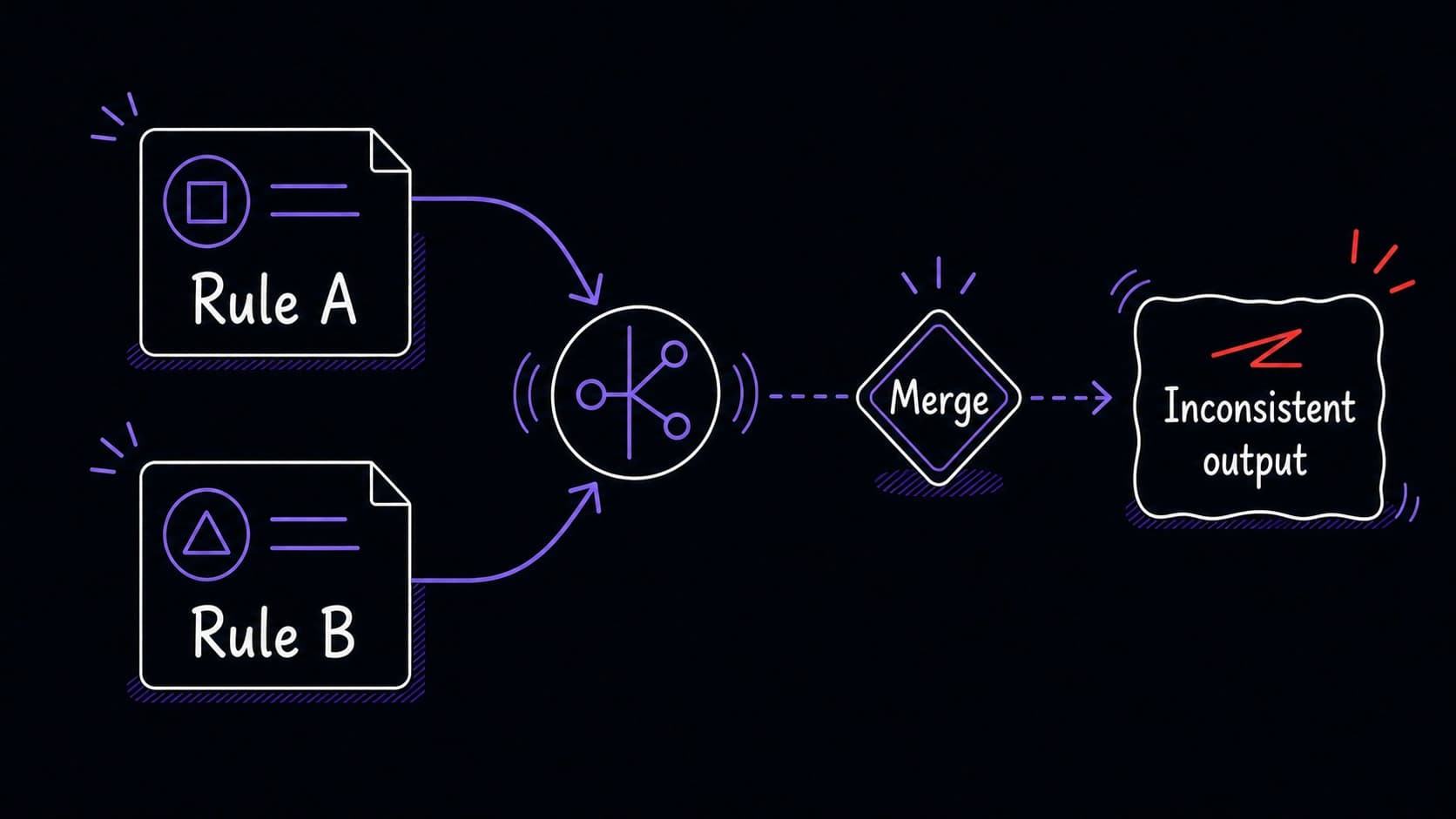
A rule review fixes the system. Once a month, you review all saved rules, retire the ones that no longer apply, resolve conflicts between rules that contradict each other, and confirm the ones that are still working. The rule set stays clean and current.
A named rule has a date, a scope, and an owner
Every reusable rule should include four pieces of information: a plain-language name (what the rule does), the date it was created, the scope (which modules it applies to), and the source (which correction triggered it). Without these, rules accumulate silently and you lose track of why they exist.
Approval boundaries control what the assistant can do without asking
Every has actions the assistant should perform automatically and actions that require your explicit approval before proceeding. The line between these two categories is the . Drawing it clearly prevents the assistant from taking actions you would never have authorized while still letting it handle routine work without interrupting you.
The is a spectrum. At one end, the assistant can only read data and produce reports. At the other end, it can take actions on your behalf: sending emails, scheduling meetings, archiving messages. Most modules start at the read-only end and graduate toward more autonomy as you build trust through successful runs.
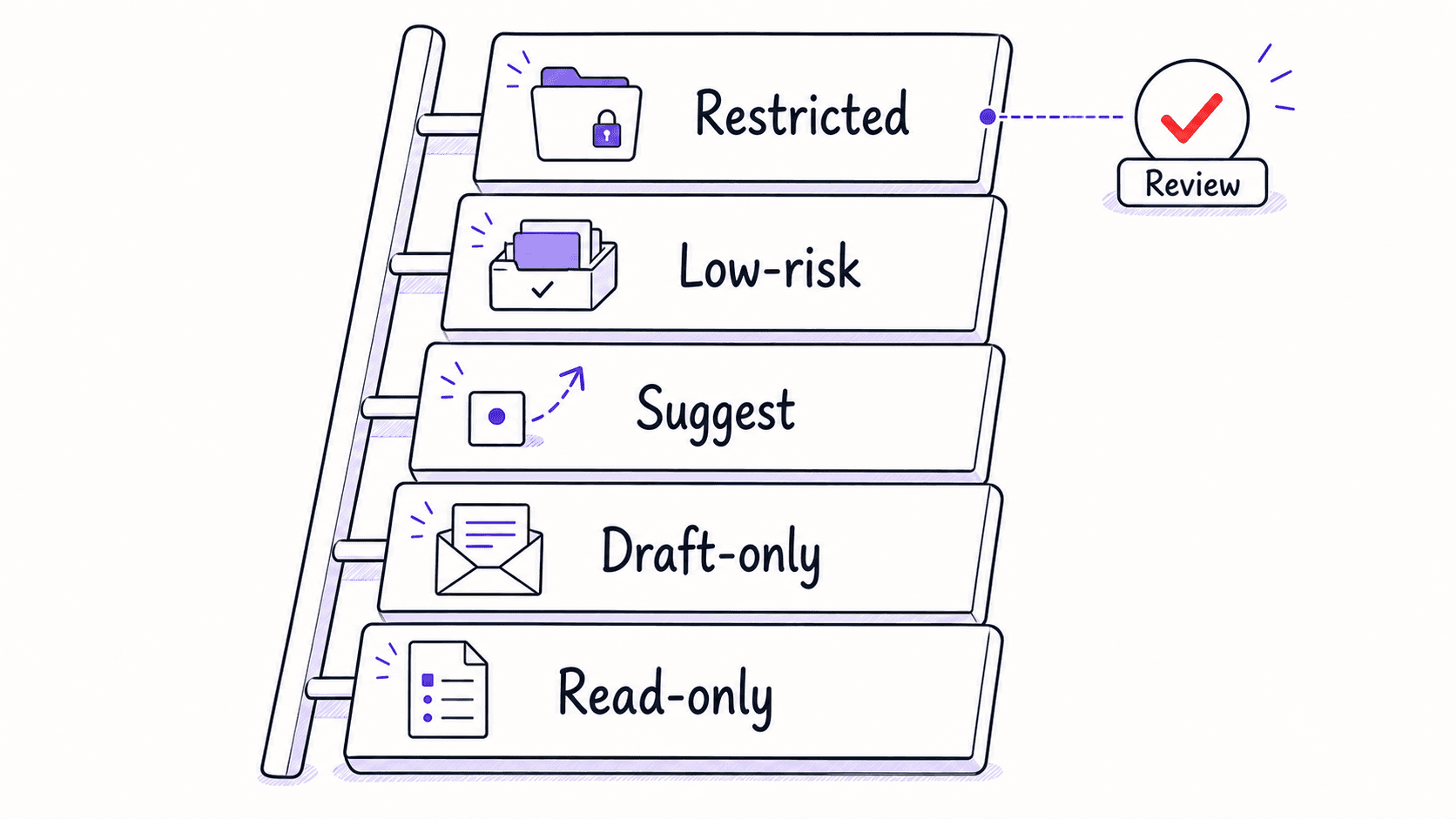
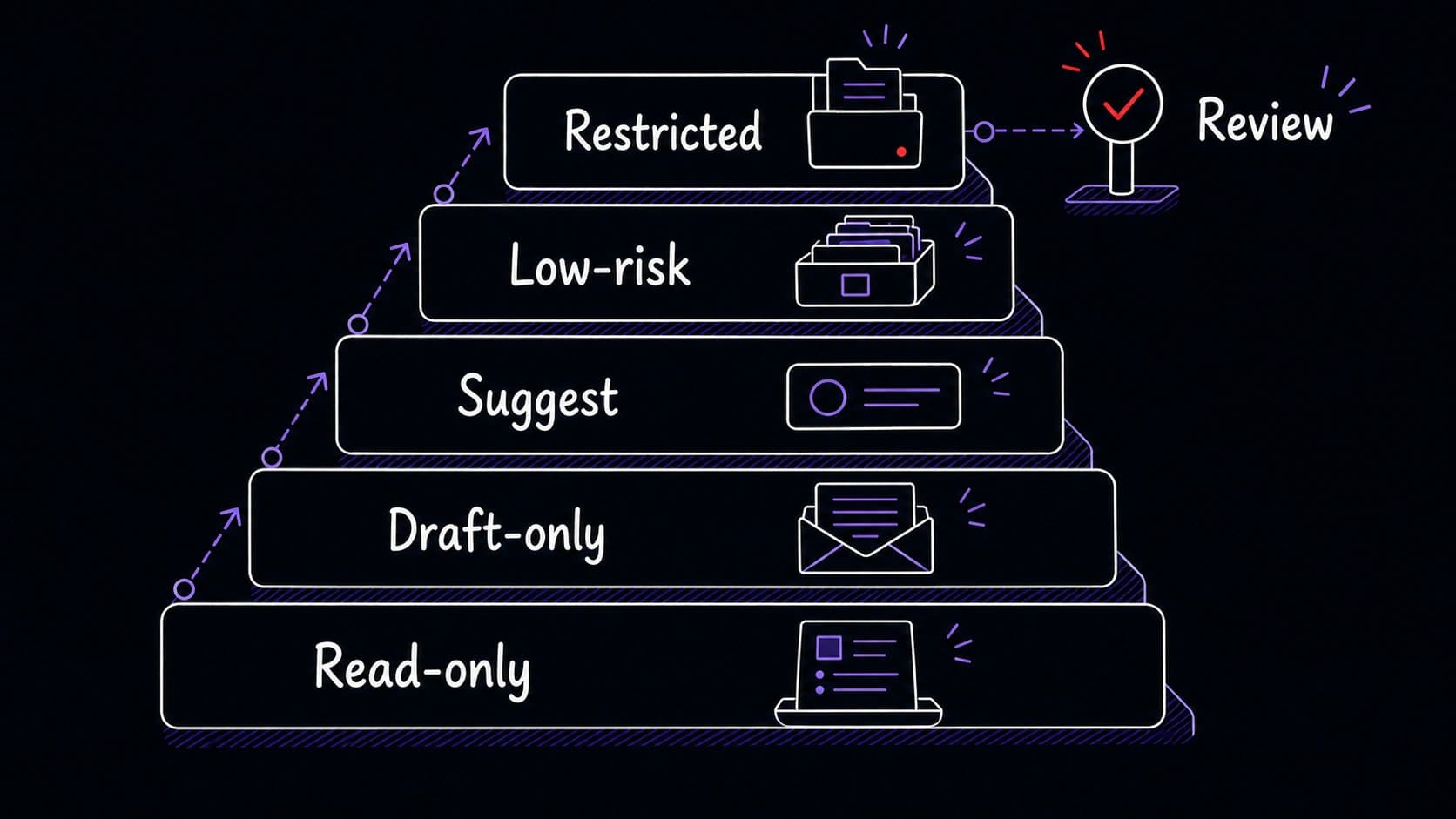
A 's approval level can differ by action type. The email might be autonomous for archiving newsletters (low-risk, reversible) and restricted for sending replies (high-impact, irreversible). Drawing boundaries per action type gives you fine-grained control without forcing the module into a single trust level.
Monthly rule maintenance retires what no longer applies
Rules accumulate. After three months of active use, a might have fifteen rules. Some address problems you solved by changing your workflow. Some conflict with rules you added later. Some apply to tools you no longer use.
A monthly rule review takes ten minutes. You list all active rules, ask the assistant to flag any that have not triggered in the past month, and retire the ones that no longer match your current situation. You also check for conflicts: two rules that give opposite instructions for the same scenario.