Describe the task, then let AI build the Skill
Chapter Progress: Early DraftYour audit turned up the raw material
You identified repeated instructions from the past week and classified each one as a , memory, project rule, or candidate. At least one of them has steps, inputs, a predictable output, and corrections you keep making. That one is your raw material.
This chapter turns your meeting-recap candidate into a working .
You do not need to write files by hand or memorize a specification to get started. ChatGPT, Claude, and Codex all let you create Skills through conversation: describe the task, answer questions, and the tool builds the package. In ChatGPT, you can also use the Skills editor or upload a Skill file. In Claude, you describe the work and Claude drafts the package. In Codex, the built-in $skill-creator walks you through the process. Other tools may support the same open Skill format with their own creation flows.
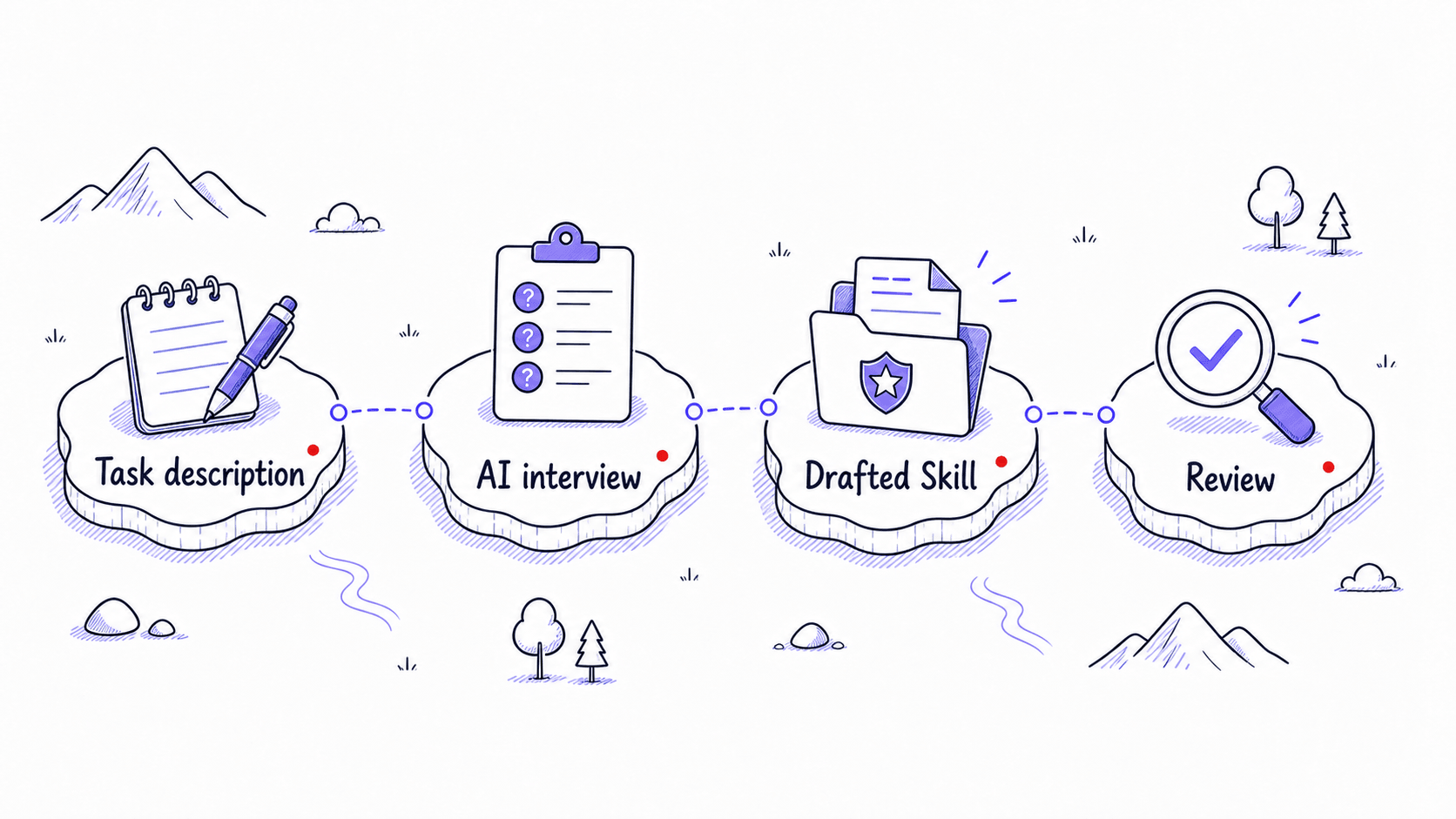
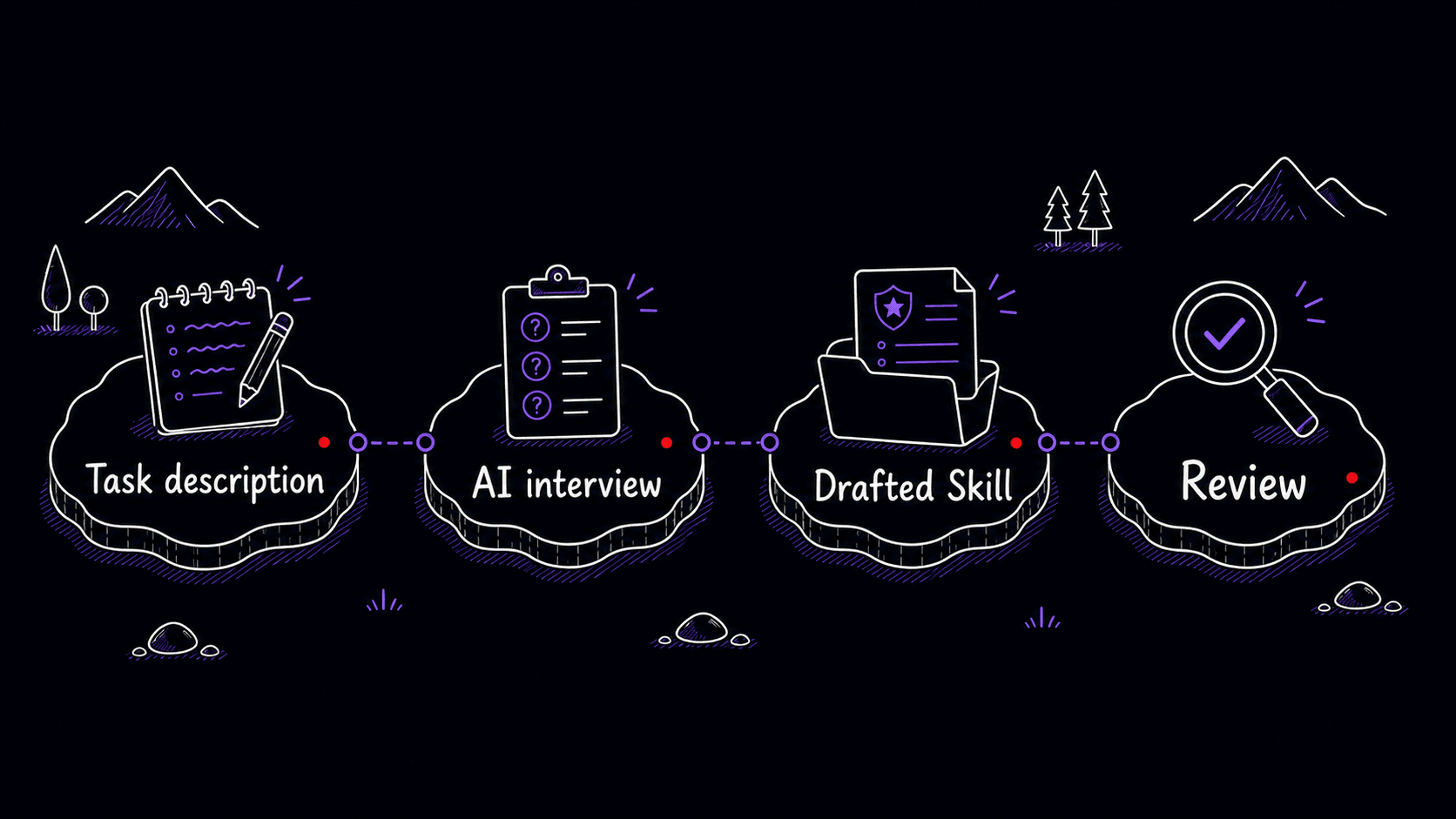
You describe the task, the tool interviews you about inputs, outputs, edge cases, and boundaries, and it drafts the . You review the draft, correct what it missed, and the Skill improves from each round. You describe your work; AI turns that description into a package you can inspect, install, and improve.
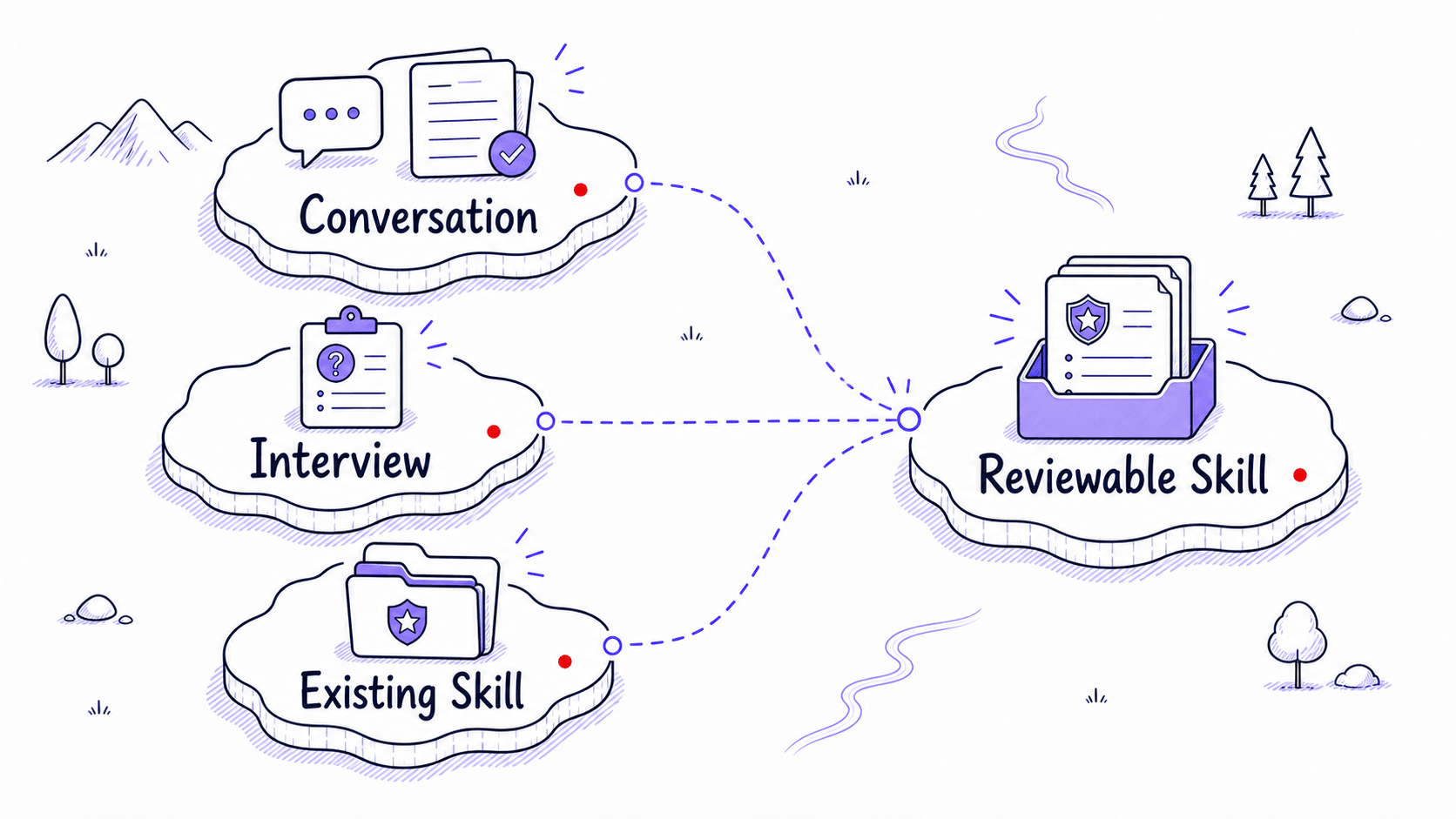
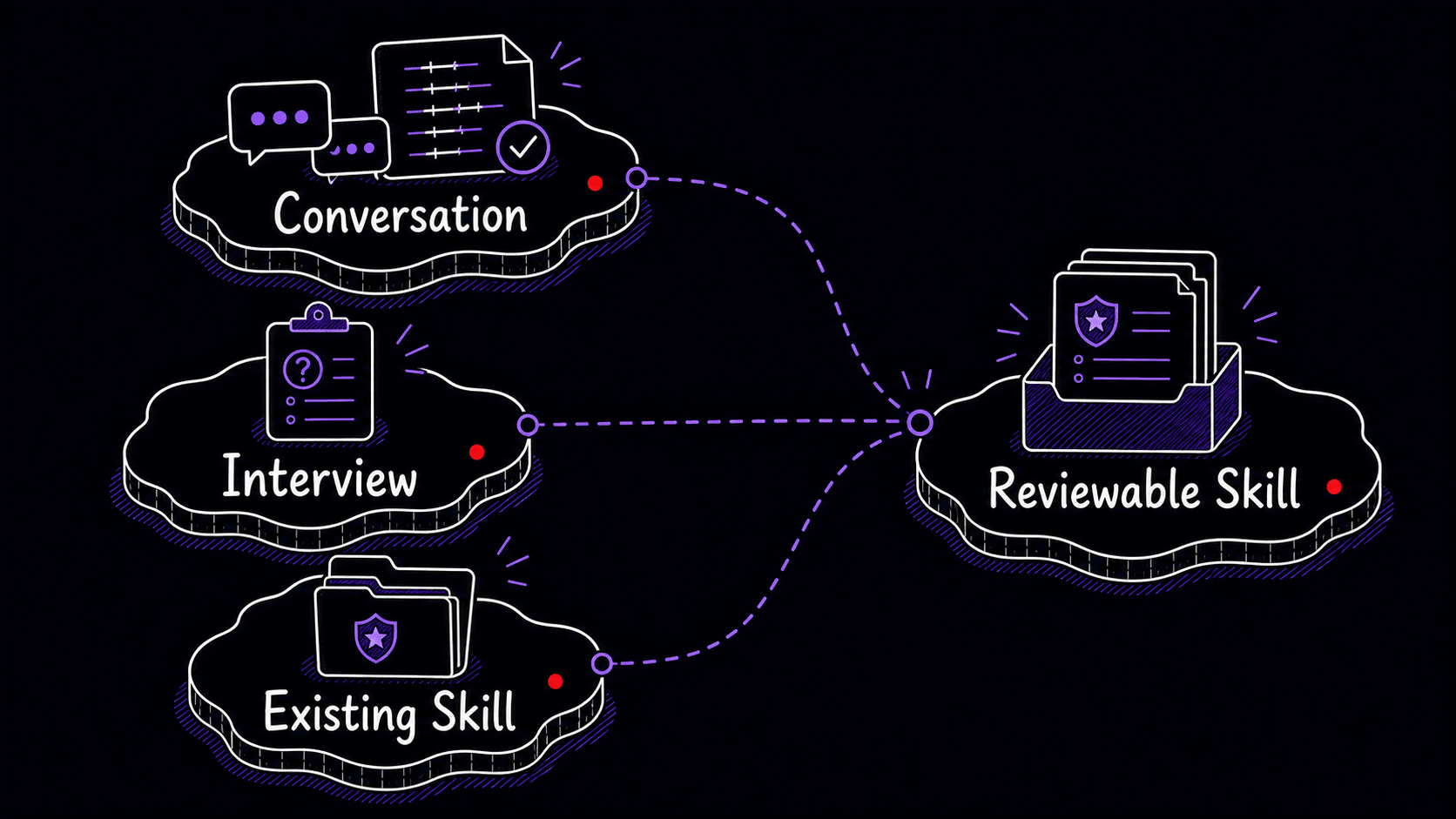
A usually starts from three kinds of evidence
The first kind of evidence comes after a conversation. You have just spent time correcting AI on a task. The sequence is visible. The mistakes are visible. The final output shape is visible. Instead of closing the chat and letting that learning disappear, you ask the AI to turn the conversation into a .
The second comes before the task. You already know you do this work repeatedly, and the AI has not watched you do it yet. So you start a -creation conversation and let the AI interview you. The third starts from an existing Skill, app, or marketplace item that already covers part of the job.
All three paths can work. They start with different evidence, and they require different kinds of review.
That third path is worth remembering. Sometimes you should start from something that already exists. Codex has built-in system Skills and a $-installer for curated Skills; Claude has prebuilt document Skills and example Skills you can use as references. The safe habit is to inspect anything you install, then customize it to your own workflow. The downloaded-Skills chapter covers how to evaluate Skills you did not write yourself.
Ask AI to mine the conversation for the real procedure
This is the path that requires the least setup, and the one most people discover first.
Imagine you spent twenty minutes working through a meeting recap. You pasted a transcript, and the AI produced a summary. You corrected it: 'No, separate confirmed decisions from things that were only discussed.' You corrected it again: 'Include the owner and deadline for each decision, and do not invent action items that were only mentioned casually.' You corrected it a third time: 'The speaker labels from the recording tool are wrong for the first 30 seconds; cross-reference with the attendee list before assigning names.'
Those corrections are design material.
At the end of the conversation, use a capture like this:
Look back through this conversation and turn the workflow we just
developed into a reusable Skill.

Capture the task, trigger situations, step-by-step procedure,
output format, examples, guidelines, corrections, failure modes,
boundary rules, error-prevention principles, and quality checks.
Preserve the distinctions I cared about and the mistakes I corrected.

Draft a clear SKILL.md that I can review, test, and improve over
time.
The tiny version, 'Turn this into a ,' can work when the conversation is rich enough. The stronger version tells AI what evidence to extract: the procedure, examples, corrections, failure modes, boundaries, error-prevention principles, and quality checks that should survive into the Skill.
Your job is to review the draft as the person who knows this work. Did it capture the real procedure? Did it preserve the corrections that mattered? Did it distinguish confirmed decisions from tentative ideas? Did it prevent invented action items? Did it include the speaker-label warning? Is the description specific enough to activate for meeting recaps and stay quiet for generic summaries?
If something is missing, say so:
Revise the Skill. Add a Gotchas section that says not to trust
speaker labels in the first 30 seconds of a recording transcript
unless they are confirmed by the attendee list or surrounding context.
You are shaping the through conversation, just as you shaped the original output.
The quality of the depends on how concrete your corrections were. 'Make it better' gives the AI nothing to codify. 'Do not combine confirmed decisions with unresolved discussion items' is excellent material because it names a specific failure and draws a clear boundary. The best corrections name what went wrong and show what should happen instead.
The interview path captures a task AI has not seen yet
The second path starts before you have done the task with AI. You know the work repeats. Maybe it is a weekly client update, a podcast transcript cleanup, a grant proposal review, a board memo outline, a code-review checklist, or a customer-feedback synthesis. You do not have a fresh conversation full of corrections, so you start with an interview.
You might begin with:
I want to create a Skill for recapping meetings
from call transcripts. Interview me one question at a time
before drafting.

Make sure you understand the inputs, desired output, procedure,
quality standards, common mistakes, boundaries, trigger cases,
non-trigger cases, and test scenarios.
The AI should ask about the task from several angles:
The interview pulls out knowledge you might not think to write down on your own. Edge cases feel obvious until someone asks about them. Boundaries feel obvious until an AI crosses them. The interview makes your working standards visible so the can follow them.
The reviewable plan lets you fix problems with the , procedure, examples, and boundaries before the AI writes the actual files. Reviewing a plan is easier than rewriting a finished .
What AI creates: a package you can inspect
Whether you use the capture path or the interview path, the result should be something you can read.
A is usually a folder with a file at its center. The simplest Skill contains only that one file. More advanced Skills can include reference documents, examples, templates, assets, scripts, or other supporting files. Both Anthropic and OpenAI describe Skills as folder-based packages containing instructions, optional code, and reference materials. The AI loads the full contents only when it decides the Skill matches your request.
You do not need to become a file-format expert. You should know what you are reviewing.
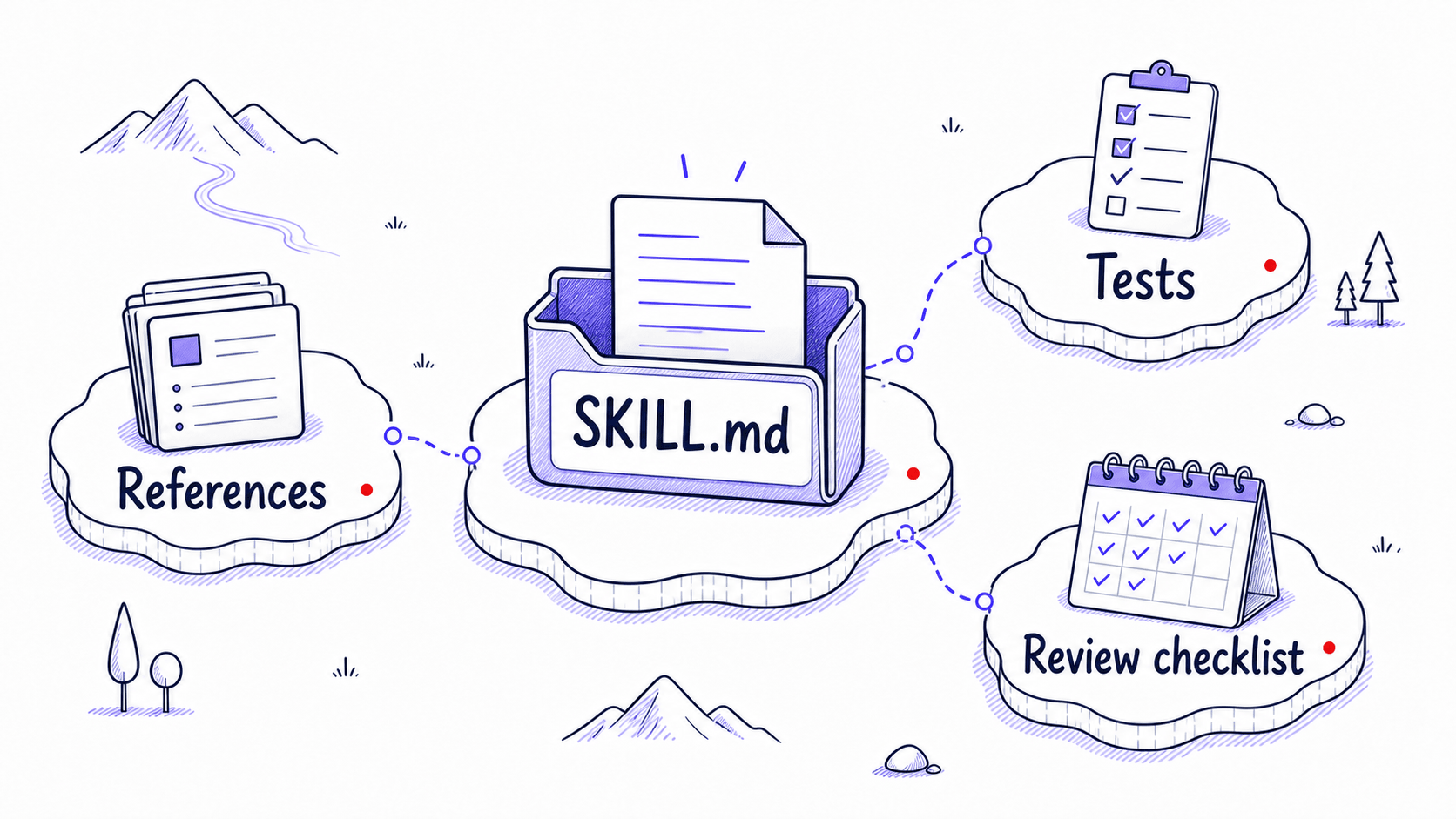
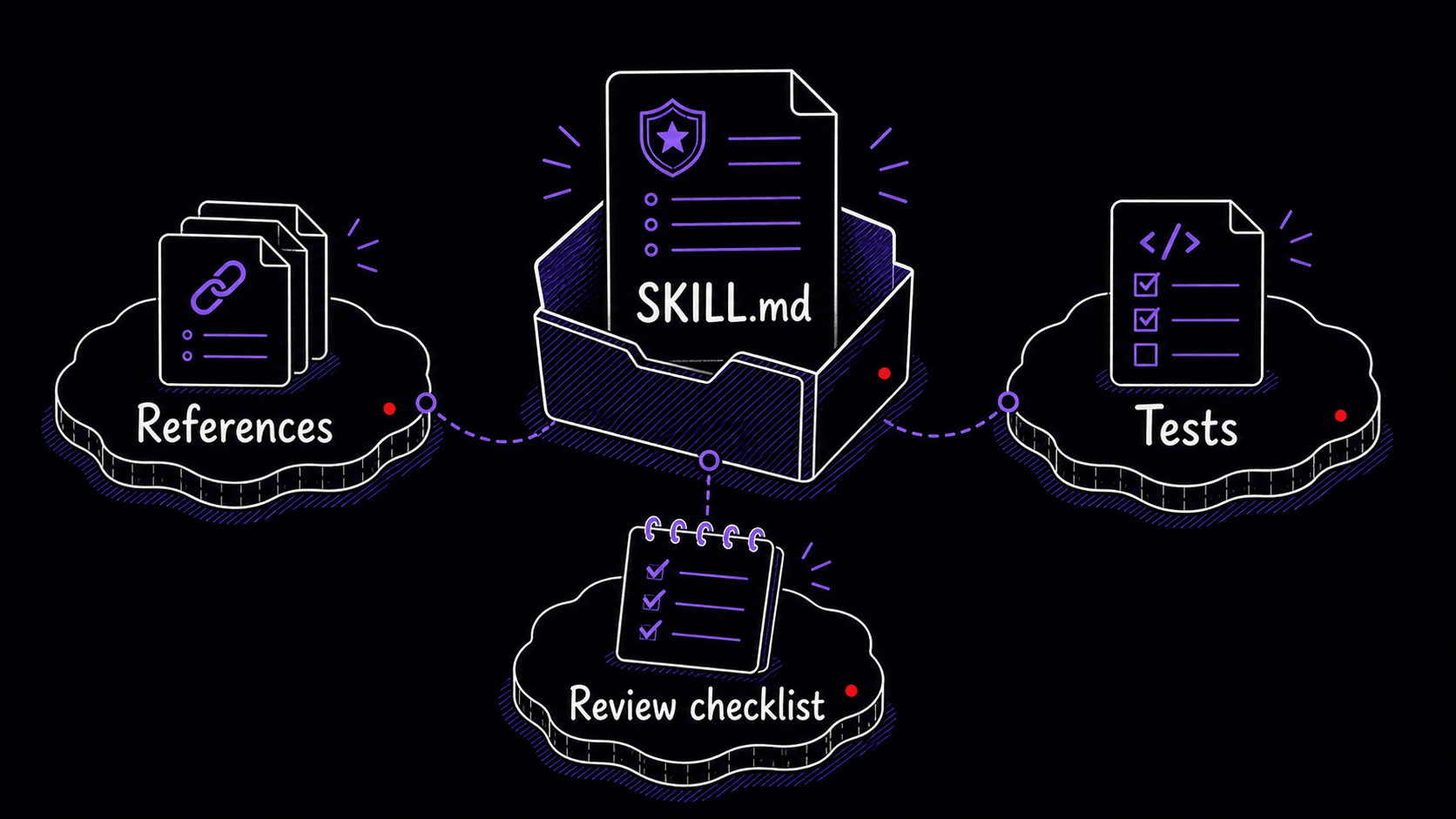
Here is a first draft of a meeting-recap . Read through it once, then look at the annotations below.
---
name: meeting-recap
description: >
  Creates structured meeting recaps from transcripts,
  call notes, or recording summaries. Use when the user
  asks for a meeting summary, call recap, decision log,
  follow-up email, or action-item extraction from a meeting.
---

# Meeting Recap

## When to Use
Activate when the user provides a meeting transcript,
call recording notes, or mentions needing a recap of a
recent conversation.

Use it for requests such as:
- "Recap this meeting."
- "Pull out the decisions and action items."
- "Write the follow-up email from this call."
- "Summarize the standup and identify blockers."

## When Not to Use
- general article summaries
- lecture notes
- personal journaling
- legal, medical, or financial transcript analysis
  requiring professional review
- any meeting where the user asks only for a very short
  informal summary

## Inputs
The user may provide:
- a full transcript
- speaker-labeled notes
- a recording-tool summary
- an attendee list
- chat logs or agenda notes

If speaker labels appear unreliable, say so before
assigning ownership.

## Procedure
1. Read the full transcript or notes before producing
   the recap.
2. Identify confirmed decisions separately from ideas
   that were merely discussed.
3. Extract action items only when a concrete follow-up
   was stated or clearly assigned.
4. For each action item, identify the owner, deadline,
   and evidence from the transcript.
5. List unresolved questions, risks, blockers, or
   dependencies.
6. Draft a follow-up email that summarizes confirmed
   decisions and next steps.
7. Flag missing information rather than inventing it.

## Output Format
Produce these sections:
1. Brief summary
2. Confirmed decisions
3. Action items
4. Open questions and risks
5. Draft follow-up email

For action items, use this table:

| Action item | Owner | Deadline | Evidence | Confidence |
|---|---|---|---|---|

## Gotchas
- Do not invent action items that were not explicitly
  stated or clearly assigned.
- Do not treat discussion as a decision unless the
  transcript shows agreement or confirmation.
- If a deadline is implied but not stated, mark it as
  "not stated" and explain the implication.
- Speaker labels from recording tools may be wrong,
  especially near the beginning of a call. Cross-check
  names against the attendee list and surrounding context
  before assigning ownership.
- If ownership is unclear, write "unclear" instead
  of guessing.

## Test Scenarios
1. Transcript includes a proposed action item that nobody
   agrees to own.
   Expected: list it under open questions, not action items.

2. Transcript includes "Let's ship this Friday" but no
   named owner.
   Expected: decision confirmed; owner unclear; deadline Friday.

3. Recording labels the first speaker incorrectly.
   Expected: flag uncertainty and avoid assigning ownership
   until supported by context.
The description determines when the fires
The description line determines whether your ever fires.
AI uses metadata to decide whether a Skill is relevant to the current task. Both Anthropic and OpenAI use progressive loading: the AI reads only the name and description first. The full body loads only when the AI decides this Skill matches your request. That means the description is the single line that decides whether your Skill gets used.
Vague descriptions create two kinds of failure. If the description is too broad, the fires too often. A description like 'Helps summarize information' might activate when you only wanted a normal summary. If the description is too narrow, the Skill misses requests it should handle. A description like 'Summarizes Zoom transcripts' may fail when you say 'recap this client call.'
A good description includes the task, the situations, and the boundaries. For the meeting-recap :
description: >
  Creates structured meeting recaps from transcripts,
  call notes, or recording summaries. Use when the user
  asks for a meeting summary, call recap, decision log,
  follow-up email, or action-item extraction from a meeting.
It names the task, names the inputs, and includes likely user phrases without claiming to summarize every kind of document. The next chapter goes deeper on evaluation.
Four passes for reviewing a draft
When AI drafts the , do not ask, 'Does this look polished?' Ask, 'Would this prevent the mistakes I keep correcting?'
Review the draft in four passes.
- Check the . Would this activate for the right requests? Would it stay quiet for similar requests that belong to a different workflow?
- Check the procedure. Does the order match how the task should really happen? If the says to draft a follow-up email before identifying confirmed decisions, the sequence is wrong. Say so.
- Check the boundaries. Does it say what the AI should never invent, assume, finalize, send, cite, expose, or automate?
- Check the tests. A without test scenarios is a hopeful instruction. Ask the AI to generate at least three realistic test cases: a normal case, an , and a case where the Skill should not activate.
Your feedback can be conversational:
Revise this. The Skill should identify confirmed decisions
before action items, because action items often depend on
whether the decision was actually made. Also add a non-trigger
case: do not use this Skill for generic article summaries.
Rigid steps for fragile work, flexible guidance for creative work
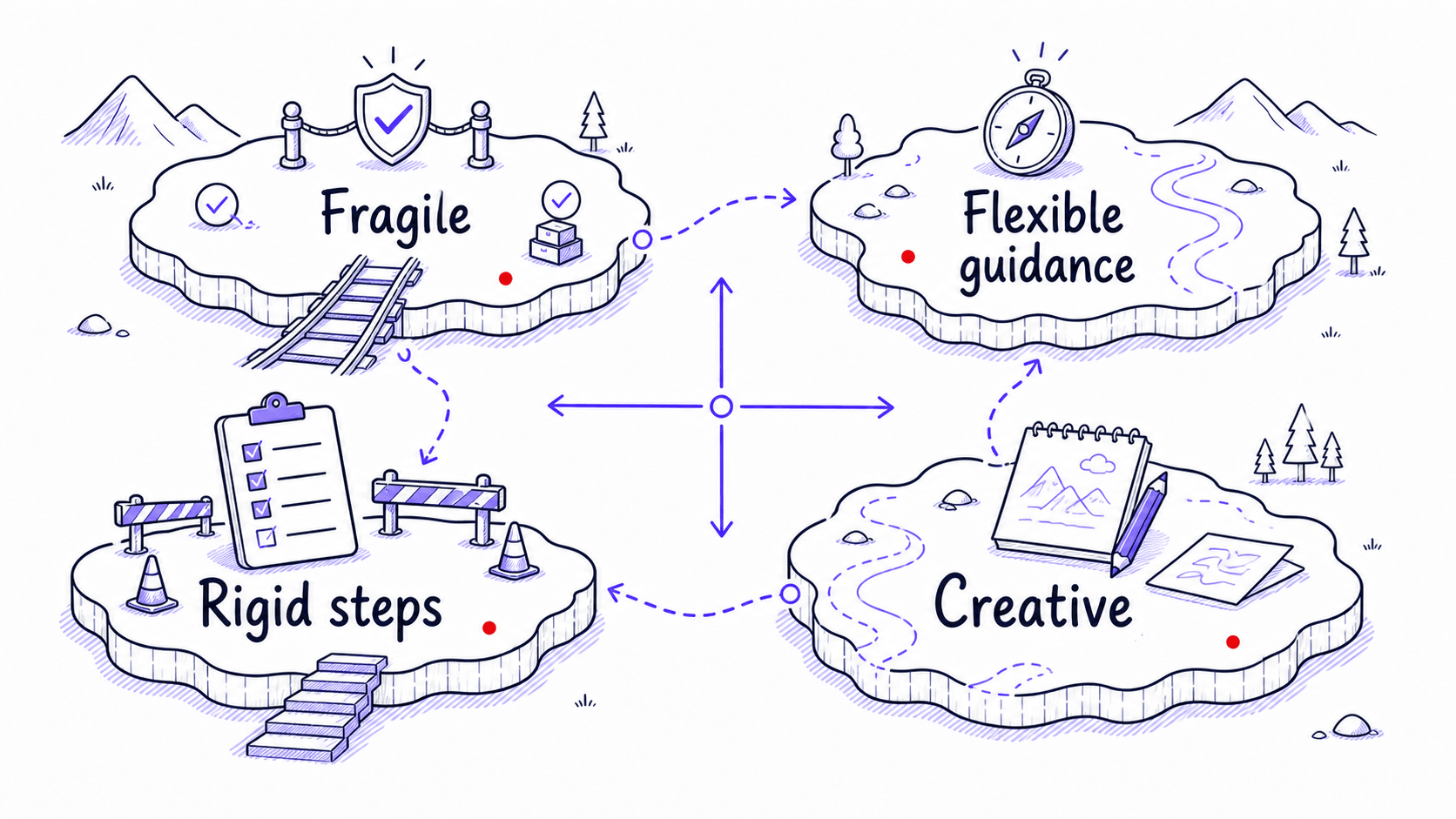
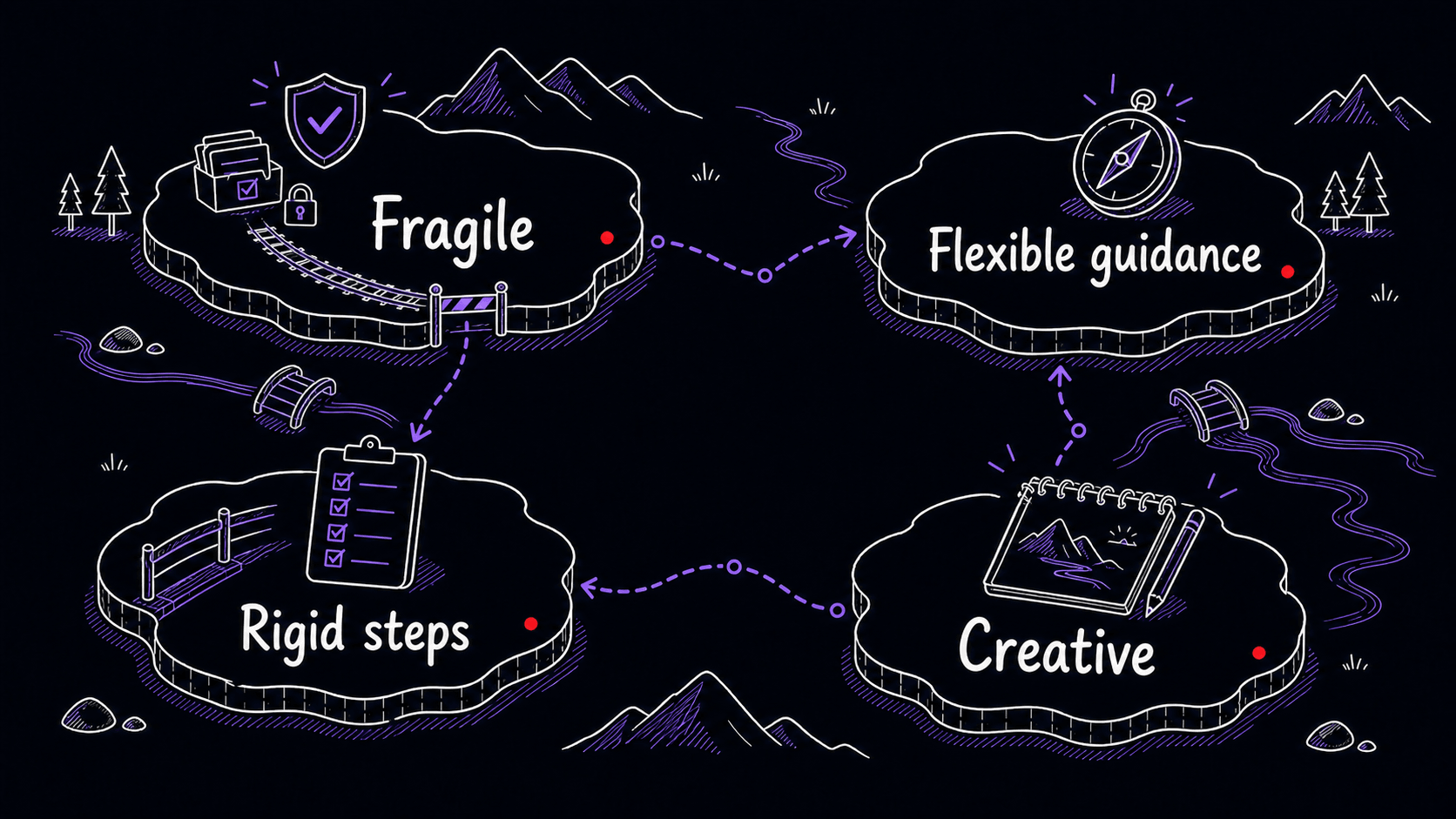
A critical judgment call during review is how tightly the procedure should be specified. A compliance-review needs every step spelled out, with mandatory checks and clear pass/fail criteria. A brainstorming Skill needs the goal, the constraints, and room for the to explore. Over-specifying creative work produces robotic output.
The question to ask: where does this output go? If it goes straight to a client, a regulator, or a system of record, the procedure needs rigid steps with explicit boundaries. If it feeds into your own judgment and you will reshape it before anyone else sees it, the procedure can leave room.
Drafting a is separate from installing it
This is the step many people miss.
After the AI creates the package, you still have to make it available to the tool you are using. The exact step depends on the product.
In Claude.ai, the conversation can produce the , and you then save it, enable it in the Skills area, and test whether Claude recognizes when to use it.
In Claude Code, a personal lives under ~/.claude/skills/<skill-name>/, while a project Skill lives under .claude/skills/<skill-name>/SKILL.md. Claude Code can invoke Skills directly with /skill-name or use them automatically when relevant.
In Codex, Skills are available across the CLI, IDE extension, and Codex app. You can explicitly mention Skills with $ or let Codex choose them when the task matches the description.
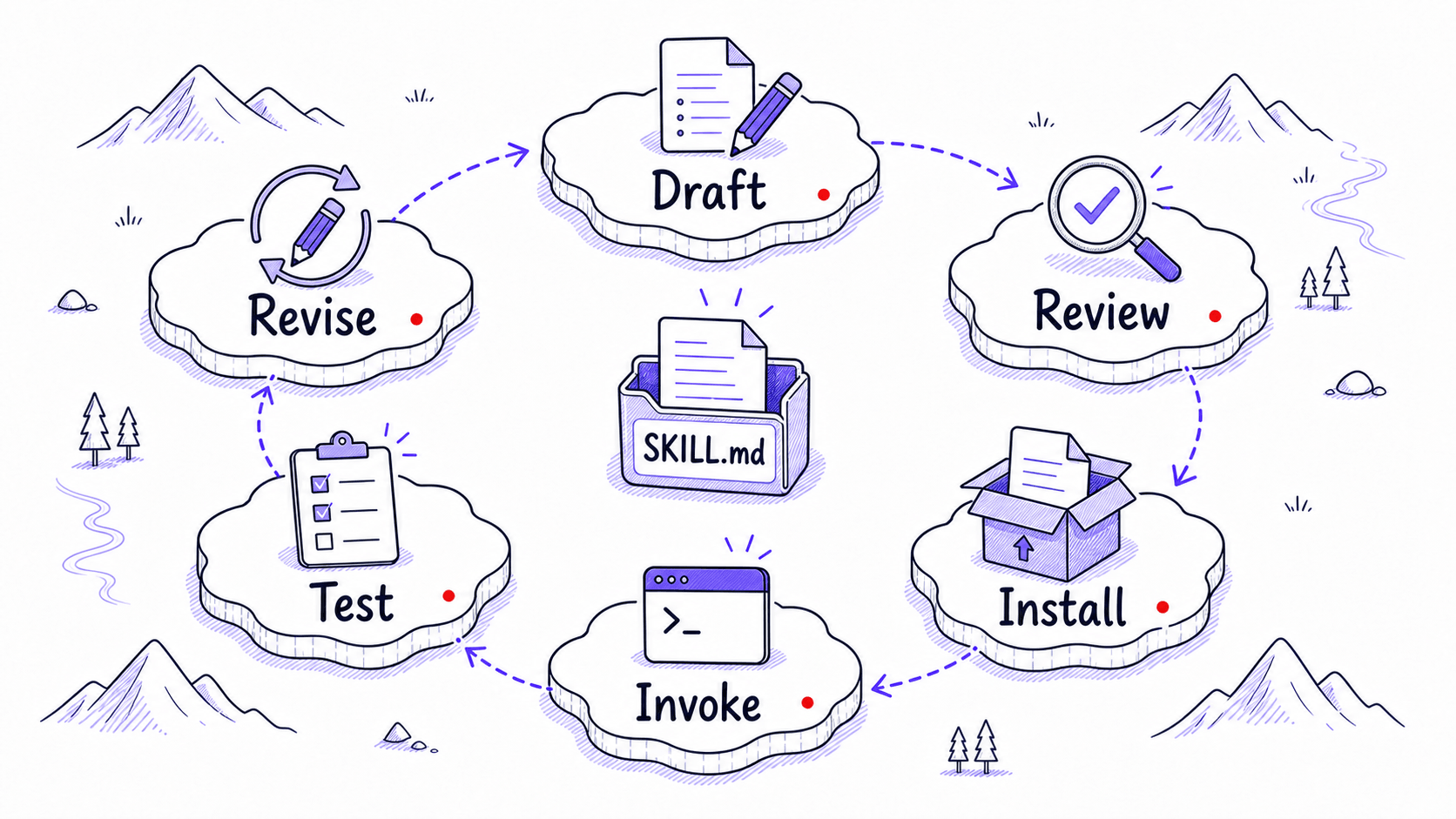
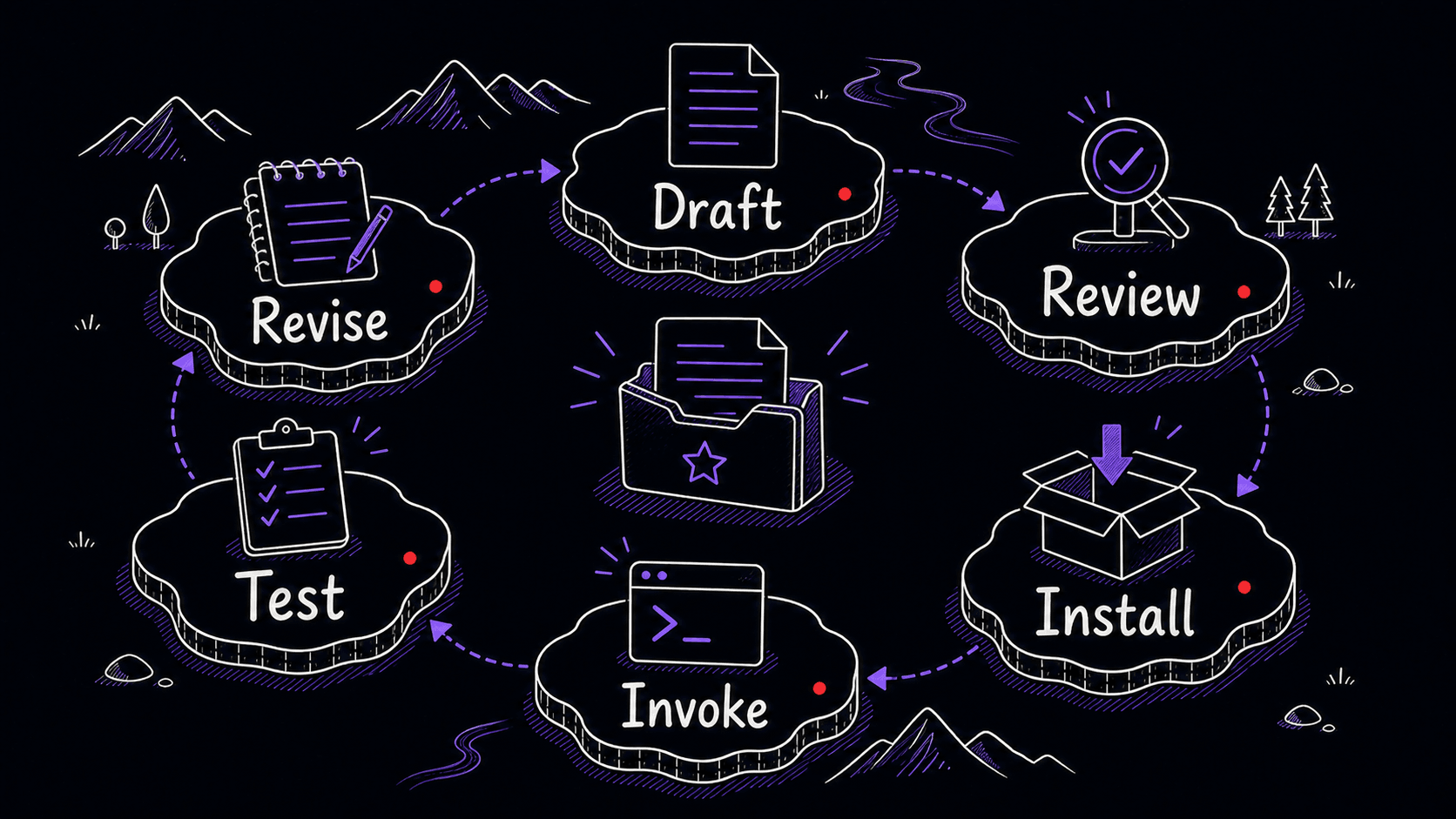
So the real lifecycle is:
Draft → review → install or enable → invoke → test → revise
Creation gives you the draft package. Installation makes it usable. Do not stop at the draft.
Test the before trusting it
After installation, test the with a realistic input.
For the meeting-recap , give it a short fake transcript containing three traps:
Alex: We should probably move the launch to Friday.
Priya: I agree Friday is better, but we need Sam to confirm.
Sam: I can confirm by tomorrow morning.
Alex: Great. Priya, can you update the client after Sam confirms?
Priya: Yes.
A weak might write:
That is wrong. The transcript does not confirm the launch move. It confirms that Sam must confirm by tomorrow and Priya will update the client after that. A with strong boundaries would produce:
This is why testing matters. You are checking whether the preserves the distinctions that matter in practice: confirmed versus tentative, assigned versus merely discussed, stated deadline versus implied deadline. Generic AI often blurs exactly these lines.
Mini-project: create your first through conversation
References
7 sources- 1Skills in ChatGPTView source
OpenAI · 2026 · OpenAI Help Center
OpenAI describes ChatGPT Skills as reusable workflows that can bundle instructions, examples, and code. The Help Center says ChatGPT Skills are in beta for Business, Enterprise, Edu, Teachers, and Healthcare plans, and can be created in conversation, with the Skills editor, or by upload.
Retrieved May 2026. ChatGPT supports Skills as a full creation path, though availability depends on your plan and the feature is still evolving.
- 2How to create a skill with Claude through conversationView source
Anthropic · 2026 · Claude Help Center
Claude's tutorial describes creating a Skill through conversation: describe your process, answer Claude's questions, and Claude creates a properly formatted SKILL.md package for future use. The user then saves, enables, and tests the Skill.
Retrieved May 2026. Claude creates Skills through conversation: you describe the work, Claude drafts the Skill, and you save and enable it when ready.
- 3Agent SkillsView source
OpenAI · 2026 · Codex Developer Documentation
Codex documents a built-in $skill-creator that asks what the Skill does, when it should trigger, and whether it should remain instruction-only or include scripts. Skills are discovered from repo, user, admin, and system locations.
Retrieved May 2026. Codex has a built-in Skill creator that walks you through the same process: what the Skill does, when it should trigger, and whether it needs scripts.
- 4Agent Skills OverviewView source
Anthropic · 2026 · Claude Platform Documentation
Anthropic describes Skills as filesystem-based resources containing instructions, executable code, and reference materials. Metadata such as name and description is loaded first; the full SKILL.md body loads only when the Skill is triggered. A Skill's name and description are required fields.
Retrieved May 2026. A Skill is a folder with SKILL.md at the center and optional supporting files. The AI reads the description first and only opens the full instructions when the description matches your request.
- 5Skill authoring best practicesView source
Anthropic · 2026 · Claude Platform Documentation
Anthropic's Skill authoring guidance recommends matching the 'degree of freedom' to the task. Fragile, consistency-critical tasks need more exact instructions; exploratory tasks can rely on broader guidance.
Retrieved May 2026. The general principle: the higher the stakes of the output, the more precise your instructions should be. Low-stakes creative work can be guided loosely.
- 6Teach Claude your way of working using skillsView source
Anthropic · 2026 · Claude Help Center
Claude.ai Skills generally activate from ordinary language when Claude recognizes the Skill's name or purpose. The user saves the generated Skill file, enables it, and tests whether Claude recognizes the relevant situations.
Retrieved May 2026. Claude.ai activates Skills when it recognizes what you are asking for, so you do not need to type a special command.
- 7Extend Claude with skillsView source
Anthropic · 2026 · Claude Code Documentation
Claude Code Skills become available when placed in the right filesystem location. Personal Skills go in ~/.claude/skills/<skill-name>/SKILL.md. Project Skills go in .claude/skills/<skill-name>/SKILL.md. Skills can be invoked with /skill-name or triggered automatically.
Retrieved May 2026. In Claude Code, installing a Skill means placing the folder in the right location on your computer. Personal Skills and project Skills go in different directories.