Build your second Skill and start a weekly review
Chapter Progress: Early DraftYou have one ; now build the system around it
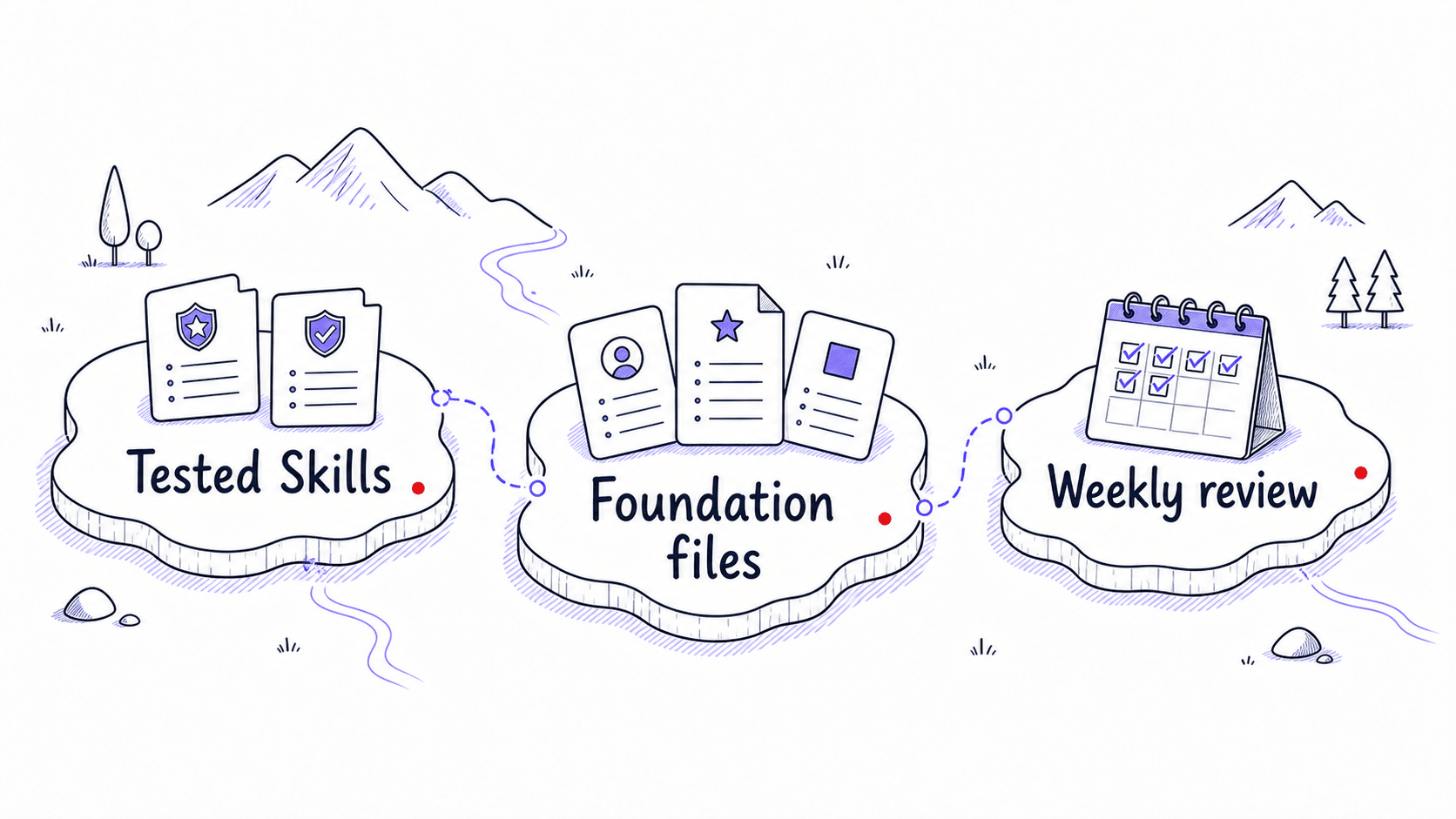
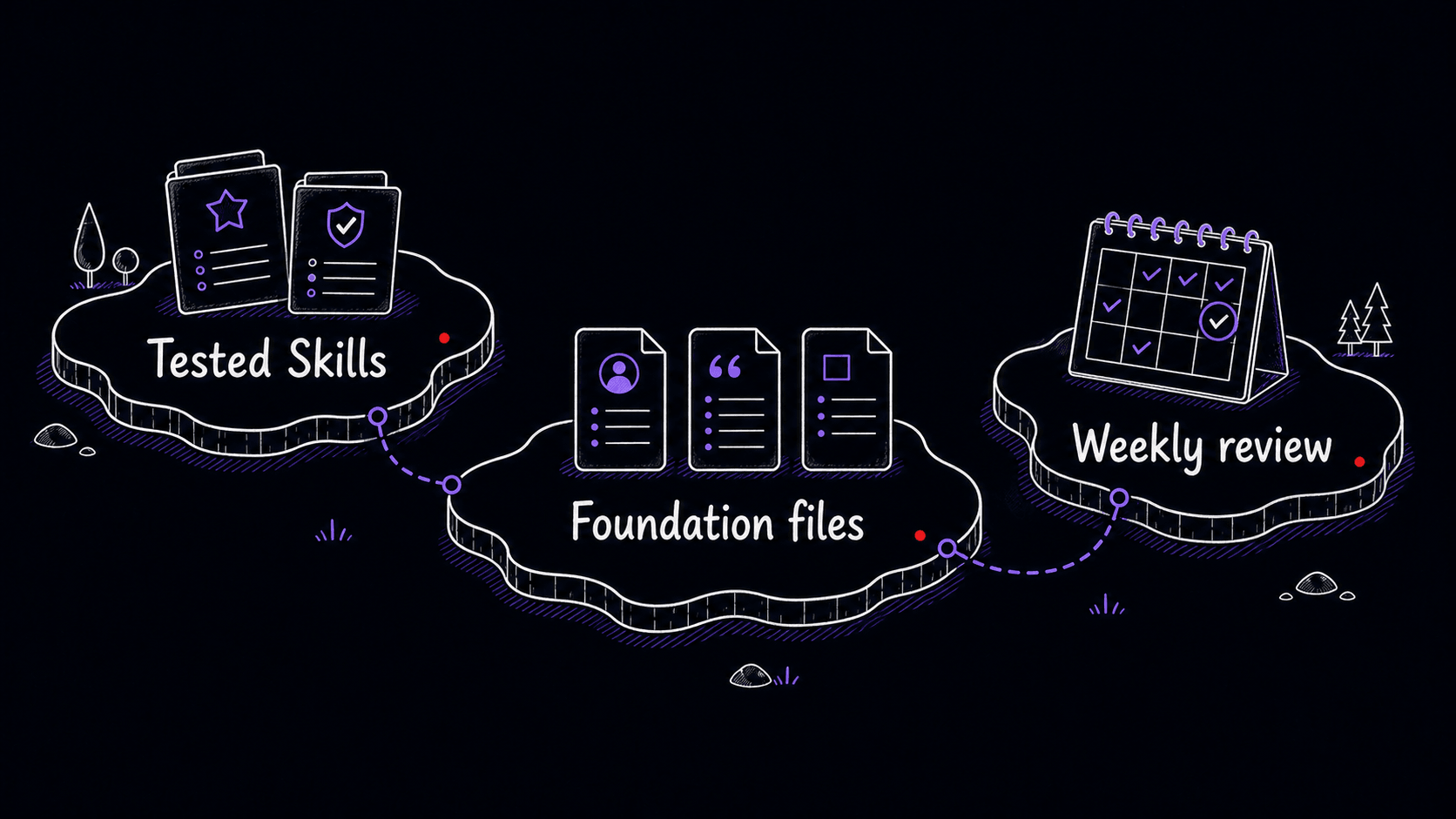
You created a through conversation, tested its , built foundation files, ran it with real input, and absorbed corrections. That is one complete Skill. A is two or more Skills plus your foundation files, with a habit that keeps them current.
This chapter walks you through creating a second , then setting up the weekly review that turns this from a one-time exercise into a compounding system.
Choose your second
Go back to your discovery table. You identified repeated tasks. You built the first one into a . Now pick the second one. If none of the remaining candidates feel right, use the pattern table below to spark a choice, then try one of the five scenarios that follow.
Skills cluster into recognizable patterns. Now that you have built one, this table helps you name what kind of your second candidate is and choose the right structure for it.
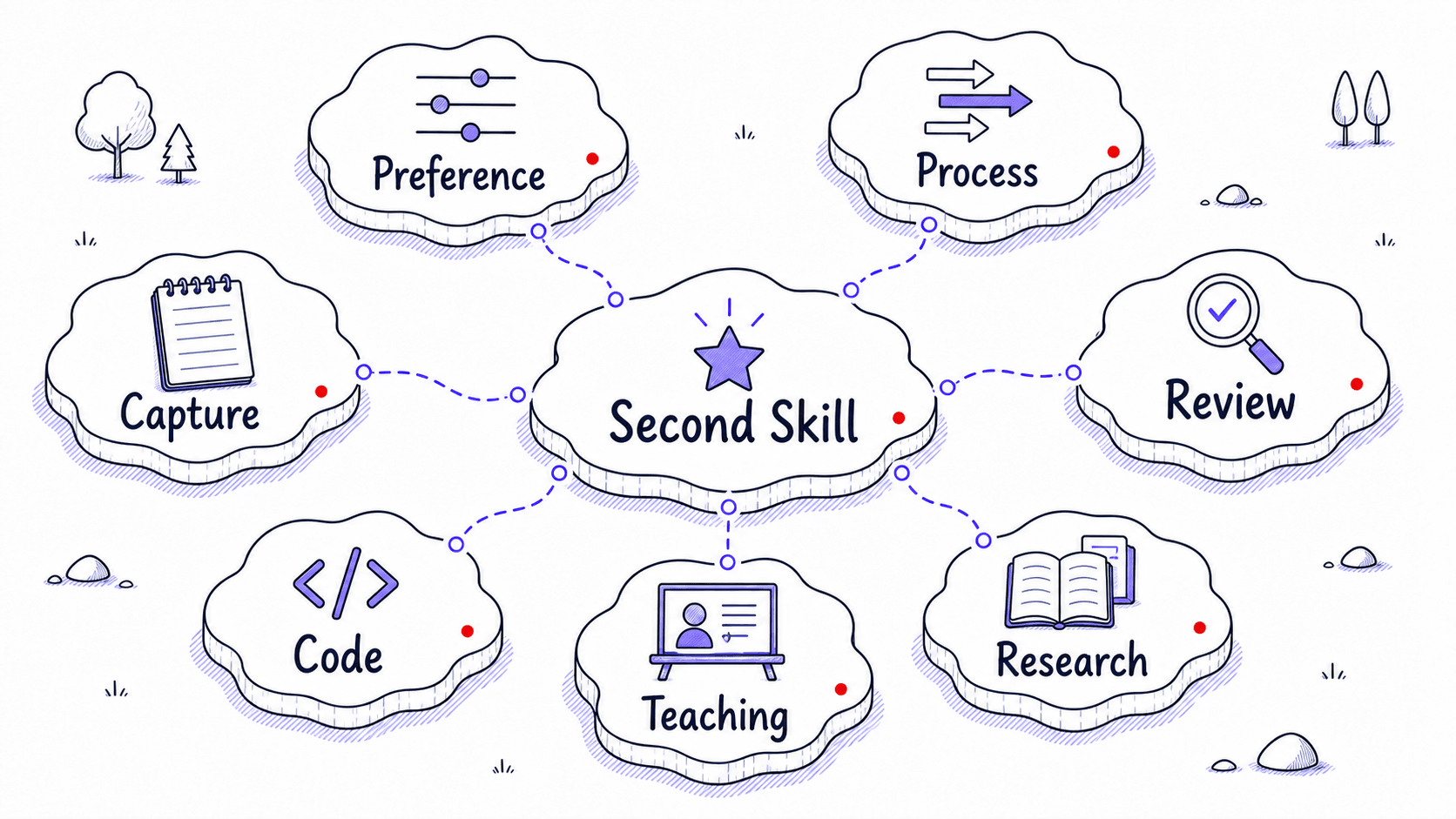
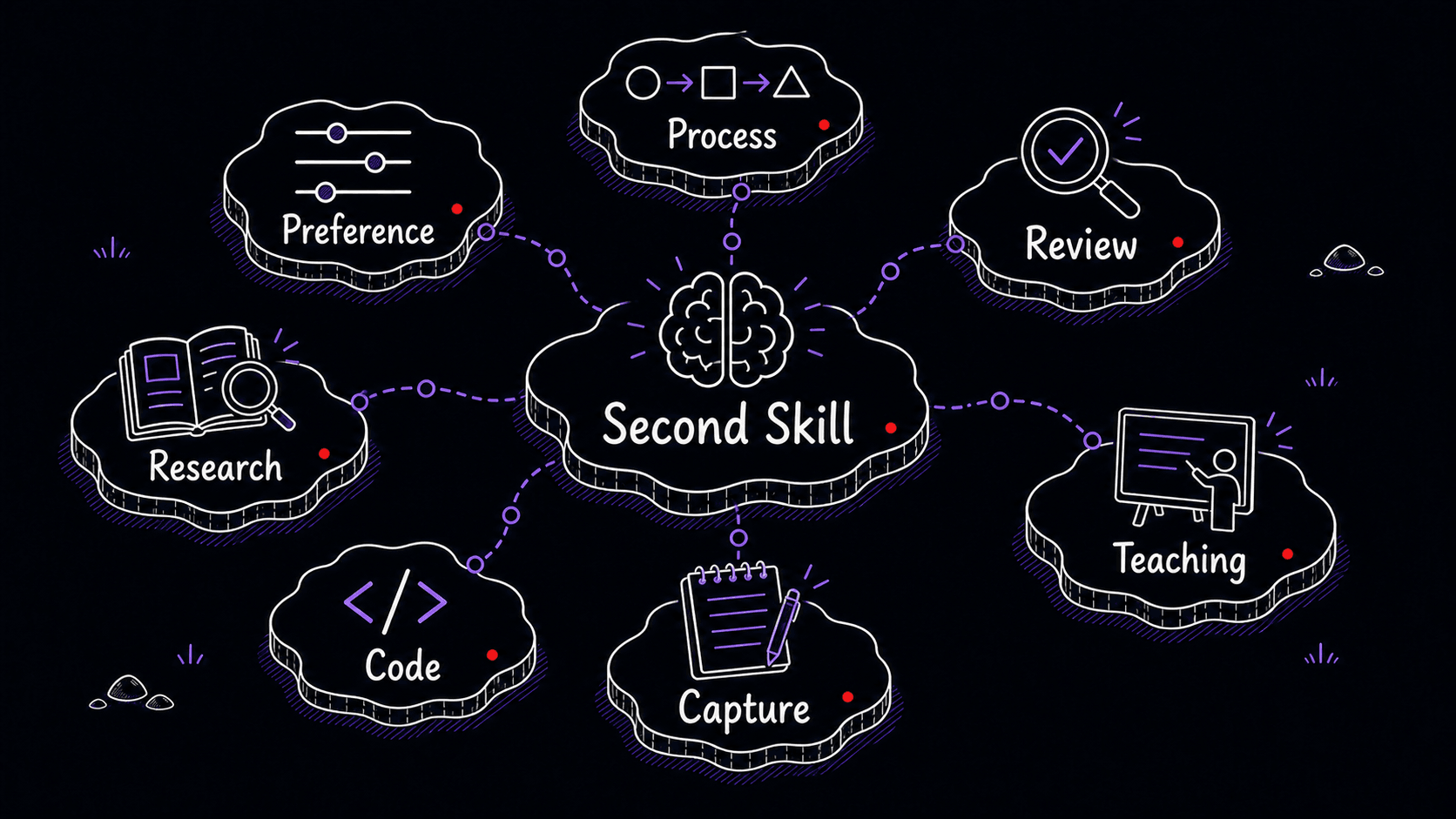
If none of your discovery candidates feel right, choose one of the five scenarios below. Each is a task most knowledge workers repeat weekly.
Scenario A: Follow-Up Email After a Meeting
You finish a call and draft the same kind of email every time: decisions first, then action items with owners, then open questions. You keep correcting the AI on your format, your tone, and what to leave out.
To create this , start a conversation and say: 'I want to create a skill that drafts follow-up emails after meetings. When I paste a transcript or my notes and say draft the follow-up, it should produce a ready-to-send email with decisions first, then action items with owners, then open questions. It should match my voice samples and never include internal-only commentary in the email.'
Scenario B: Weekly Status Update
Every week you need a summary of what happened for your manager, your client, or your team. The structure is always the same. The detail level is always the same. You keep re-explaining both to the assistant even though it may already know your basic preferences.
To create this , say: 'I want to create a skill for weekly status updates. It should take my rough notes from the week and produce a three-section update: completed, in progress, and blocked. One sentence per item. Blockers should be flagged, not buried. It should never list meetings as accomplishments.'
Scenario C: Draft Review Before Sending
Before you send an email, a proposal, or a slide deck, you run the same mental checklist: right tone, no banned words, no accidental budget commitments, right audience level. That checklist belongs in a so the AI can run it for you.
To create this , say: 'I want to create a skill that reviews drafts before I send them. When I say review this or is this ready to send, it should check for my banned words, verify audience fit, flag anything that commits budget or schedule, and produce a review table with issue, location, severity, and suggested fix. It should flag issues, not rewrite the draft.'
Scenario D: Notes-to-Structure Converter
You come out of a meeting, a brainstorm, or a research session with a pile of rough notes. You need them in a table or a brief with a consistent structure, and you keep telling the AI the same column names and the same rules about handling ambiguity.
To create this , say: 'I want to create a skill that turns raw notes into structured documents. When I paste unstructured notes and say organize this or structure these notes, it should produce a table with the columns I specify (usually item, owner, deadline, status). It should preserve ambiguity as tentative and never invent structure that was not in the source.'
Scenario E: Meeting Preparation Brief
You walk into meetings cold. You forget what was decided last time, who cares about which topic, and what the open threads are. A meeting-prep pulls from your recent history and produces a one-page brief you can scan in five minutes before the call.
To create this , say: 'I want to create a skill for meeting preparation. When I say "prep for my call with [name]" or "meeting prep," it should produce a one-page brief with meeting , open threads from prior meetings, stakeholder positions, three hard questions that surface real disagreement, and a suggested agenda. It should never invent stakeholder positions, and if it does not have calendar or email access, it should ask me to paste the relevant information.'
Build the second end to end
Where each should live
With two Skills, scope decisions become real. Where you put a determines where it is available. The folder is the scope; the description is the . There are three tiers of scope, and the narrower the scope, the less likely the is to fire where it should not.
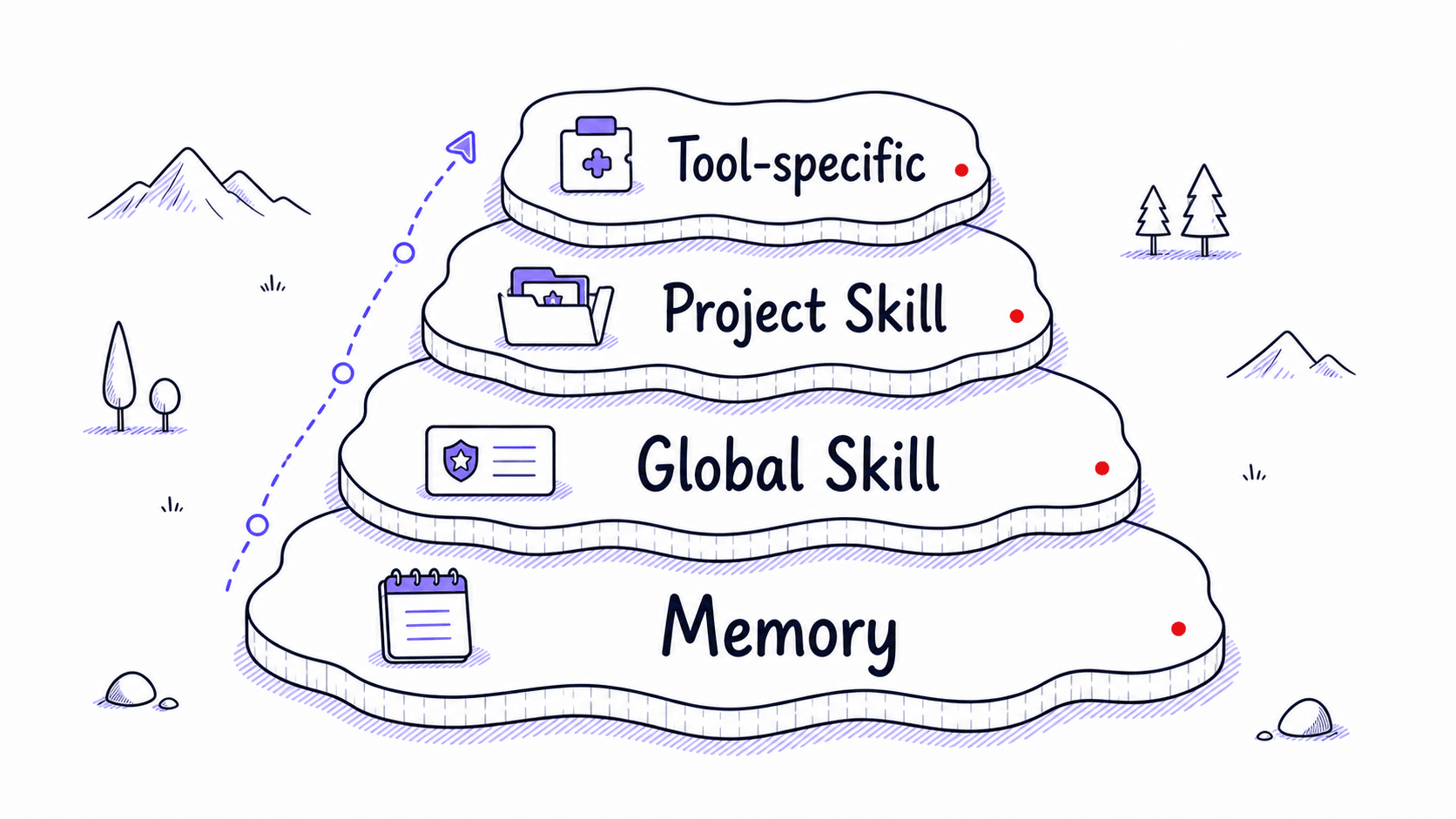
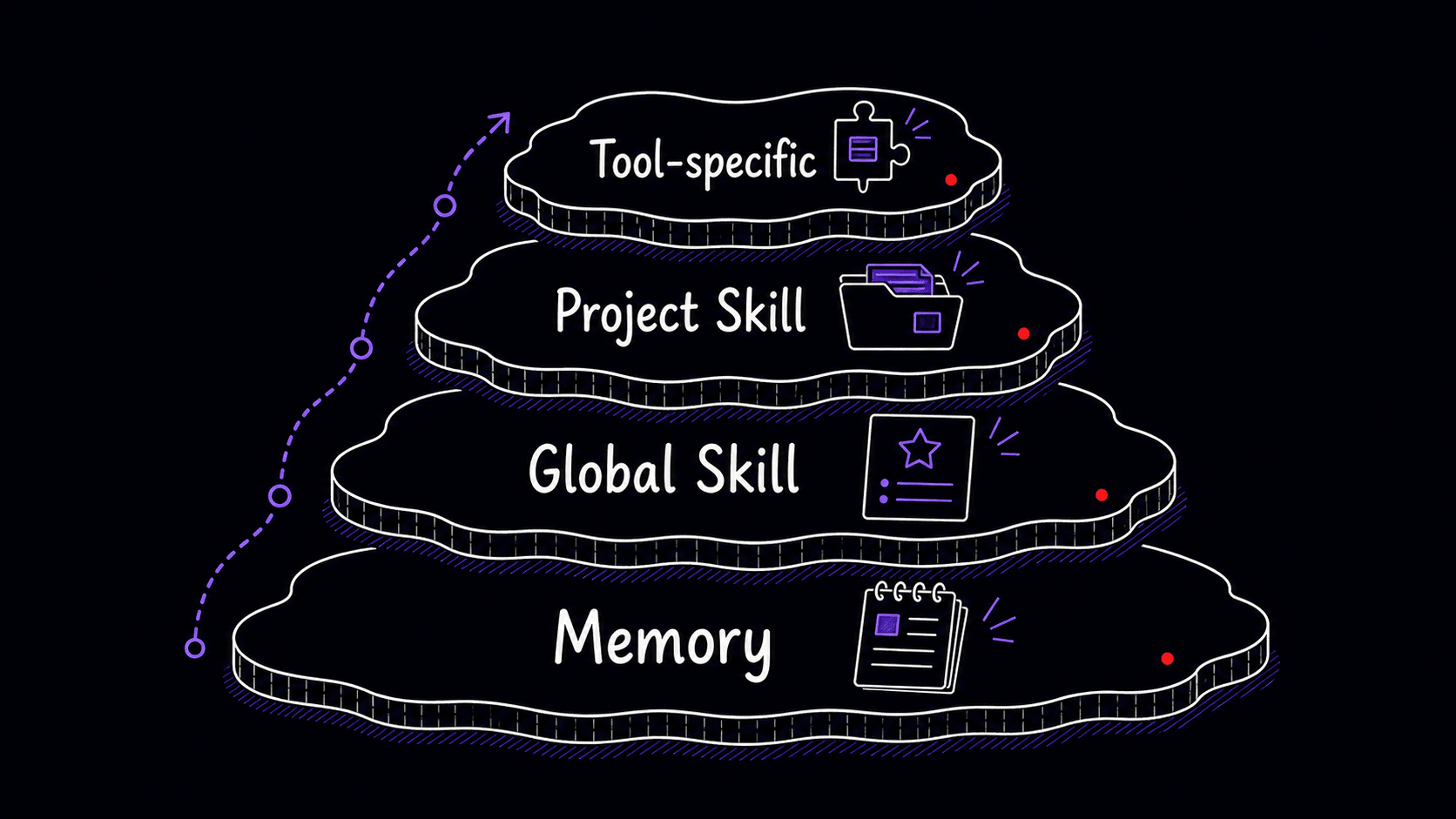
Global Skills live in the user-level location for the tool you are using. Project Skills live inside a project folder or repository location that the tool reads only for that work. Claude Code and Codex expose these scopes differently, and the exact paths can change, so treat the product documentation and the tool's visible Skill list as the source of truth before installing. Tool-specific Skills live where that tool expects them and carry a note in the Skill file about the dependency.
The weekly review that keeps everything current
A that never gets reviewed decays quietly. A 15-minute weekly review catches drift before it causes problems. The format is simple: ask the assistant to scan your recent AI sessions for repeated corrections, new candidates, and foundation file updates, then review its findings.
The weekly review is where you exercise judgment. The assistant surfaces the evidence; you decide what matters and which corrections deserve a permanent home. This chapter teaches you to recognize the maintenance patterns: repeated corrections, stale gotchas, misfires, and foundation drift. A later chapter automates the observation layer so those patterns surface overnight, but the decisions stay with you. Start manual so you know what a productive review looks like before delegating the observation work.
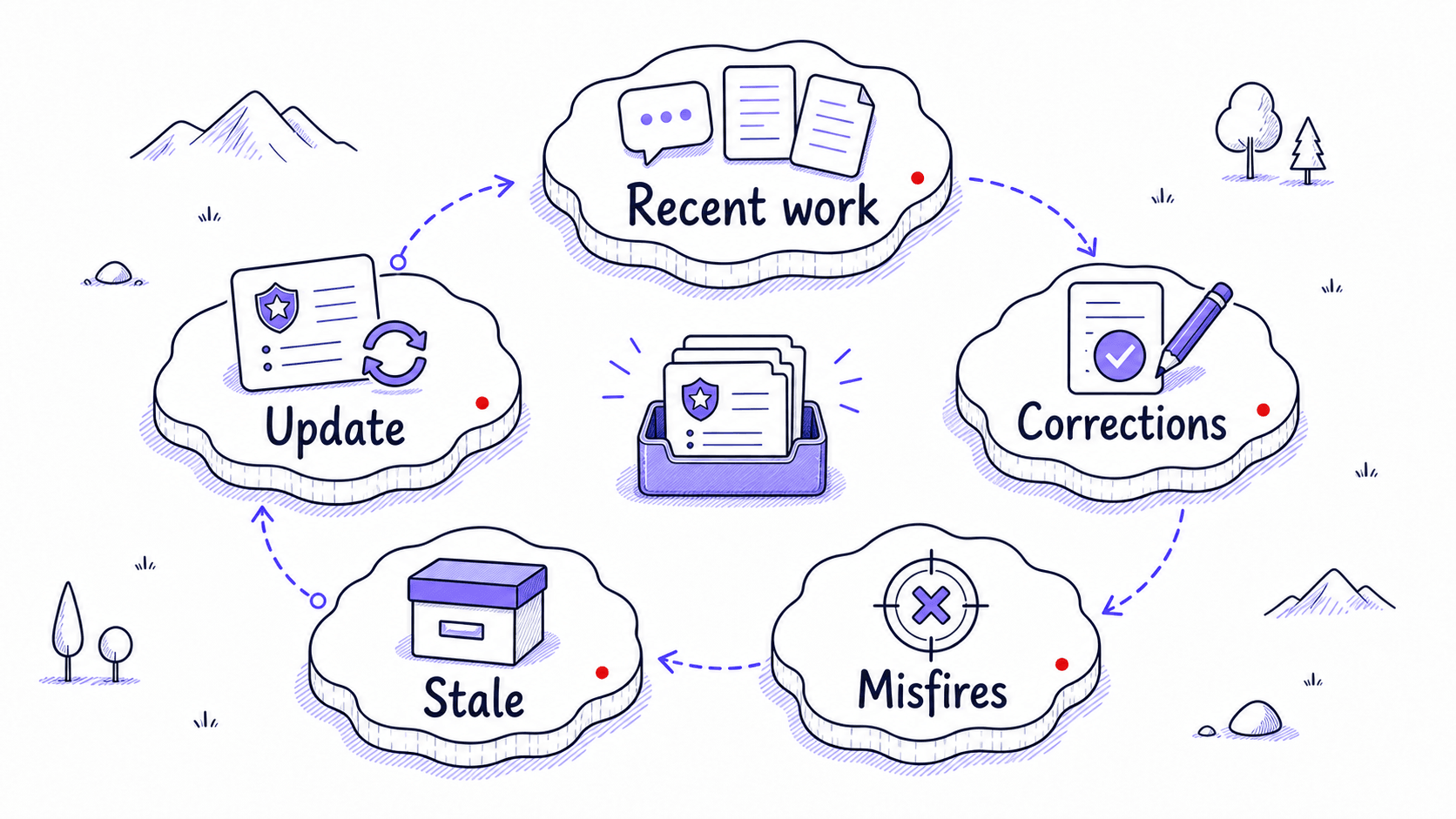
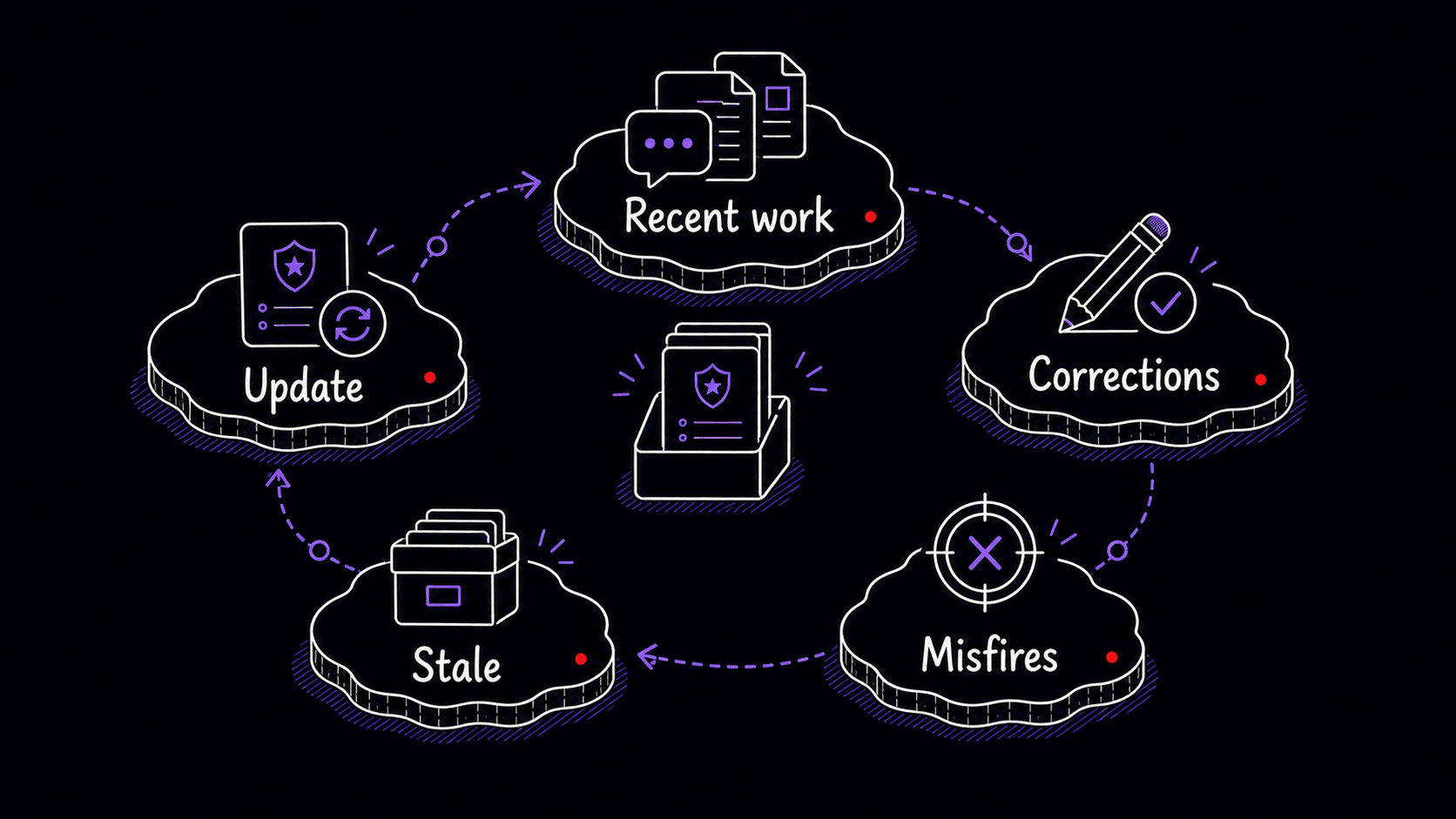
Examples, references, , and tool-specific instructions go stale faster than procedures. A meeting-recap procedure endures across updates, but a gotcha like 'Fathom speaker labels are wrong for the first 30 seconds' may stop being true when the recording tool updates. Check your most specific, most tool-dependent instructions first.
Your library is built; now learn what to trust from outside
Your is small right now: two Skills, three foundation files, a few gotchas, and a weekly review habit. That is enough. Before you automate any of this, the next chapter covers an important question: what happens when you encounter Skills that someone else wrote?
References
2 sources- 1Extend Claude with skillsView source
Anthropic · 2025 · Claude Code Documentation
Claude Code personal Skills live under ~/.claude/skills/<skill-name>/SKILL.md, and project Skills live under .claude/skills/<skill-name>/SKILL.md. Users should review project Skills before trusting a repository because a Skill can grant itself broad tool access.
Retrieved May 2026. Project Skills can include scripts and tool permissions, so review any Skill bundled with a repository before trusting it.
- 2Custom instructions with AGENTS.mdView source
OpenAI · 2026 · Codex Developer Documentation
Codex project guidance uses AGENTS.md as a separate container from Skills. AGENTS.md provides project-level instructions, while Skills provide reusable task-specific procedures.
Retrieved May 2026. Project-wide rules (naming conventions, repo standards) belong in AGENTS.md, which is always loaded for that project. Repeatable task procedures belong in Skills.