Downloaded Skills are software you are installing
Chapter Progress: Early DraftEvery you have built so far is yours, and you know what it does
You wrote the instructions. You tested the output. You corrected the mistakes and turned them into gotchas. When your meeting-recap fires, you know exactly what it will do, because you wrote every line.
That changes the moment you download a from a marketplace, receive one from a colleague, or find one in a tutorial. You are trusting someone else's instructions to direct your AI tool, using your permissions, on your data. This chapter is about what to check before you enable someone else's Skill. It begins the advanced path: the remaining chapters extend your library with safety reviews, automated maintenance, and team sharing.
Before giving any access to your data, ask three questions: does this task need the full , would a smaller excerpt or summary be enough, and which actions should the Skill never take without your approval? These questions are simple, but they stop a useful Skill from becoming a permission problem.
A downloaded inherits the access you grant
A you download is software you are installing. The instruction file tells the AI what to do, and the AI acts within whatever permissions your tool and workspace grant: reading files, calling allowed tools, modifying reachable files, or preparing messages. If the asks to read all files in a folder, verify whether your tool has been granted that folder.
Some Skills also include scripts or helper files. Treat those as code, not decoration. A script may be harmless validation, like checking whether a spreadsheet has the right columns. It may also reach files, network resources, or shell commands depending on the tool's permission . Read the script before enabling the on production work.
For example, a downloaded slide-deck might tell the AI to read every file in a project folder before making a presentation. That may be fine in a public sample folder. It is a bad idea in a folder with client contracts, payroll exports, or private strategy notes. The Skill is only as safe as the permissions and instructions you allow it to use.
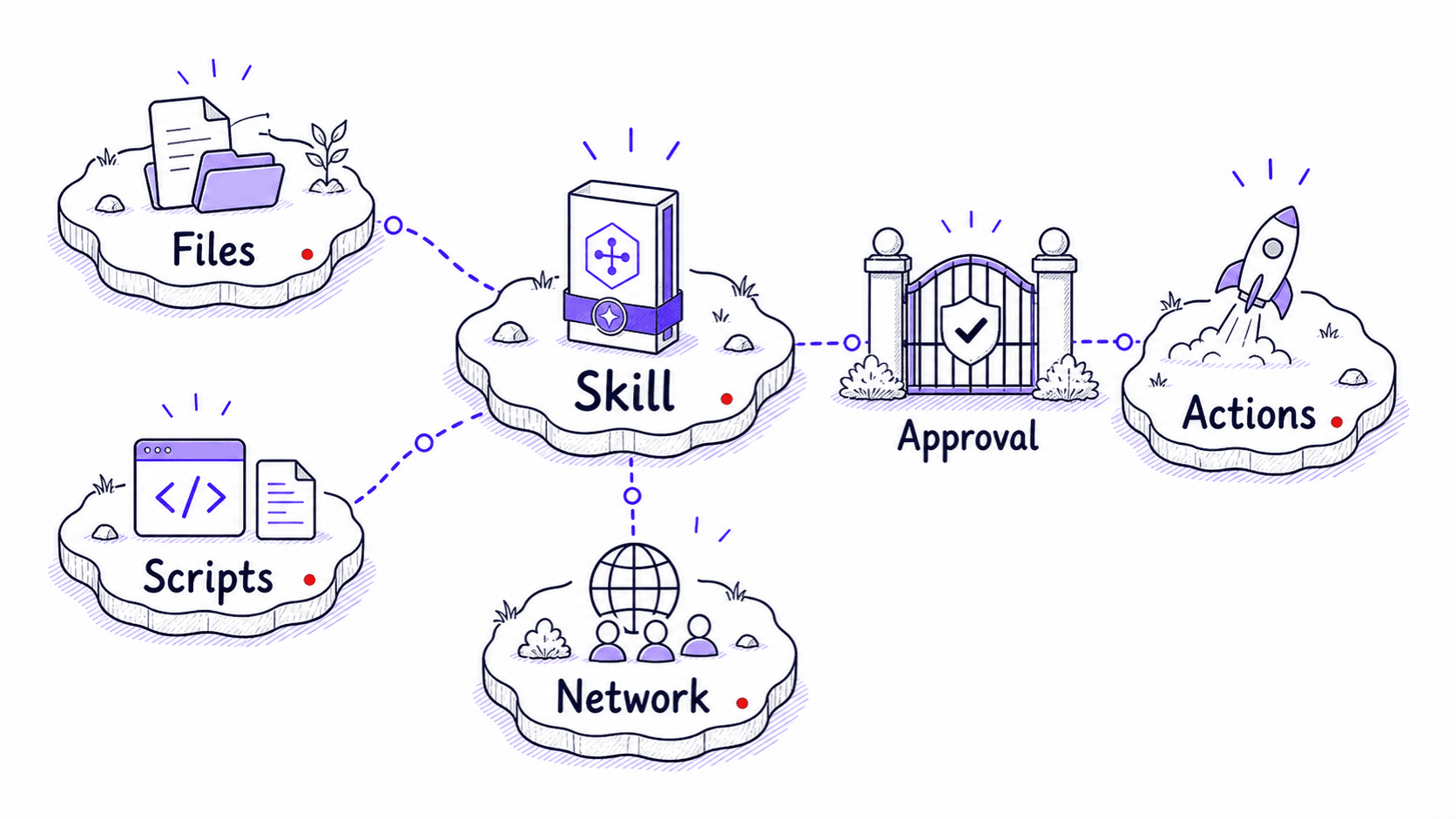
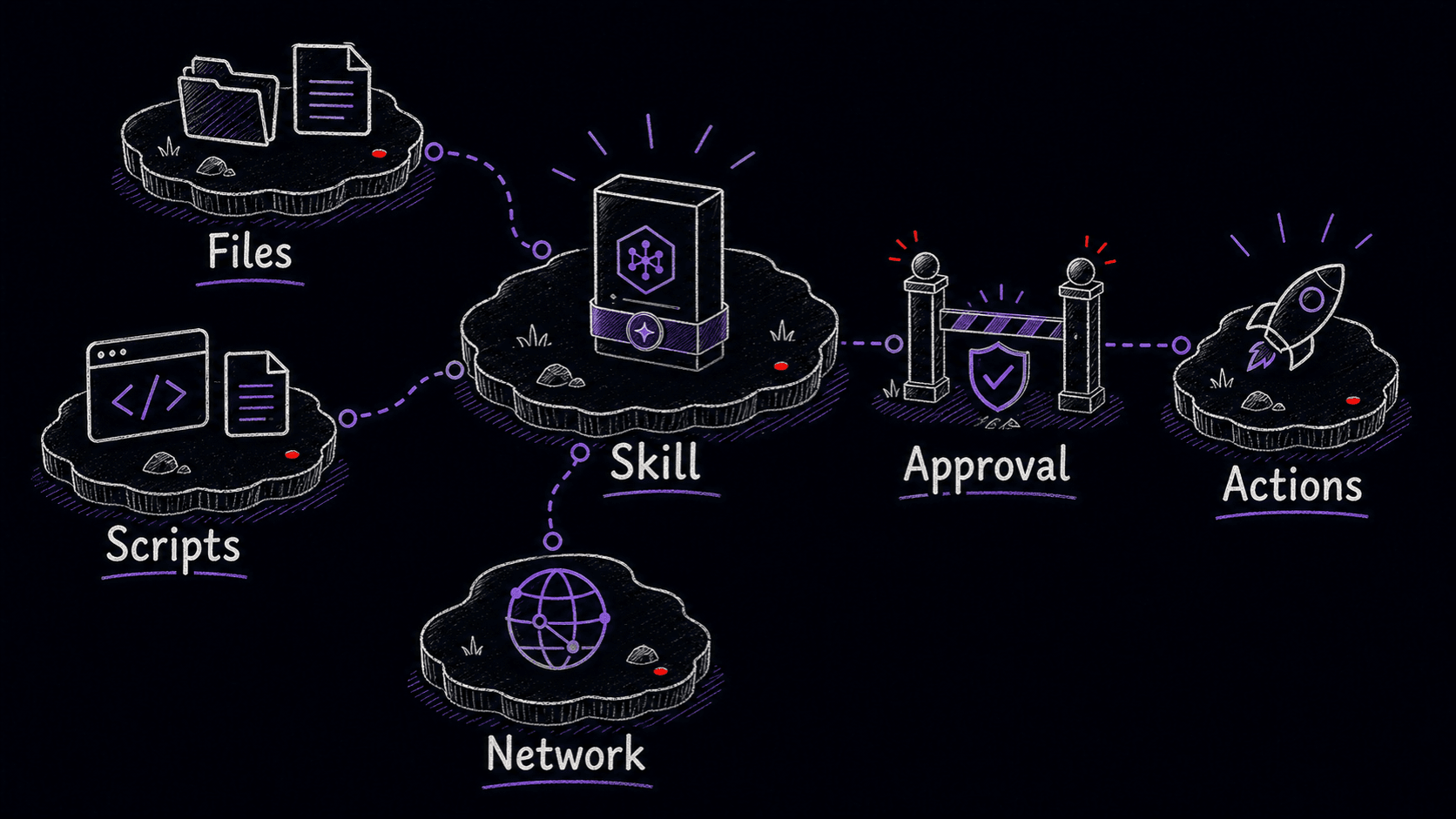
Treat downloading a like installing any other software. Before enabling it, read every file in the folder. Check the instructions for file access, external URLs, network calls, tool use, scripts, data modification, and publication actions. If the includes references or assets you do not understand, do not install it until you do. You can also paste the Skill files into a conversation and ask the assistant to review them for risks before you enable anything.
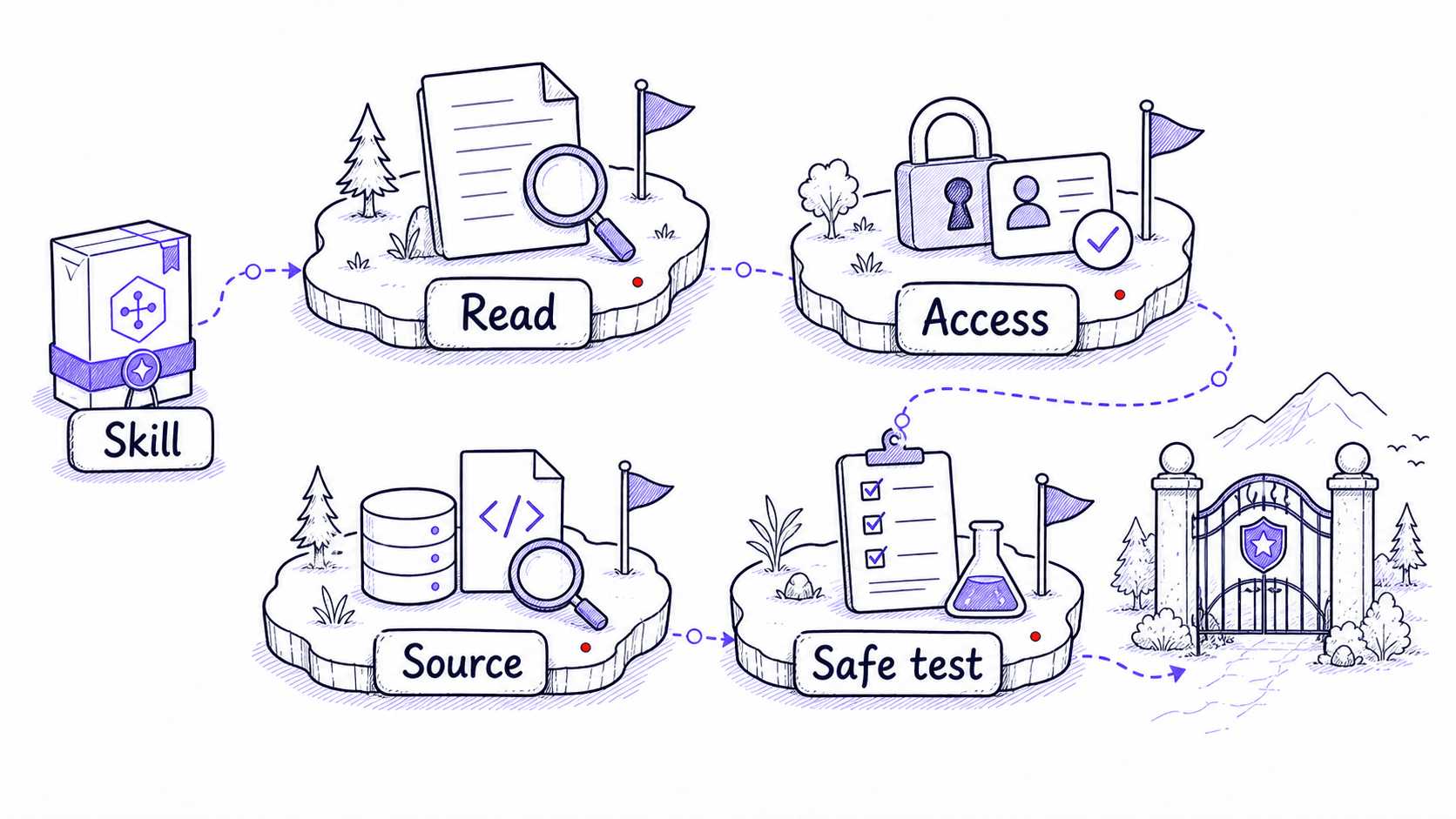
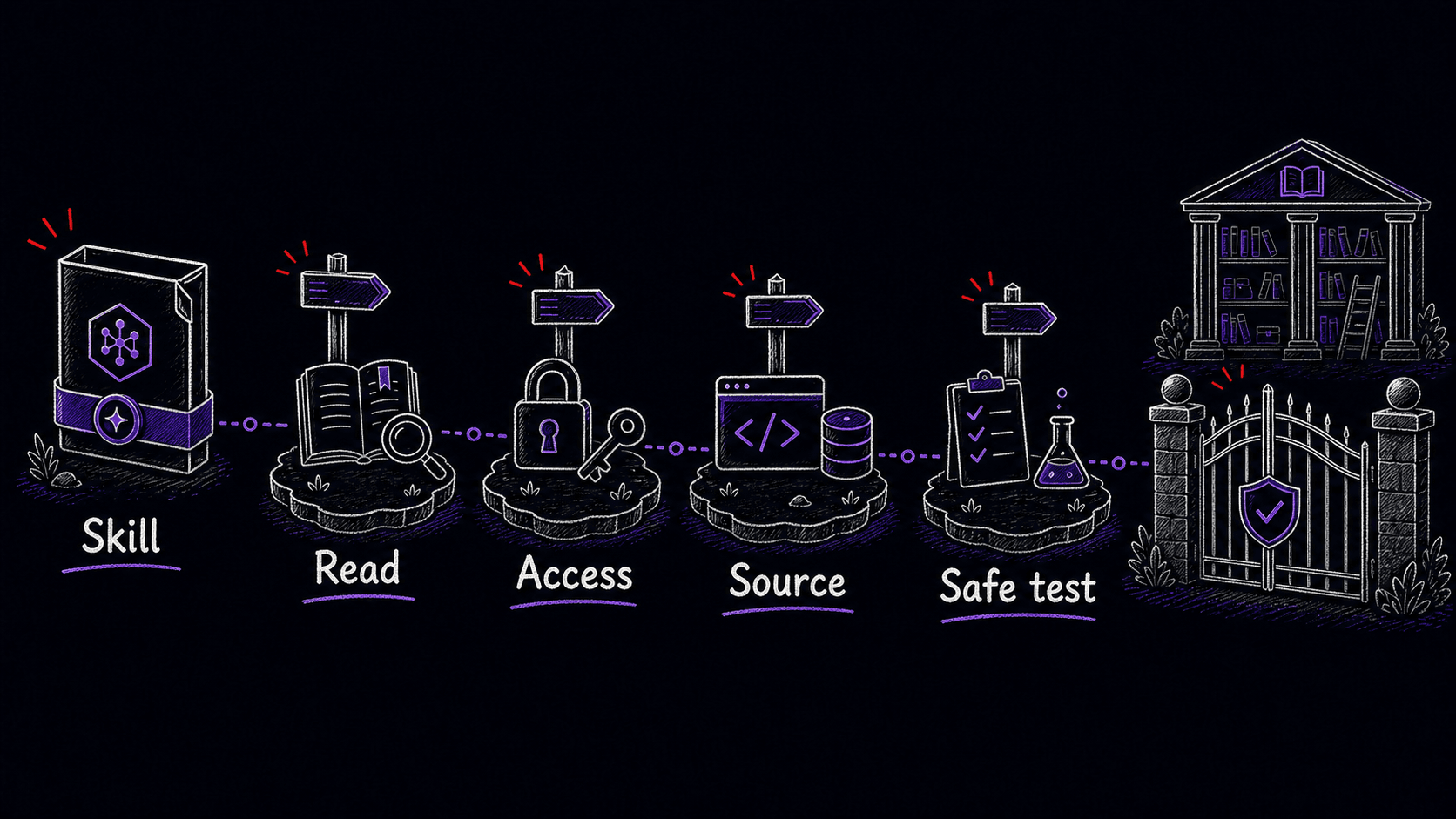
When to use a as-is, fork it, or build your own
You will encounter Skills from marketplaces, colleagues, and tutorials. The question is whether to run them directly, adapt them, or write your own. The answer depends on stakes, sensitivity, and how well the matches your work.
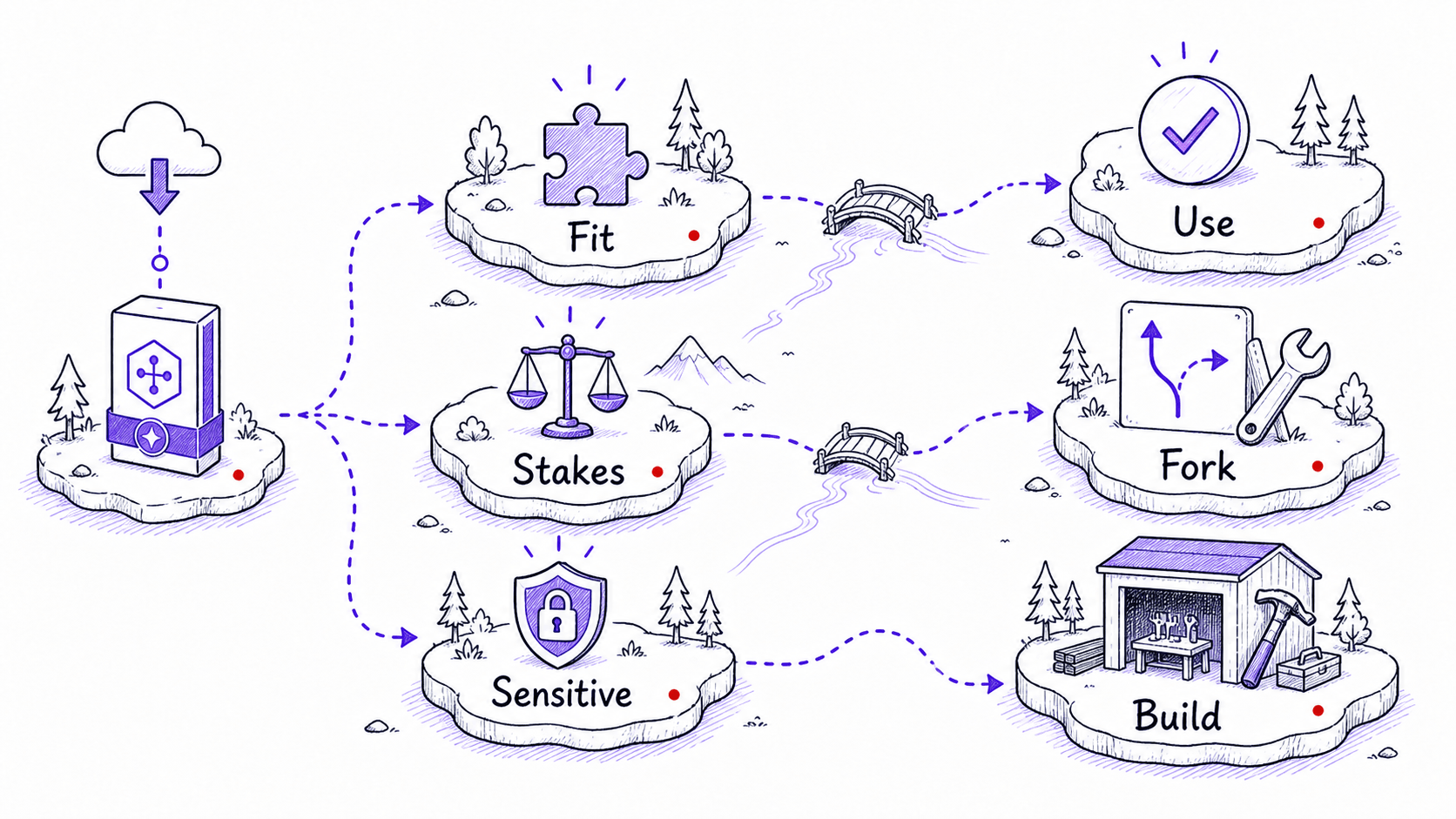
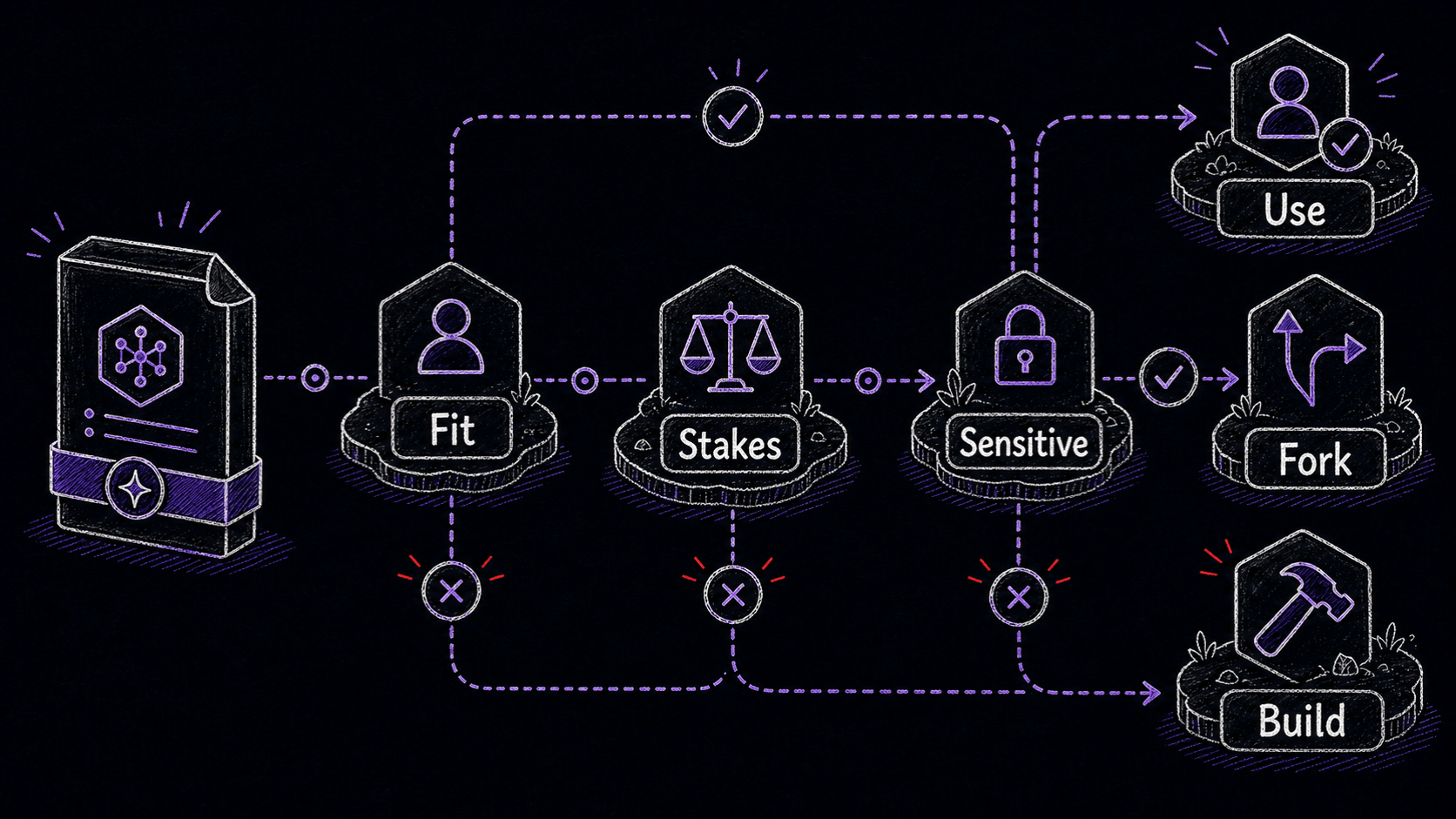
Marketplaces are most useful for discovering what Skills exist and how experienced builders structure them. lets you copy a useful structure before changing the specifics. Browsing five well-built Skills teaches you patterns: how they write descriptions, how they organize gotchas, what they put in references/ versus in the instructions file. That structural knowledge is valuable even when you decide to write your own.
References
2 sources- 1Agent SkillsView source
Anthropic · 2026 · Claude Documentation
Claude's Agent Skills documentation describes Skills as packages with instructions, optional scripts, templates, and resources, and warns that malicious Skills can create data-exfiltration or unauthorized-access risks depending on available execution access.
Checked May 10, 2026. A Skill package can include scripts and executable helpers alongside its instructions. The risk depends on what permissions your AI tool has, so review the full package before enabling it.
- 2Agent SkillsView source
OpenAI · 2026 · OpenAI Developers
OpenAI describes Codex Skills as folder-based instruction packages that can include SKILL.md, references, scripts, templates, and other files.
Checked May 10, 2026. Codex Skills follow the same folder-based structure, so the same review process applies before trusting any Skill you did not write yourself.