Schedule AI to review and improve your Skills overnight
Chapter Progress: Early DraftThe weekly review is itself a repeated task
In the workflow-library chapter, you set up a manual weekly review: ask the assistant to scan recent conversations, collect repeated corrections, and propose updates. After a few rounds, you will notice that this review follows the same pattern every time. It has a defined input (your recent AI sessions), a defined output (a list of proposed Skill changes), and a procedure that barely varies between runs.
That passes the test from earlier in the guide: you repeat the task regularly, the output follows the same structure, and the procedure barely changes between runs. A is a whose job is to improve your other Skills.
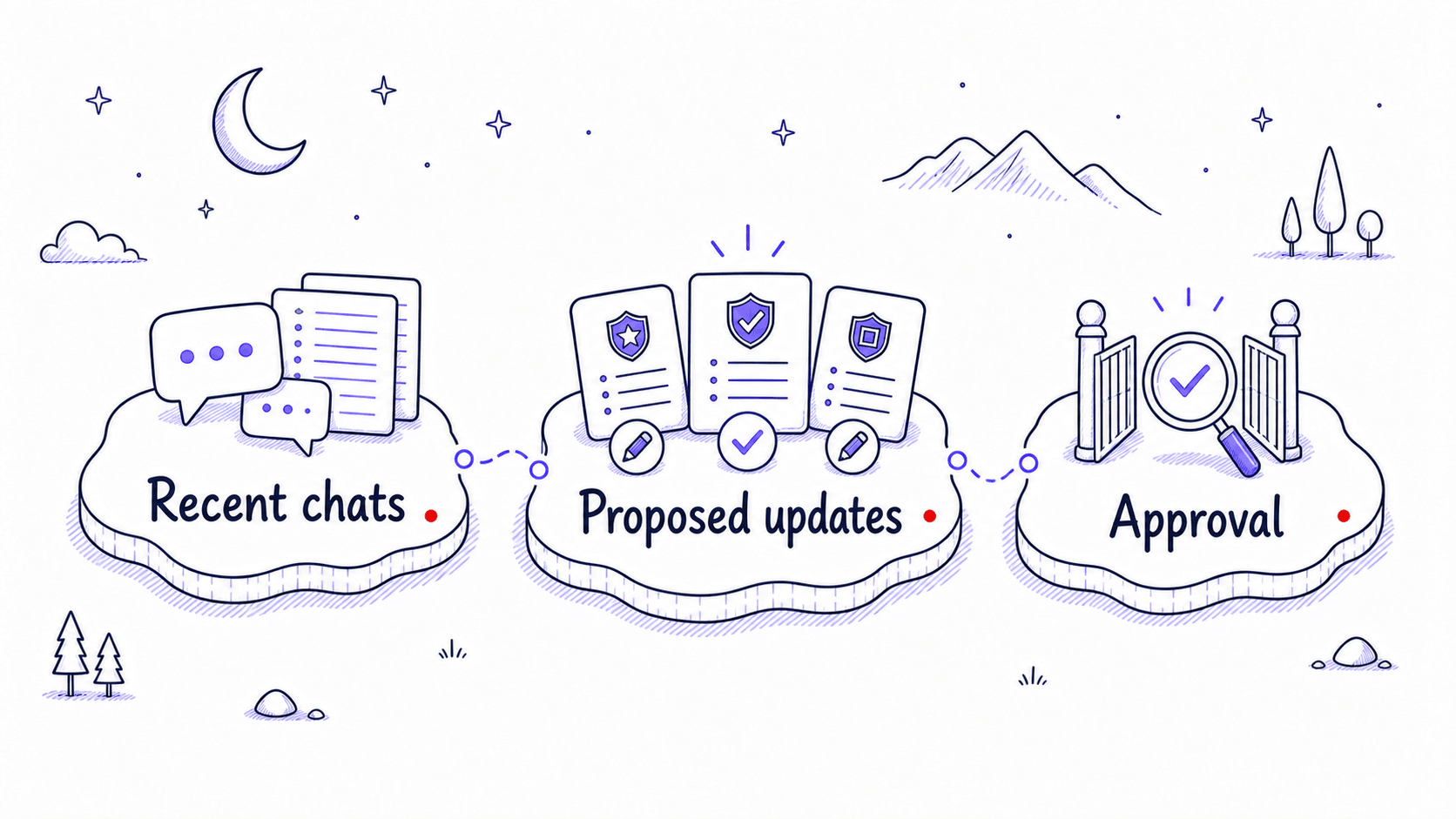
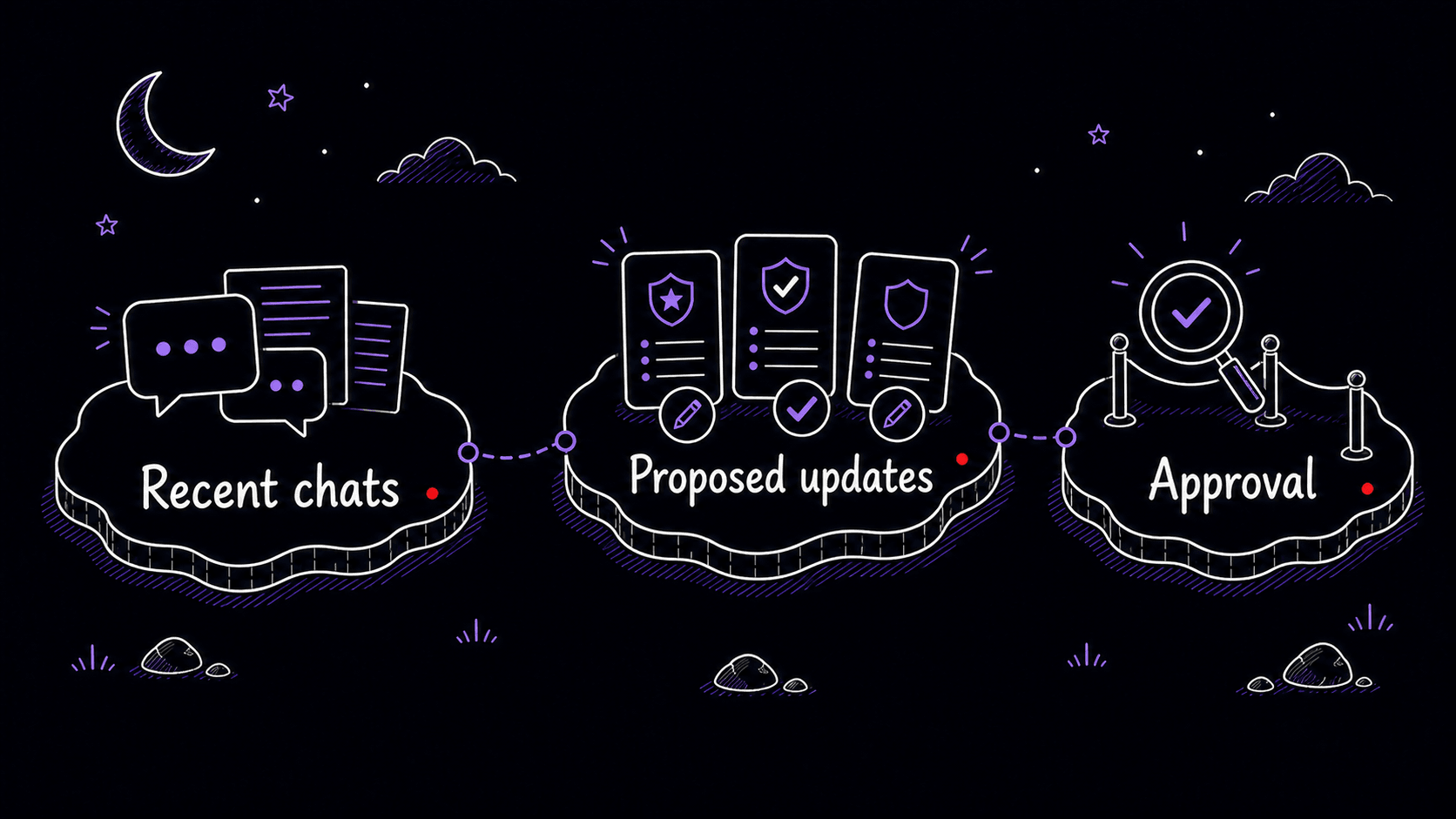
Your skills folder is plain text you already know how to back up
Your changelog can live inside each file. Earlier in this guide, you learned to note what changed and why whenever you update a Skill. Backup is separate: because your skills folder is plain text, any backup method works. Cloud sync, your file manager's version history, or a git repository all give you a way to recover from a bad edit. The important thing is that one copy stays current, and you can undo any overnight proposal that makes output worse.
Schedule an overnight review that proposes improvements
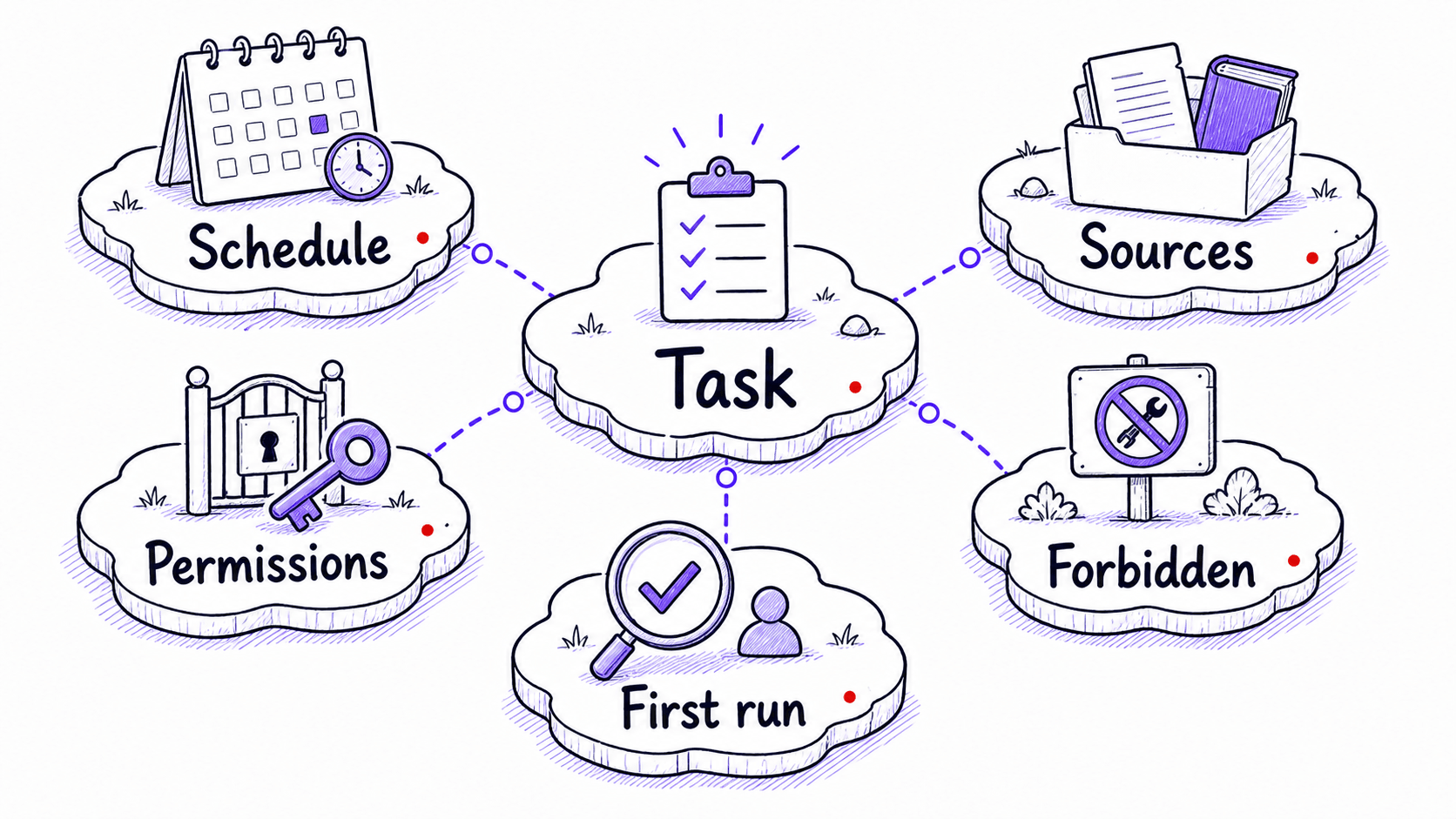
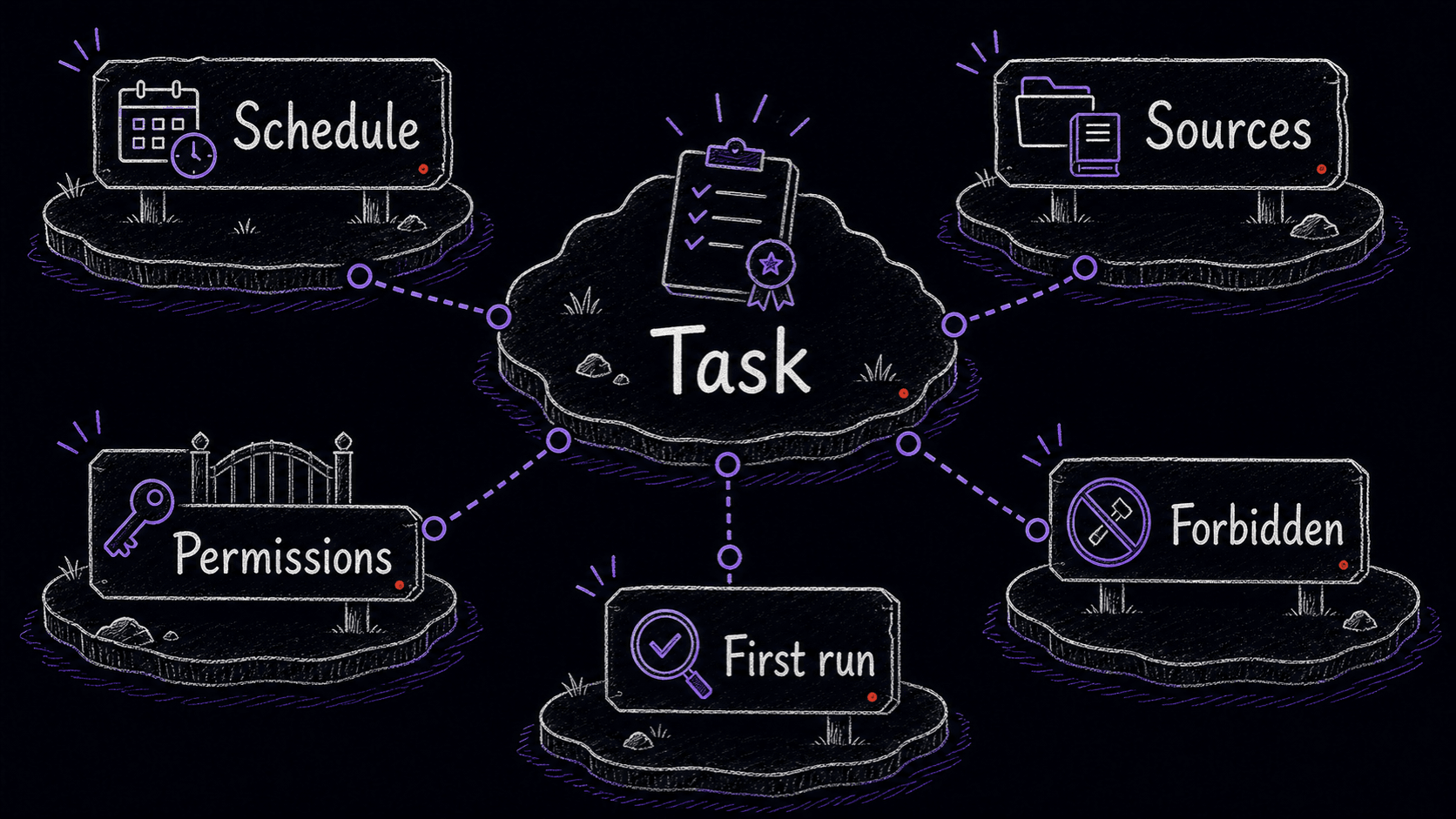
If your AI app supports scheduled tasks, use whatever the app calls that feature. The names and controls change quickly across tools, so look for the official scheduled-task, routine, or automation feature in the app you use, paste the review , choose a cadence, and keep the first run supervised.
Setting up the scheduled review in Claude
In Claude, use the scheduled-task or routine feature if it is available on your plan. Create a local review task, name it -review, paste the below into the instruction field, choose a daily or weekly cadence, and save. If the app labels or buttons differ, trust the current Claude help text over the wording in this guide.
The first time the task runs, supervise it. If it asks for permission to read files or run commands, allow only the folders and actions required for the review. Do not grant broad permanent access until the dry run produces a useful review without touching files.
Setting up the scheduled review in Codex
In Codex, use the Automations or scheduled-task feature if it is available in your app. Create a recurring task, paste the review , choose a daily or weekly schedule, and keep the first run in a watched thread. If Codex exposes a conversational setup command, use it only after checking the generated schedule and workspace.
The review
This is a refined version of the weekly review template from the workflow-library chapter. It tells the AI what to look for and how to format the output. Paste it into the Instructions field of your scheduled task.
What the overnight review catches
Organize your library by scope so reviews can catch contamination
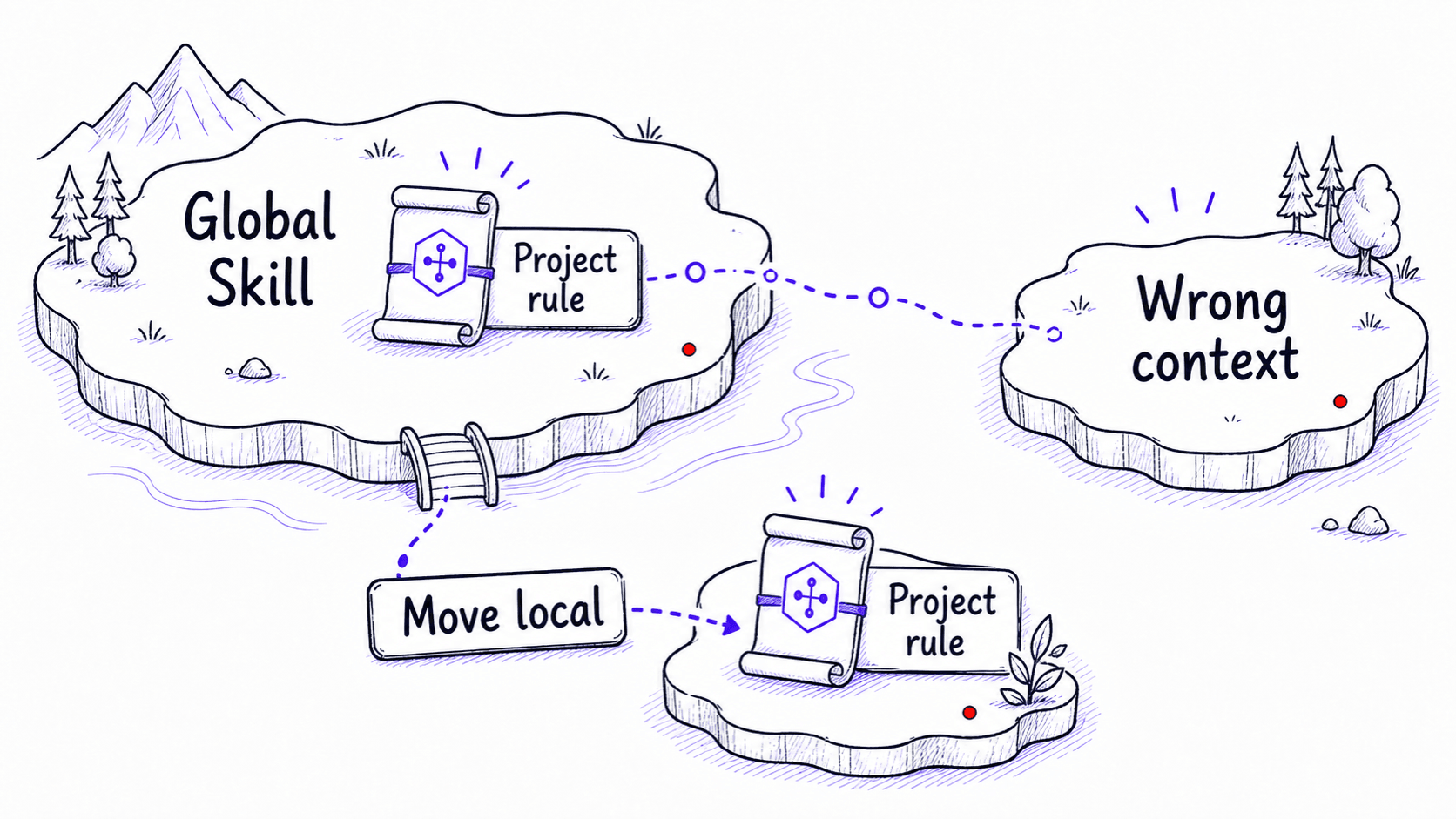
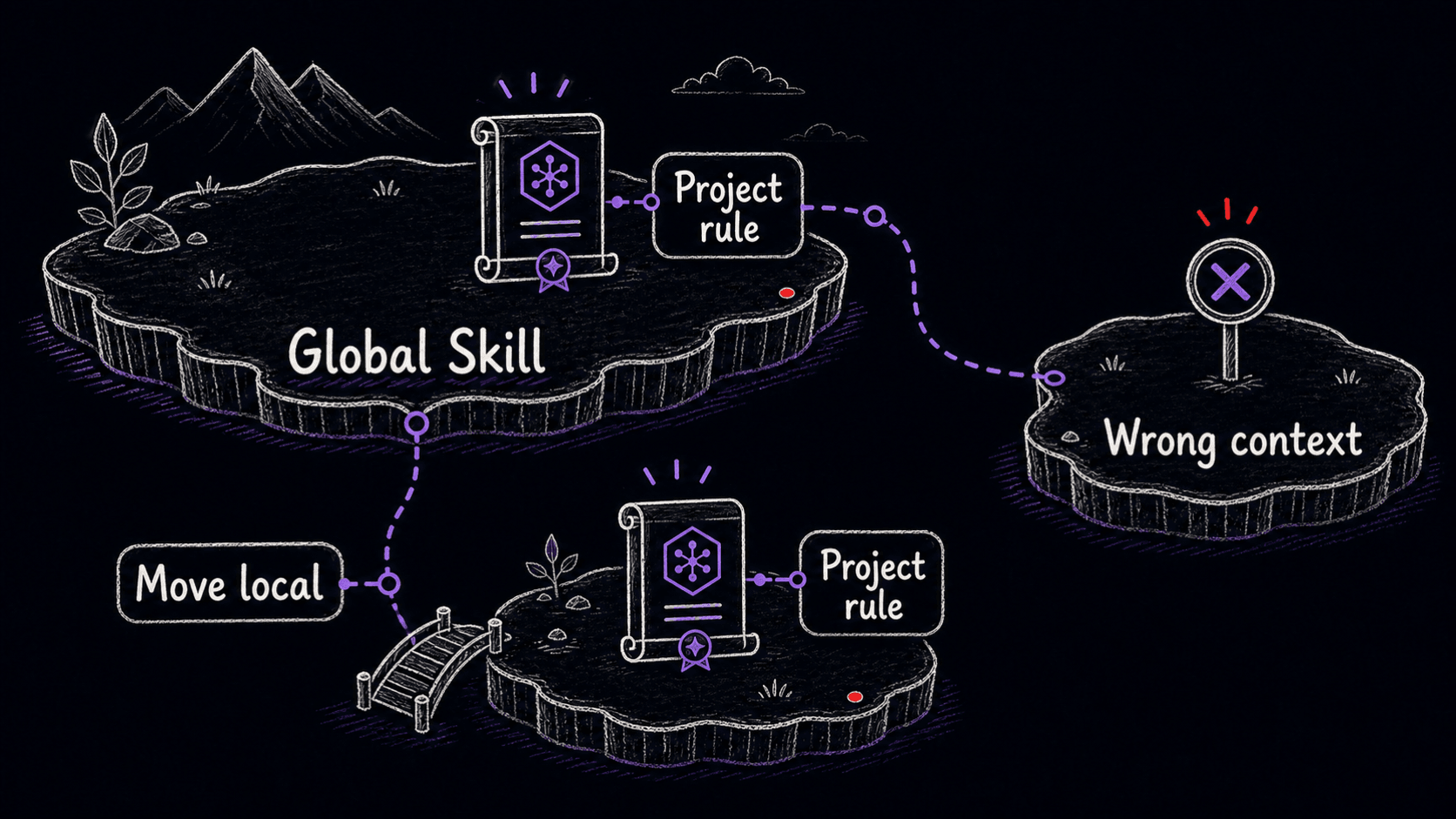
The overnight review works best when your folder structure matches the three tiers of scope introduced earlier: global Skills in the global folder, project Skills in their project folders, tool-specific Skills noted and placed accordingly. When the folders match the intended scope, the review can easily catch Skills that are leaking rules from one project into unrelated work.
# Global: loads in every session
[Claude user Skill folder]               # check current Claude docs
  meeting-recap/SKILL.md

[Codex user Skill folder]                # check current Codex docs
  research-confidence/SKILL.md

# Foundation: universal baseline referenced by Skills
~/workflow-library/foundation/
  about-me.md
  voice-and-style.md
  working-rules.md

# Scoped voice files: loaded by the Skills that need them
~/workflow-library/styles/
  client-follow-up-style.md
  executive-update-style.md

# Project: loads only in this project
~/projects/acme/.claude/skills/          # ACME-specific
  acme-compliance/SKILL.md
  acme-report-format/SKILL.md

# Tool-specific: depends on one tool's features
[Claude Skill folder]
  artifact-builder/SKILL.md              # Uses Claude artifacts

[Codex Skill folder]
  sandbox-test-runner/SKILL.md           # Uses Codex sandbox
If a works identically in both Claude and Codex, keep it in one canonical location and copy it to the other tool's folder. The version-controlled repository is the source of truth. When the Skill updates, the update happens in one place.
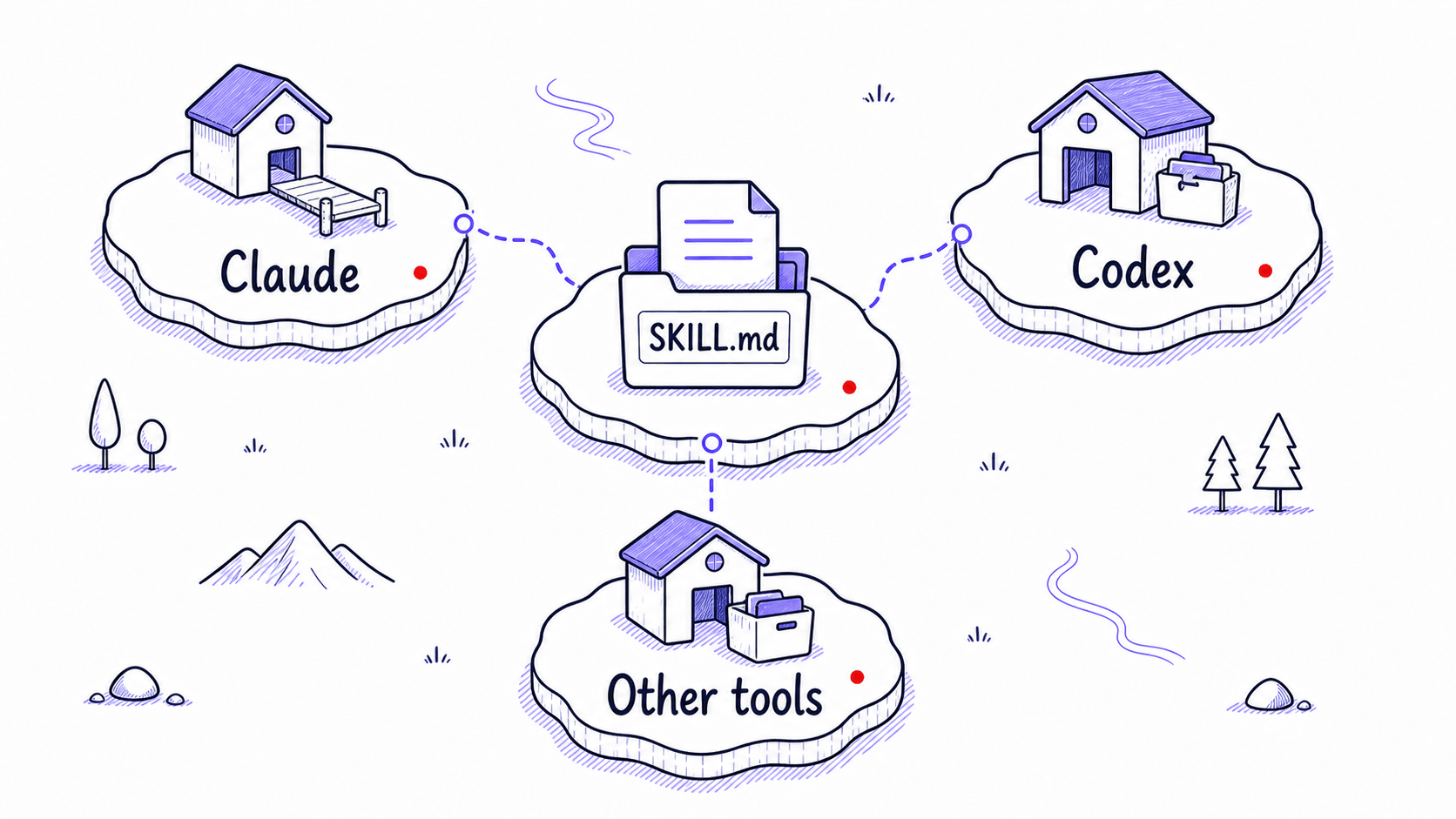
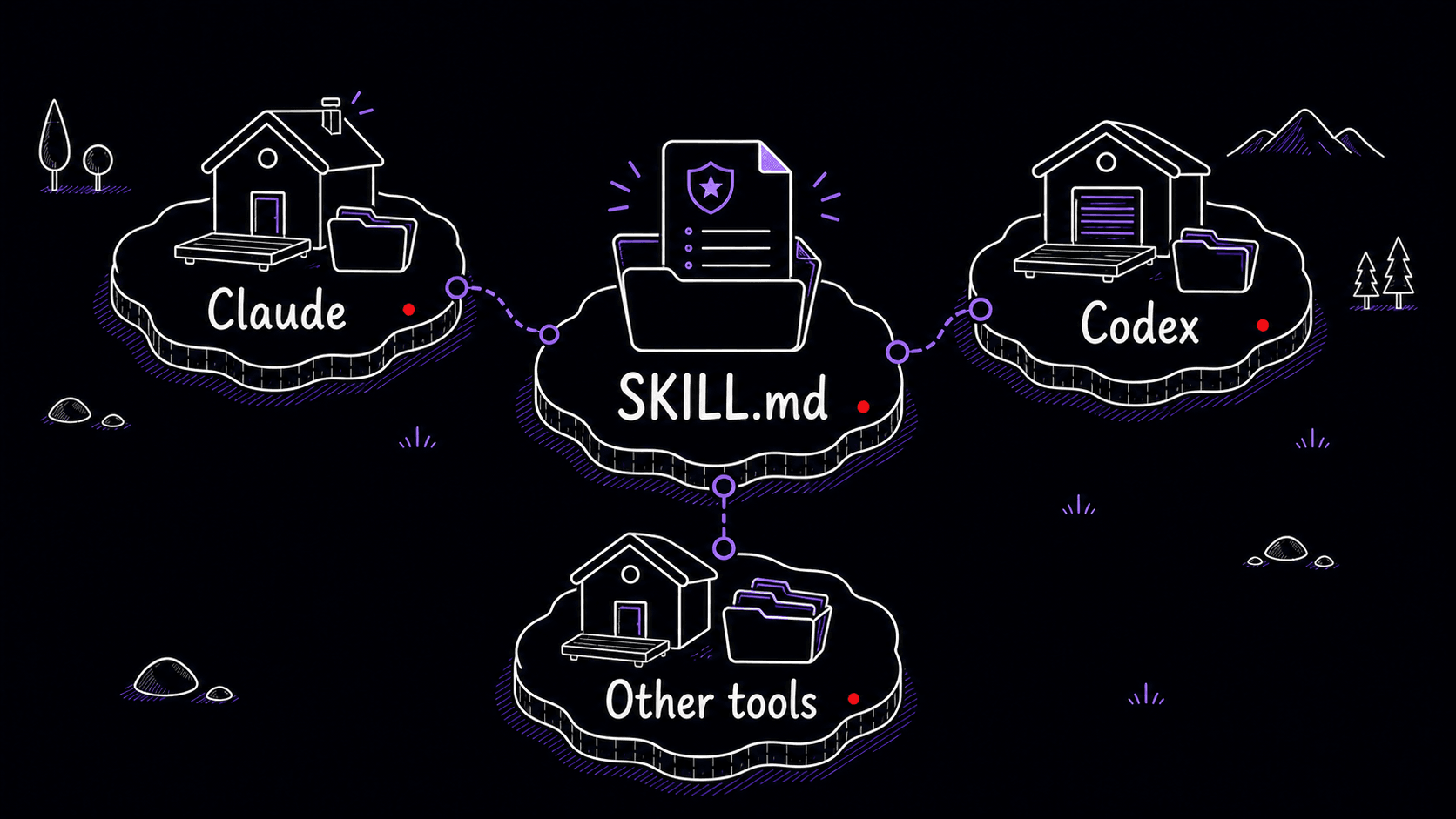
The file format works across tools
The format you have been using throughout this guide is an open standard. Anthropic originally developed it for Claude, then published it at agentskills.io as an open specification. Adoption is changing quickly, so treat the public spec as the stable promise: a is a readable folder with a required SKILL.md file, name and description , and optional scripts, references, and assets.
The portable part is the file itself: the name and description at the top, the procedure body with gotchas, and the optional reference files. Installation paths differ by tool and may change, but a well-written works across any tool that supports the format because the instruction package is just readable .
Portability has limits. Scripts, tool connections, permissions, product-specific steps, and install paths may need to be adapted for each tool. Keep the task procedure in , and keep tool-specific setup notes in a README or install note alongside the .
Mini-project: schedule your first overnight review
The system that maintains itself
At the start of this guide, the problem was clear: modern AI tools remember preferences and past conversations, but memory alone does not handle repeatable procedures, review rules, and task-specific judgment.
You now have a library of Skills and foundation files, a tested for each , gotchas collected from real use, and a scheduled agent that scans your recent work and proposes improvements overnight. The corrections you make today become the instructions the AI follows tomorrow.
The tools will keep changing. Claude will update, Codex will evolve, new options will appear. Your Skills are portable, self-improving, and independent of any single tool. The system outlasts any single vendor.
References
3 sources- 1Agent SkillsView source
Anthropic · 2026 · AgentSkills.io
The Agent Skills specification defines a portable Skill as a directory with a required SKILL.md file, name and description frontmatter, Markdown instructions, and optional scripts, references, and assets.
Checked May 10, 2026. Your Skills are portable because SKILL.md is an open format. Keeping them in a version-controlled folder gives you one source of truth across every tool you use.
- 2How to create custom SkillsView source
Anthropic · 2026 · Claude Help Center
Claude custom Skills use a SKILL.md file with name and description frontmatter, progressive disclosure (the AI reads only the description until a match is found), and optional scripts, references, and assets.
Checked May 10, 2026. Claude loads Skills the same way described in the description-trigger chapter: it reads descriptions first and only opens the full instructions when a match is found.
- 3Agent SkillsView source
OpenAI · 2026 · OpenAI Developers
Codex treats Skills as folders with a required SKILL.md file, a name and description in frontmatter, optional scripts, references, and assets. Skills are loaded through progressive disclosure, matching the Claude implementation.
Checked May 10, 2026. Codex uses the same SKILL.md format and progressive-disclosure loading as Claude, so a Skill written for one tool works in the other.