AI picks your Skill based on one sentence you write
Chapter Progress: Early DraftThe AI reads the label, not the instructions
When AI created your in the previous chapter, it generated a description line in the . That line is the . Before you trust it, you need to understand what it does and how to evaluate it.
When you start a session, the AI does not read the full text of every you have installed. It reads only the name and description of each one, like scanning the spines of books on a shelf. This staged loading, called , keeps working memory from filling up with instructions that are not needed yet. When you say 'Can you recap yesterday's call with the Meridian team?', the AI scans those short descriptions and recognizes that your meeting-recap matches. Only then does it open the full instructions.
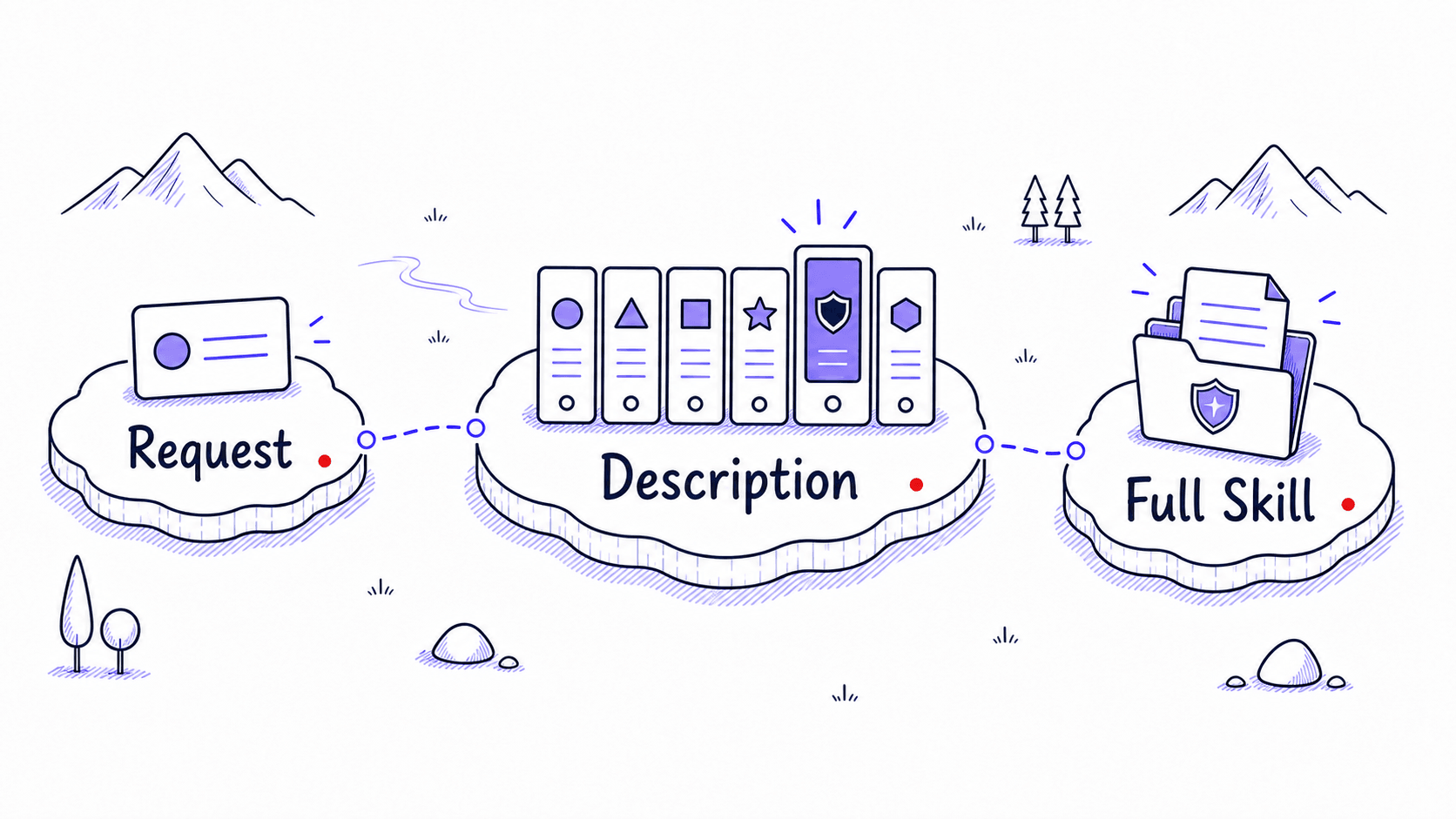
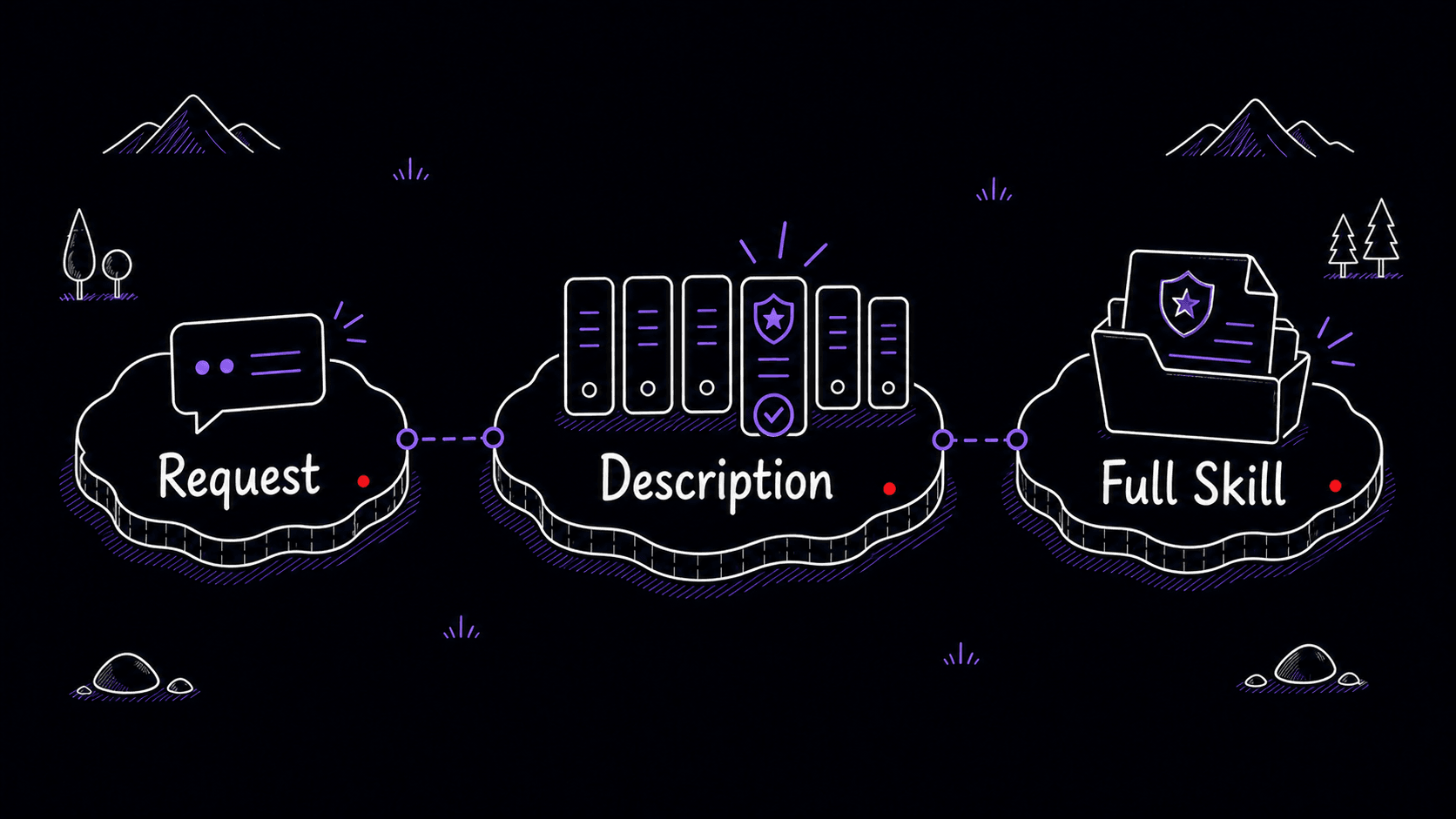
Weak descriptions cause specific problems
If your description is vague, two things go wrong. The fires on conversations where it should not, applying the wrong procedure to the wrong task and producing confusing output. Or it fails to fire when you need it, and your carefully written instructions sit unused. Both waste your time.
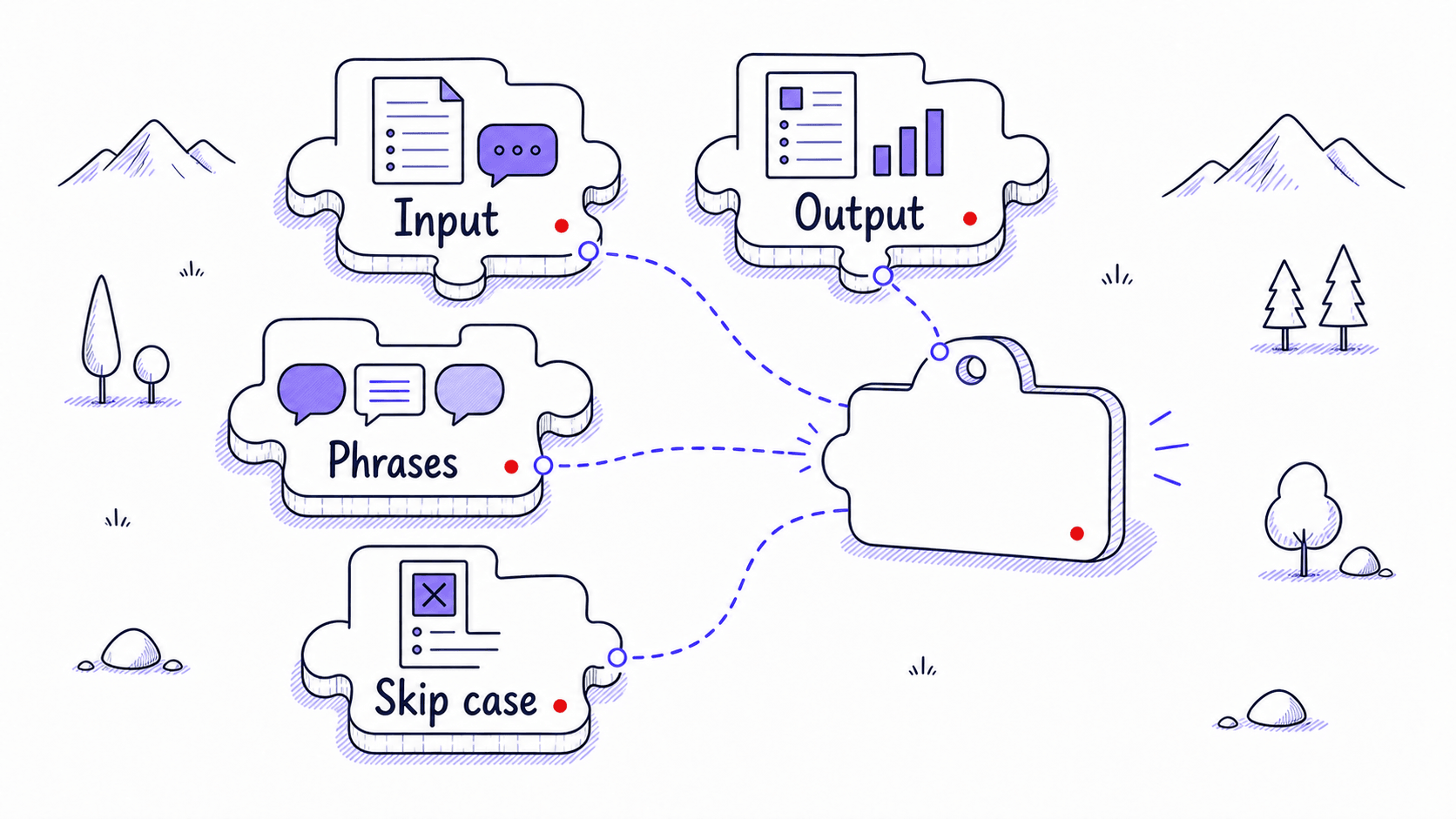
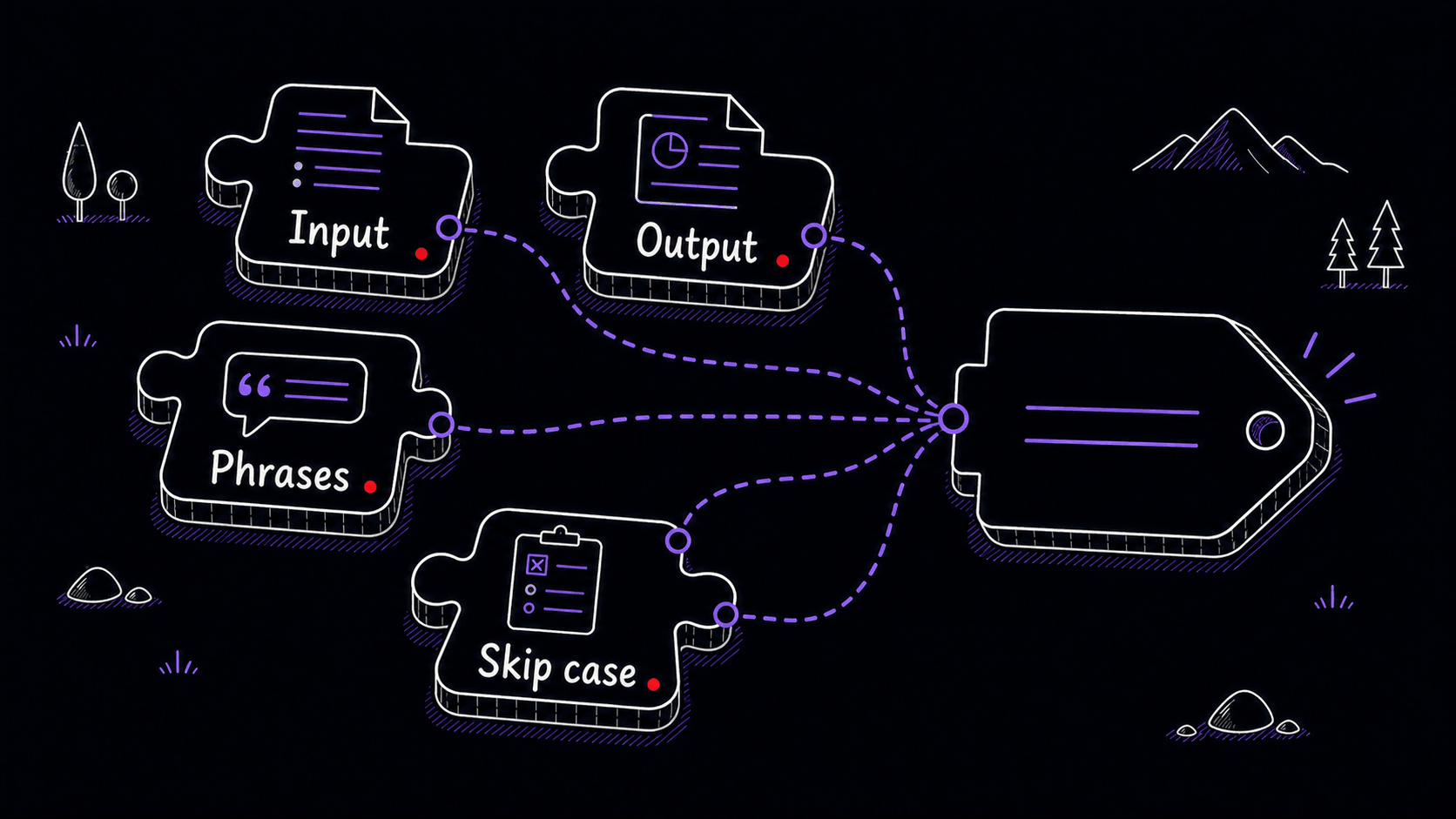
Three rules for strong triggers
Name the input shape
'When the user pastes a transcript' is far more reliable than 'when the user asks about meetings.' The input shape (a transcript, a draft, a folder of files, a set of notes) gives the AI a concrete input type to match against.
Name the output
'Produces a decision table with owners and deadlines' tells the AI what kind of output this creates. Without this, the AI might activate the Skill but produce the wrong format, because the description alone does not say what success looks like.
List the phrases your future self will say
Think about how you naturally ask for this task. 'Recap the call,' 'summarize the meeting,' 'what were the action items,' 'follow-up email from the call.' Put those phrases in the description. The AI matches against them. A is the explicit fallback when you want to force a specific to fire.
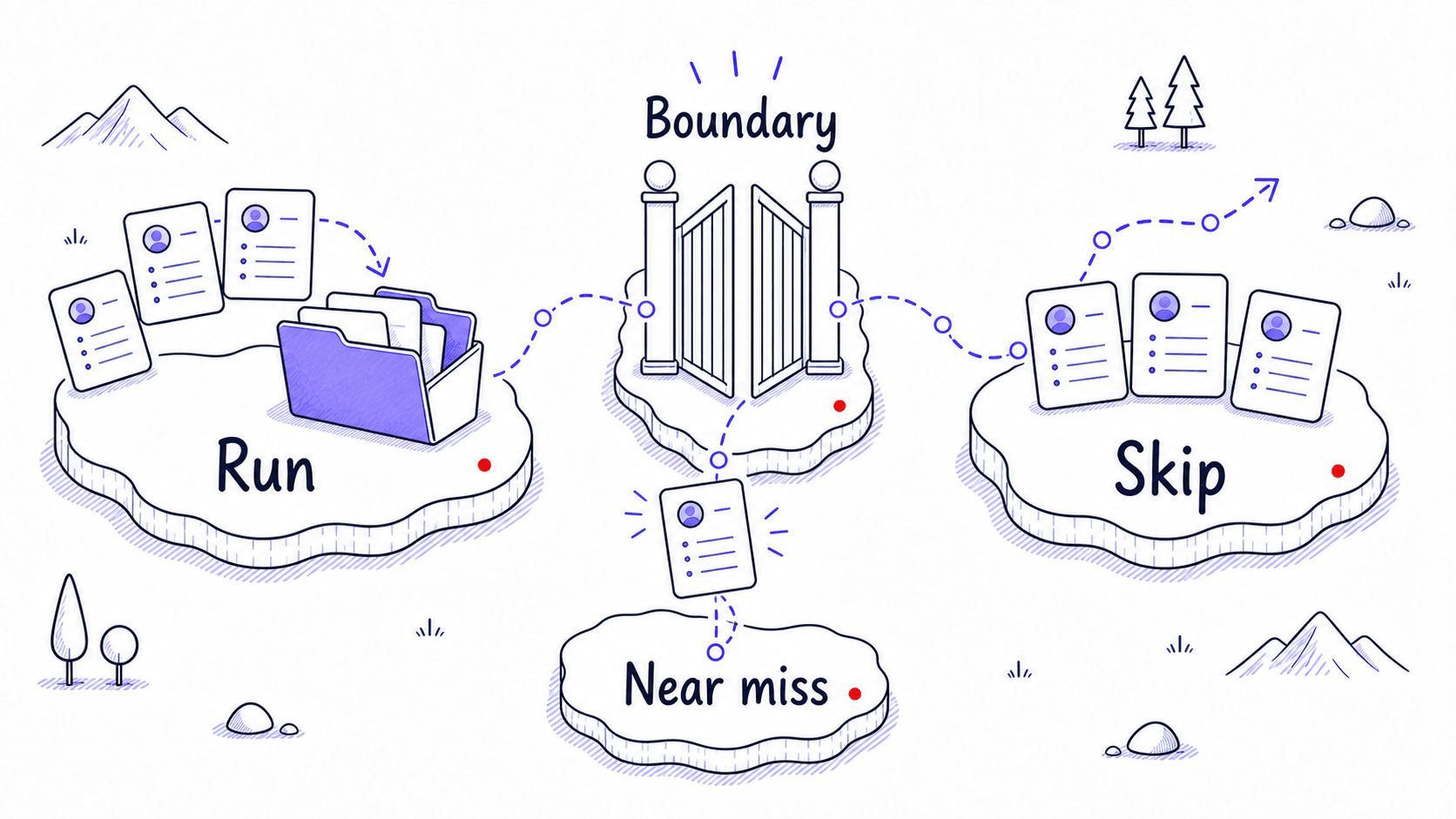
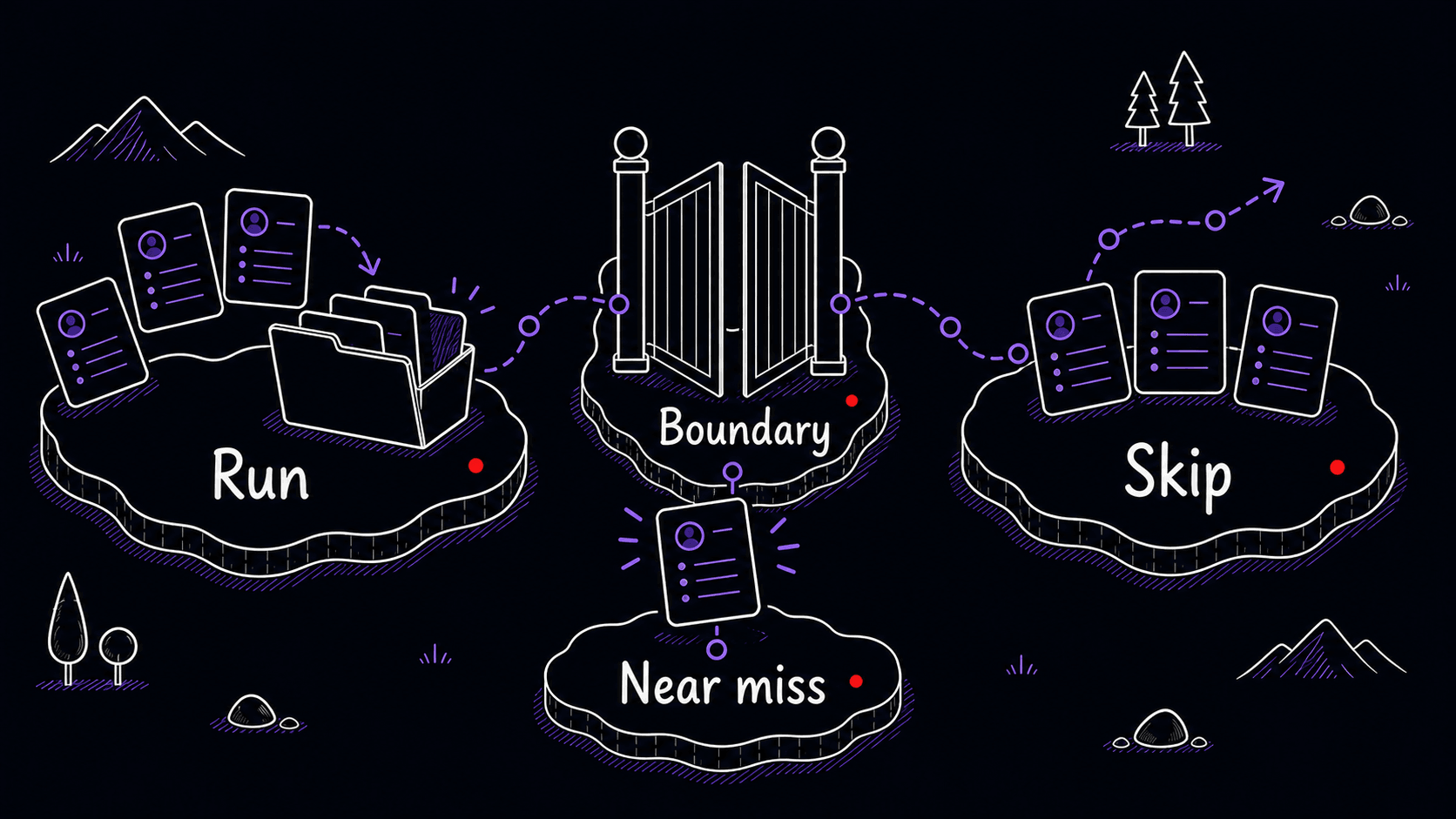
descriptions tuned to four tasks you already repeat
Mini-project: stress-test and improve your description
References
2 sources- 1Agent SkillsView source
OpenAI · 2026 · Codex Developer Documentation
Codex starts with each Skill's name, description, and file path, then loads SKILL.md only when it decides to use that Skill. Plugins are the distribution unit for reusable Skills and apps.
Checked May 10, 2026. Since Codex picks Skills based on the description alone, a vague or misleading description means a well-written Skill may never fire.
- 2Agent Skills OverviewView source
Anthropic · 2026 · Claude Platform Documentation
Claude loads Skill metadata first, requires name and description frontmatter, and says the description should include both what the Skill does and when Claude should use it.
Checked May 10, 2026. The description should say both what the Skill does and when Claude should use it. Testing with examples that should trigger and examples that should not is the way to verify this.