Three files that teach AI how you write and work
Chapter Progress: Early DraftYour works, but the output sounds generic
By now your meeting-recap has a clear , a tested procedure, an output format, and a gotcha. If you ran it on a real transcript, the decisions, owners, and deadlines were probably correct. The voice was probably wrong: generic phrasing, safe word choices, no trace of how you write or think.
The fix is a : three small files that travel alongside your Skills and tell the AI who you are, how you communicate, and what rules always apply. These files improve every you build because the AI stops guessing and starts matching your .
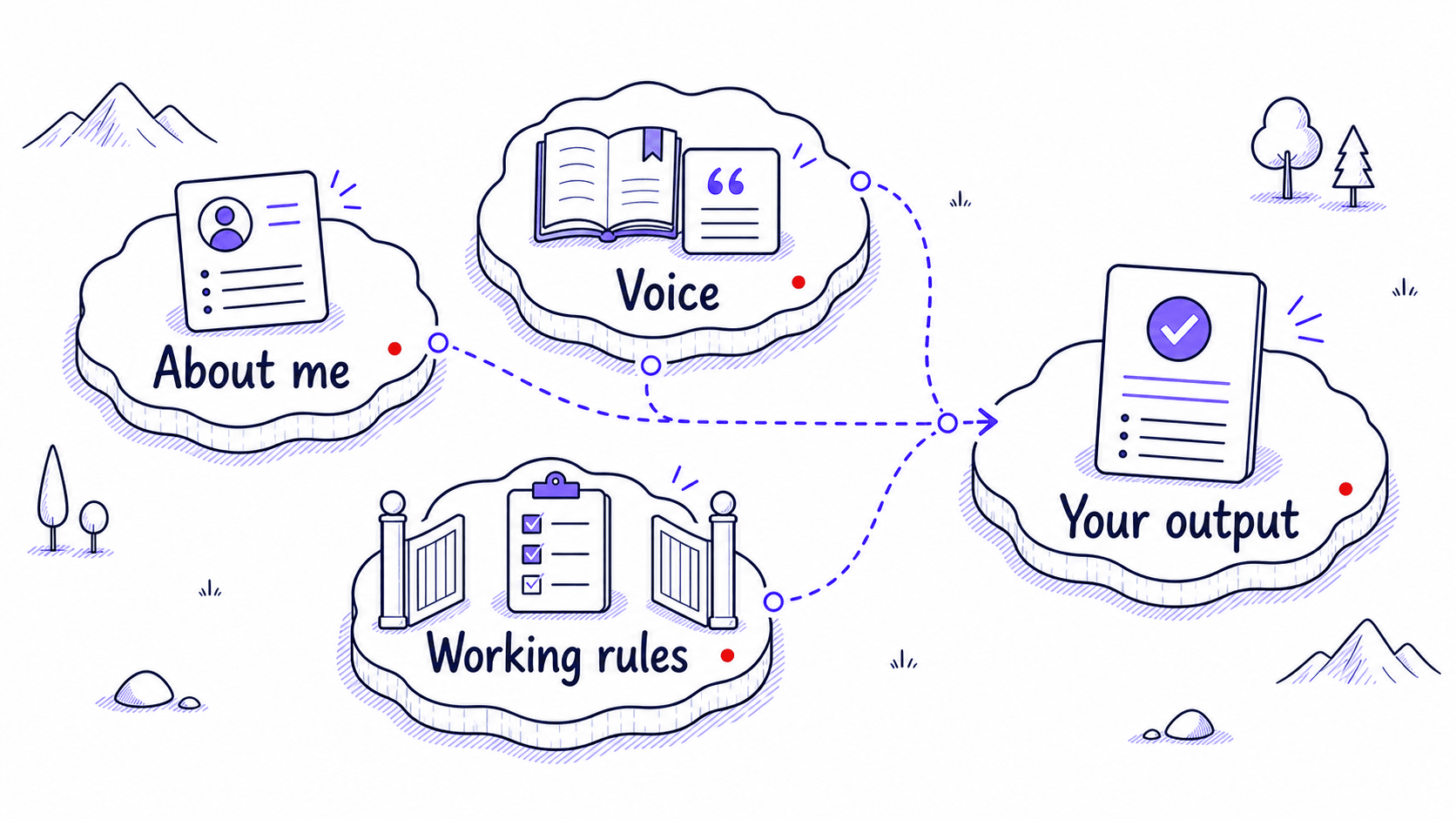
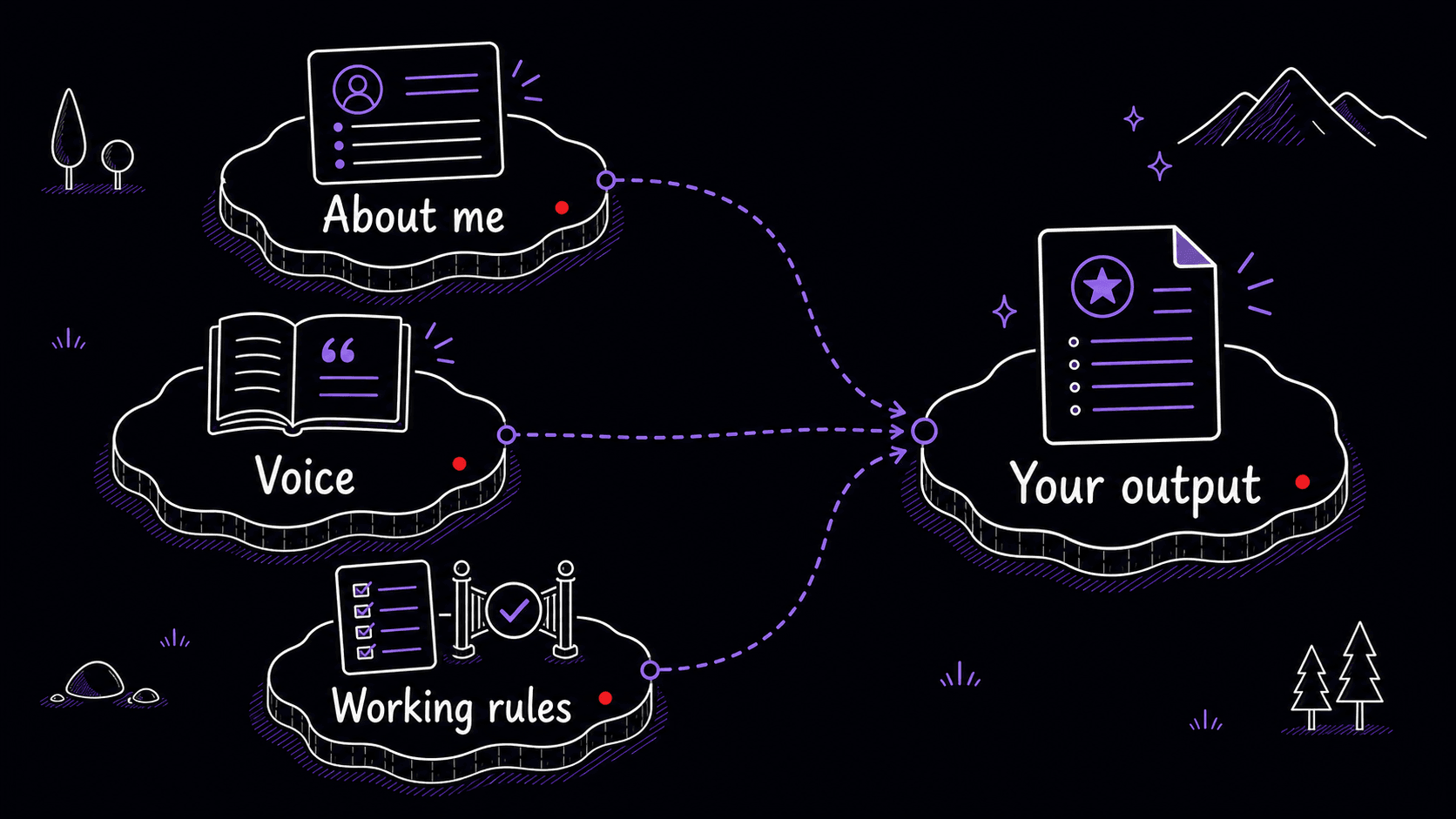
about-me.md: who you are and what matters in your work
Treat this as a working briefing: your role, your team, your domain, and what 'good' looks like in your . Write it for a capable colleague who is about to start helping you and needs to understand your situation in two minutes.
# About Me

I manage a marketing team of six people at a mid-size
software company. Our customers are small business owners
who use our project management tool.

My weekly work involves campaign planning, reviewing blog
posts and case studies, and reporting results to our
VP of Marketing.

"Good" output from AI means: specific to our customers'
real problems, grounded in data when possible, written in
a direct conversational tone without buzzwords, and never
over-promising what our product can deliver.
voice-and-style.md: universal style, scoped voices, real samples
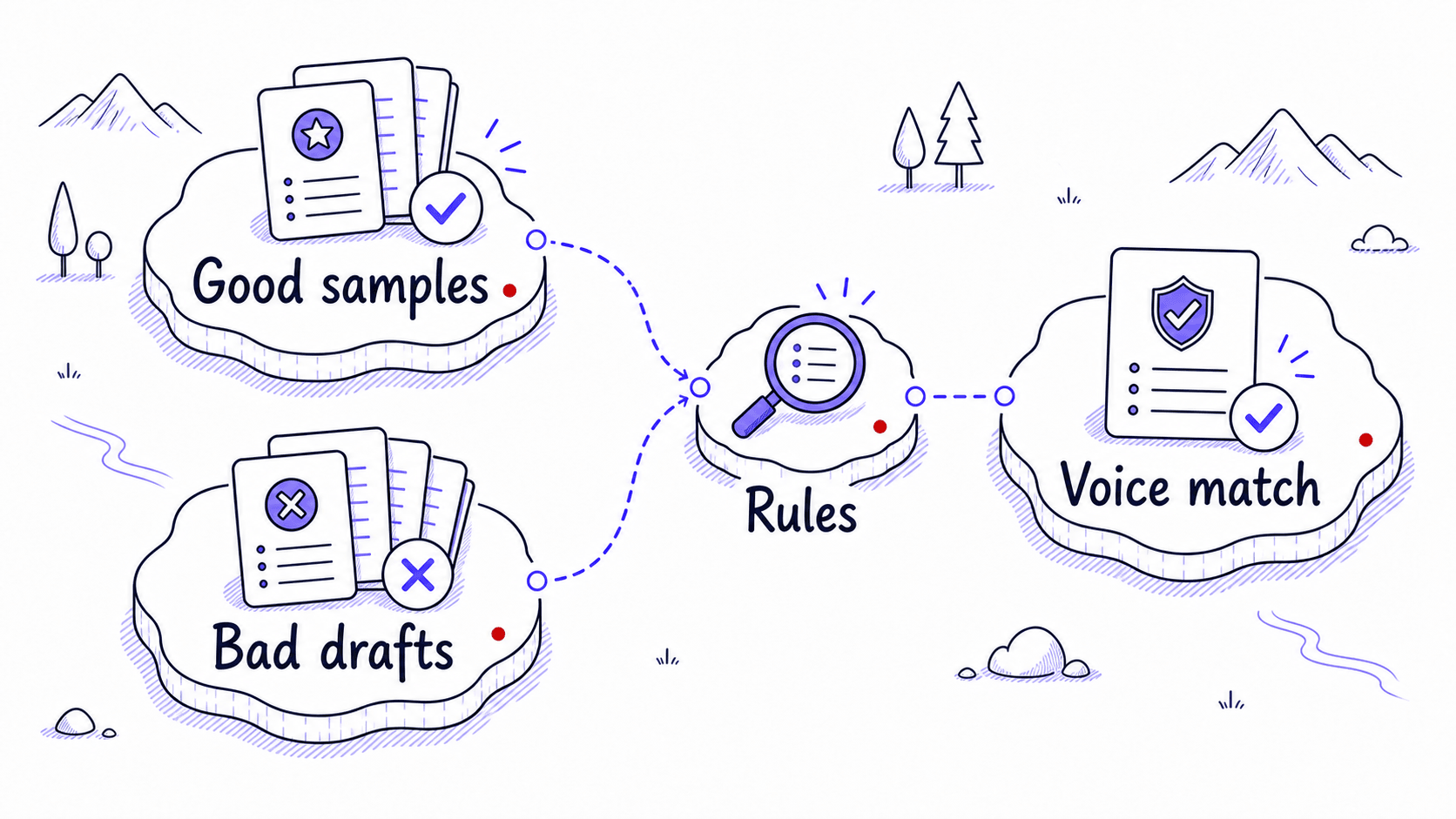
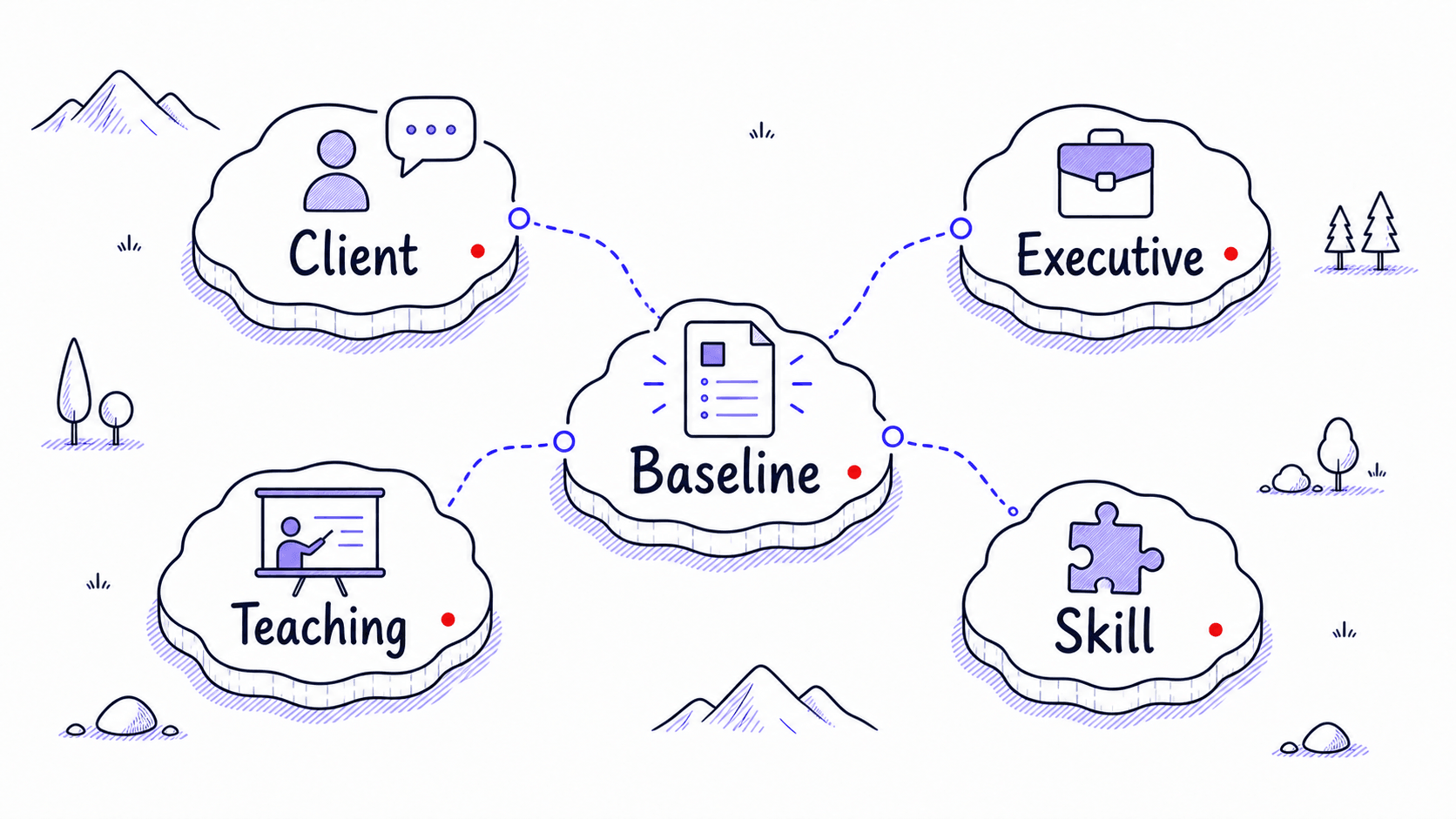
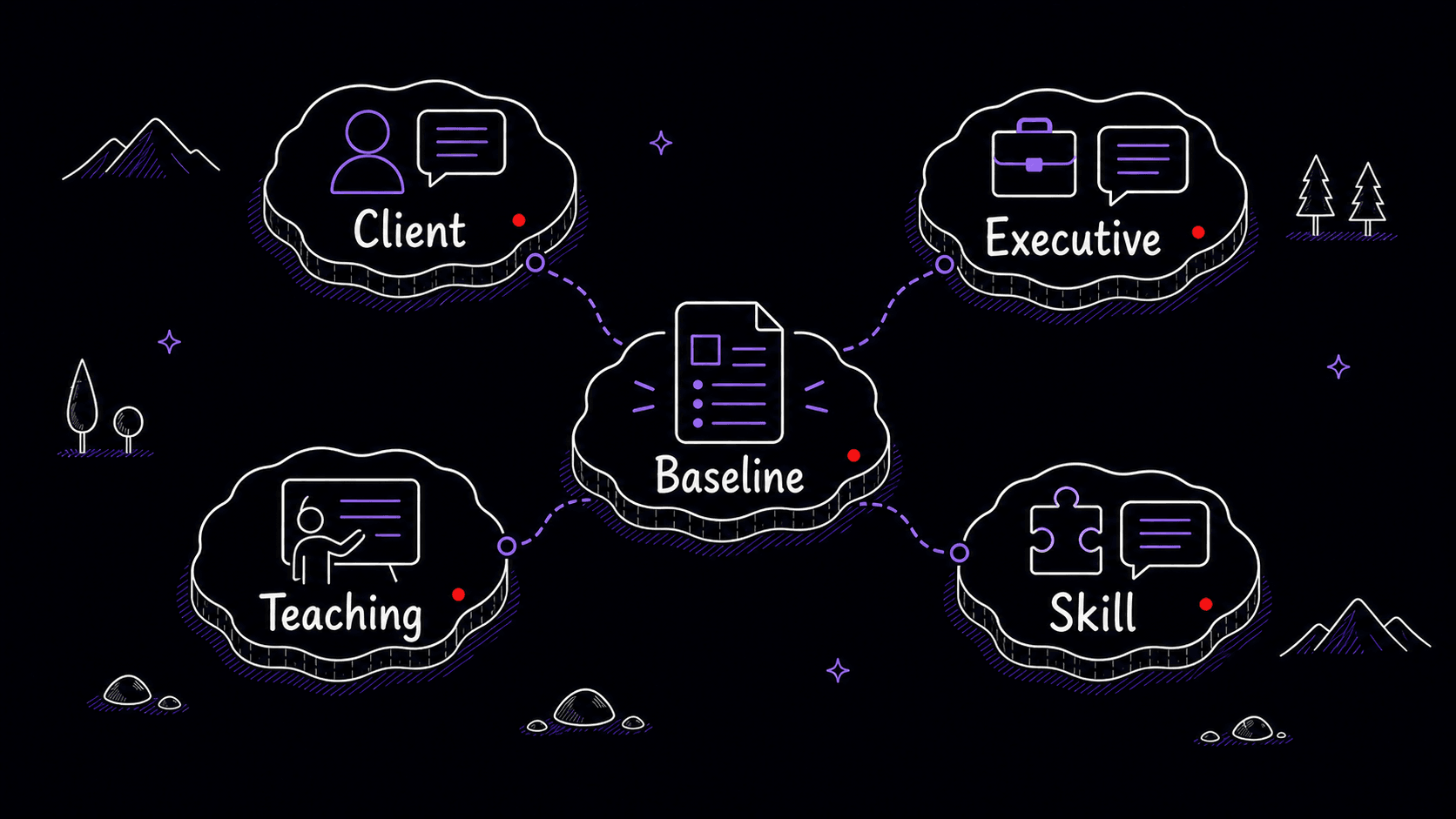
goes wrong when one file tries to carry every style decision. Your foundation voice-and-style.md should describe the patterns that show up in all your work: how direct you are, how much you give, how you handle uncertainty, what kinds of phrases always sound wrong. Specific voices belong in scoped Skills or style files: client follow-ups, executive updates, essays, proposals, teaching notes, or sales copy.
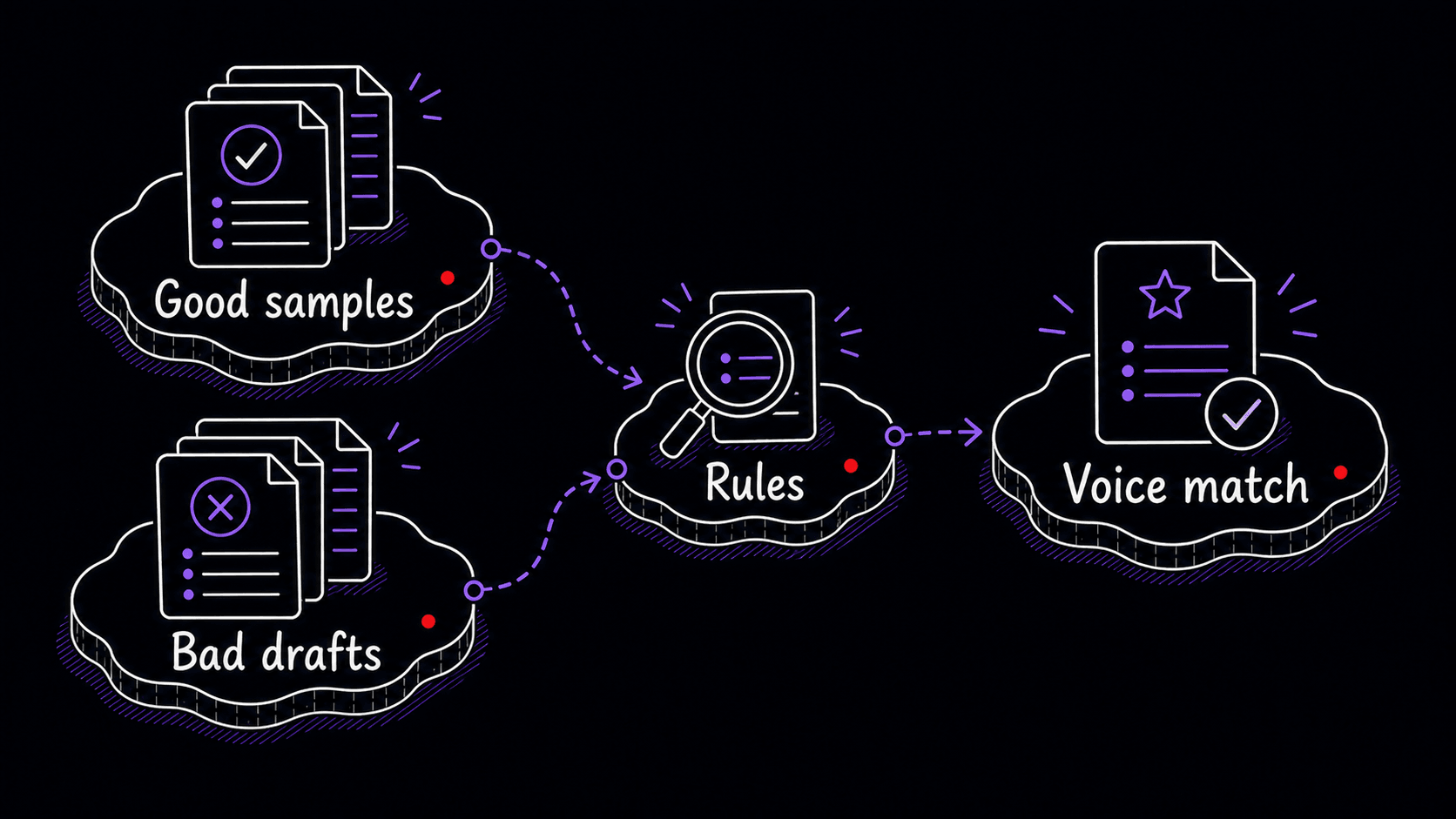
Start with a few universal principles and adjectives that fit your real style. Add diverse samples so the AI sees the range. Then point specialized work to scoped Skills or style documents instead of stuffing every possible voice into the .
# Voice and Style

## Universal Style Principles
- Write in complete, flowing sentences. No clipped,
  hustle-culture phrasing.
- Be direct, specific, and warm without pretending certainty.
- When uncertain, say so plainly. No hedging with
  soft setup phrases.
- Explain the consequence of a decision before asking for
  approval.

## Scoped Voice References

Use this foundation file for the baseline style only. Load a
scoped Skill or style file when the task needs a specific voice.

- client-follow-up-style.md for post-meeting client emails
- executive-update-style.md for leadership summaries
- teaching-note-style.md for explanatory guides

## Banned Phrases

Principle: ban phrases that make the writing sound generic,
inflated, or evasive. Replace each one with the concrete
action, decision, evidence, or next step.

- leverage
- synergy
- deep dive
- circle back
- move the needle
- it is worth noting that
- it should be mentioned

## Diverse Source Samples To Add

[Replace this note with several real writing samples that show
your range: one short message, one internal update, one client
or stakeholder note, and one paragraph from a deliverable. Keep
full greetings, transitions, and sign-offs when they show your
voice. Put use-case-specific samples in the scoped style file or
Skill that owns that voice.]
working-rules.md: boundaries that apply to everything
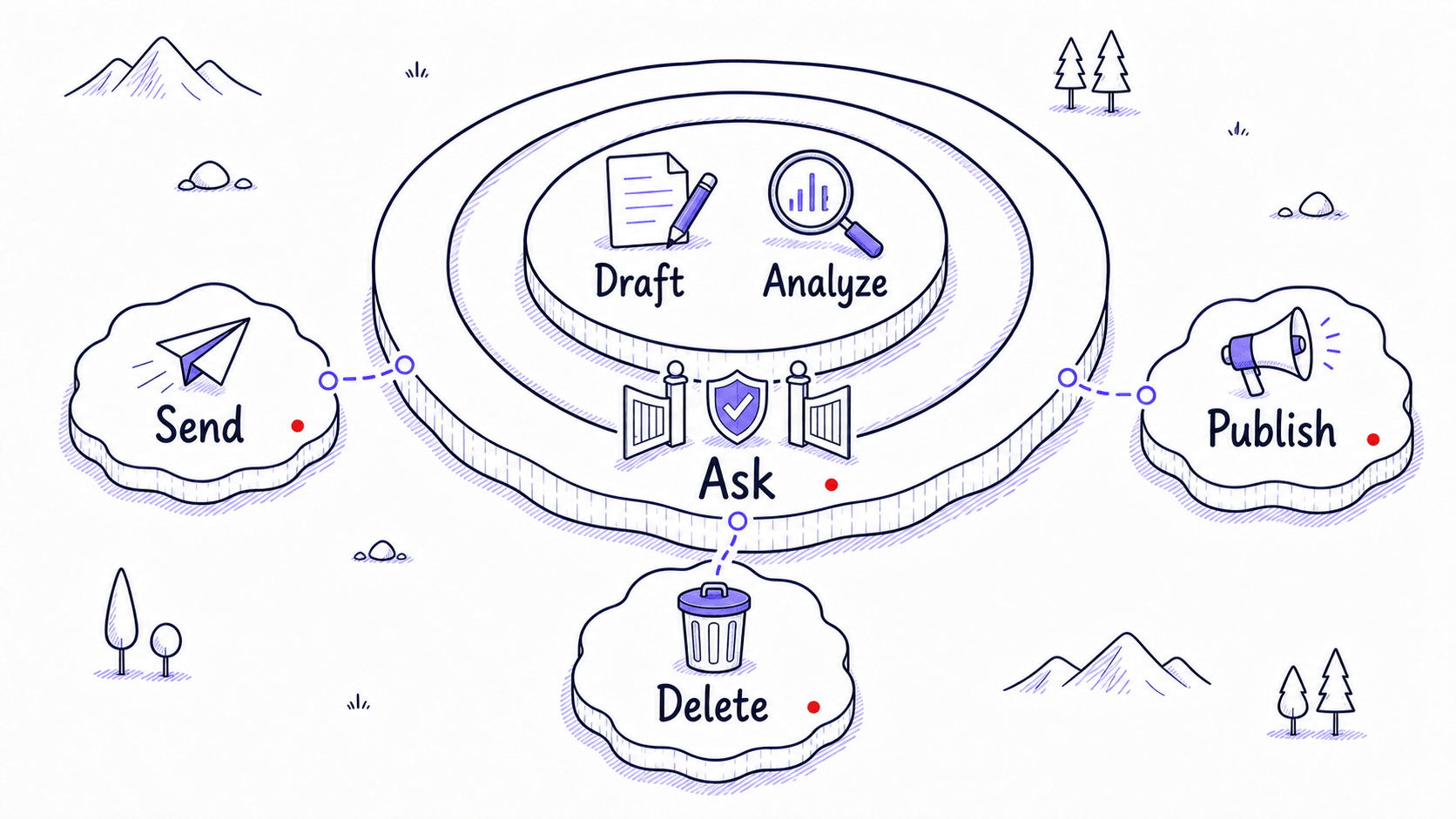
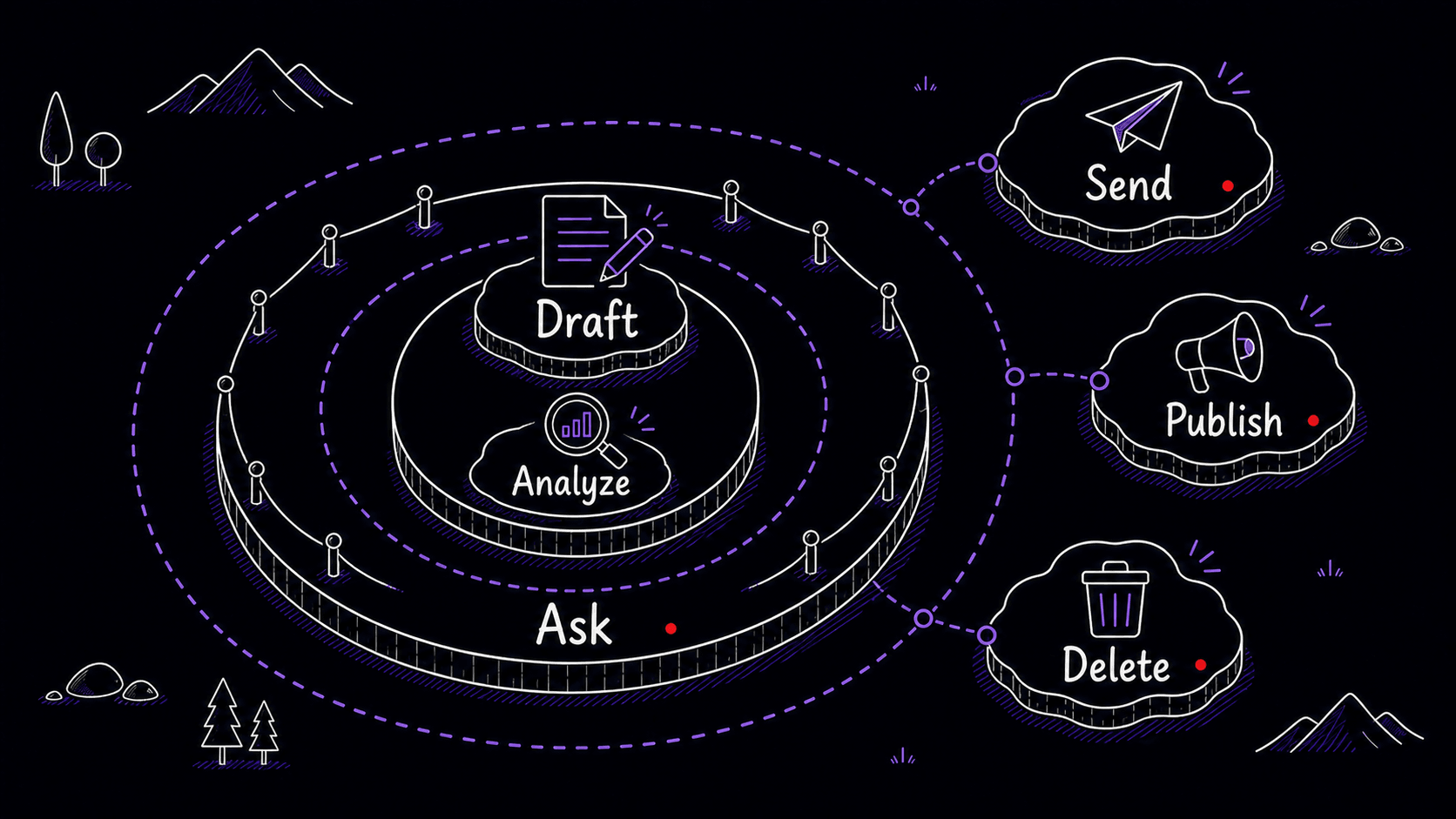
An tells the AI what it can do on its own versus what needs your sign-off. These rules apply to every interaction, regardless of which is active. They are the same rules you would give any new team member on day one.
# Working Rules

## Approval Boundaries

Principle: the AI may draft, organize, and analyze, but it
should not take consequential action or hide uncertainty.

- Always ask one clarifying question before starting a
  complex task. Do not proceed on assumptions.
- Write output files to the outputs/ folder. Never modify
  anything in source/ or references/.
- When working with client data, never include internal
  pricing, margin notes, or competitor analysis in any
  client-facing output.
- If a task requires information you do not have, say what
  you need rather than guessing.
- Draft replies but never send them. Summarize meetings but
  flag any action items that commit budget or schedule.