

Learn by doing
Walkthroughs
Short, step-by-step setup guides. Each one ends with a working result and links its official sources.
Learn by doing
Short, step-by-step setup guides. Each one ends with a working result and links its official sources.
Let your agent help you read or update another app, even when no ready-made connector or plugin does your task.
A connection that has done one small task, with access you chose and a result you checked.
Member starter
Members onlyCopy the directions into your AI app. Your agent can help with the setup; the steps below explain what to do and what to check.
New here? View membership
Suppose you want your agent to list your upcoming events or draft a new one in another app. The usual route is a ready-made link your AI app offers: Claude calls it a connector, and ChatGPT and Codex call it a plugin. When none exists for your app, or none can do your particular job, your agent may still be able to do the task.
An API lets other software ask an app for data or actions, such as listing events. An MCP connection is one you add yourself using the Model Context Protocol, the open standard that ready-made connectors also use. It lets your agent request actions in the app, such as listing events. Computer use lets an agent operate on-screen buttons and fields the way you would, including on a web page in a browser. Your agent can check which route supports your task and help set it up. You choose the account and what it may access, then check the result of one small test before relying on it.
You have a particular job in mind, in a particular app. Before building anything, check that some route can do that exact job, because an app may let software read an event but not publish one.
Tell your agent the app and action, such as “list my upcoming Eventbrite events.” Ask it to compare the routes that support it and explain which needs the least setup.
Members can copy this prompt. Sign in or view membership.
Check: The agent names a supported option, links to its official instructions, and explains any account requirements.
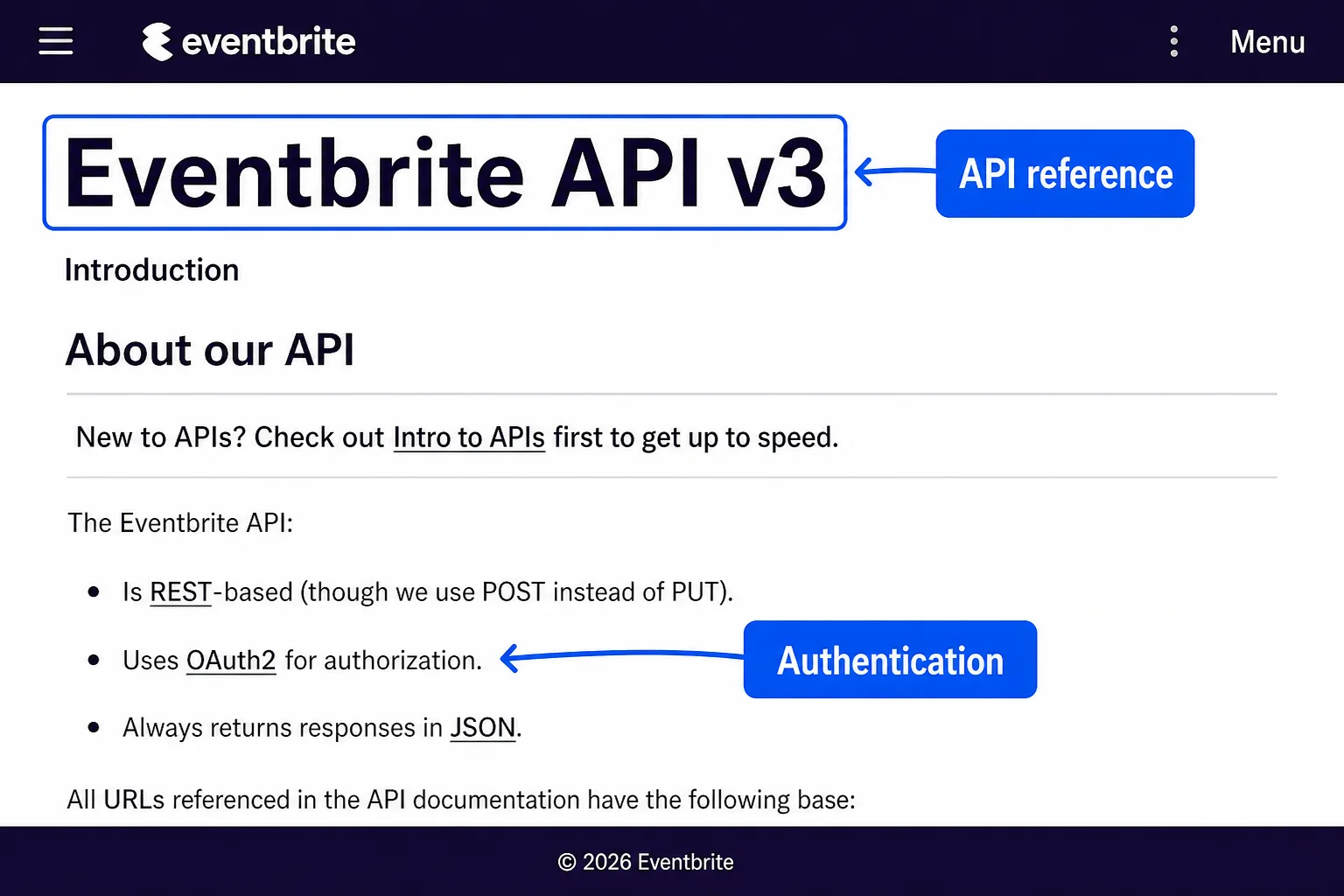
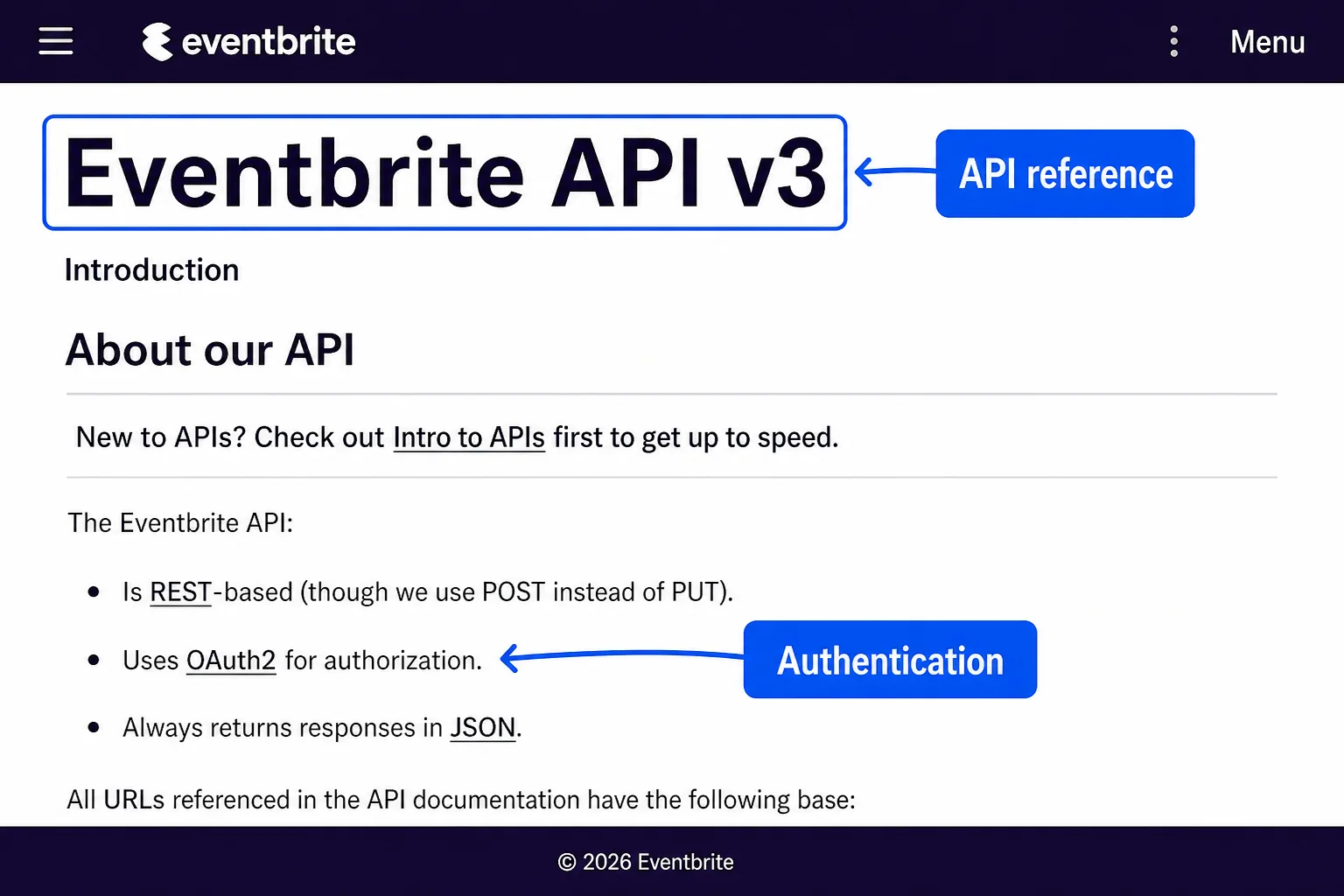
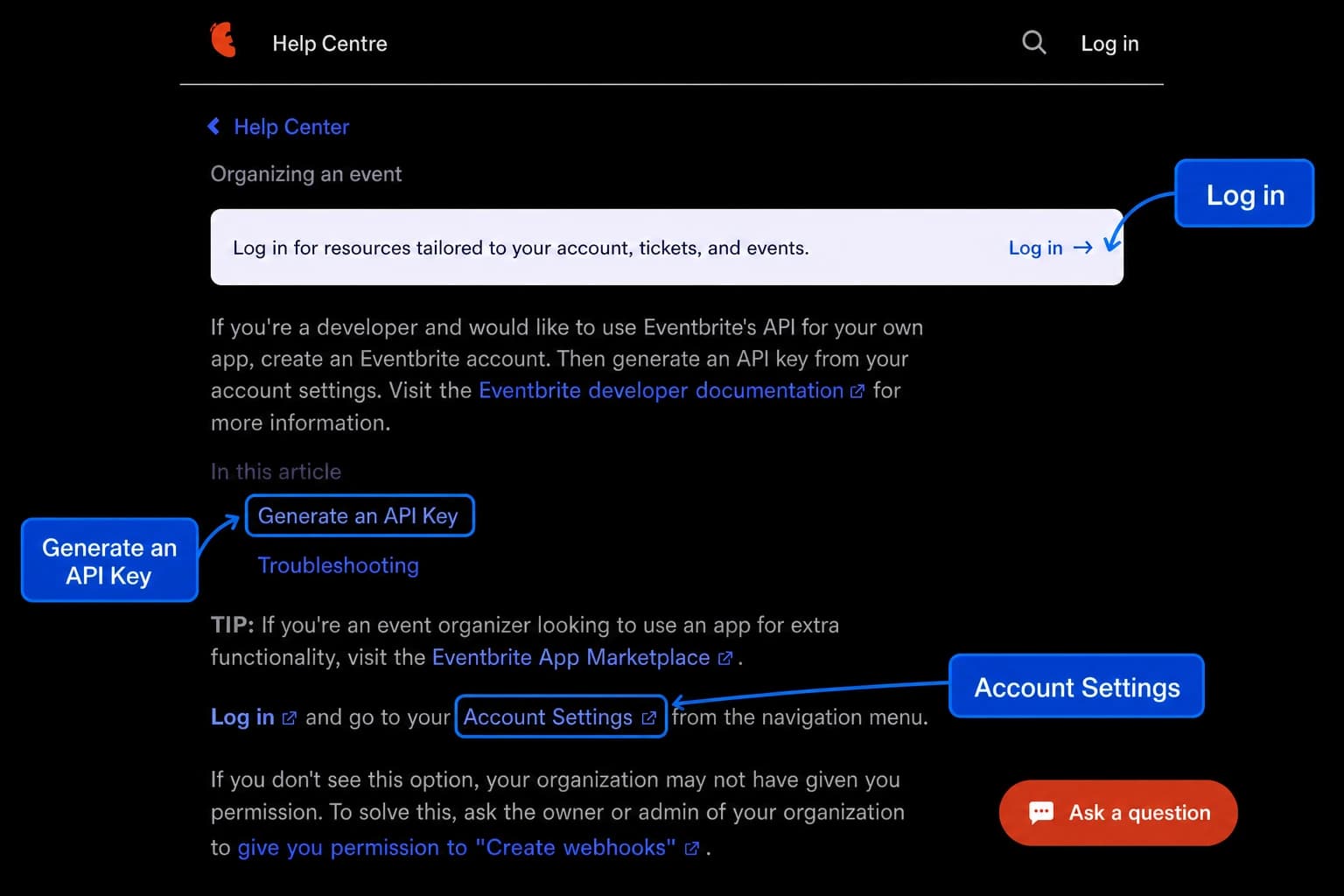
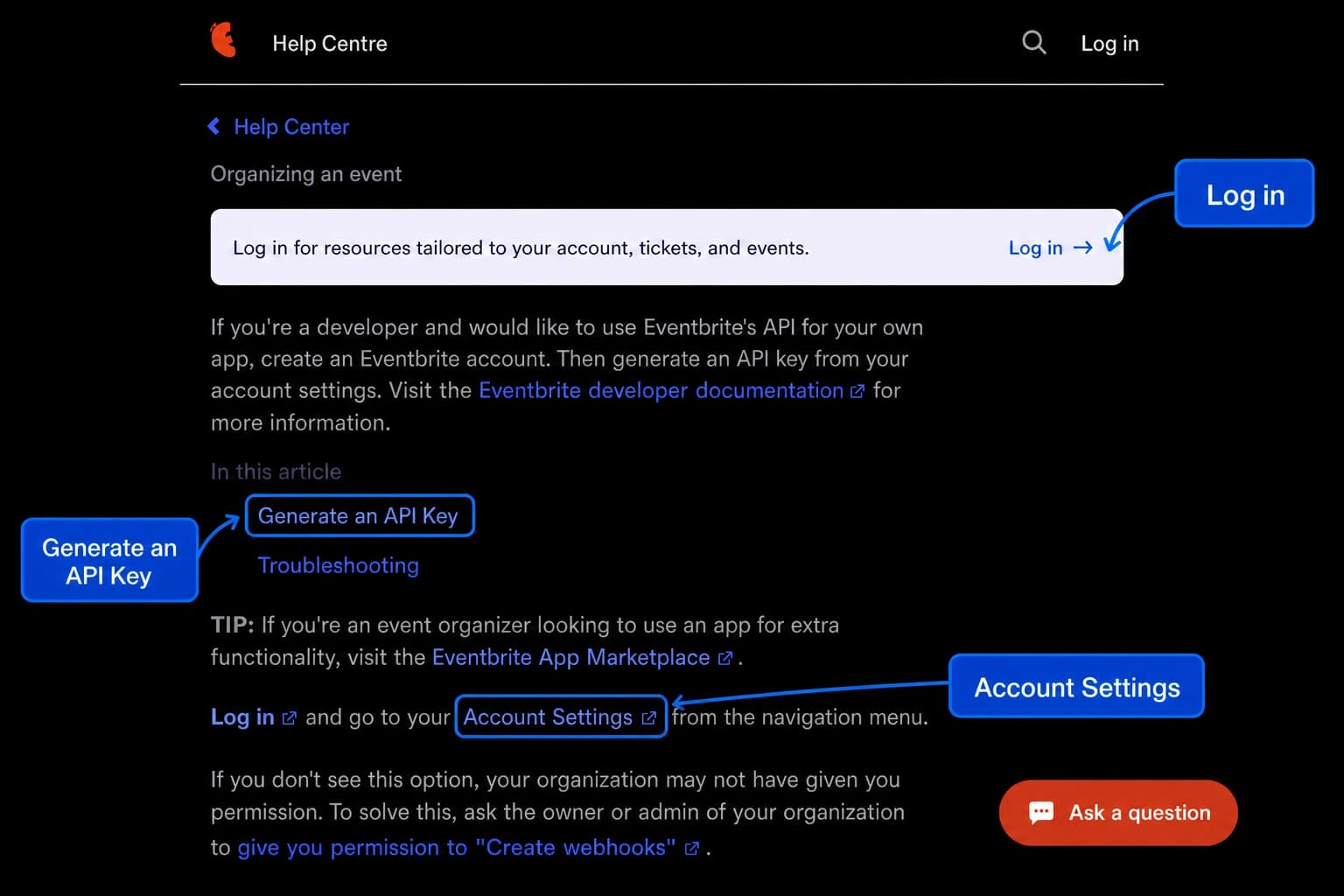
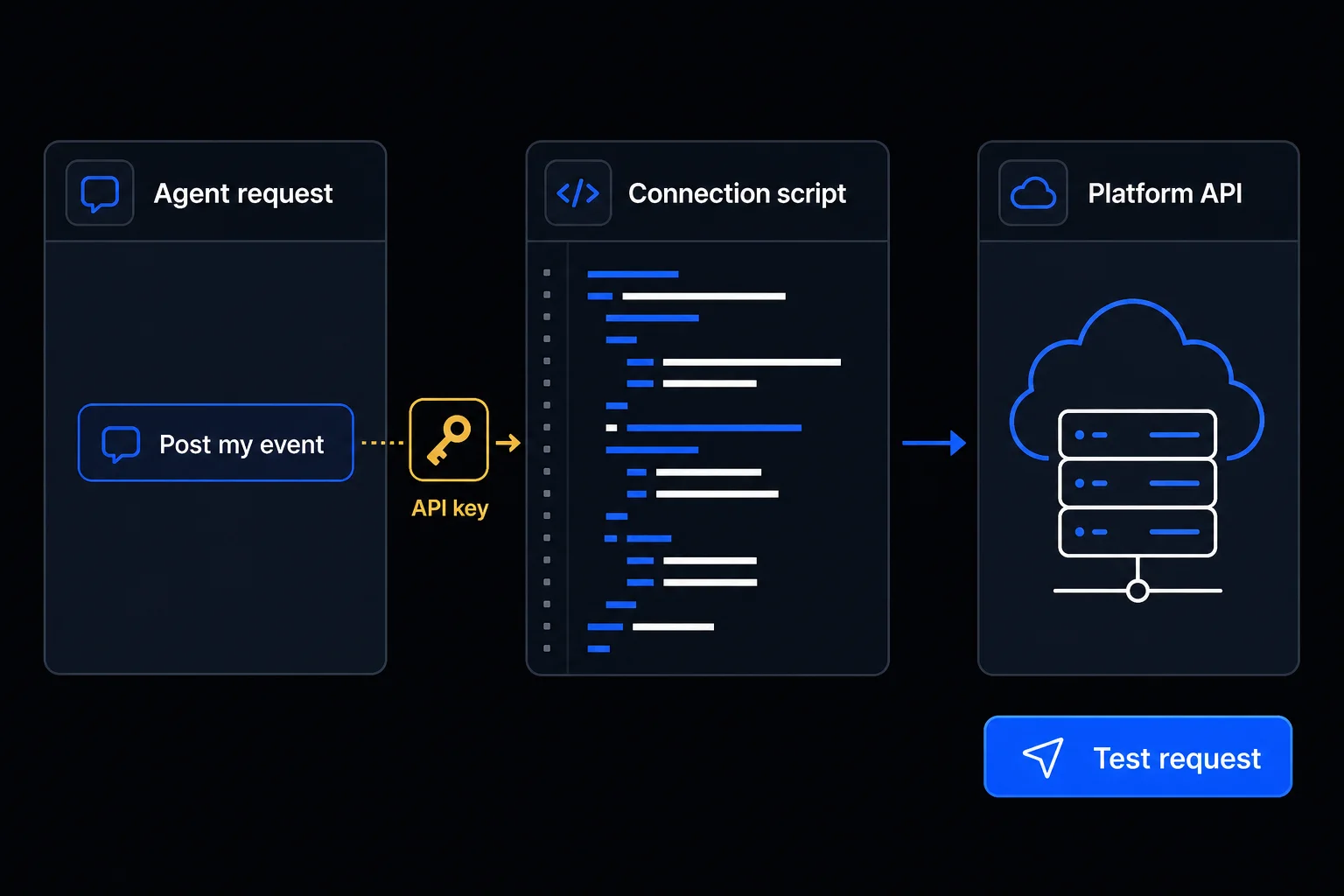
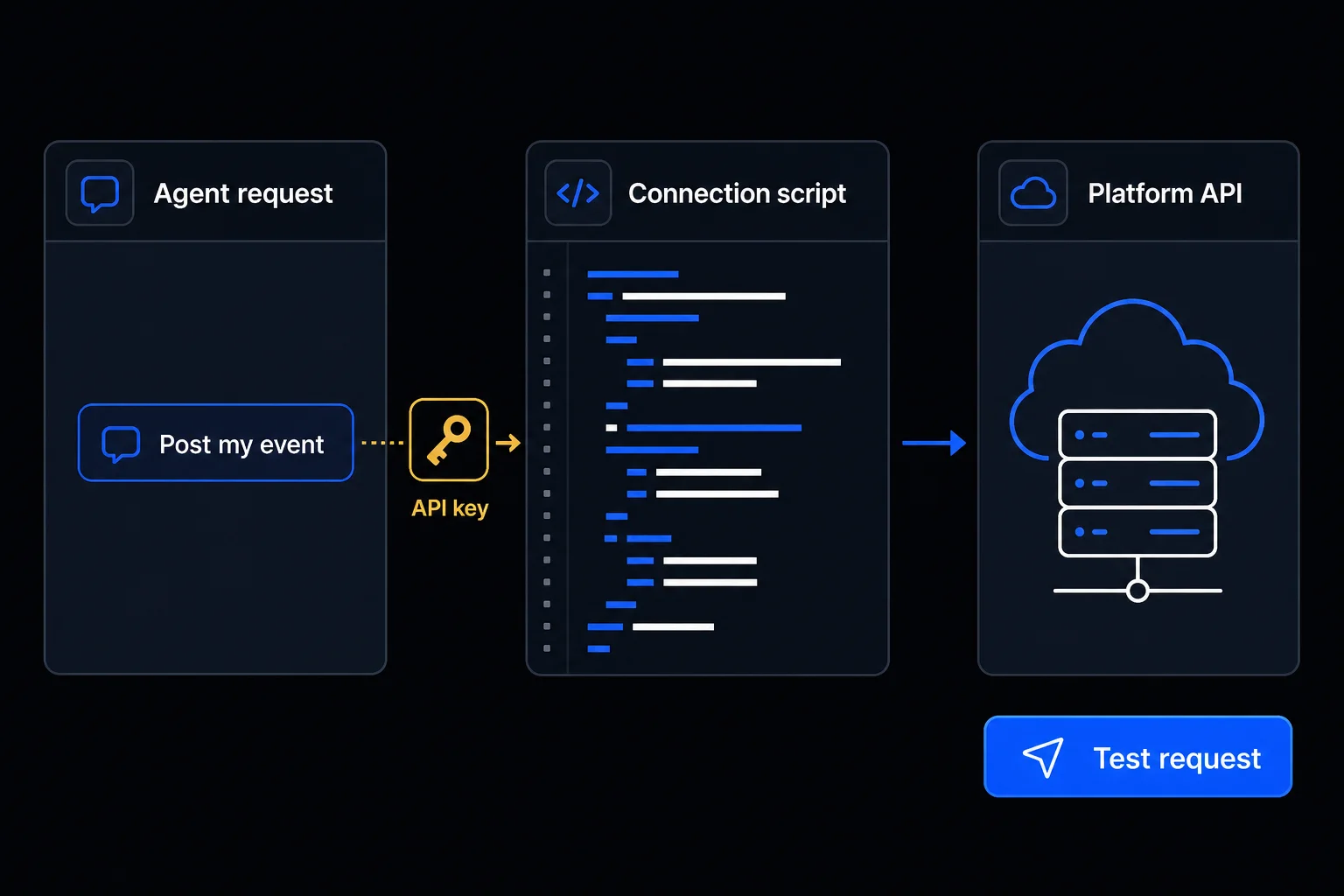
Before the connection works, you choose which account it uses and what it may do there, such as read only. Often you grant this by signing in to the app. Some routes instead need an API key or token, a secret code that works like a password for software. Anyone holding it may be able to use that access, so it never goes in the chat.
Ask your agent to guide the sign-in and explain each permission. If the route needs a key or token, enter it yourself where your agent recommends, outside the chat.
Members can copy this prompt. Sign in or view membership.
Check: You know which account is connected and whether it can read, create, or change items.
For a work account, follow your organization’s rules. If a setting you need is locked, ask your administrator.
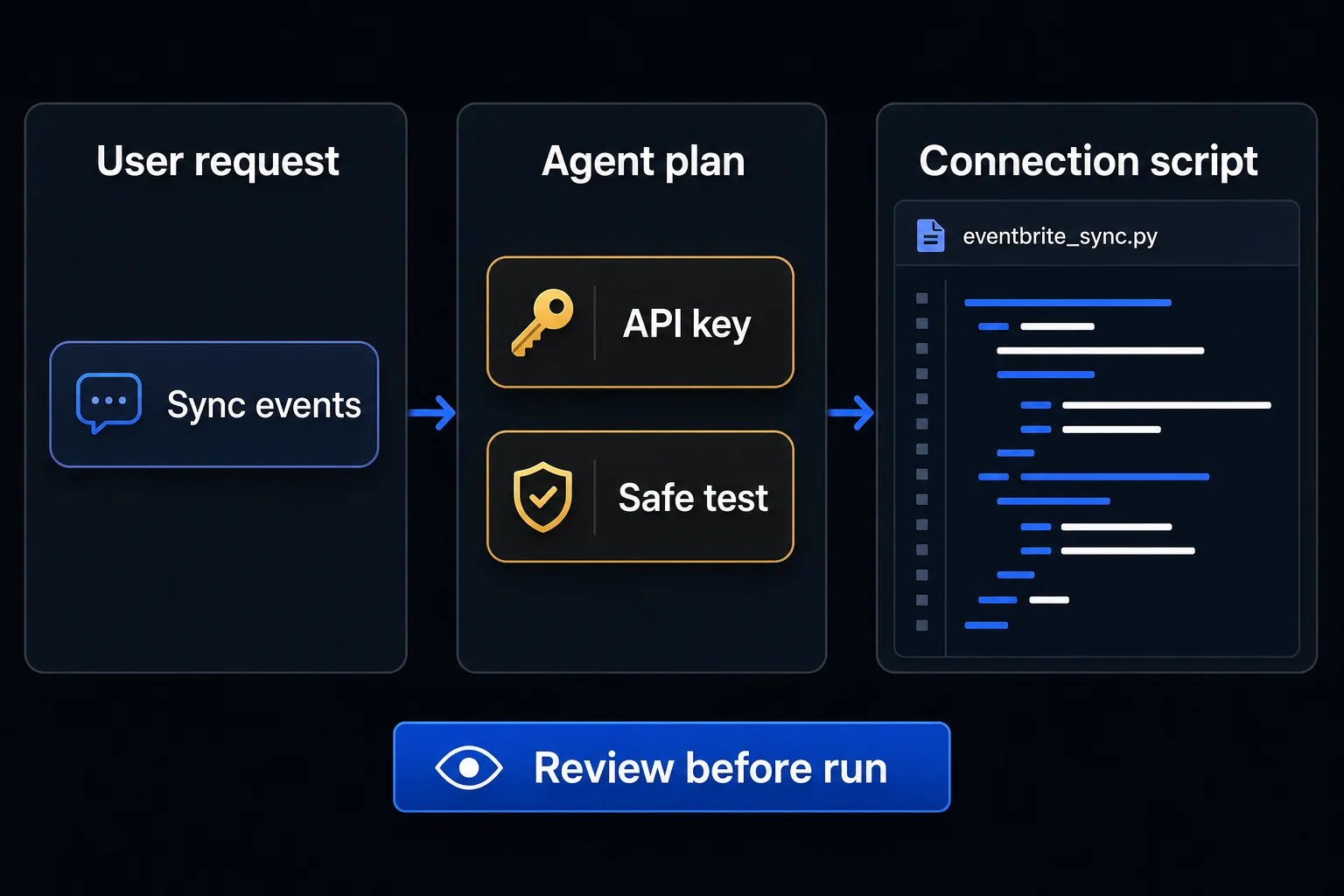
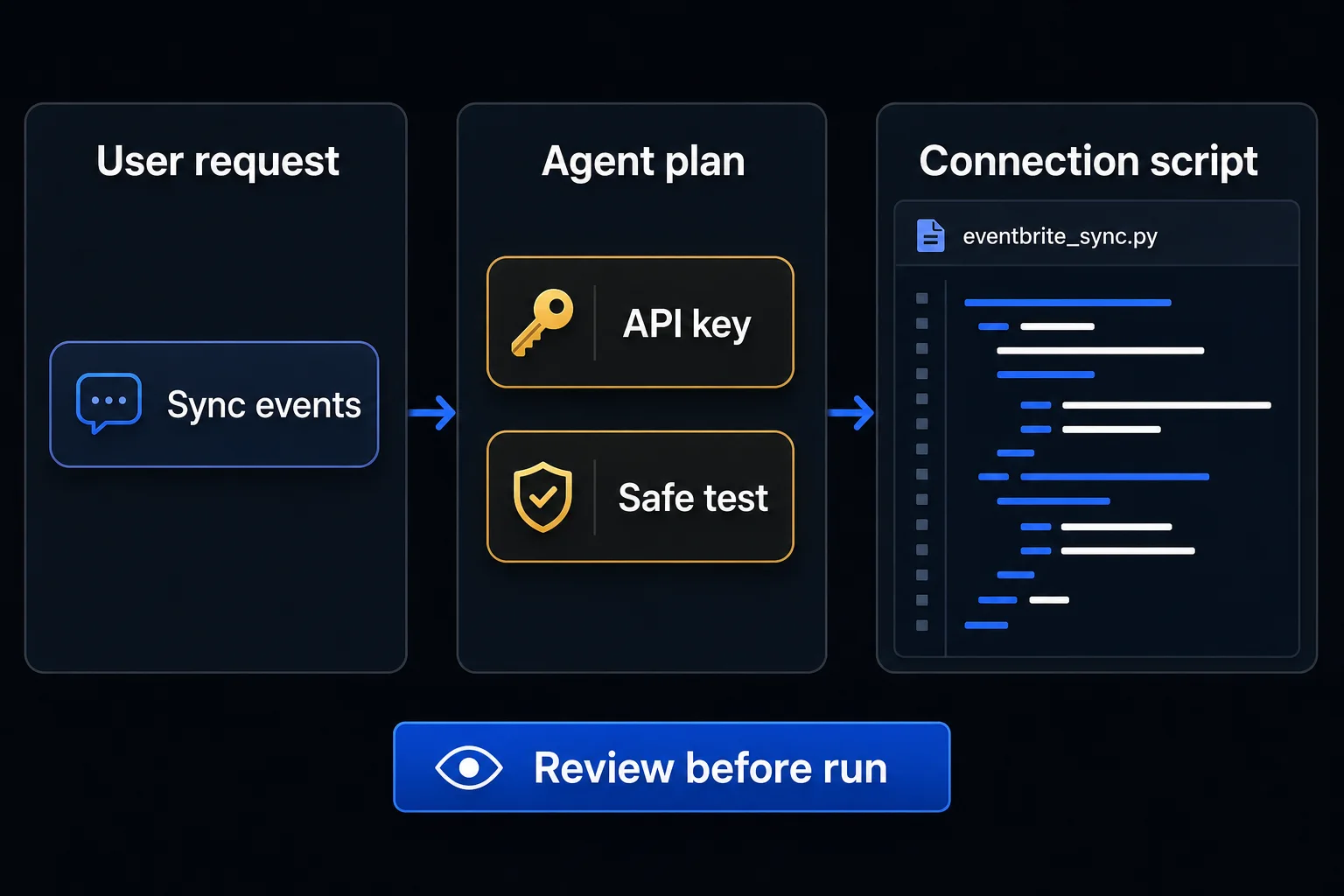
With access set up, the agent needs to know exactly what to ask the app for. A connector, plugin, or MCP connection may already include that action. On the API route, the agent may write a small script, a saved set of computer instructions, that sends the request.
Describe one thing to read or change and the result you expect. For example: “List my upcoming events and save their names and dates in my project notes.” Ask the agent to prepare that action through the route you chose.
Members can copy this prompt. Sign in or view membership.
Check: The agent explains what it will read or change and gives instructions for running the action again.
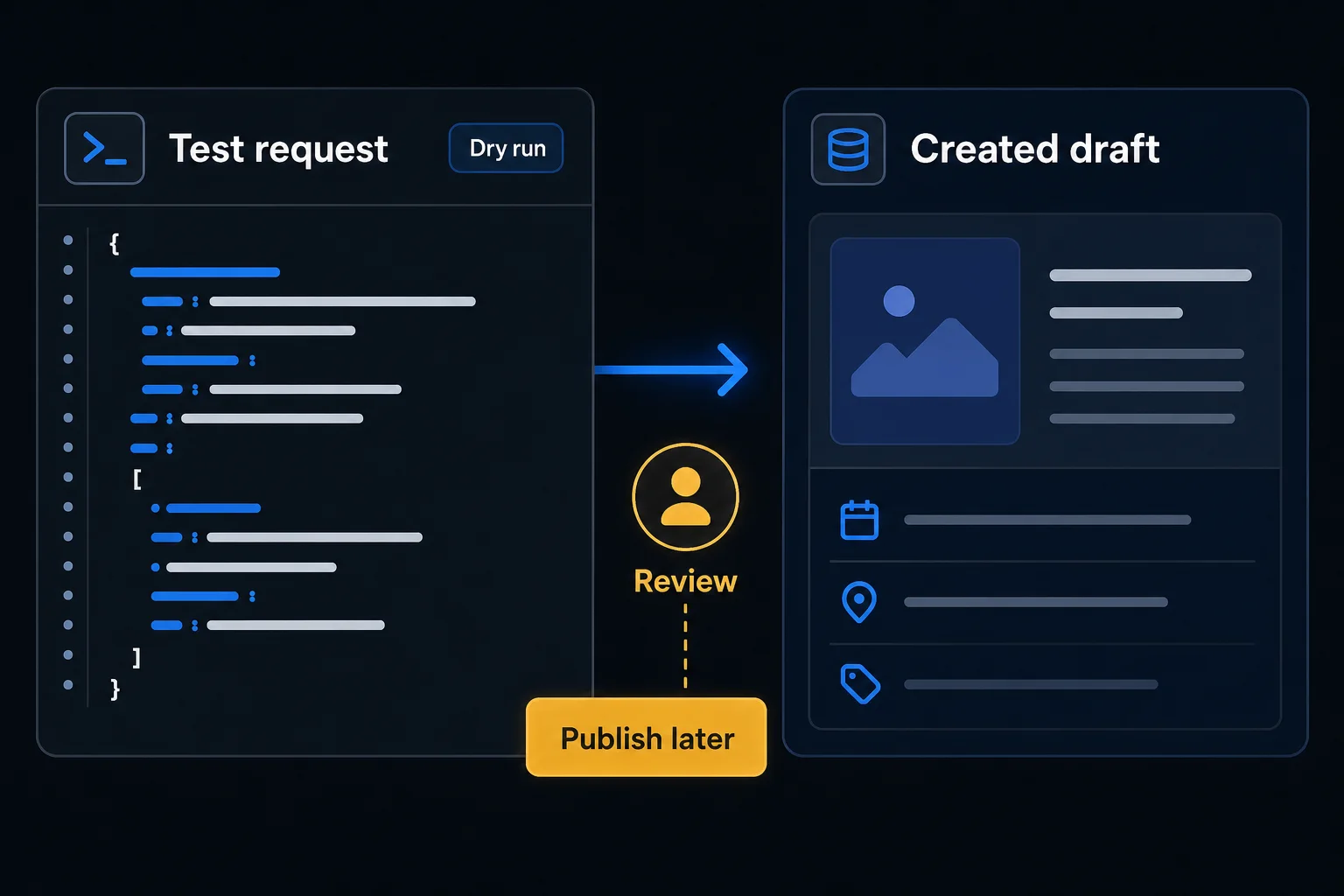
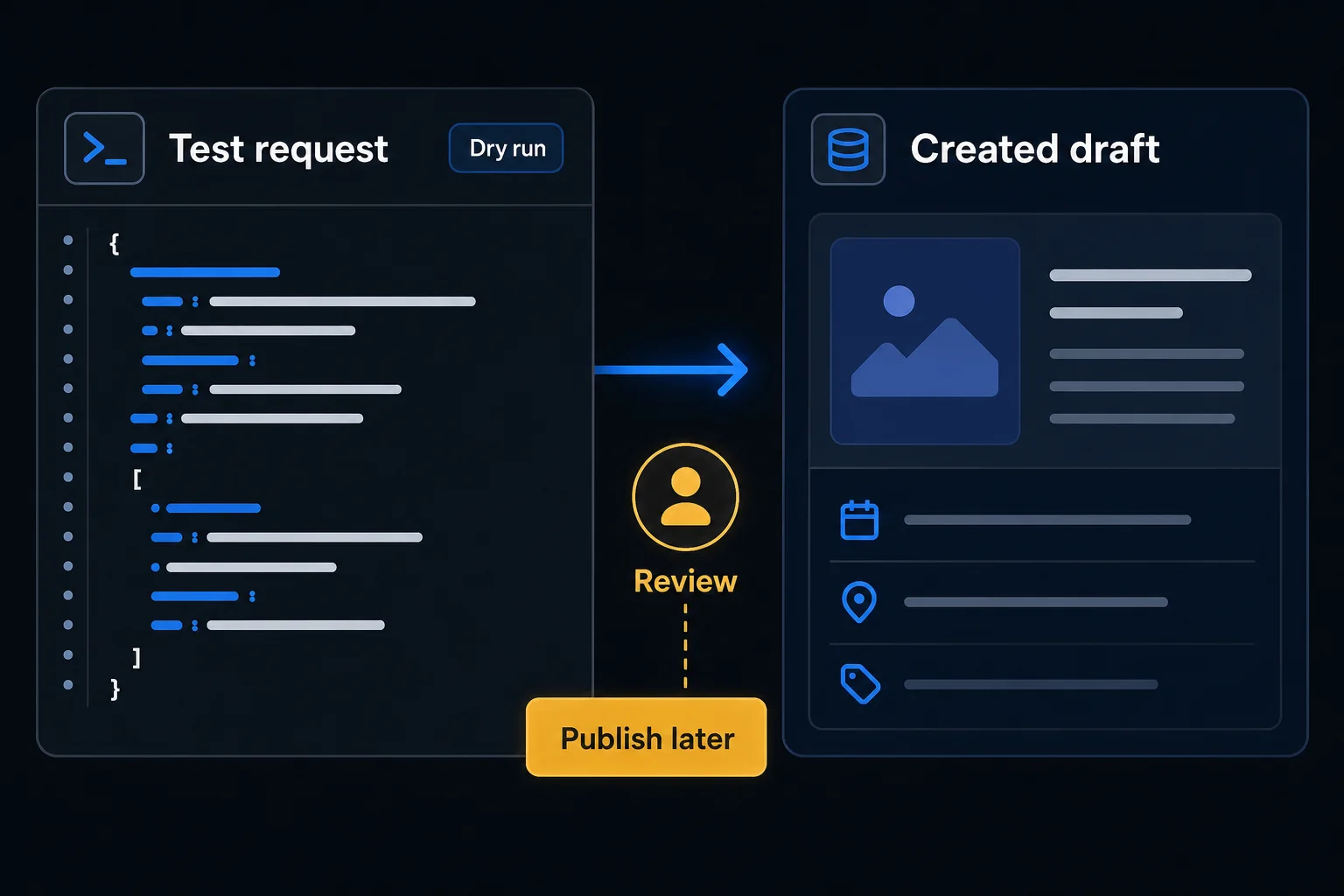
A successful sign-in only shows that the connection can get in. To learn whether it does your job correctly, have it read an item you know well and compare the details with the app. If your task creates or changes something, have it make a draft instead and check the draft in the app.
Ask your agent to state the expected result and run the agreed test. Open the app yourself and compare the item with what the agent reported.
Members can copy this prompt. Sign in or view membership.
Check: The returned information or draft matches what you see in the app. If it does not, show your agent both versions and ask it to find the cause before you continue.
Understanding
A connection might be allowed to read your events but not change them. Some actions also depend on your account plan or an administrator. Ask your agent to explain what the connection can do, then grant only the access your task needs. A successful test shows only that the action you tested works with the access you granted.
Ask your agent to recheck official sources for connectors or plugins, MCP connections, the app's API, and any browser or computer use the app's terms allow. If none supports the action, do that step by hand rather than working around the app’s restrictions.
The app knows who is asking but will not allow this action. Share the error with your agent, leaving out the key or token, and ask it to check the account, granted permissions, plan, and administrator settings against the official docs.
The app does not accept the sign-in, key, or token. Share only the error, and ask your agent to check the secret's stored name and location, its expiration, and the sign-in method, without printing it.
The dates below show when each official source was checked against the steps on this page.