Build your website, campaign, or AI assistant.
IPromptingBeginner
Set Up and Direct AI for Your Business
Direct a project change and practice restoring a saved version.
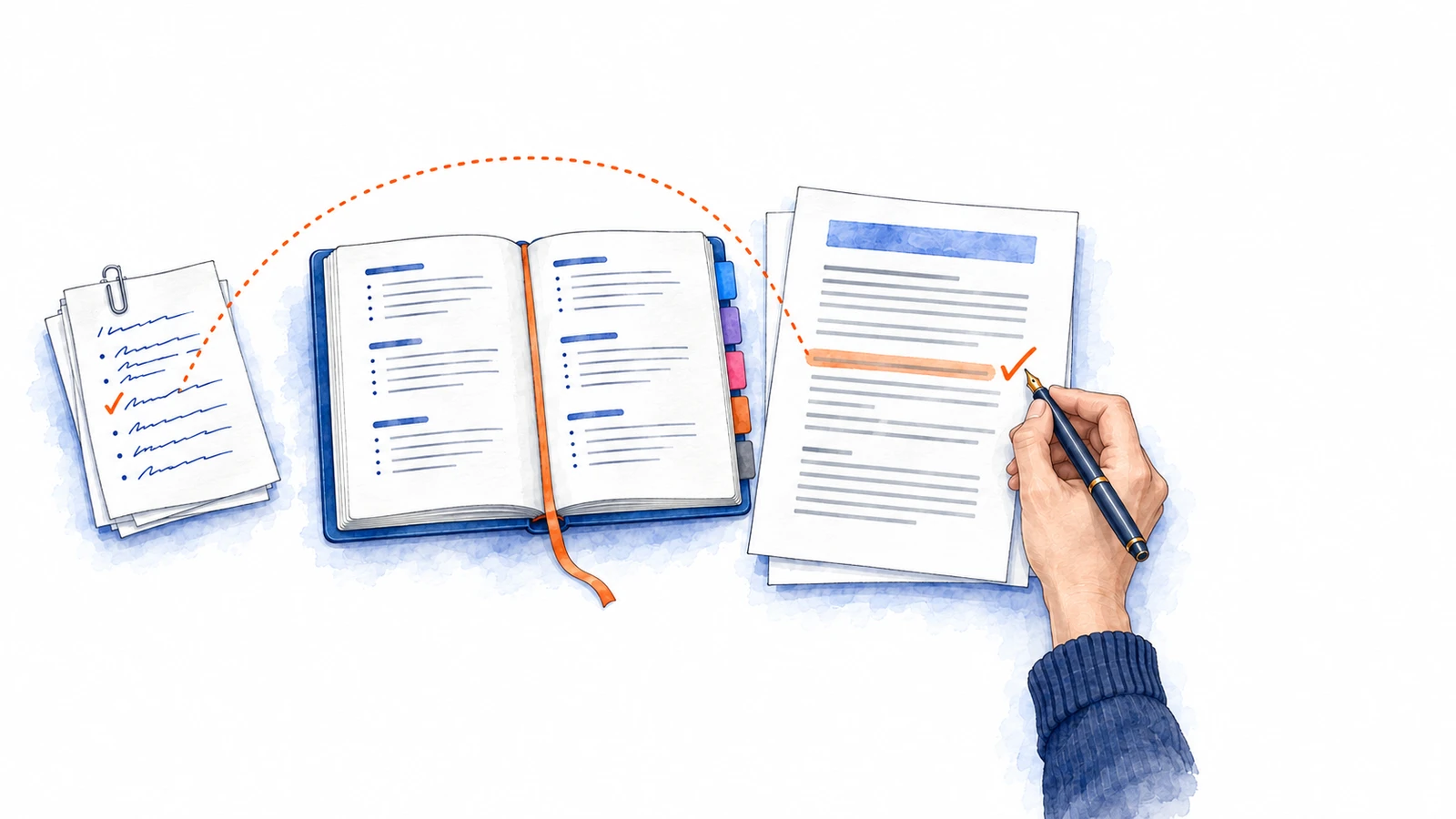
Begin using an AI assistant for work you can inspect, from setting it up to giving it a clear business assignment. As you develop projects, learn how Git and GitHub preserve changes so you can compare versions and recover earlier work.
Step 1
Your first business draft, made from files you control
Step 2
A client report from current notes, with a setup you understand and can test
Mini-project
Gmail connected to your assistant, checked against an email you already know
Step 3
A useful client update and a request you can improve and reuse
Step 4
A working version to return to while you try improvements to your site or tool
IIWebsites and HostingBeginner
Build and Launch Your Own Website With AI
Publish your website at a web address you control.
Take a business website from an idea to a published address with an AI agent doing the coding. Learn how a visitor's task guides the plan, design and working features, then explore sign-in and saved progress on a separate practice site.
Step 1
Your website, designed from mockups you pick and built by an AI agent
Step 2
A website visitors can use, with a saved project you can keep improving
Step 3
An address that is yours, and a routine for publishing each change
Step 4
A practice learning website where you can sign in and continue from your saved place
IIISocial MediaBeginner
Create Social Media With AI
Create useful social content from the work your business already does.
Develop social content for an offer you want people to understand and consider. Use audience research to guide a campaign, create its posts and media with AI, then learn from responses and save the production methods that help.
Step 1
A campaign plan joining customer decisions, useful messages, delivery and a first test
Step 2
An audience brief that connects customer situations with useful topics and a next test
Step 3
A visual invitation to your offer, with a caption and a clear next step
Step 4
A post draft whose message, visual, caption and next step answer a customer question
Step 5
Complete versions of your business knowledge for different readers and social channels
Step 6
A selective annual campaign map with the preparation and near-term work it requires
Step 7
An improvement decision grounded in campaign records, customer responses and business costs
Step 8
A saved skill for preparing post images, tried on new material and compared with your usual effort
- 1Plan a social campaign around a business goal35 min
- 2Research the people you want to reach45 min
- 3Create social media visuals with AI40 min
- 4Write social posts from audience research30 min
- 5Adapt social content for each platform40 min
- 6Plan a year of social campaigns40 min
- 7Use campaign results to decide what to improve50 min
- 8Record and improve a social media production workflow35 min
Open the path5 h 15 min
IVClean Agentic BuildingBeginner to Intermediate
Reuse Your Instructions Across AI Tools
Keep shared AI instructions in an authoritative file.
Keep the decisions you want your AI assistants to reuse in guidance you control. Learn how to maintain that guidance, help each assistant find the relevant parts and check whether the decisions survive in its work.
Step 1
A maintained business decision that Claude and Codex can apply to the right work
Step 2
An instruction library that guides a client email and a related website change
Mini-project
Voice skills built from your own emails, and a router when recipients need different styles
VDynamic Workflows and SubagentsIntermediate
Coordinate AI Helpers for Complex Tasks
Assign AI helpers, compare drafts, and check their evidence.
When an assignment needs several kinds of investigation, an AI assistant can organize helpers around it. Learn how their findings become one coherent recommendation, how to compare alternative drafts and how to check the evidence behind the result.
Step 1
A sourced purchase recommendation carried into a purchase request and setup plan
Mini-project
A sourced vendor comparison from helper assistants, set against one assistant working alone
Step 2
A complete briefing chosen for its reader, with the checked version preserved
Step 3
A proposal checked against its original records for a stated use
Mini-project
A checked client proposal, evidence-backed corrections and a readiness decision