

Learn by doing
Walkthroughs
Short, step-by-step setup guides. Each one ends with a working result and links its official sources.
Learn by doing
Short, step-by-step setup guides. Each one ends with a working result and links its official sources.
Keep the useful decisions from a long chat so your next task can start from what you agreed.
Checked decisions, instructions, and open questions saved in labeled files for later use.
Member starter
Members onlyCopy the directions into Codex. Your agent can help with the setup; the steps below explain what to do and what to check.
New here? View membership
A long AI conversation can mix decisions you made with suggestions you rejected or never agreed to, and a general summary may blur the two. Saving each decision with a short supporting quote lets you check it before another agent relies on it.
Each saved item is a record: one decision, instruction, or open question, with its source. Your assistant proposes records, and you review them. Then an agent, an AI tool allowed to edit files in a folder you choose, saves the checked records in your notes folder, where you already keep notes for this project. Open questions stay open, and suggestions are not saved as standing instructions (instructions meant for every future task).
To separate an agreed decision from a passing suggestion, the assistant needs the messages themselves. A remembered summary can drop who said something or whether you accepted it.
Open the conversation you want to preserve. If the assistant cannot read the messages, paste them into the chat and ask it to list any missing parts. A data export (the account download you request in Settings, sent by email) also works, but it holds your whole history.
Check: The assistant can point to the messages it is using.
Remove private details the task does not need before pasting the messages.
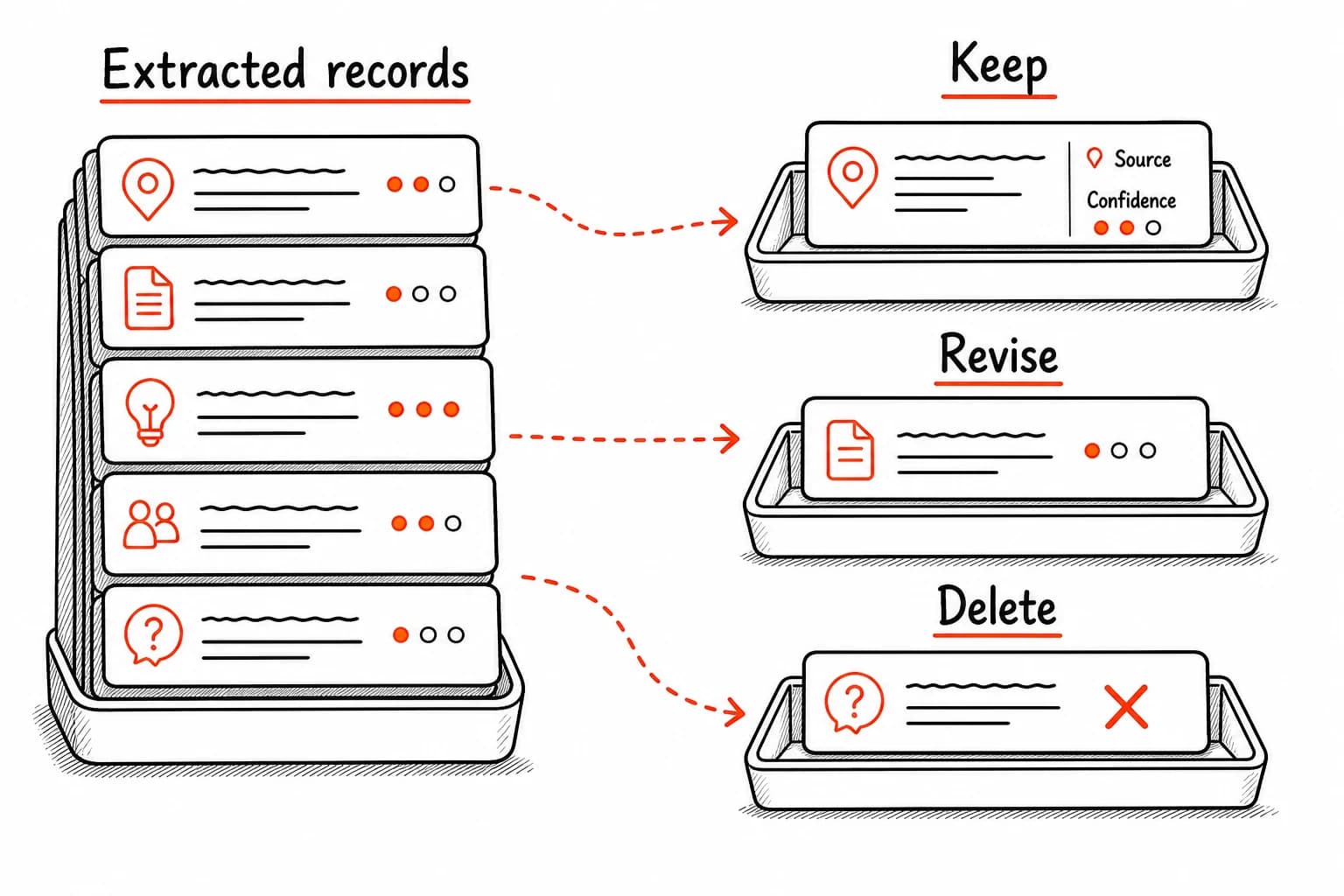
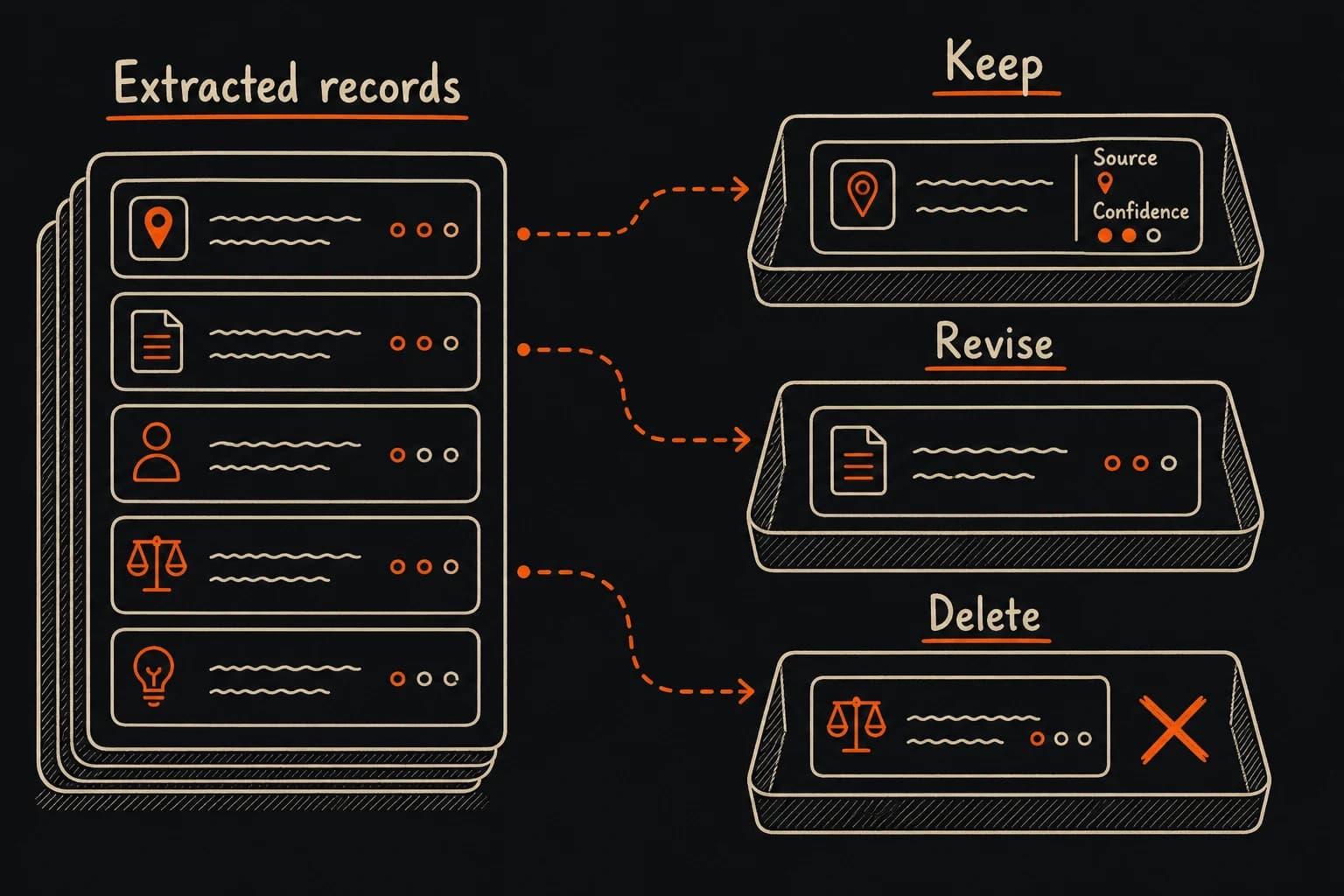
You will check every record before anything is saved, so ask for a quote beside each one. The quote lets you confirm a record's meaning without rereading the whole conversation.
Paste the extraction prompt into the chat that holds the conversation. It asks the assistant to separate what you agreed to from what it only suggested.
Extract useful records and keep their evidence attached.
Check: Each proposed record contains one clear point and a quote that supports it.
Some proposed records can claim more than the conversation said. A quote must support the whole record: “We could try weekly reports” does not mean “We decided to send weekly reports.” Another agent may follow preferences and standing instructions (instructions meant for every future task) in your name, so confirm those records yourself.
Compare each record with its quote, and search the conversation for any quote you do not remember. Correct overstatements, reject records whose quote you cannot find or that claim more than it says, and confirm personal preferences before saving them.
Use this pattern with quotes from your conversation. Do not save this example.
Source excerpt
User (message 4): "Use the support-ticket export as the source. Draft the summary in weekly-update.md, and keep unresolved refund cases in a separate list."

Supported one-time instruction
- Record: For this summary, use the support-ticket export, draft in weekly-update.md, and list unresolved refund cases separately.
- Evidence: "Use the support-ticket export as the source. Draft the summary in weekly-update.md, and keep unresolved refund cases in a separate list." (User, message 4)
- Scope: This support-summary request
- Status: Supported

Rejected record
- Claim: The user prefers short reports.
- Reason: The source says nothing about report length.
Check: You approve the records to save, and unanswered questions remain open.
Keep a decision’s reason when the conversation gives one. It helps you understand the choice later.
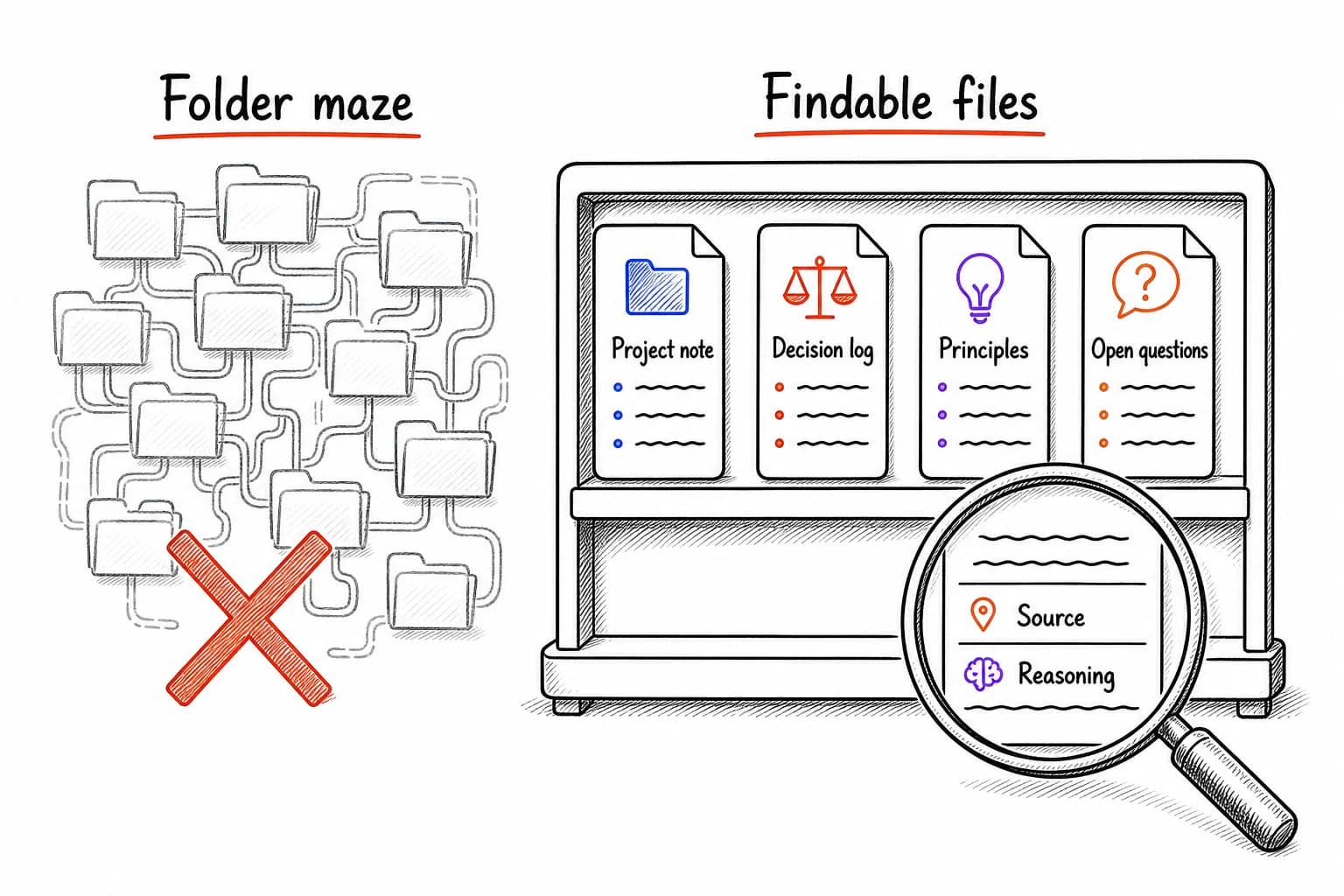
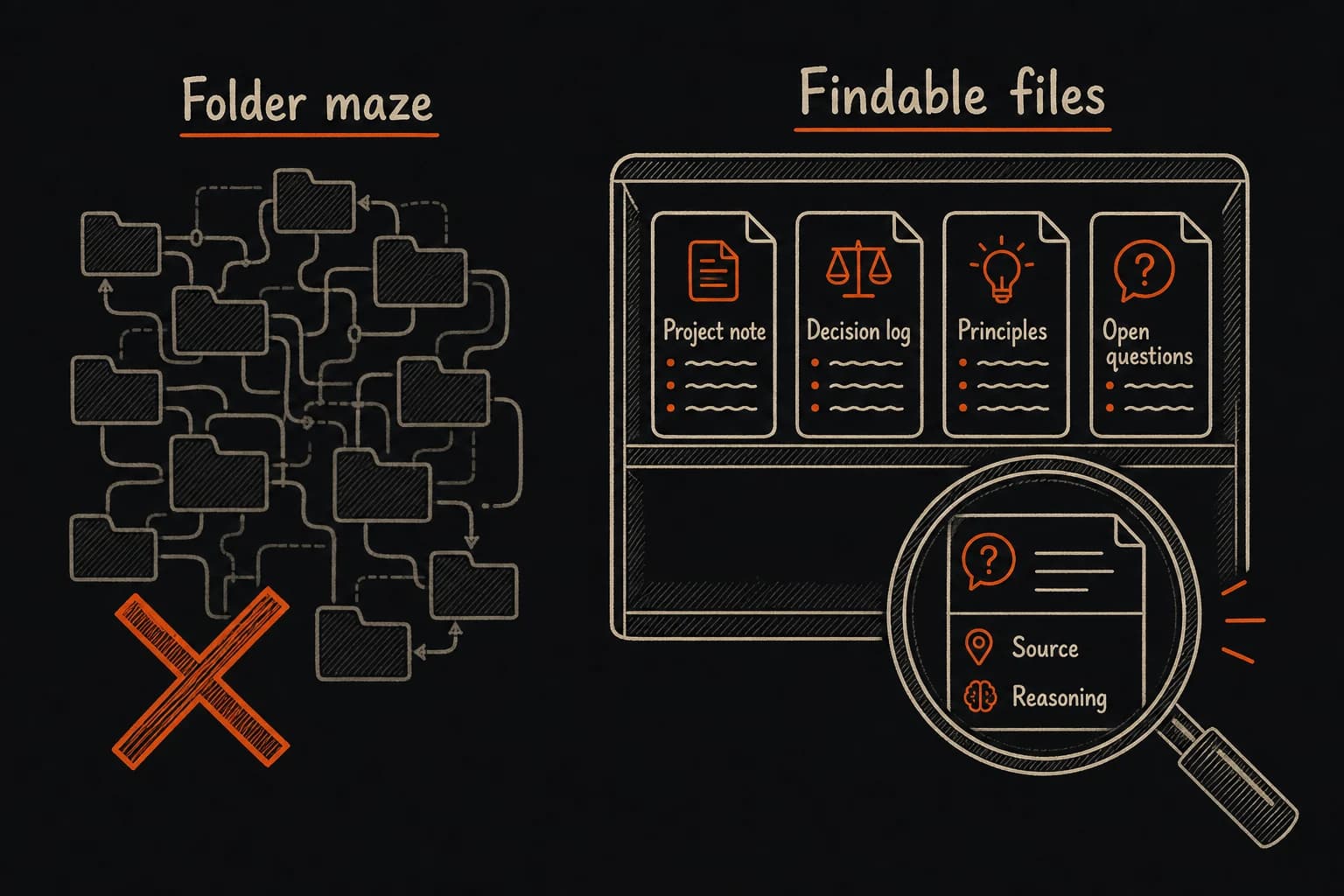
The checked records are easier to reuse in your notes folder, next to the files you already consult for this project. A new, unrelated folder is easy for the next agent to miss.
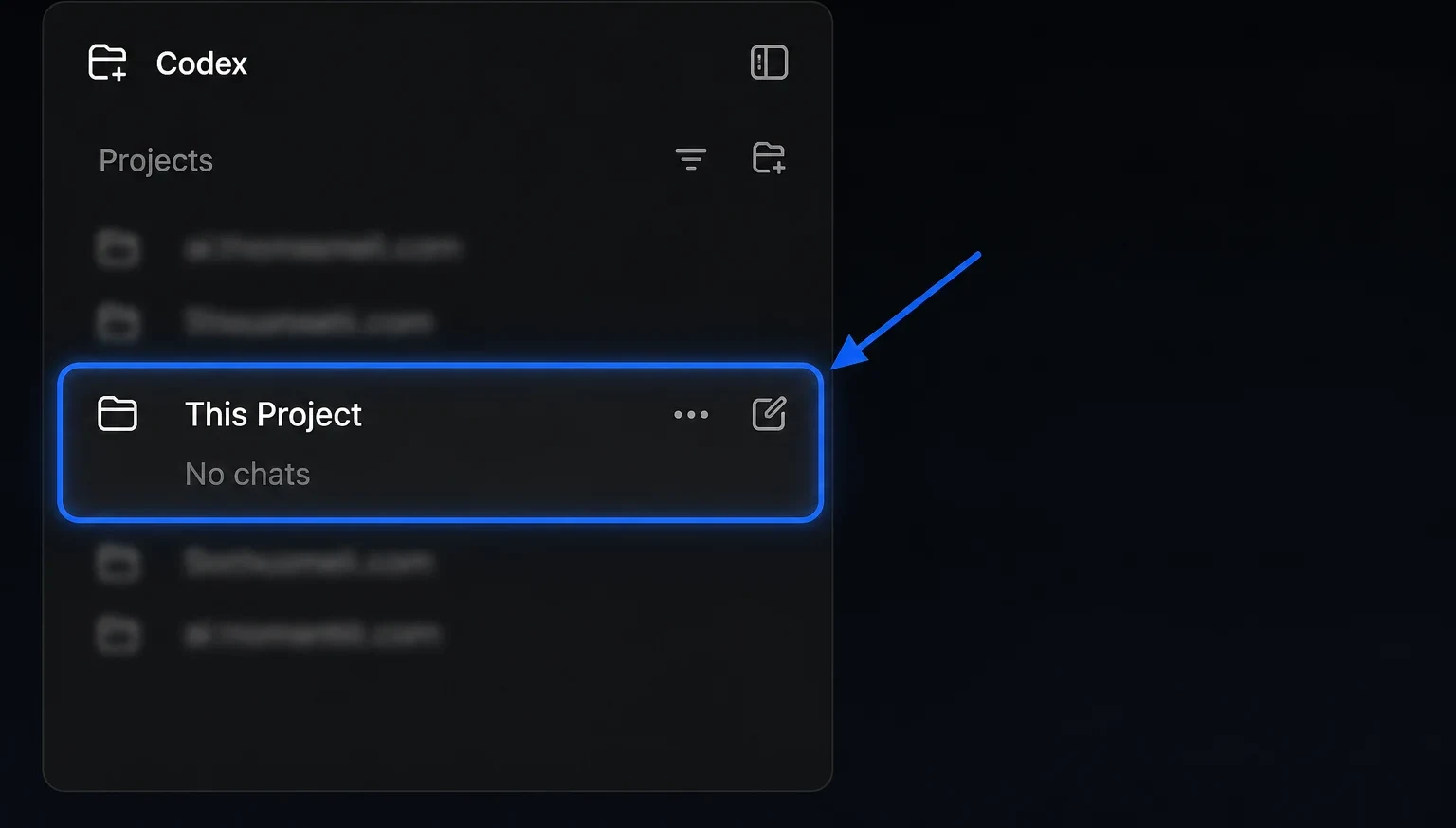
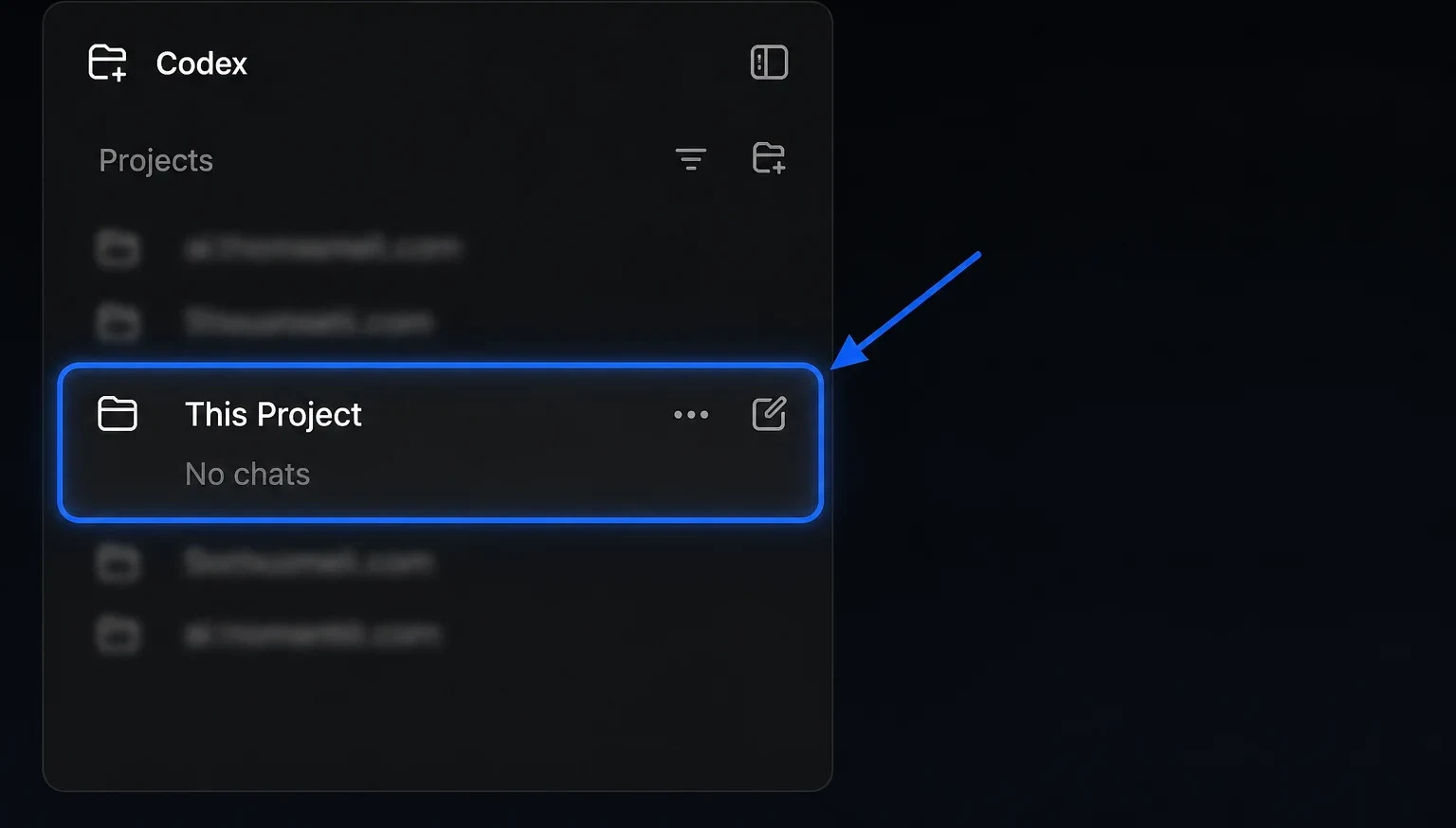
Open your notes folder in Codex (in the ChatGPT desktop app), Claude Code, or Claude Cowork (both in the Claude desktop app on a paid plan; in the newer combined Claude layout, any conversation can work in a folder). Tell the agent it may file the checked records there, and name any files it must leave alone.
Check: The agent identifies the existing files that could hold the records.
Open only the folder this task needs, and review the app's permissions. An agent can change or delete files in that folder, and some apps can also reach your browser or connected services.
Each approved record now needs a home in your files. The agent picks a file for each one, keeps its supporting quote, and checks that the record is not already saved.
Give the agent the checked records and the filing prompt. Ask it to reuse your existing organization and report where it saved each record.
Run this after opening the folder that should receive the records.
Check: The approved records appear in named files with their sources attached.
If the agent drops a record's reason or its “uncertain” status while filing, the record reads as more settled than it was. Check that the saved files hold the records you approved and sit in your notes folder.
Open the changed files and compare the additions with the checked records. Ask the agent to fix missing quotes, duplicate records, or a suggestion presented as a decision.
Check: The saved records preserve the decisions, reasons, and open questions from the conversation.
Do not ask the agent to edit an app’s built-in memory, the details Claude, ChatGPT, or Codex saves automatically when memory is turned on. These records belong in your files.
Open the original conversation, or paste its messages into a new chat. Past-chat search depends on your plan and settings.
Ask for records only from the messages in this chat, each with a quote and a message or section reference.
Reject every record whose quote you cannot find in the conversation or whose quote does not support the whole claim.
Open your notes folder in Codex, Claude Code, or Claude Cowork (the Claude options need a paid plan), then paste in the checked records and the filing prompt.
The dates below show when each official source was checked against the steps on this page.