MelıAI Mentoring
Use CasesSkills

Course material

  • CoursesPractice AI skills through focused lessons.
  • Learning pathsTake courses in a useful order.
  • Skill treeThe skill map behind every course.

Resources

  • AI TermsPlain definitions and quick practice.
  • GuidesDetailed help for useful AI work.
  • WalkthroughsCurrent setup steps for useful tasks.
  • Self-guidedMeli AI AcademyFree tierPublished courses and guides at your own pace.Create a free account
  • GroupAI Mastermind$97/monthLearn together in live group sessions.Explore AI Mastermind
  • One-on-oneIndividual coachingLimited availabilityIndividual AI coaching and consulting.Request availability
About Me

Your bookmarks

Loading your bookmarks

Latest updates

New courses, skills, book chapters, and site improvements will appear here.

Create free accountSign upDashboardDashboard
Use CasesSkillsAbout Me

Learn

Course material

  • CoursesPractice AI skills through focused lessons.
  • Learning pathsTake courses in a useful order.
  • Skill treeThe skill map behind every course.

Resources

  • AI TermsPlain definitions and quick practice.
  • GuidesDetailed help for useful AI work.
  • WalkthroughsCurrent setup steps for useful tasks.

Offerings

  • Self-guidedMeli AI AcademyFree tierPublished courses and guides at your own pace.Create a free account
  • GroupAI Mastermind$97/monthLearn together in live group sessions.Explore AI Mastermind
  • One-on-oneIndividual coachingLimited availabilityIndividual AI coaching and consulting.Request availability
Sign in
More links below

AI coaching to improve your impact and improve any area of your life.

MelıAI Mentoring

I never sell your personal data.

Learn

  • Courses
  • Learning paths
  • Skill tree
  • Skills

Resources

  • Use Cases
  • AI Terms
  • Guides
  • Walkthroughs
  • Security audit

Work with me

  • Meli AI AcademyFree tier
  • AI Mastermind$97 a month
  • Individual coachingLimited availability

About

  • About Me
  • Contact
  • Member sign in
Privacy PolicyAcademy DataCoaching PrivacyTerms of Use

© 2026 Meli AI Mentoring. All rights reserved.

CoursesPaths
All learning paths
A scoped repair moving through protected files, comparison, and a saved repositoryA scoped repair moving through protected files, comparison, and a saved repository
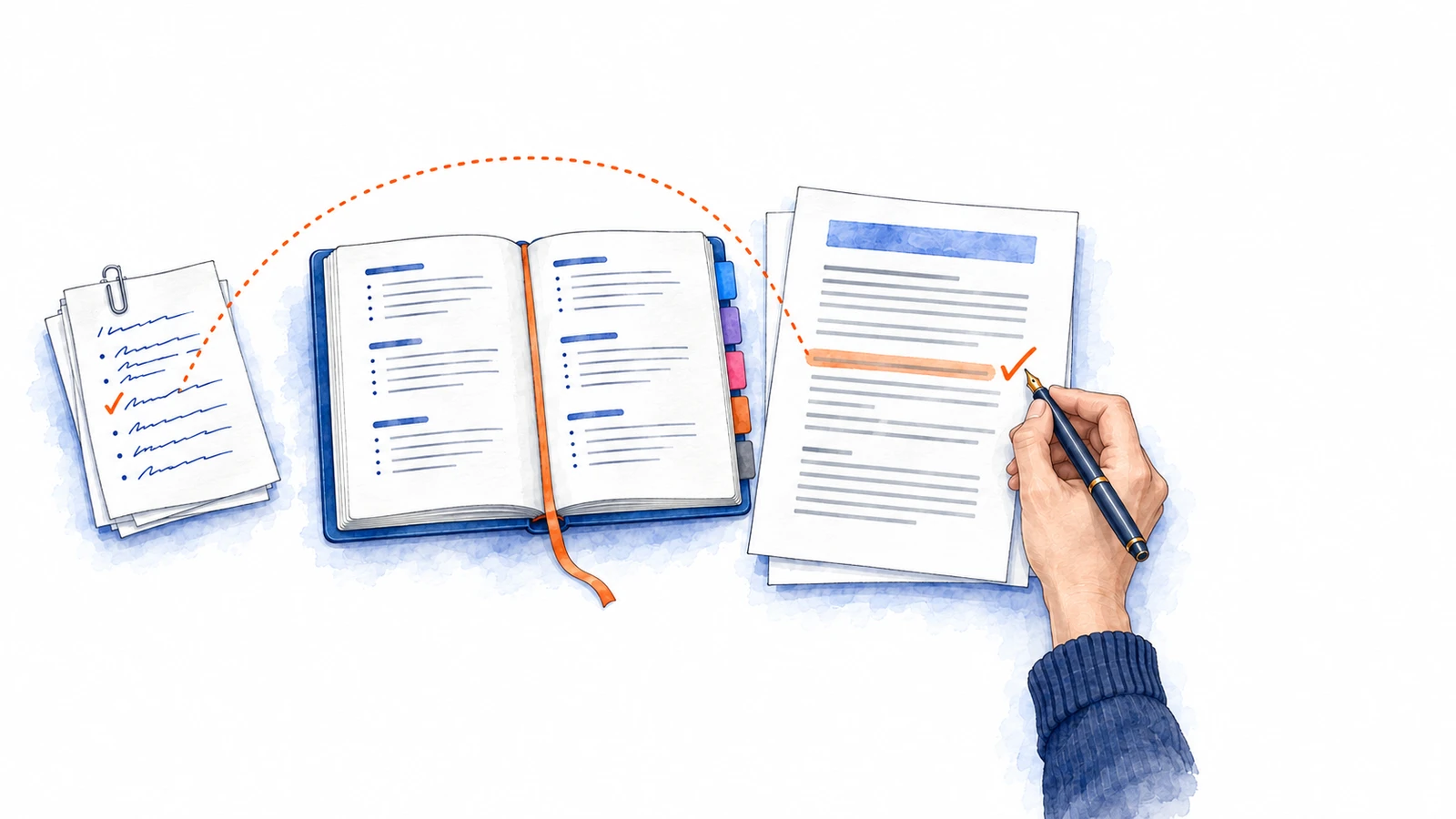
A dotted line runs from a ticked line in clipped notes to a highlighted line in a proposal, checked with a fountain pen, passing over an open notebook.A dotted line runs from a ticked line in clipped notes to a highlighted line in a proposal, checked with a fountain pen, passing over an open notebook.
Assistant privacy, memory, model, and permission settingsAssistant privacy, memory, model, and permission settings
An email source connected through permission checks to an assistant workspaceAn email source connected through permission checks to an assistant workspace
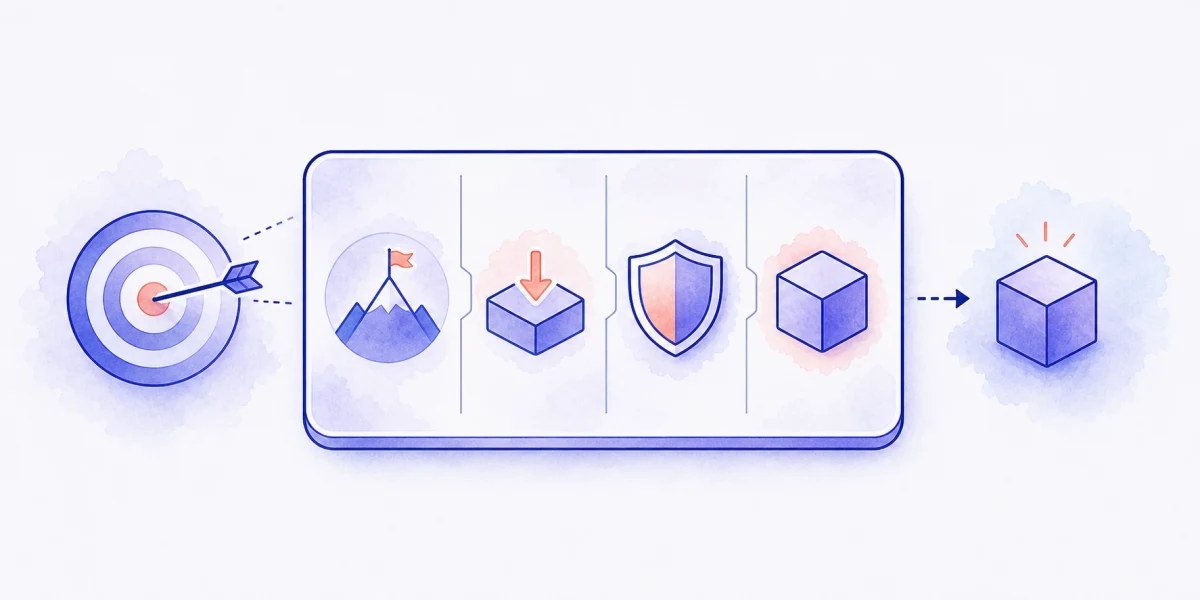
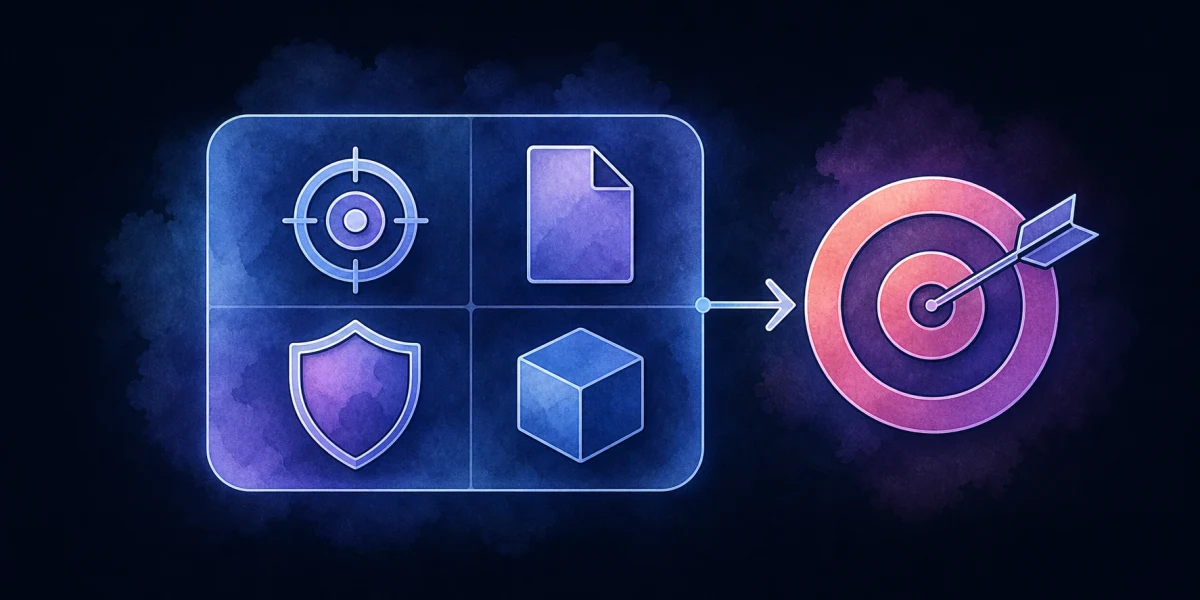
Goal, source, boundary, and output requirements forming one agent taskGoal, source, boundary, and output requirements forming one agent task
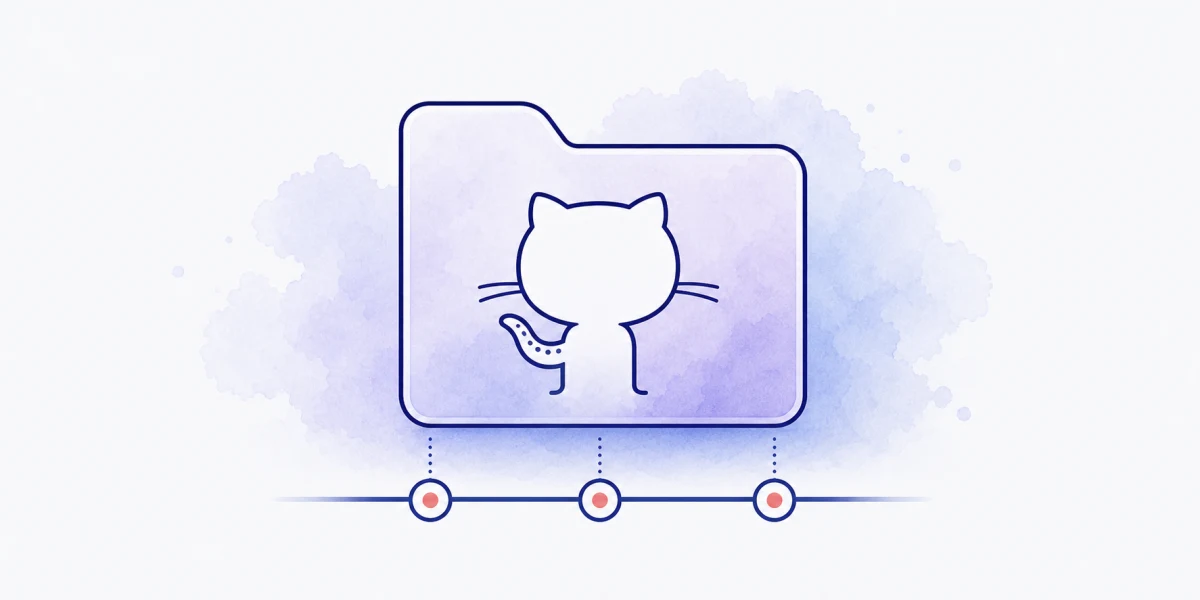
A project moving through version checkpoints, comparison, and a repositoryA project moving through version checkpoints, comparison, and a repository

Set Up and Direct AI for Your Business

Beginner2 h 1 min4 steps60 insights1 mini-project
Start path

Your business judgment directs the project the agent builds

This path is a place to begin if you want an AI assistant to help with your business and are unsure how to direct it. You’ll set up the assistant, give it a familiar assignment and inspect what it makes. A proposal or report whose facts you know is a useful starting point. Your business judgment gives the agent its purpose, sources and finish line; the agent handles the technical steps. We’ll introduce the tools as they become useful.

As the work develops, you also need a way to understand and recover changes. Git records versions of selected project files, so you can compare changes and return to earlier work. The first assignment may produce a document; later Git practice uses a project folder where changes are safe to try. That shift lets you practice recovery on a copy or practice project, with separate backups for important files that Git does not track.

Set Up and Direct AI for Your Business steps

  1. 01Step 01 ·MicrocourseStart hereInstall Claude and ChatGPT on your computerYour first business draft, made from files you controlBeginner35 min17 insightsA dotted line runs from a ticked line in clipped notes to a highlighted line in a proposal, checked with a fountain pen, passing over an open notebook.A dotted line runs from a ticked line in clipped notes to a highlighted line in a proposal, checked with a fountain pen, passing over an open notebook.
  2. 02Step 02 ·MicrocoursePrepare your AI assistant for private business workA client report from current notes, with a setup you understand and can testBeginner23 min15 insightsAssistant privacy, memory, model, and permission settingsAssistant privacy, memory, model, and permission settings
    • Mini-project8 minConnect Gmail to your assistant
  3. 03Step 03 ·MicrocourseWrite AI requests with clear goals and sourcesA useful client update and a request you can improve and reuseBeginner25 min12 insightsGoal, source, boundary, and output requirements forming one agent taskGoal, source, boundary, and output requirements forming one agent task
  4. 04Step 04 ·MicrocourseGit and GitHub basics: save work, try ideas, share it, and go backA working version to return to while you try improvements to your site or toolBeginner30 min16 insightsA project moving through version checkpoints, comparison, and a repositoryA project moving through version checkpoints, comparison, and a repository
  5. You finish with

    Direct a project change and practice restoring a saved version.

    State the result and limits in an AI request, inspect the proposed changes, and use Git and GitHub to preserve the intended work. Learn what a saved version can recover and which files need separate protection.

Delegate a recurring business responsibility from work you can inspect

A checked project can become the starting point for a responsibility you delegate regularly, such as preparing a service proposal or updating an internal guide. Give the assistant the purpose, current sources and decisions it may make within that responsibility. Preserve an example you have judged and explain which features of it apply to the new work.

Try a fresh assignment and inspect the resulting files, including what the assistant omitted or changed in meaning. Revise the relevant source or instruction when the correction applies beyond that instance. Project history lets you compare intended changes while your evidence checks establish whether the result is useful. Neither a saved version nor an agent’s completion message establishes that all the work is correct.

You could next develop a customer-facing website or a more capable internal tool. Begin with the person’s task, the result they need and the information the tool would use. Keep the first extension small enough that you can inspect its behavior and recover its project changes. Adding live services, private data or external actions brings decisions beyond saving code in Git.