Skill Budgets
Chapter Progress: Early DraftYour descriptions compete for space in every conversation
When you start a Claude Code session, every enabled 's description gets loaded into the system . Claude reads those descriptions to decide which Skill to for a given request. Loading descriptions costs tokens, and tokens are finite. Claude Code caps the total space available for Skill descriptions using a setting called skillListingBudgetFraction.
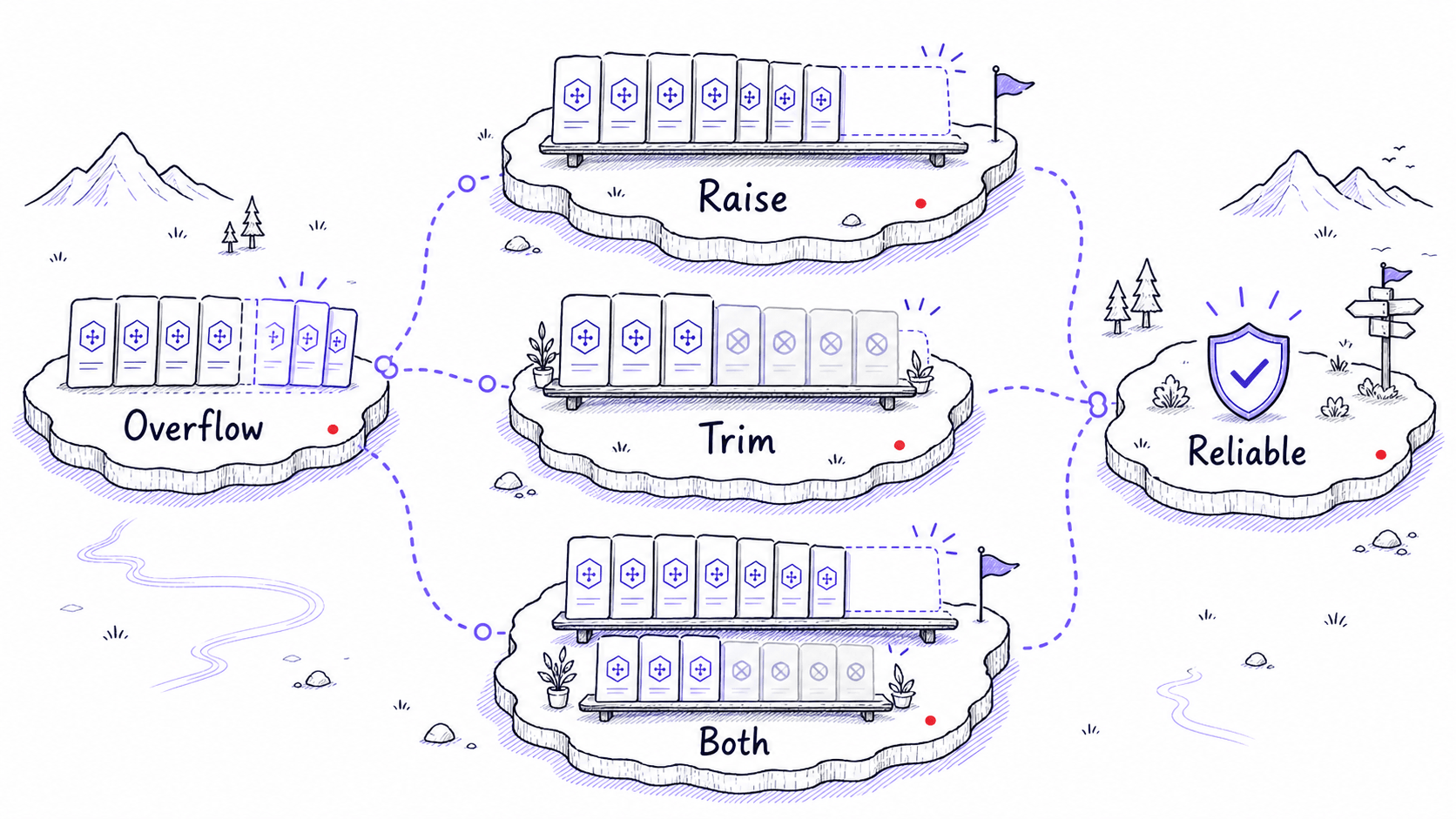
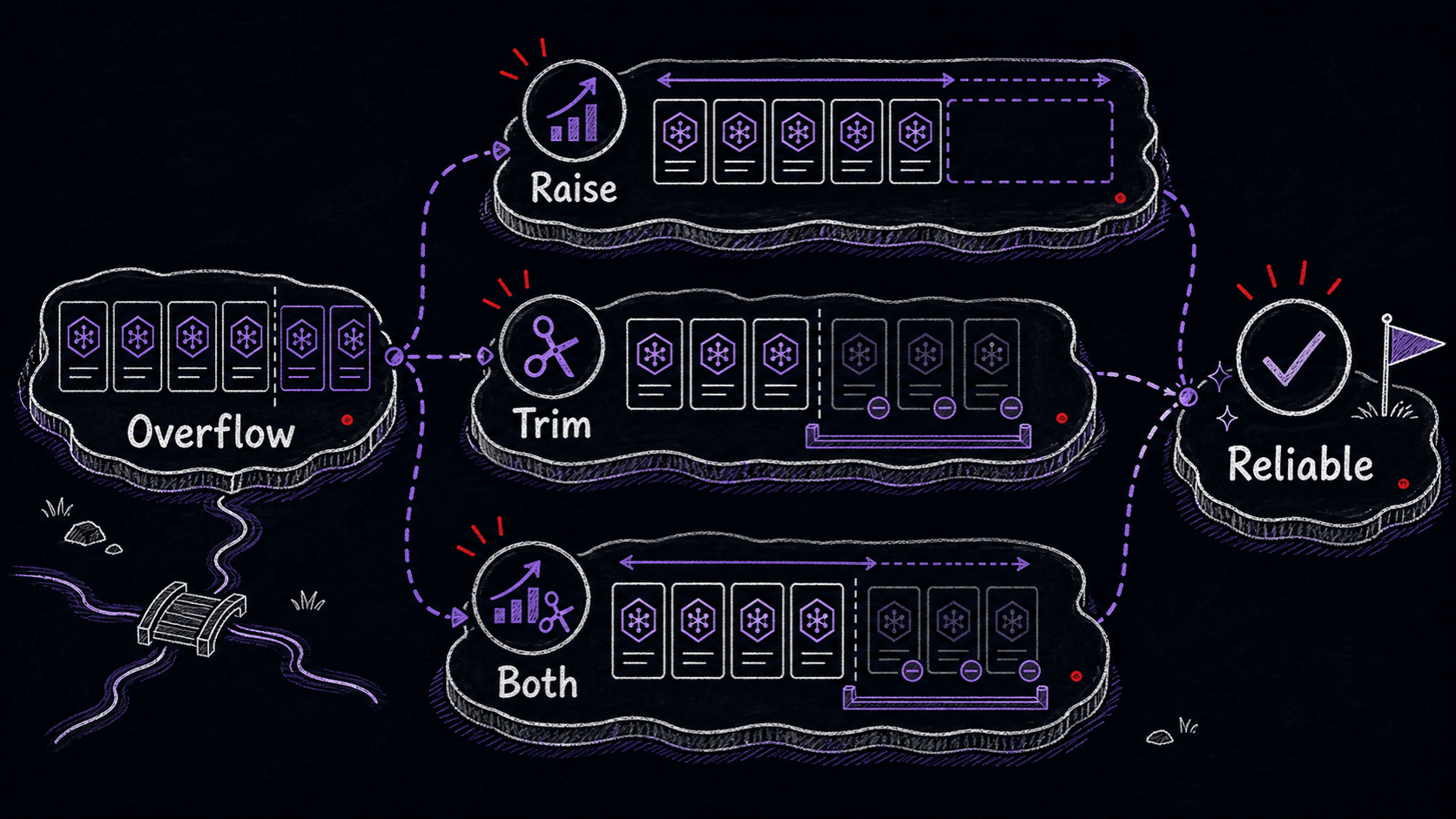
The default is 1% of your available . That is enough for a handful of Skills. Once your library grows past ten or fifteen Skills, the descriptions may no longer fit inside that 1%. When they do not fit, Claude Code silently drops descriptions for your least-used Skills to stay within budget.
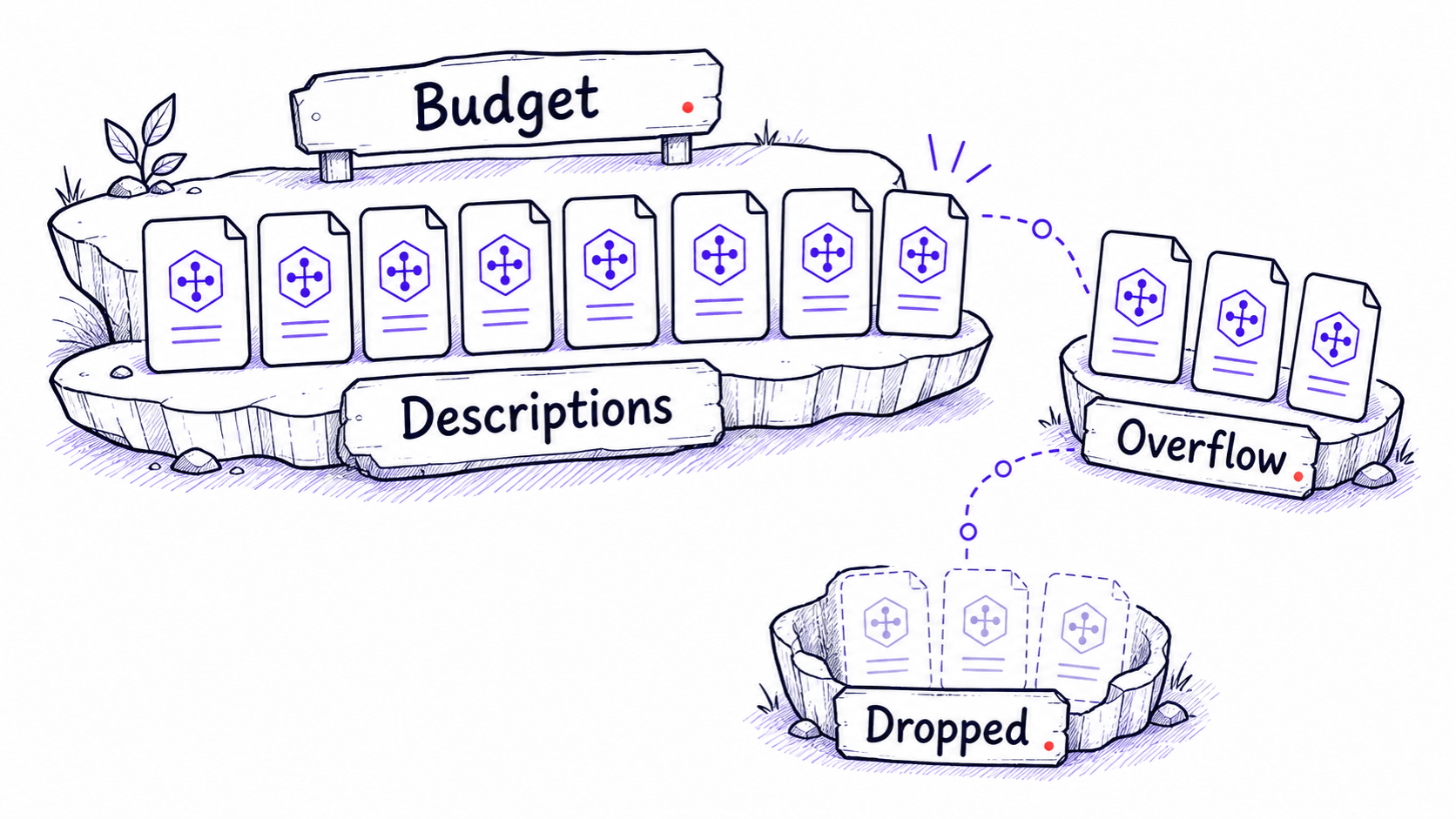
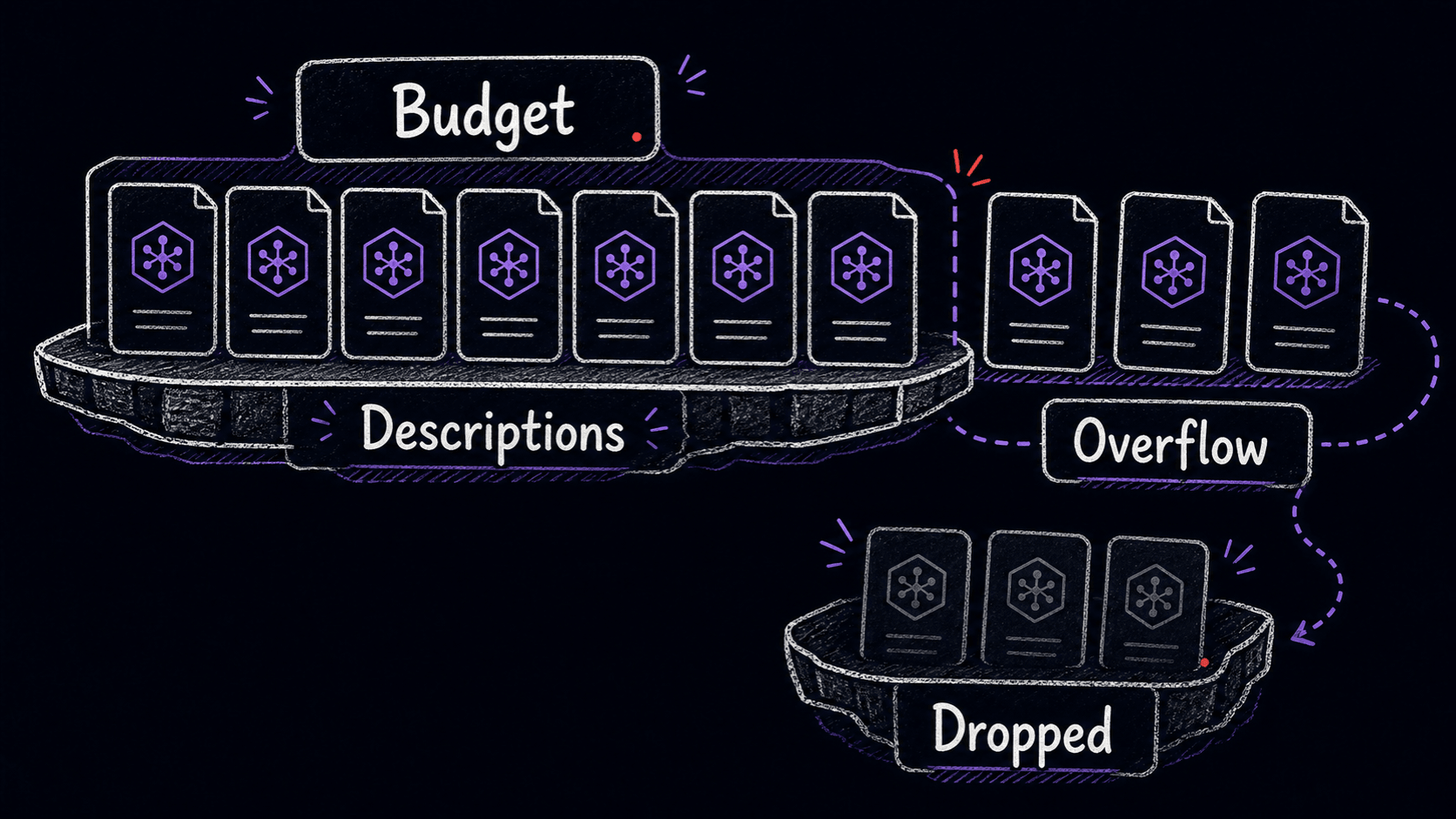
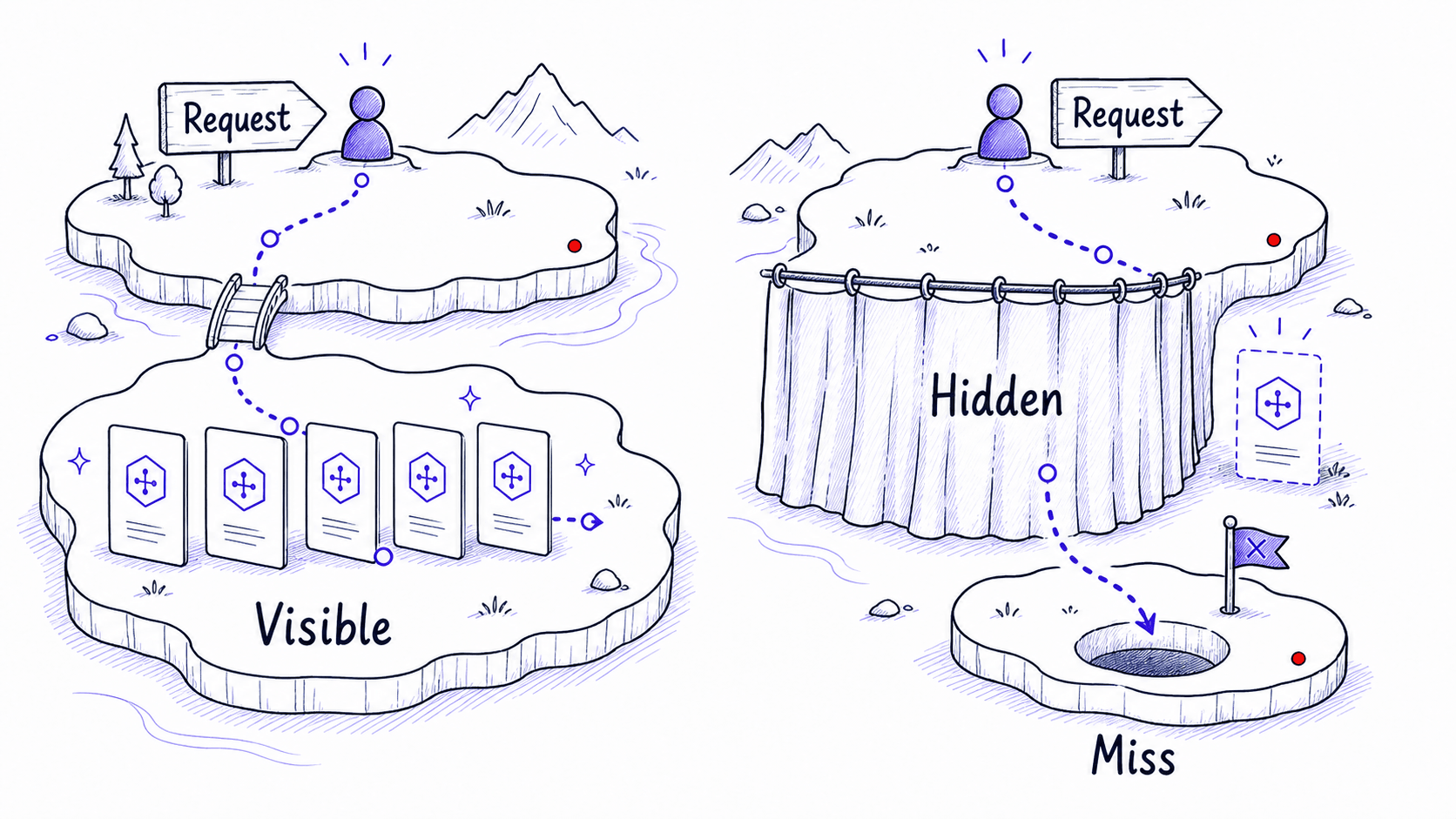
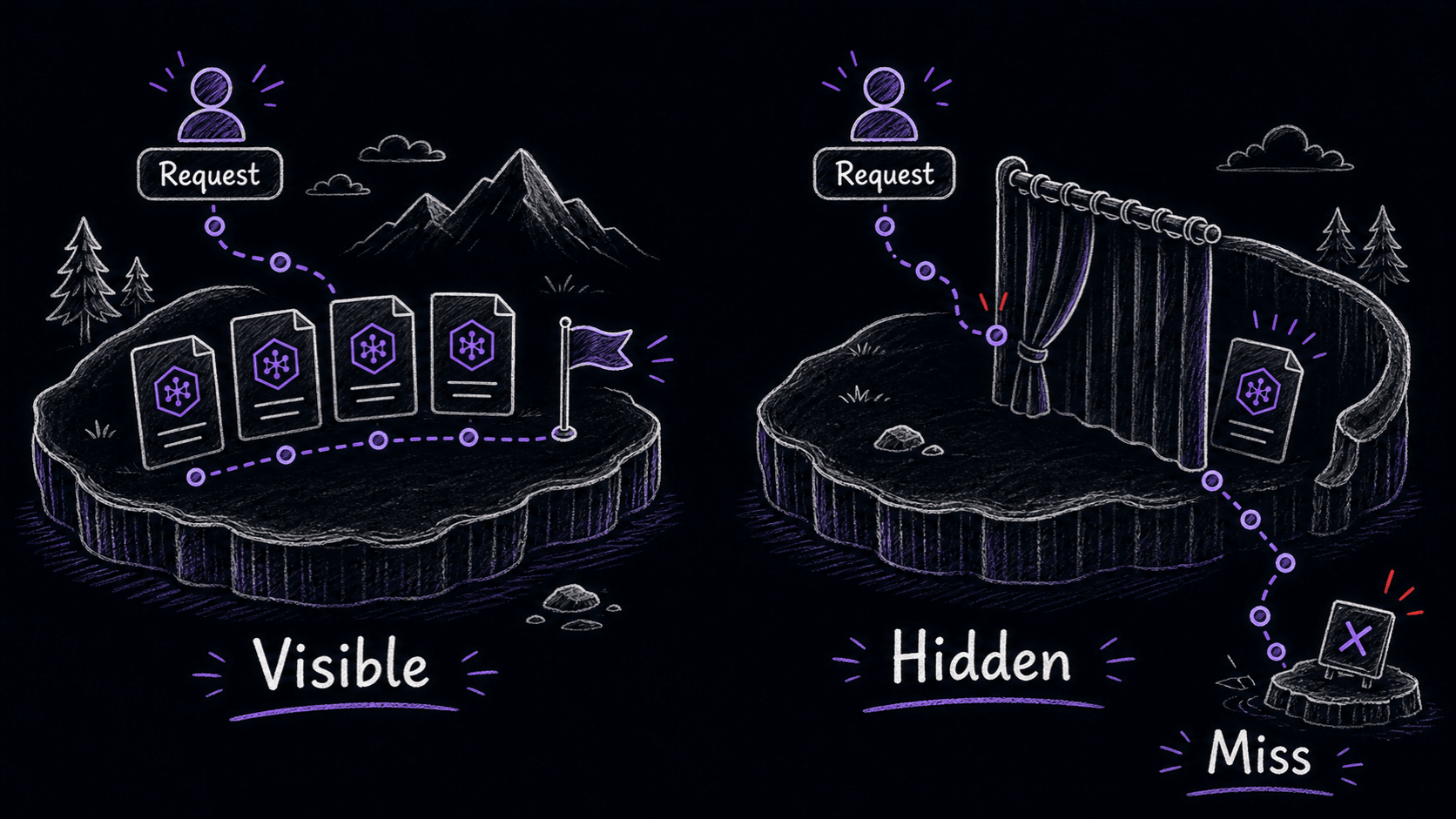
Truncated descriptions mean invisible misfires
A whose description was dropped still exists on disk. You can still invoke it manually with its . What breaks is auto-triggering: Claude cannot match your request to a Skill whose description it never saw. You might describe a task that would normally activate your writing-review Skill, get a generic response instead, and never realize the Skill was available.
Claude Code tells you when this happens, but the message is easy to miss. It appears as a small notice at session start:
Two ways to fix a budget overflow
You have two options: raise the budget, or trim the library. Both are valid. The right choice depends on your Claude Code plan and how many of those Skills you use regularly.
Raising the budget
Open your Claude Code settings file (usually ~/.claude/settings.json) and change skillListingBudgetFraction. The value is a decimal between 0 and 1. Setting it to 0.03 allocates 3% of to descriptions. For most libraries under 30 Skills, 3% is plenty.
The cost is roughly 2,000 extra tokens per session for a full library. On the 10x or 20x plan, that is a negligible fraction of your rate limit. On lower-tier plans, those tokens matter more, and you may prefer the audit approach.
Auditing your library
Run /skills to see every Claude Code has loaded. Review the list for Skills you have not triggered in weeks, Skills that overlap with others, or downloaded Skills you tried once and forgot about.
You can disable any from the /skills menu without deleting it. Disabled Skills stay on disk and can be re-enabled later. This is the safest way to reclaim budget: nothing is lost, and the Skills you use every day get reliable auto-triggering.
Budget management is maintenance
The weekly review from earlier chapters already covers whether your Skills are earning their keep. Budget management is part of that same review. When you check for stale gotchas and outdated procedures, also check whether the session-start notice is warning you about truncated descriptions. A healthy library is one where every enabled fits in the budget, triggers reliably, and gets used often enough to justify its spot.