Becoming an AI Power User
Becoming an AI Power User
388 min leftPage 11 of 223 (est.)
1.2The Expanding Edge
They build the setup of prompts, examples, and checks that produces their AI work
Developing

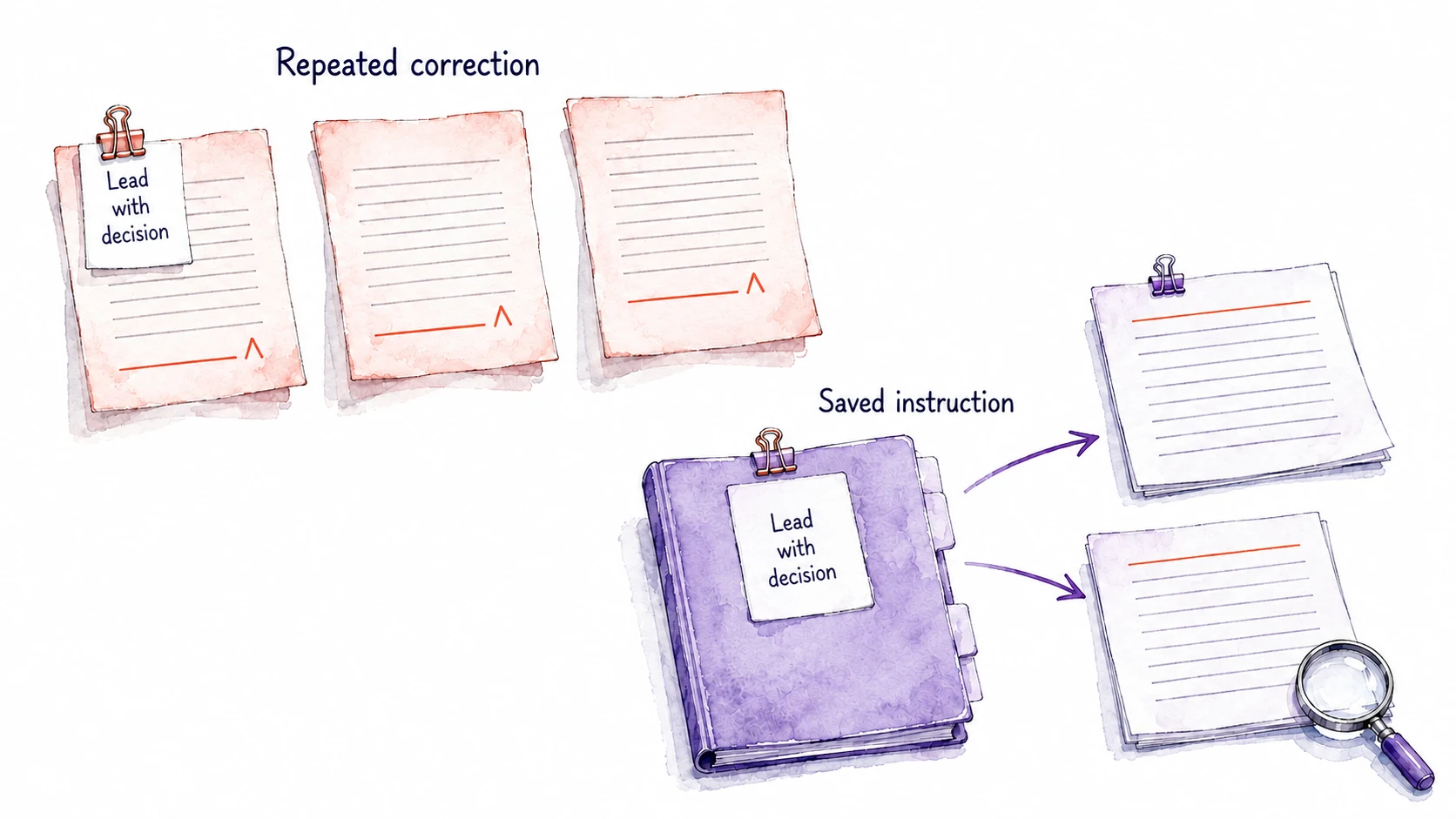
Start your AI setup with the correction you keep repeating
The correction that keeps coming back shows you where to begin. When it returns, ask yourself: what do I know that makes this output good, and how can the next request use it? How much to save depends on how often the task comes around and what the correction costs you each time. A weekly update repays a saved instruction quickly. A letter you write twice a year may need nothing saved at all.
Write the instruction so it also covers the weeks when the correction does not apply. "Put the decision first" works until a week arrives with no decision in the notes, and then the assistant may invent one to lead with. A sturdier version reads: "If the notes contain a decision for this team, lead with that decision and its deadline. If they contain none, lead with the main change since last week, and do not invent a decision." Try it on two sets of notes, one with a decision and one without. The quiet week is the test to run, because it shows whether the instruction handles its exception or manufactures a decision to lead with.
Deadline pressure keeps people fixing AI drafts instead of the prompt
If saving the correction is that simple, why do so many people keep retyping it? John Carroll and Mary Beth Rosson called one reason the paradox of the active user. People busy finishing the task in front of them rarely stop to learn a method that would make every later task easier, so the drive to get work done is the very thing that keeps the work slow. Carroll and Rosson studied people learning software, long before AI assistants, and the same pull shows up here. The update is due at four, so you fix the draft by hand and send it. Improving whatever writes the update can wait until next week, when the update is due at four again.
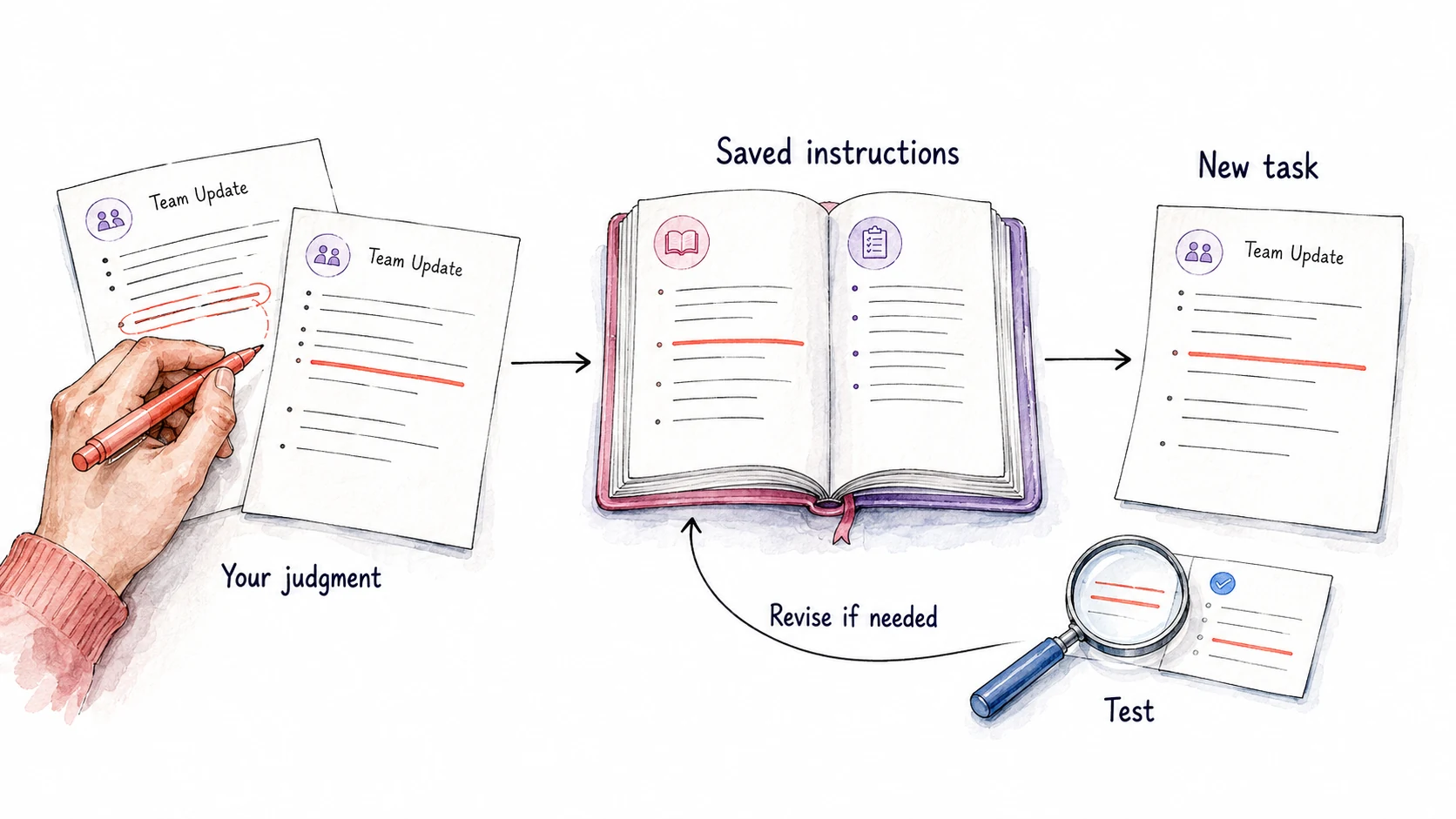
The way around the paradox is to save the fix inside the task you are already doing, while the correction is fresh. Right after you correct this week's update, with both versions still in the conversation, ask: "Compare your draft with the version I sent. What did I change, and what instruction would have produced my version? Point to the edit behind each one."
The assistant might propose "Lead with the decision and its deadline" and "Describe a delay by its cause and the new date, without naming who caused it." Keep the instructions you agree with, reword any that reach further than you meant, and save them where next week's request will find them, such as your project's instructions or a saved prompt. Next week the request can shrink to one line, "Draft this week's team update from these notes," and the decision comes first without you asking.

Compare a good AI draft with a weak one to find the rule you apply
Much of what makes your work good has never been written down. A manager knows which decision belongs at the top of an update. A researcher can separate the main finding from a qualification that changes its meaning. A consultant rejects a recommendation because nobody could act on it by Monday. Comparing two versions of the same piece brings that judgment into words, because you react to the difference before you have words for it. When you are new to a task, expert guidance and source material can supply standards you have not developed yet.
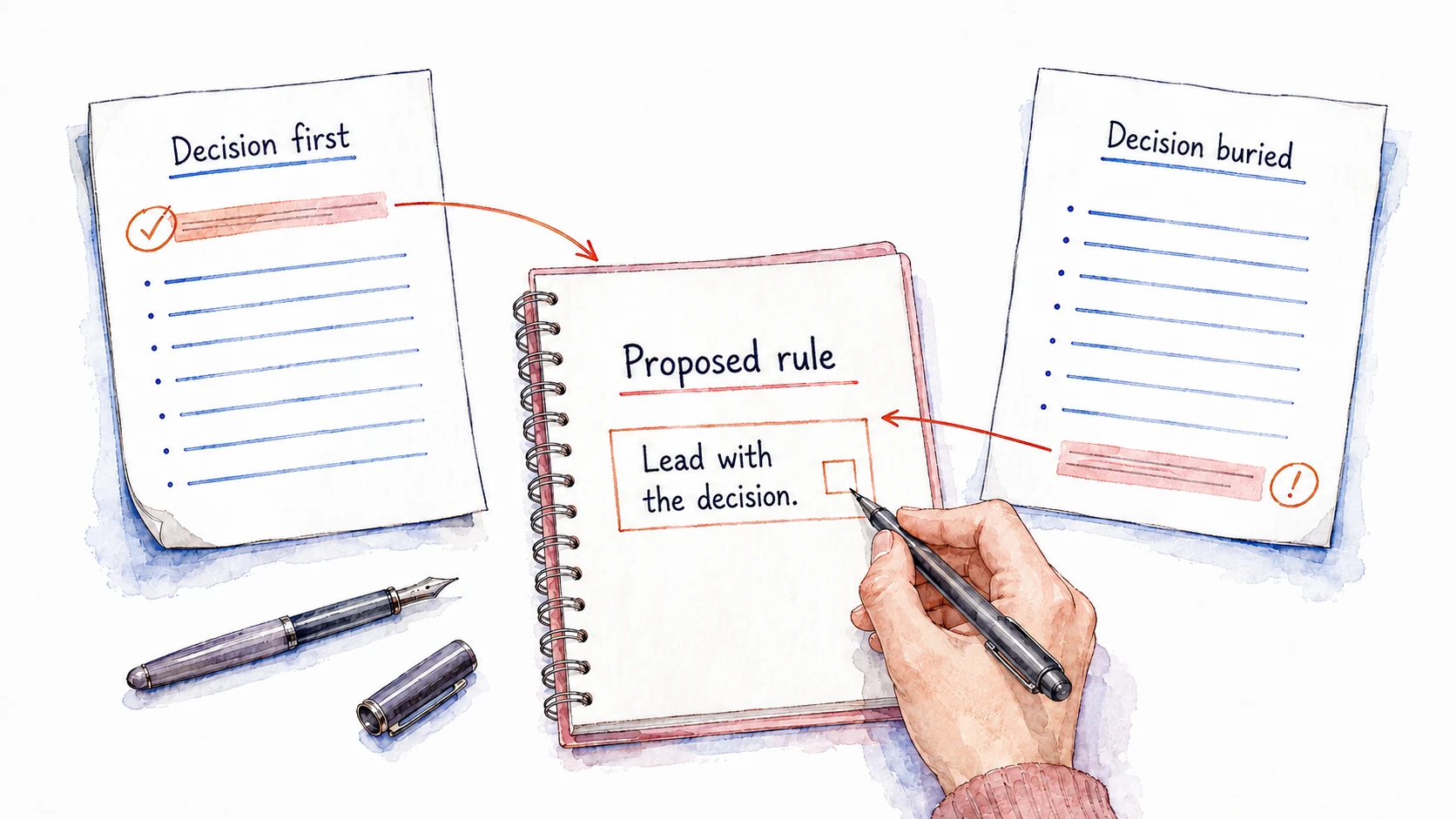
The comparison works best on two versions of the same kind of piece. Paste an update you were pleased with and one you had to fix, and ask the assistant what rules would explain the difference. From a draft that opens with the decision and one that buries it, the proposal would be "Lead with the decision." Other pairs bring out rules you have followed for years without writing them down, such as "Put the number in the first sentence" or "End with who does what next." Confirm each proposed rule before you save it, since one pair of drafts may reflect an unusual week instead of a preference you hold.

Add other parts to your AI setup when a failure calls for them
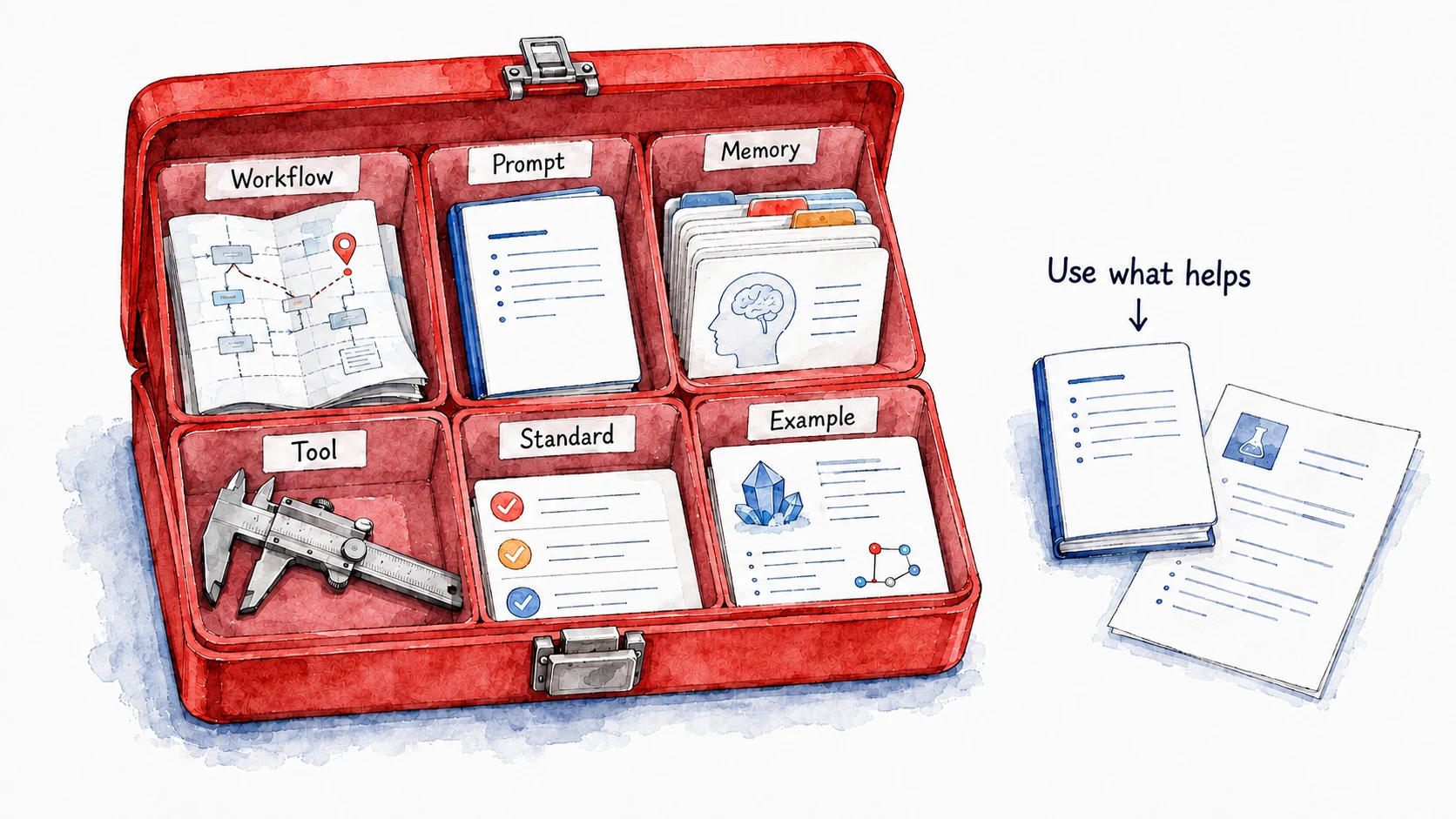
One saved prompt carries the team update a long way. Bigger jobs draw on other kinds of parts, and each kind holds a different sort of knowledge, which tells you where a new instruction belongs. Start with one prompt, and add a part when it fixes a problem you have run into.
- Workflows set out the steps in order. A team-update workflow might pull the tasks closed this week from your project tracker, read your meeting notes, draft the update, and list any claim the notes do not support.
- Prompts and skills hold task instructions. A saved prompt is text you reuse, such as "Draft this week's team update. Lead with the decision and its deadline." A skill packages instructions with a name, a description of when to use it, and any examples or scripts it needs, so the assistant can pick it up whenever the task comes around. To save a routine that already works as a skill, type /skill-creator in a Claude conversation and describe the task; Claude drafts the skill for you to review.
- Memories carry context from one conversation to the next. Stable facts, such as who is on the team and who owns which project, belong here. A passing concern, such as one tense client call, needs a date attached, or the assistant may treat it as a permanent fact about you.
- Tools let the assistant act: read files, search records, run code, or work inside an app. A connection to your project tracker lets it read which tasks closed this week, and your instructions still decide what the update puts first. Permission to read the tracker gives it no permission to change it.
- Standards spell out what a finished result must include. A style guide, a , or a three-line checklist ("decision and deadline in the first two lines; every date matches the tracker; no blame for delays") gives a review something specific to check. An update that leaves out the deadline fails a written standard, so you know exactly what to fix.
- Examples show your standards applied. Keep an update you were proud of, one that fell short with a note on why, or a weak and a strong version side by side. Examples you include in a request guide that request only and leave the underlying model unchanged.

Build the first version small and try it on a case where you already know the right answer. Last month's notes work well, because you know what the update should have said. A failure can show you what is missing: if the update leaves out a deadline, checking dates in the source notes may help. A new goal or a credible risk can also justify an addition before anything fails. Trying the addition on a familiar case lets you see whether it helps enough to justify the extra work.
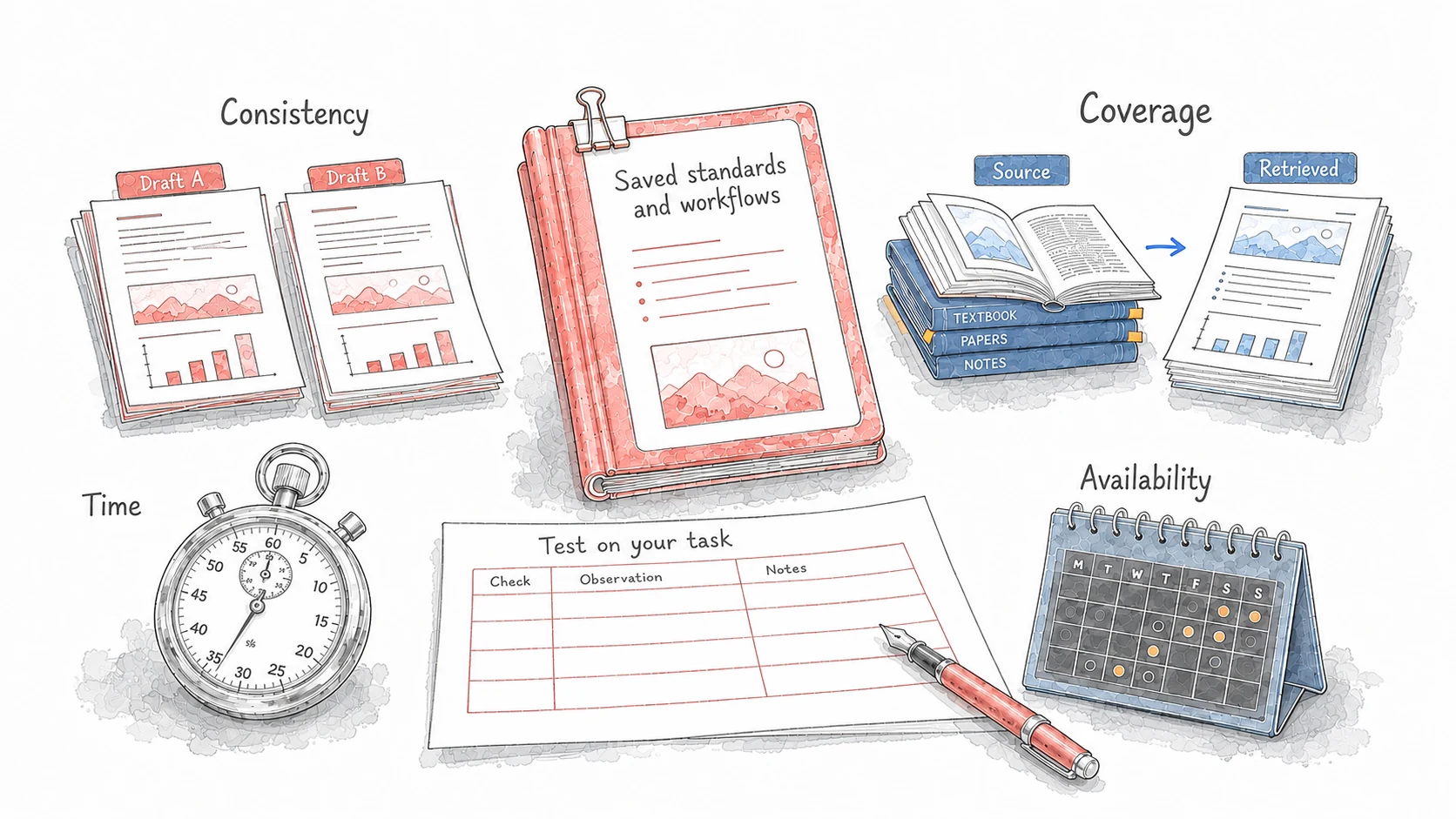
A tested workflow can apply its checks more consistently than a person working from memory, read every source it is pointed at, save the time the corrections used to take, and run on a schedule, say every Friday at noon. Confirm each of those gains on your own task: did it read the tracker, apply the checklist, and tell you when a step failed? Saving a standard makes it available to the assistant, and only running the task shows whether the assistant follows it.

A first reusable AI prompt can hold the task, its context, and its checks
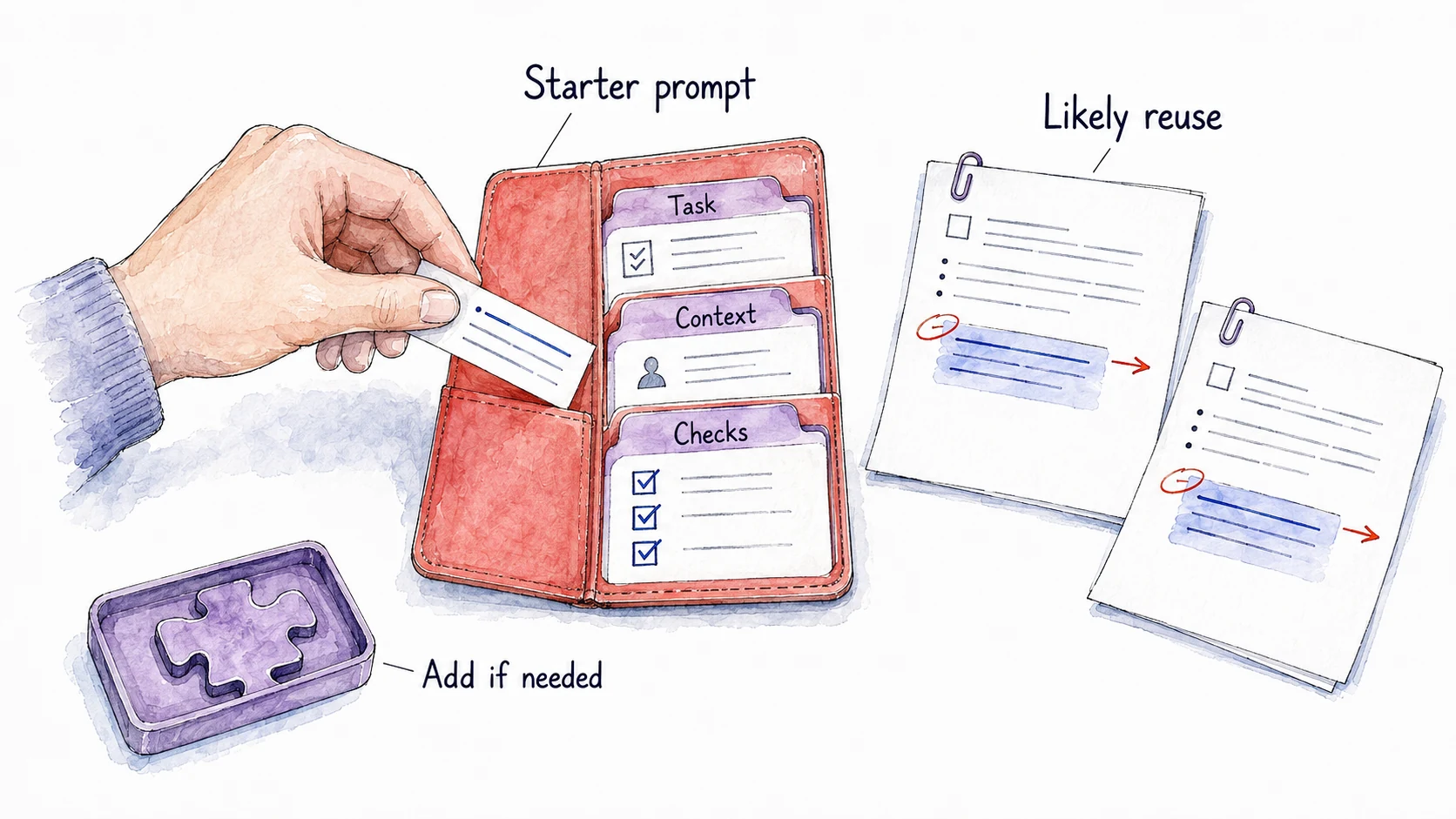
You might save a correction after one costly mistake, after the same small annoyance comes back for the third week, or when a new project teaches you a method you want to keep. Whatever the trigger, the first version can be a single prompt with three parts: the task, the context it needs, and the checks the result must pass.
For the team update, the starter prompt might read: "Task: Draft this week's team update from the notes and tracker entries I provide. Context: The readers are the project team, who read it before Monday's meeting. Checks: If there is a decision to make, lead with it and its deadline; if not, lead with the main change since last week. Match every date to the tracker. Describe delays by cause and new date, without assigning blame. List anything in the notes you could not place." Add the preferences you have stated or confirmed, and leave out anything the assistant guessed about you.

Draft a starter AI setup from your own examples and plan its test
Draft a small reusable setup from your own examples and stated preferences, then plan a test on the next instance of the task.
- Copy the promptUse the copy button above the box.
- Paste it in Claude or CodexMake sure your active project is enabled.
- Answer the questionsGive clear answers so it understands what you want made.
- Test it to see if it worksTry the output and refine until it does what you need.
Problem: I keep making the same corrections when I use AI for recurring work.
Intent: I want a small reusable setup that saves me those corrections, and a way to test it.
Use examples already in this conversation. If they are missing, ask which task I repeat and ask me to share outputs I corrected, the versions I kept, and any sources I work from. Ask what I know about doing the task well and where I want help. Use each answer before asking for more. Do not save anything or run the task.
1. Propose the rules behind my corrections, and show the edit or passage each rule comes from. Use preferences I have stated; list any preference you inferred as a question for me to confirm. Ask for missing knowledge or sources instead of inventing facts or examples about me.
2. Recommend only the parts that fix a problem my examples show. One prompt may be enough. Say what each part you propose would do.
3. Draft a starter prompt with three sections: Task, Context, and Checks. Have it ask for the details that change each time, name the sources it must read, and say what to report if it cannot reach them.
4. In Checks, include a short check for errors that would do damage if they slipped through. Use comparison with sources, calculation, running the code, or expert review where they fit; my taste alone cannot confirm facts.
5. Propose a test on the next instance of the task, including a case where a rule should not apply. Say what the setup should keep doing and what result would mean it needs changing. Leave results blank until I run it.
Return the draft setup, open questions, and test plan. Keep any preference I have not confirmed as a question, outside the reusable instructions.
References
2 sources- 1
John M. Carroll, Mary Beth Rosson · 1987 · Interfacing Thought, MIT Press, pp. 80–111
Carroll and Rosson discuss how immediate production goals, and interpretations based on prior knowledge, can discourage people from learning new ways to use software. These tendencies also help people act, and the authors frame them as tradeoffs in learning that should not always be eliminated.
The paradox explains why reusable AI setup gets put off: the task due today competes with improving the process behind it. Write a saved instruction when you expect to reuse it often enough to cover the time spent preparing and maintaining it.
The original work concerned learning software, not AI assistants. Applying it here is an analogy about task pressure, and it does not set a number of repetitions after which setup saves time.
- 2
Jakob Nielsen · 1998 · Nielsen Norman Group, October 4, 1998
Nielsen describes users starting work immediately instead of spending time on manuals, setup, or learning packages. He attributes the active-user paradox to Carroll and Rosson and argues that products should accommodate this observed behavior.
For a reusable AI workflow, offering the setup step during the current task, such as asking for a saved instruction right after a correction, may make it easier to try.
This is a usability interpretation of observations about software use. It does not establish how much AI setup will help a particular reader.