Suppose AI drafts your weekly client update and you correct its tone and add a missing risk. If those corrections stay only in that conversation, the next update may need the same repairs. Save the recurring requirement where future requests can use it. A tone note and a rule to check the current risk register give the next run a better starting point. Update the saved instructions as your requirements change, and test how well the assistant applies them.
Becoming an AI Power User
Becoming an AI Power User
136 min leftPage 149 of 223 (est.)
5.1Infrastructure and Learning Systems
They save reusable AI assets so later sessions can use what they learned
Developing
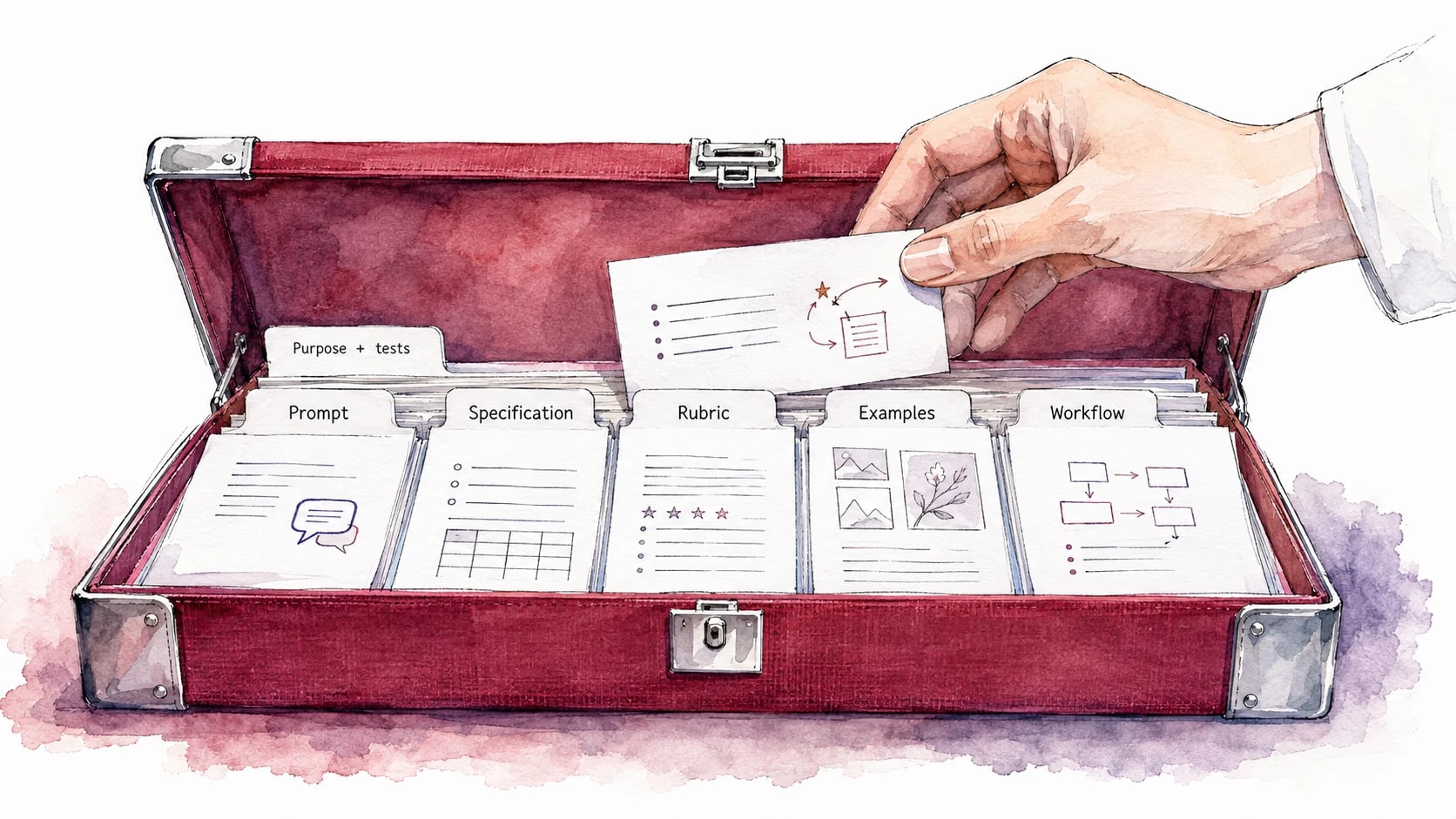
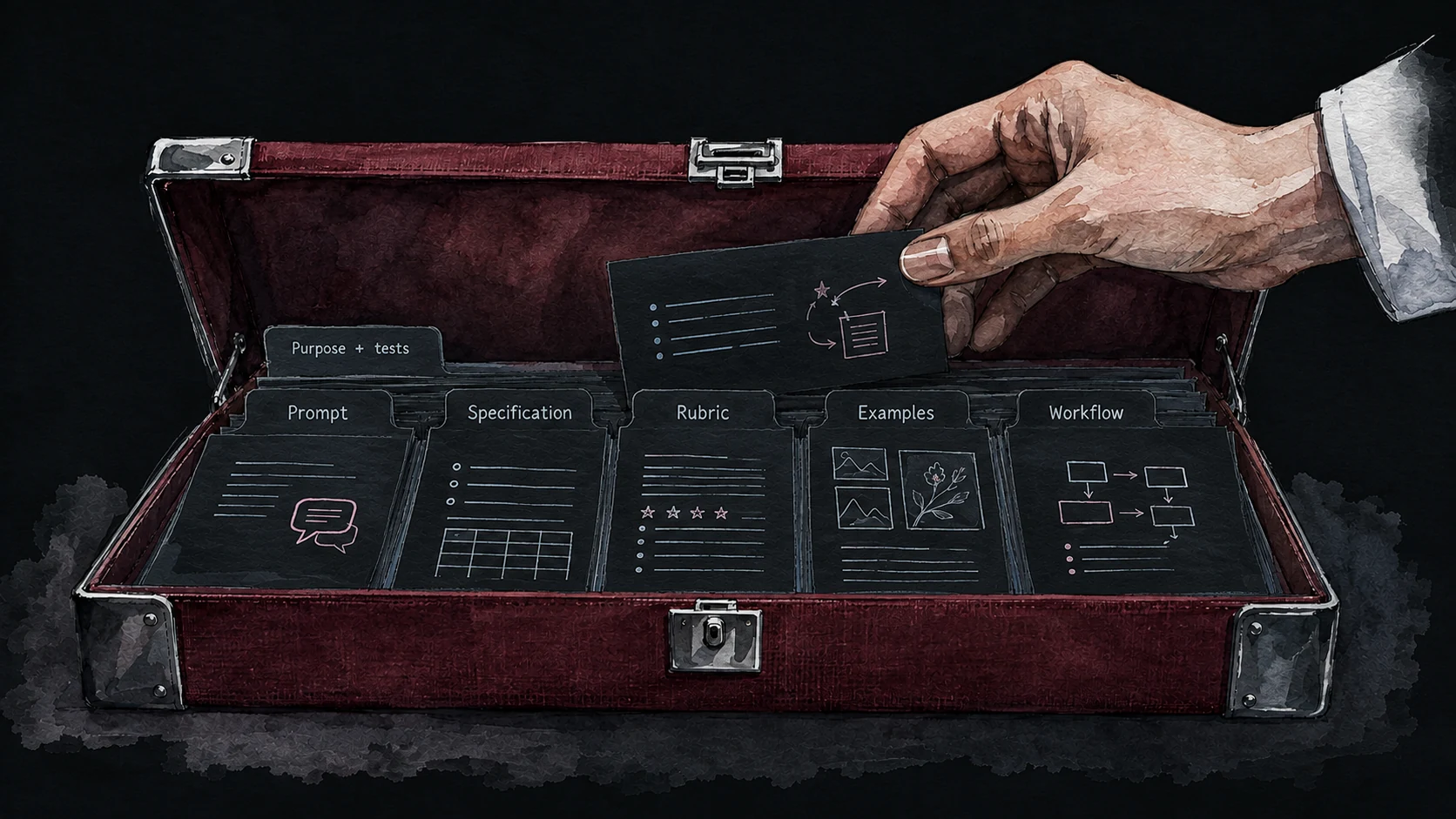
A useful asset preserves the part of the work you expect to need again.
Future sessions need a reliable way to retrieve your standards
A fresh conversation may already have memories or project instructions, but that does not tell you which past corrections it can use. Put the standards that matter in an explicit, inspectable place. For the client update, ask the assistant to read the tone note and current risk register before drafting. Then check whether the result follows them. The durable requirement is continuity of relevant context, however you communicate with the assistant.
Power users save the requests that worked and reach for them instead of rebuilding from scratch. They keep a small set of prompts and standards grouped by the work they do, and they improve the saved versions over time the way a cook improves a recipe: the version you reach for this month tends to be better than last month's, which was better than the first attempt. The pull is not only discipline. It is curiosity too, the steady 'wouldn't it be sharper if I tried it this way,' a small experiment folded into the saved version. Each pass carries forward what you learned and what you played with, so the asset keeps growing instead of evaporating when you close the tab.
Keep a version that worked before experimenting with a variation. If a new tone instruction improves one update but weakens another, compare the two versions against the same examples. A saved baseline gives experimentation something to compare against. Your library can then preserve improvements you have checked, alongside ideas that are still being tested.
Group your library by the job each asset does, not by where you found it
Group assets by the work that prompts you to look for them. When a client update is due, a Drafting group can hold the prompt, tone example, and review checklist together. A note about where you found a prompt can still be useful, but it does not explain when to use it. Record that purpose when you save the prompt.
These job families offer a starting arrangement to adapt as needed. Research and synthesis overlap, and a small library may need only a few headings:
The family names are yours to bend. If your week is mostly teaching, or mostly support tickets, or mostly grant writing, rename the families after those jobs. The principle is fixed and the labels are not: group by the work the asset helps you do again, so the structure points back at your real week.
Store your library wherever you will reach for it daily
The storage that works is the one you will open without effort, and the right choice depends on how you already work. There is no single correct place. There are three families of option, each strong for a different person, and the question is which one sits closest to where your hand already goes.
Here are three practical storage options and the trade-offs to consider:
- Inside your AI tool. Projects and saved assistants can keep instructions and references close to the work. Exportability and sharing vary, so retain a copy of important standards in a format readable outside that tool.
- In a notes app. A notes database or a folder organized by job family, in whatever notes app you already live in. This is portable across tools and easy to share, and the trade-off is one more app to open.
- In a text file or a code repository. A single markdown file, or a folder of plain text files under . This is durable and easy to track changes in, and it suits work with coding agents especially well, with the trade-off of feeling more technical to set up.
Start in a place you already use for the work. Save material whose likely reuse justifies keeping it, and check that it is easy to find when the task recurs. Add more structure when retrieval, sharing, or tracking revisions becomes difficult.
Let the model extract the reusable asset before you close the tab
Ask the model to propose what to keep from a useful session. It can extract a reusable prompt, quality criteria, and the changes that preceded a better result. Its explanation of why those changes worked is a hypothesis. Compare versions on another relevant task before treating that explanation as the cause, and keep only the assets that help.
applies AI to improving the instructions themselves. After a good session, ask which requirements should carry forward. After a weak one, ask what information, tool, or check was missing. Save the proposed correction with the failure it is meant to prevent, then test whether it prevents that failure without damaging cases that already worked.
Saved standards drift as models change, so plan to retest them
An asset can stop fitting the task even while it still produces an answer. The audience may change, a reference may become outdated, or a different model may respond differently to the instructions. Compare important outputs with the current requirements and a saved example; successful execution alone does not establish continued quality.
Retest when something relevant changes or a repeated failure appears. A new model, a revised source document, a different audience, or a decline in results can justify a review. For assets you rely on often, a scheduled sample check can catch quiet drift. Choose the interval from how often you use the asset and what a missed error would cost; a universal quarterly rule would ignore both.
Update the saved instructions as the work develops. A client-update skill might begin with drafting and source checks. When you add a requirement to flag unsupported dates, put it in the skill so the next update uses it. Test the changed behavior on relevant cases. As the evidence supports broader delegation, direct more of the recurring job through that skill while retaining the checks it needs.
separate your requirements from a particular method
A states what a satisfactory result must accomplish. A prompt is a request to the model and can include that entire . The useful distinction is between requirements and a proposed method: who the brief serves, what it must establish, and which evidence it needs can stay stable while the assistant changes how it researches and drafts.
Save the requirements explicitly so a change of tool does not force you to reconstruct them. For a research brief, that might mean a recommendation tied to source evidence, material uncertainties, and next steps for the intended reader. Add format constraints when the task needs them. A new model still needs testing against those requirements; a document labeled has no special immunity to misunderstanding.
Ask the assistant to extract the requirements from a deliverable you are happy with. Review its account of the audience, evidence, structure, and tone against the actual work. Save the requirements with the example and try them on a fresh task. This tests the usefulness of the proposed reusable .
explain what evidence would justify using the result. Some checks are mechanical, such as a word limit or whether required sections exist. Others need judgment, such as whether the recommendation follows from the sources or the explanation is clear to a beginner. For those, state the intended reader, show a strong example, and explain why it works. A checkable standard can still require an intelligent evaluator.
Build your first working library this week
Build your reusable AI asset library
Claude interviews you about your recent AI wins, then organizes your strongest prompts, specs, and workflow notes into a library grouped by the jobs they do. You review and adjust the categories.
- Copy the promptUse the copy button above the box.
- Paste it in Claude or CodexMake sure your active project is enabled.
- Answer the questionsGive clear answers so it understands what you want made.
- Test it to see if it worksTry the output and refine until it does what you need.
Problem: Useful instructions and corrections from my AI work are scattered across conversations.
Intent: I want a library of material I can reuse on similar tasks.
Ask about the work I expect to repeat and request the actual prompts, outputs, corrections, or documents that show what helped. Use material I provide or accessible sources I identify. If something is missing, ask me to paste it or explain what to connect. Do not reconstruct an exact prompt from a description or invent a tested result.
For each useful item, propose:
- A short name, its type, and the job it serves.
- The actual reusable text and the source it came from.
- When it applies and any important exceptions.
- What was tested and what happened.
- Any explanation of why it helped, clearly distinguished from what the comparison establishes.
Group the items by the jobs they help me do. Flag recurring work with no useful saved material when the evidence supports that gap; do not invent assets to fill categories.
Return a library document in this conversation. Ask where I want it stored if that affects its format. Show any inferred preferences or personal standards with supporting passages and ask me to confirm them before saving them elsewhere.
For a recurring task whose purpose and requirements are clear, include an initial skill and explain how to create it with /skill-creator. Do not require repeated successful runs before drafting it. Include a maintenance note: update the saved instructions as improvements, requirements, or standards develop; record what needs testing; identify comparison examples; and retire guidance that no longer applies.